2D PLATFORM SHOOTER
POPCORN PROJECTION
Turn falling kernels into flavoured popcorn inside a runaway projector.


// PLAY
PLAY IN BROWSER
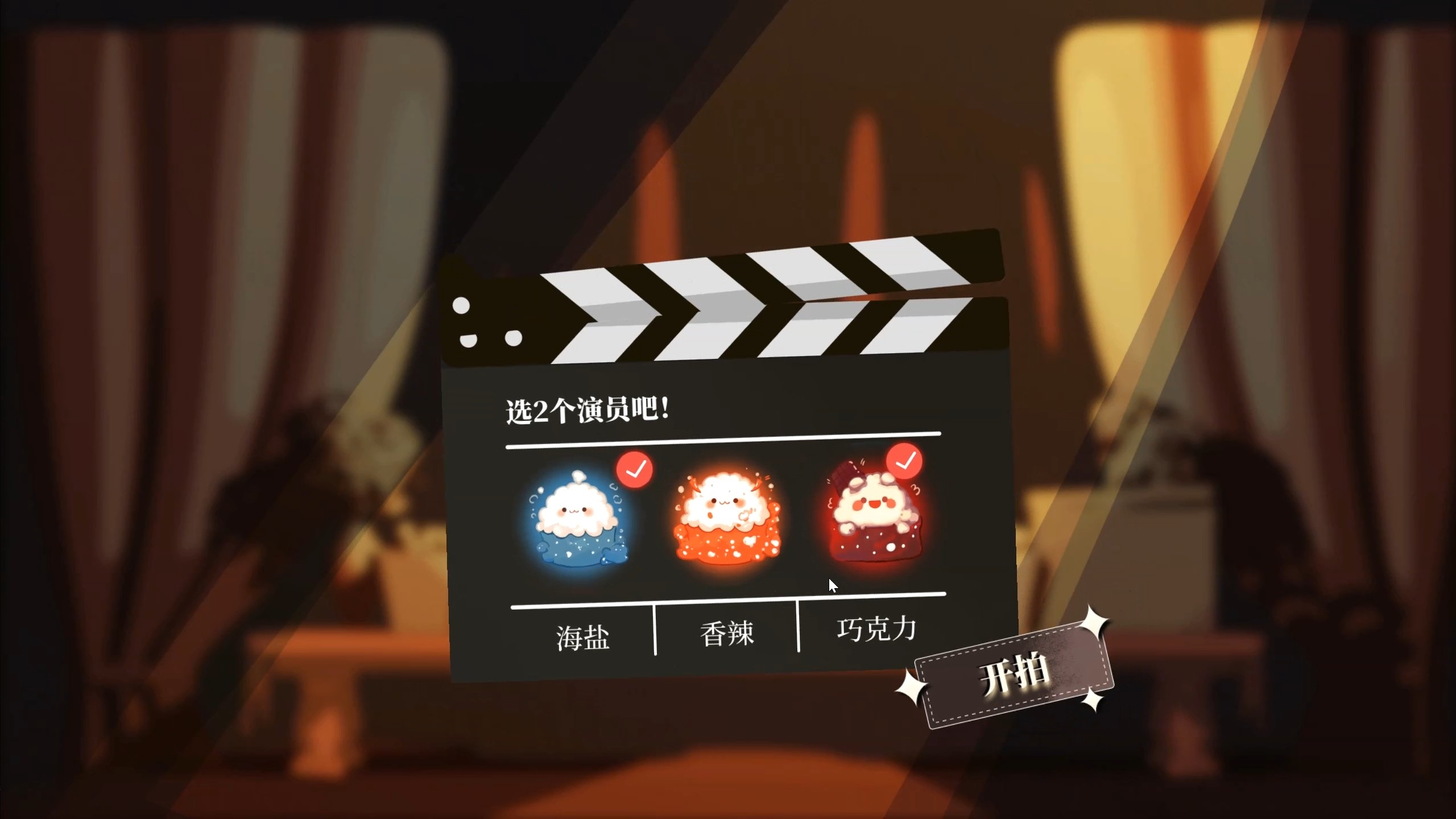
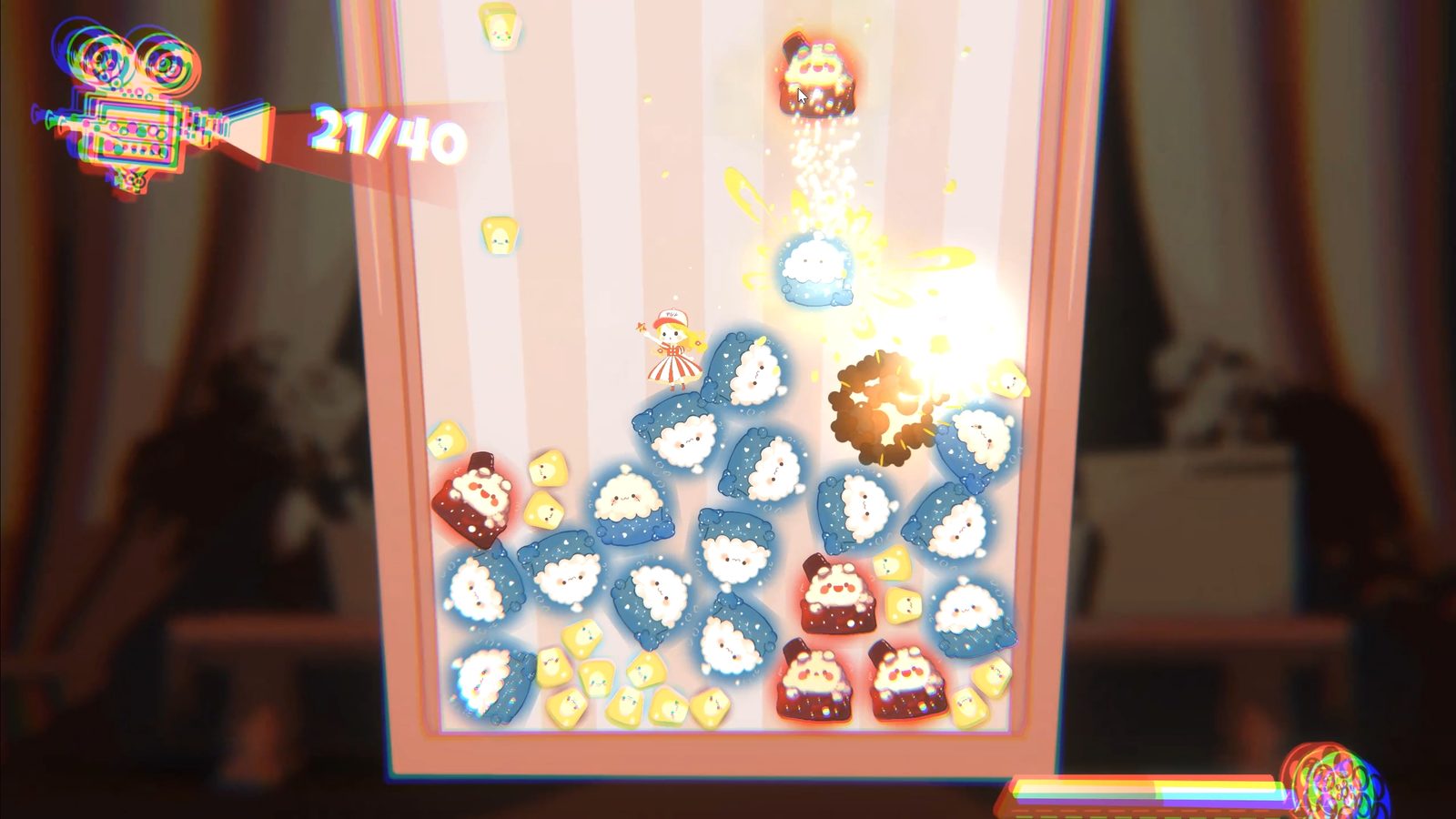
Collect tickets, switch flavours and keep the projector full. The browser build opens directly inside the portfolio.





// SPINE
SPINE ANIMATION

The character is painted, split into parts, then boned and animated in Spine. Step 02 runs the real Spine runtime in your browser — hit the buttons to play her animations.






LOADING RIG ♥
// 3D → 2D
3D → 2D COVER PROCESS

The cover art was made in one day as a cel-shaded 3D-to-2D piece — a tiny film set built in Blender, rendered once from a locked camera, then finished as a 2D image. Notes below are condensed from the original TapTap devlog.

Decide what the cover must say and gather references: the game is Popcorn Projection, so the core elements are popcorn, movies and film reels — a reference board collects the in-game props.

No time for full hand-painting, so simple geometry is laid out in Blender. Key trick for 3D-to-2D: lock the camera view FIRST, then arrange the blocks — only that one angle has to look good, overlaps and clipping don't matter.
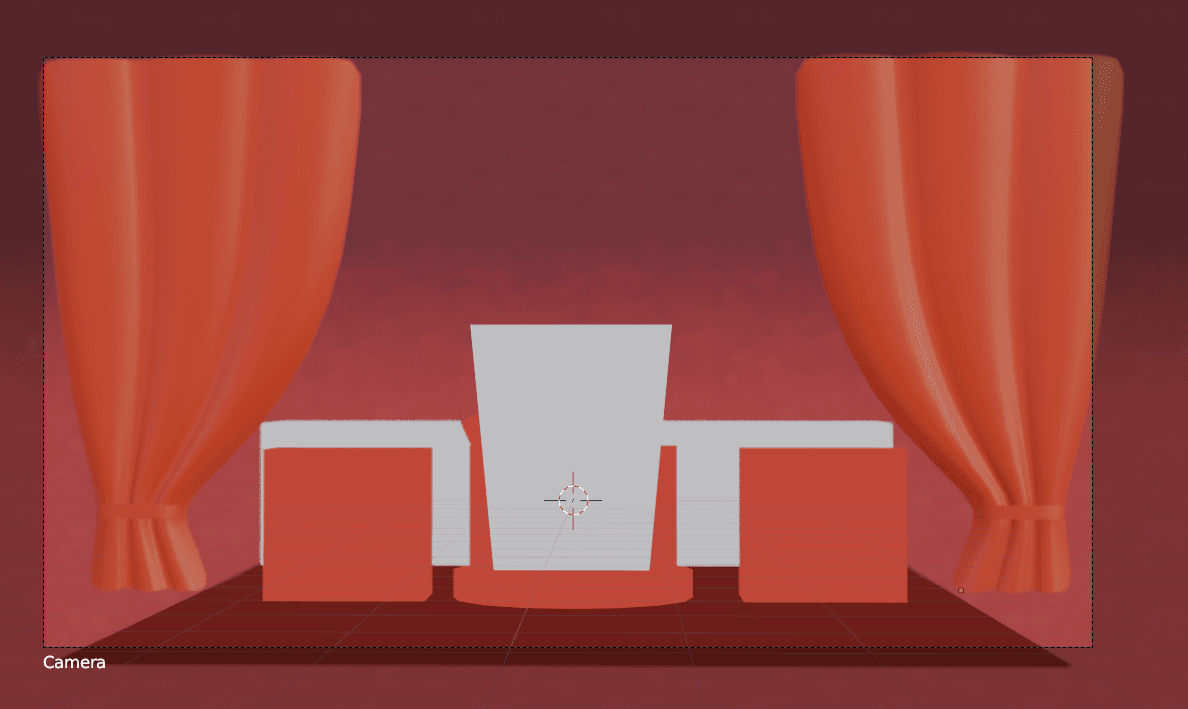
Going for a retro-cinema mood with red as the main colour: block in flat colours to place the values, then build the toon shader.
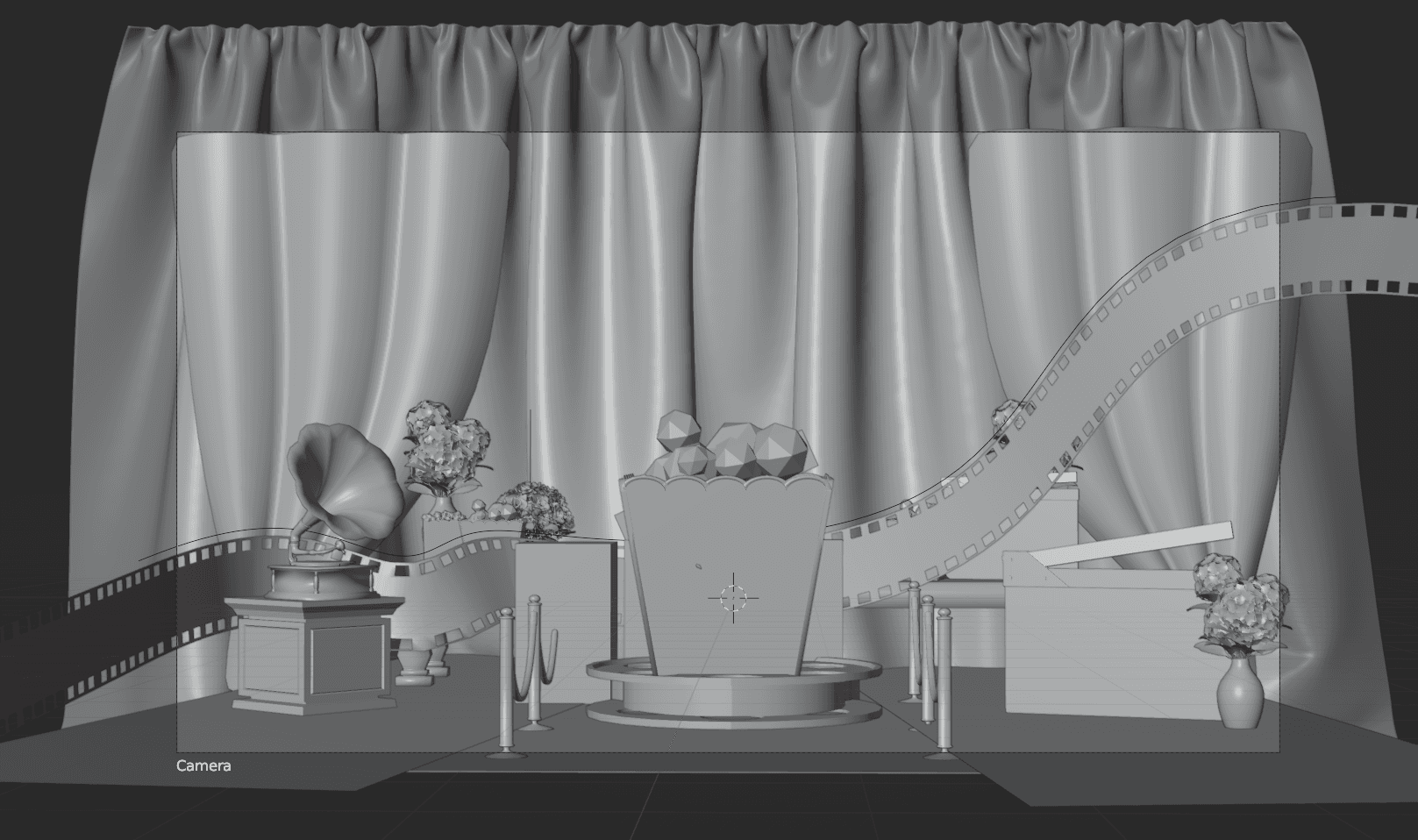
Swap the blockout for low-poly models on the same composition — quick to build: no engine import, no poly budget, no UVs to unwrap.

Same shader on every model, but the light/dark colours are tuned per object to separate foreground from background; a depth-of-field camera keeps the popcorn in focus.

Title and text are set in Figma — and since the render is now a flat 2D image, the lighting can be retouched directly. The start screen is born!

// ABOUT
ABOUT THE GAME




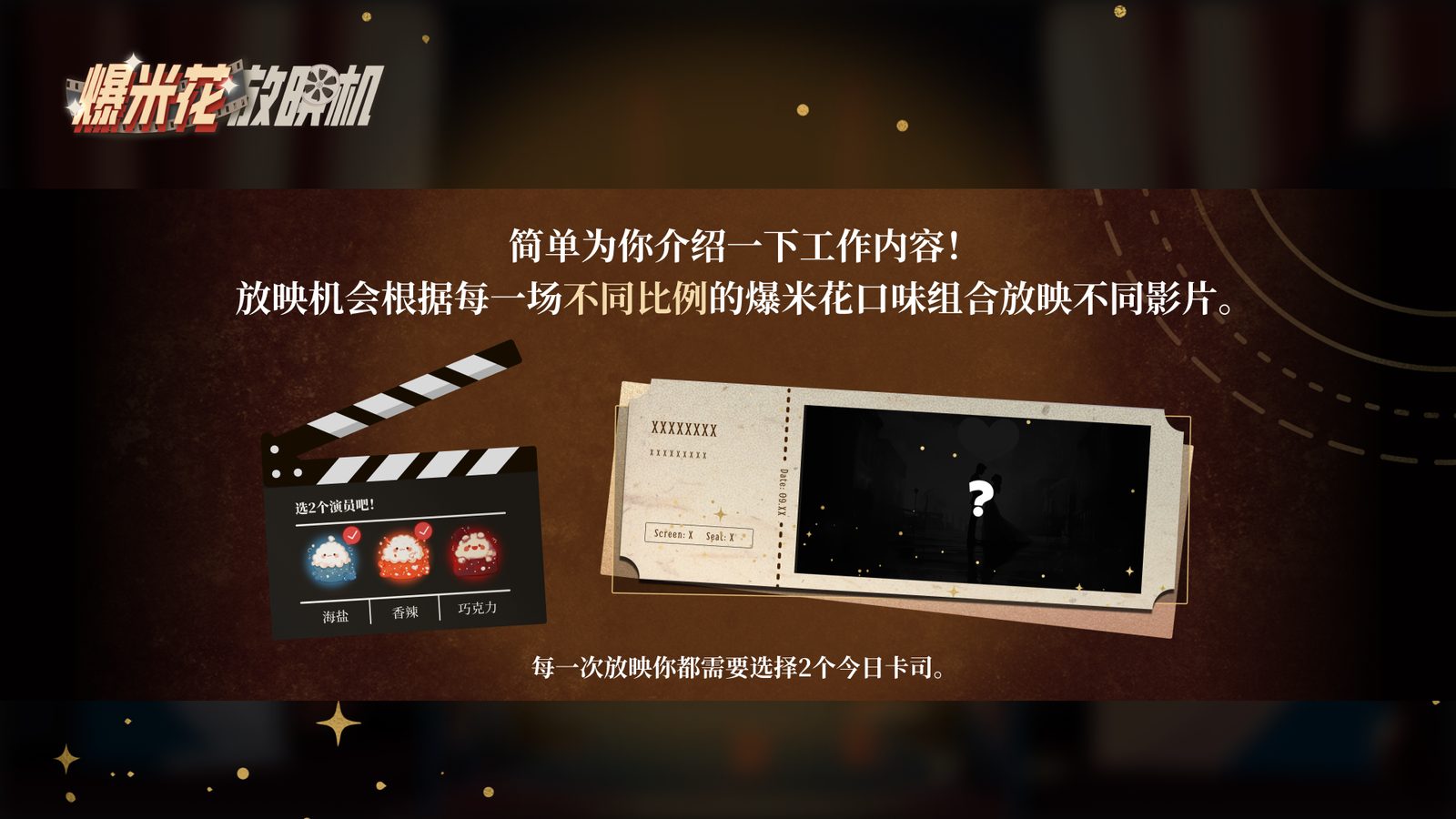
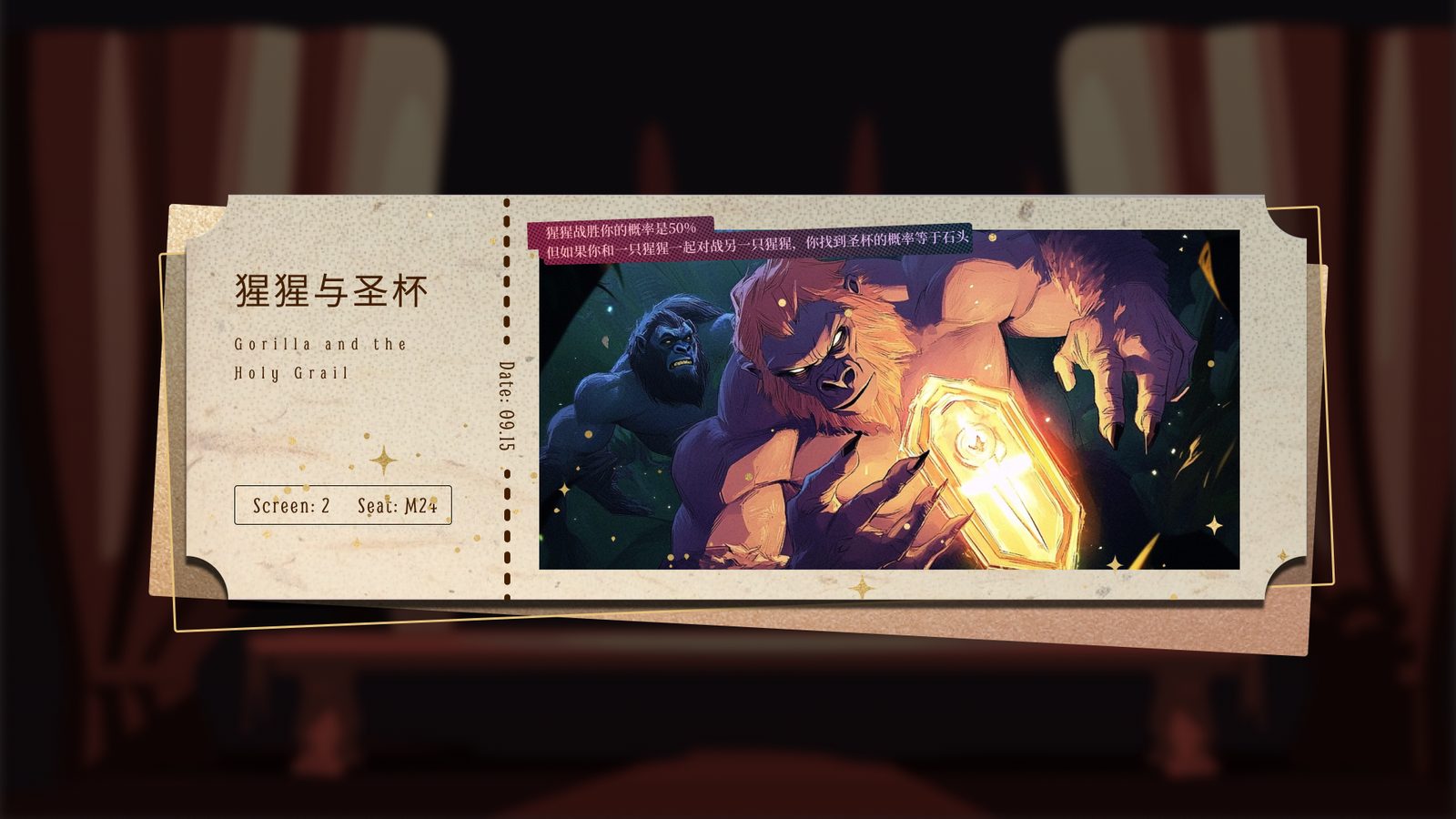
Popcorn Projection is a fast-paced 2D platform shooter set inside a movie projector. Strike the falling corn kernels with lightning to pop them into different flavours and fill up the projector — it rewards you with a movie ticket. Rich-flavoured popcorn calls for an emotional film, so finish tuning the projector and earn a movie of your own!
Made with Unity for the TapTap Game Jam.
// TEAM