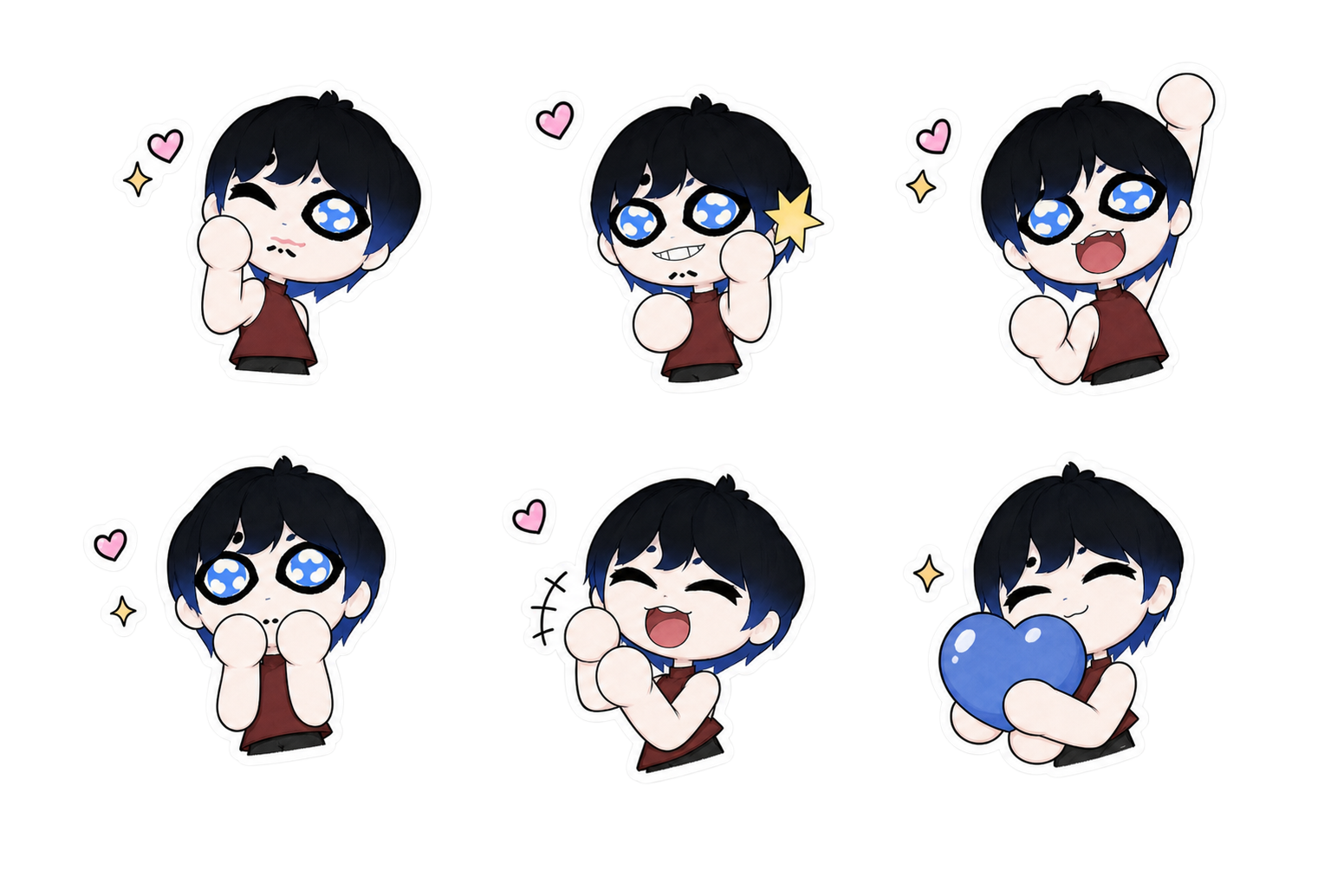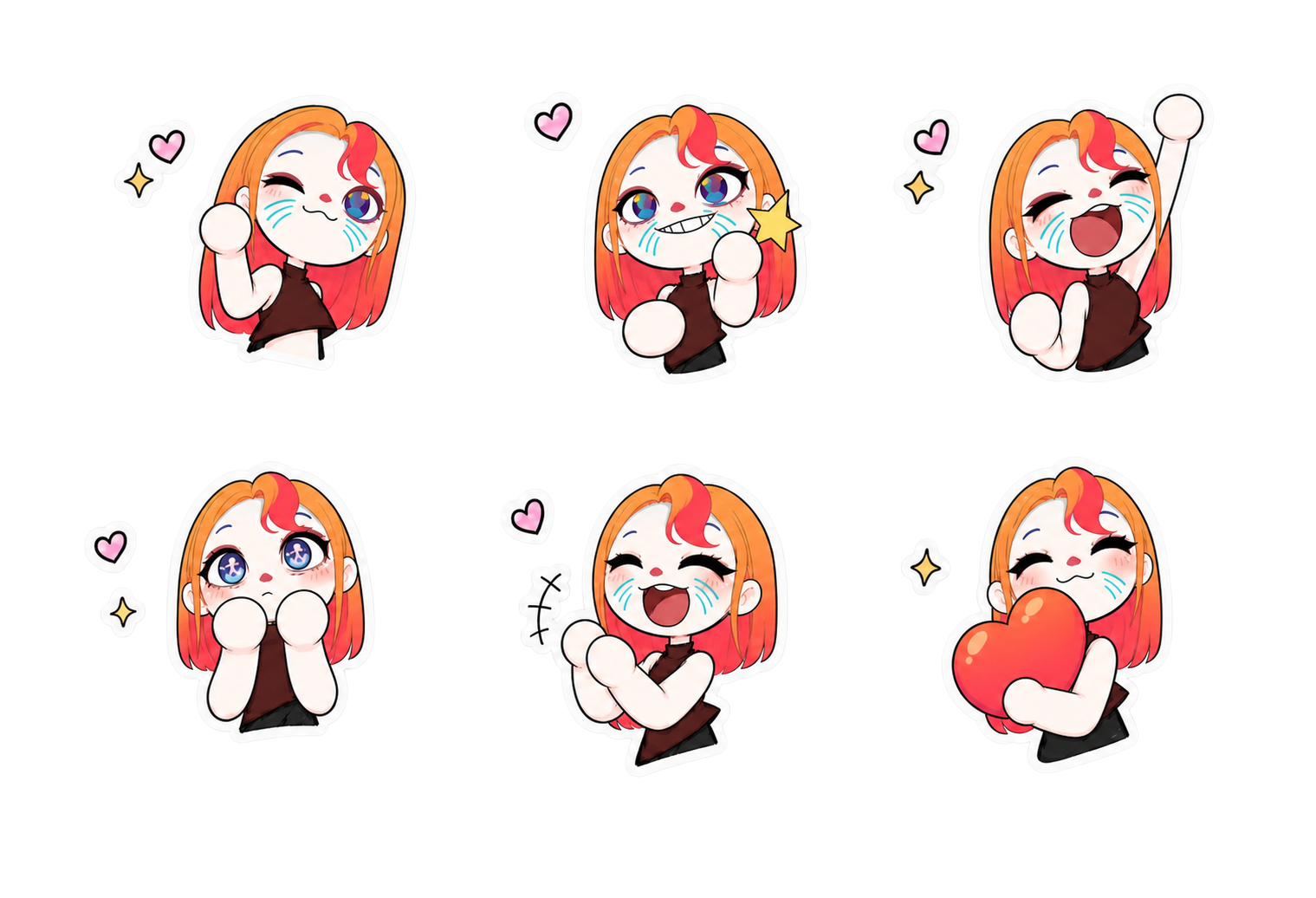

Screenshots
Character Customization AI Repaint
The idea for this feature actually came from playing Tomodachi Life. A lot of people who can't draw found the face-making part really hard, so I wondered: is there a way AI could help them? In this project I connected ComfyUI and Unity, and trained the faces I painted myself into a LoRA that fits the UV of the model I made. Players can use the AI-Repaint feature to quickly make a character they're happy with, with a high degree of customization. With limited model assets, how do you quickly make players feel connected to the character they created? I thought customizable facial features might be a good answer. Then the question became: how can players who can't draw enjoy that too?
AI is only used to repaint the UV texture of the face.
Generating models directly with AI makes it very hard to keep the art style consistent, so I added a limit: AI is not used to fully generate models or textures. It only repaints the UV texture of the face. All the other assets I make by hand. That keeps performance and the art consistent, and it stops players' wild ideas from looking out of place in the game's art style.
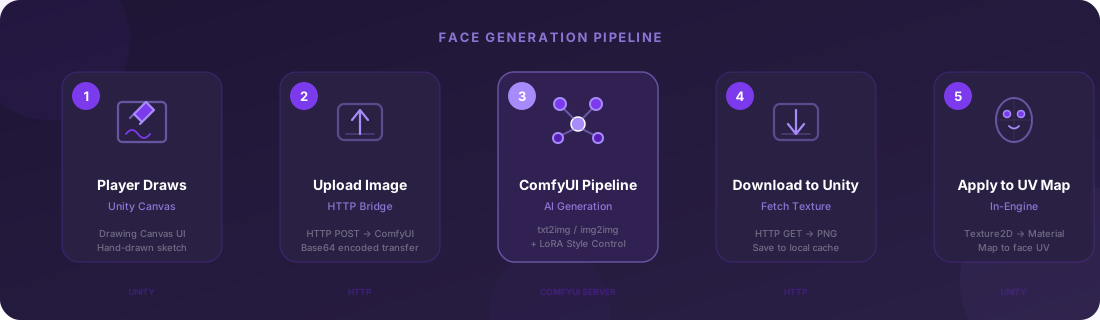
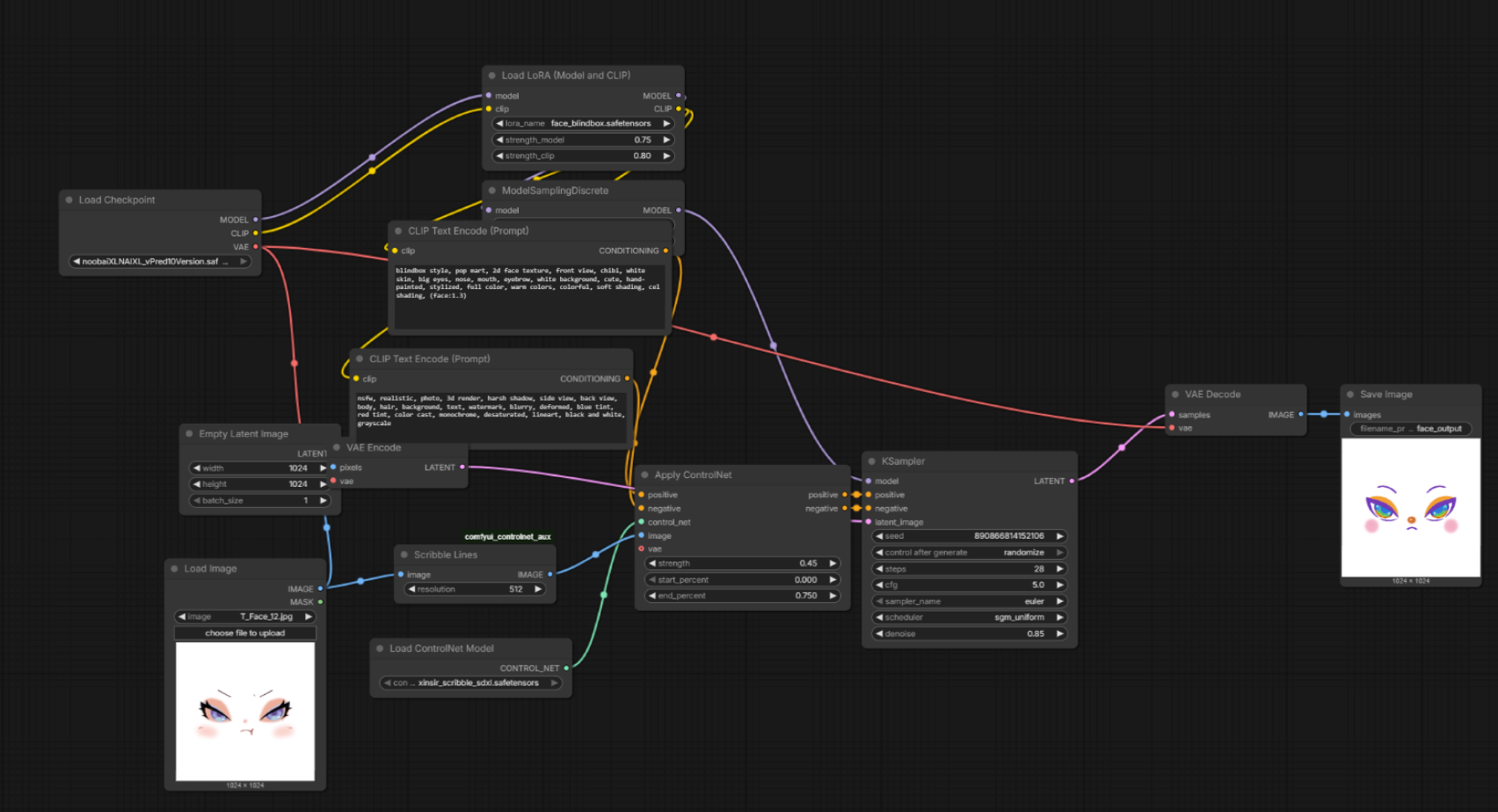
This process wasn't completely smooth; it involves handoffs between several DCC tools. First I had to split the character's UV into a transparent texture (the face) and everything else. Then I painted a large number of standard expressions on the face UV to train the LoRA. In ComfyUI I adjusted the parameters and negative prompts to make sure the AI repaint only happens on the face and nothing else shows up. Then the result generated by ComfyUI is sent back into the Unity material, so real-time AI face repainting and swapping the game model stay in sync.
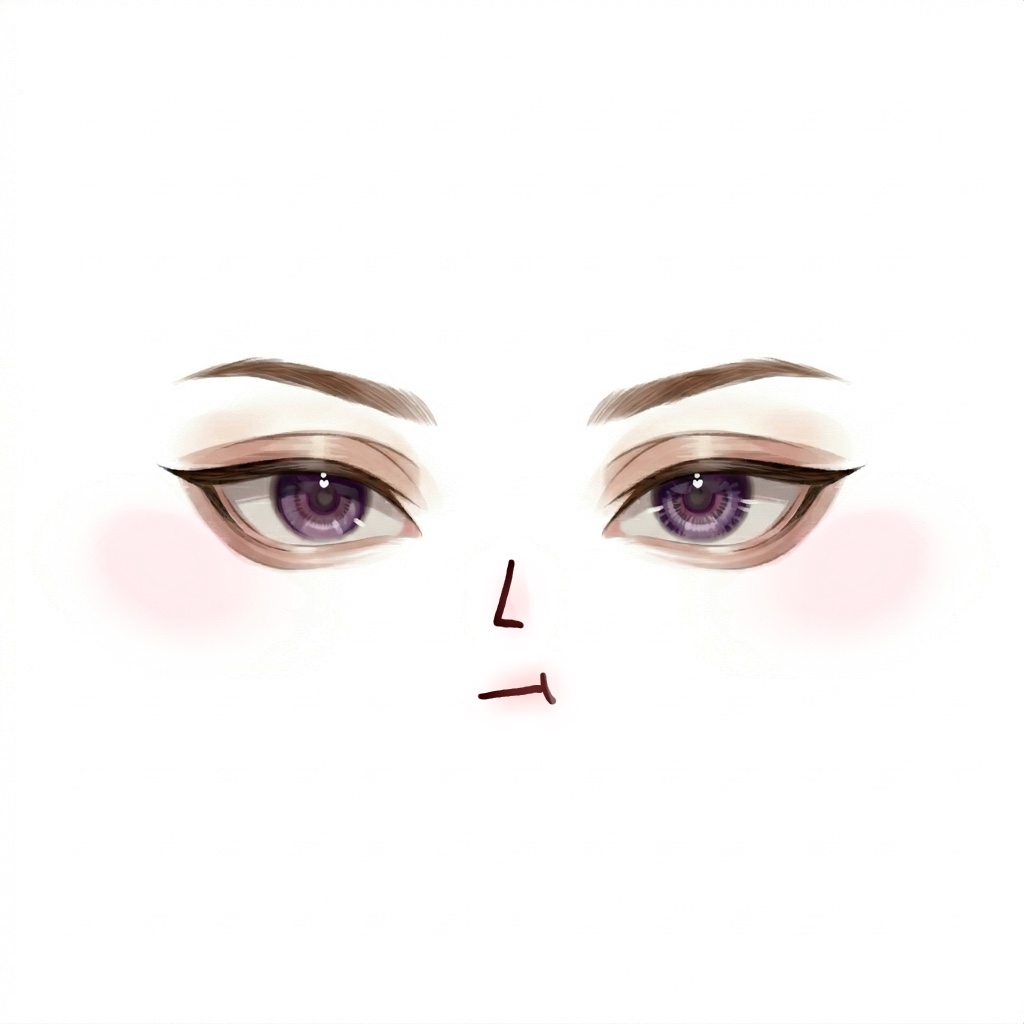
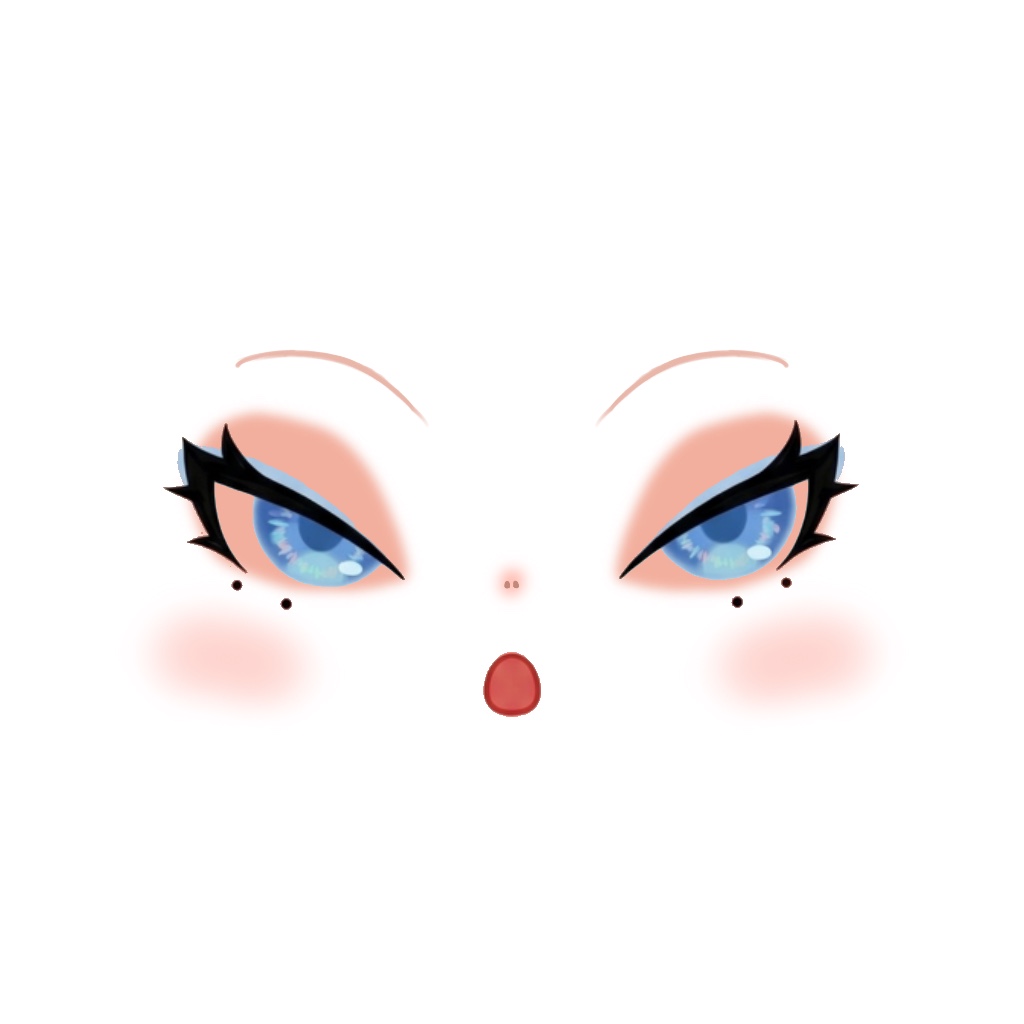
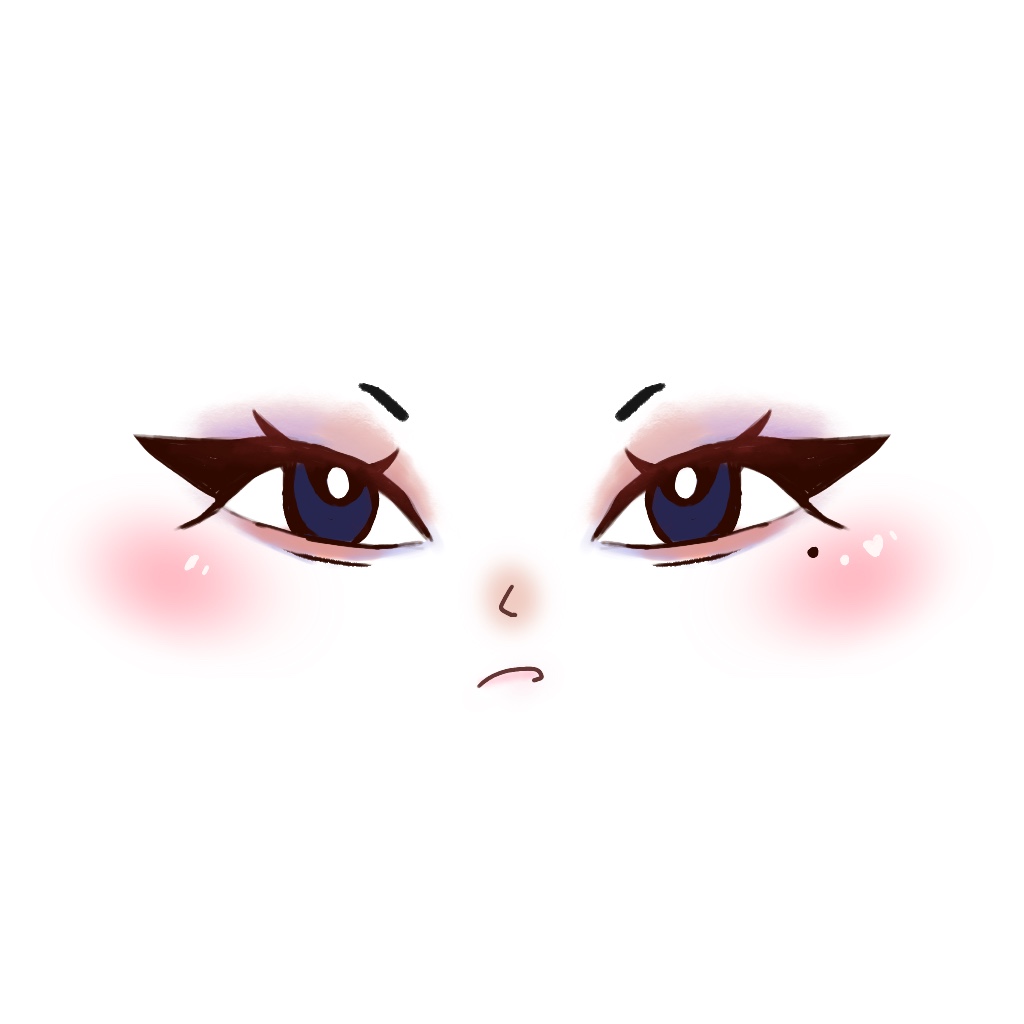
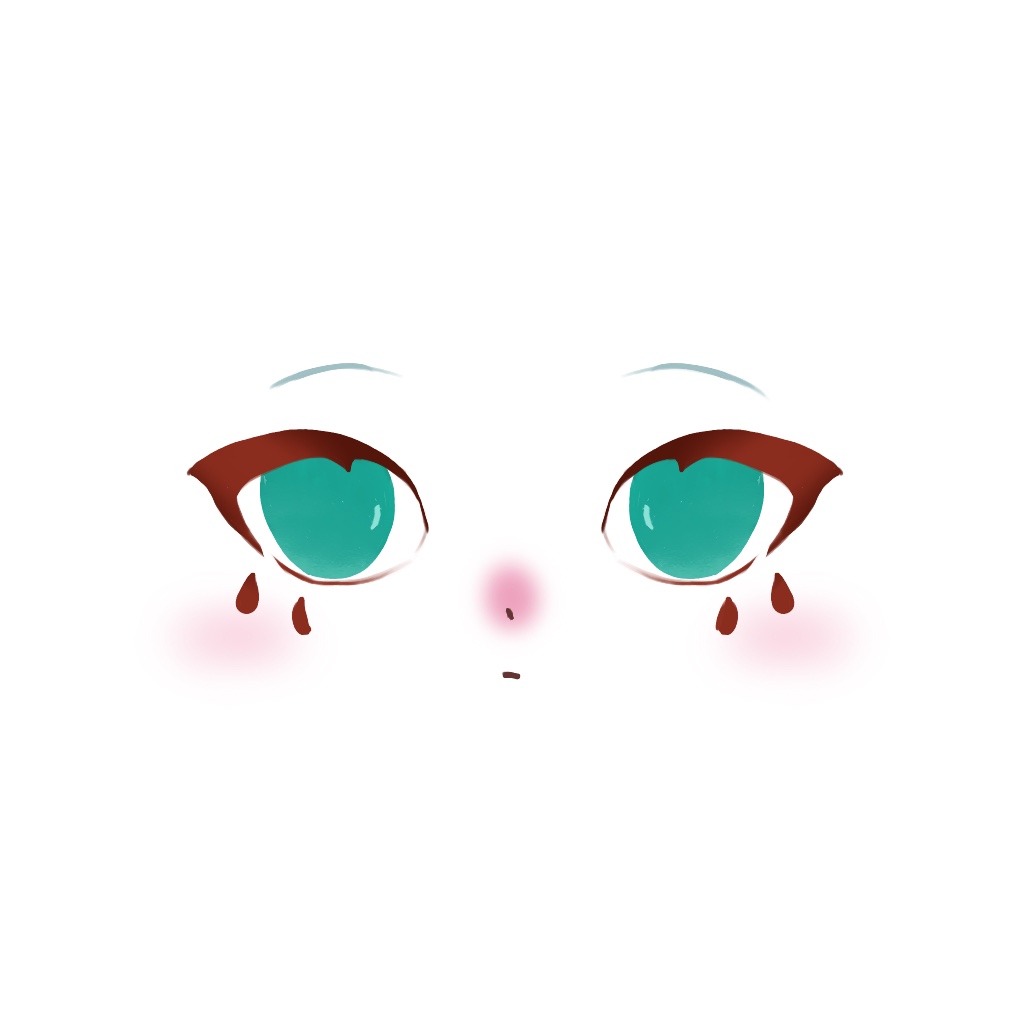

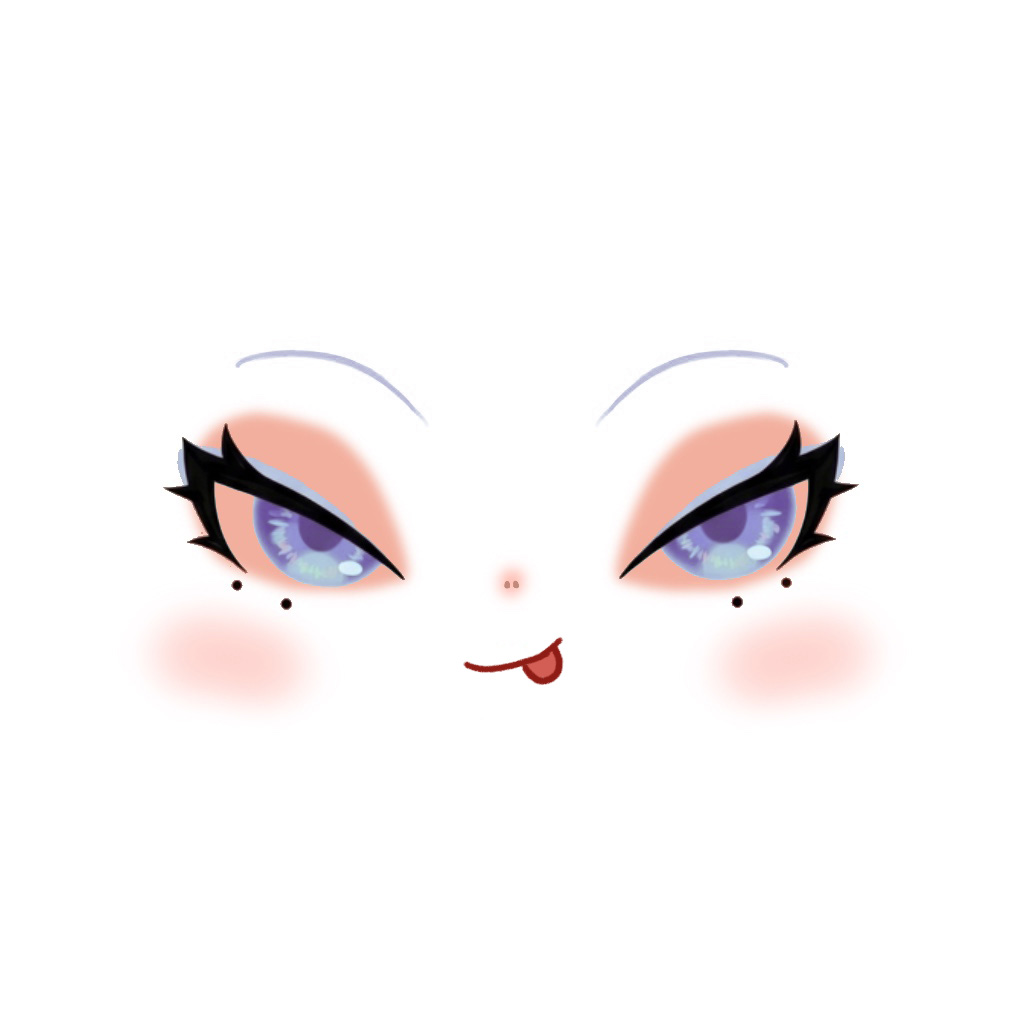
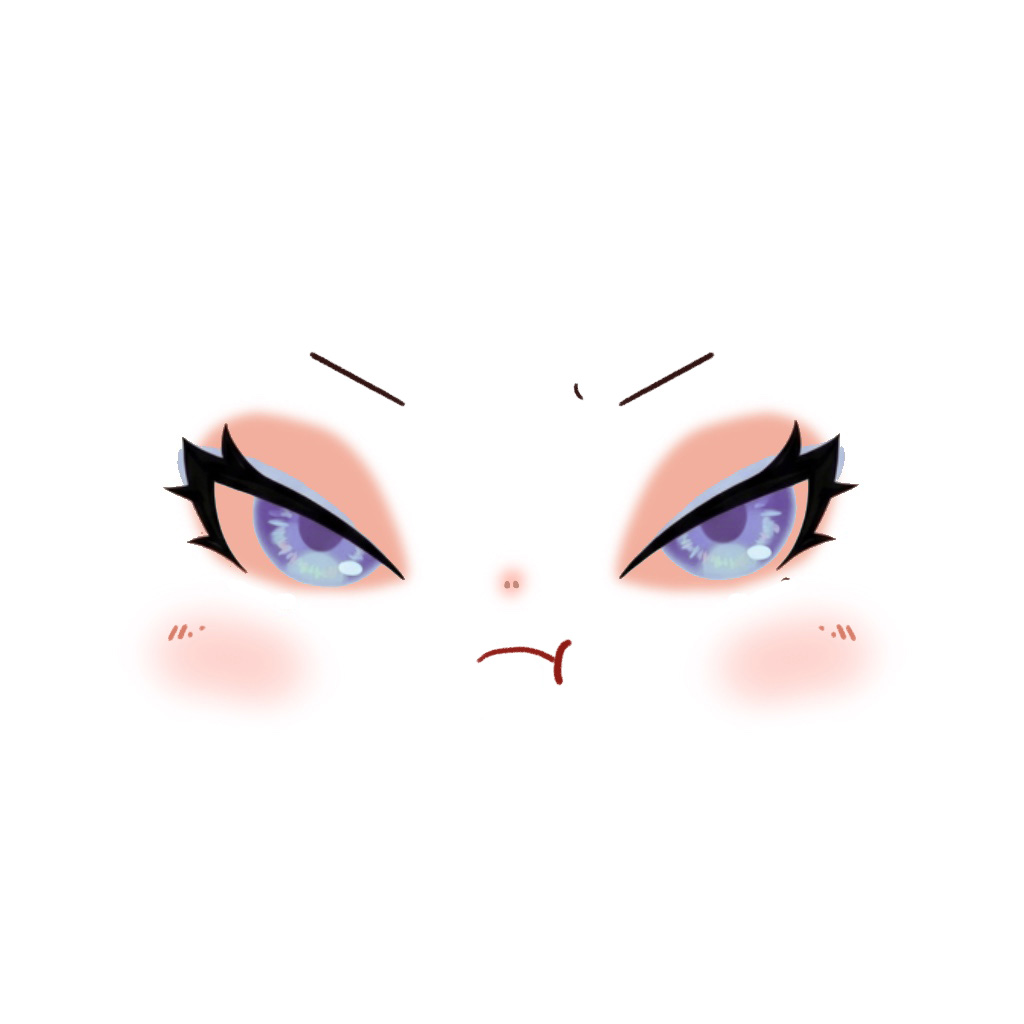
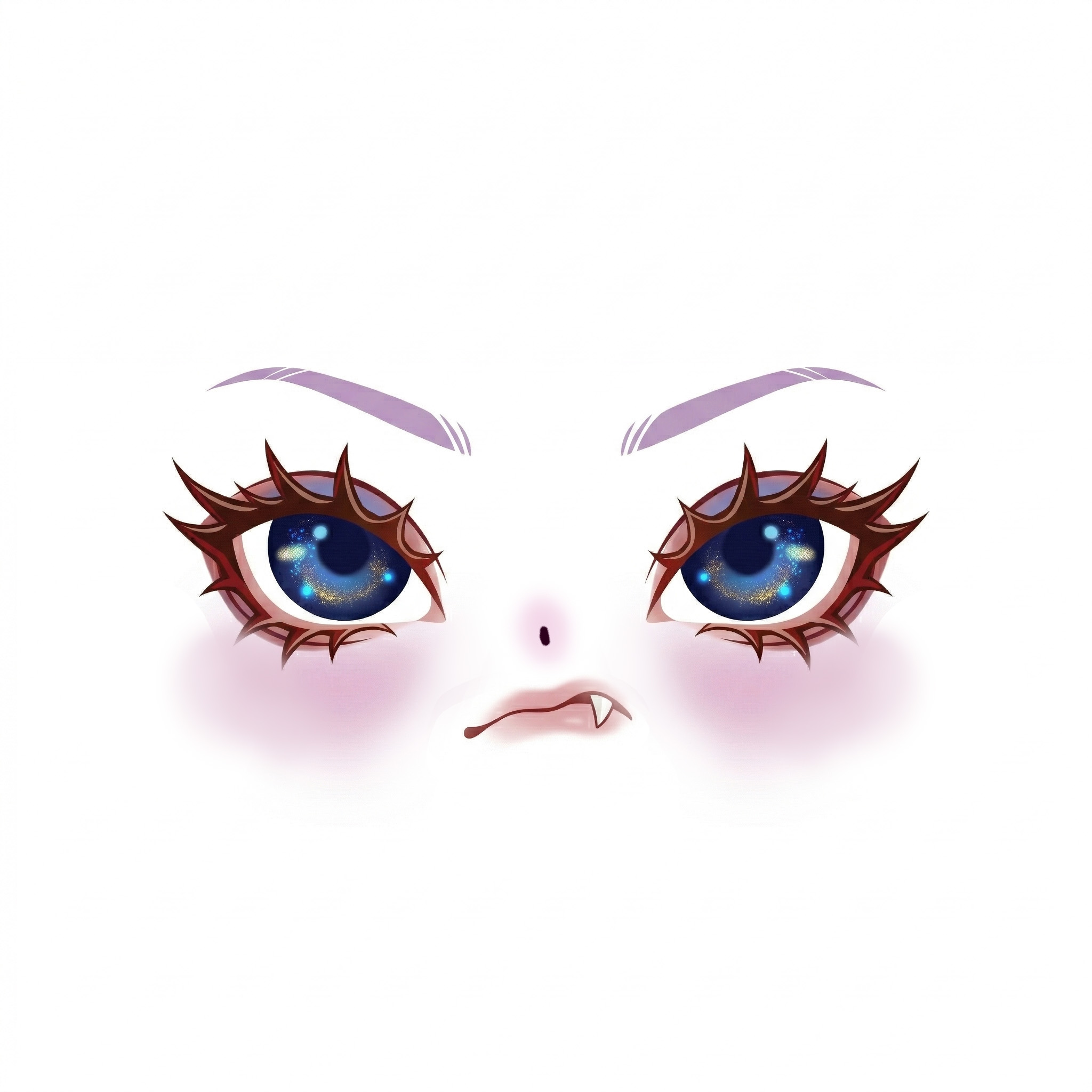
Eight of the first 50 attempts, prompt only.
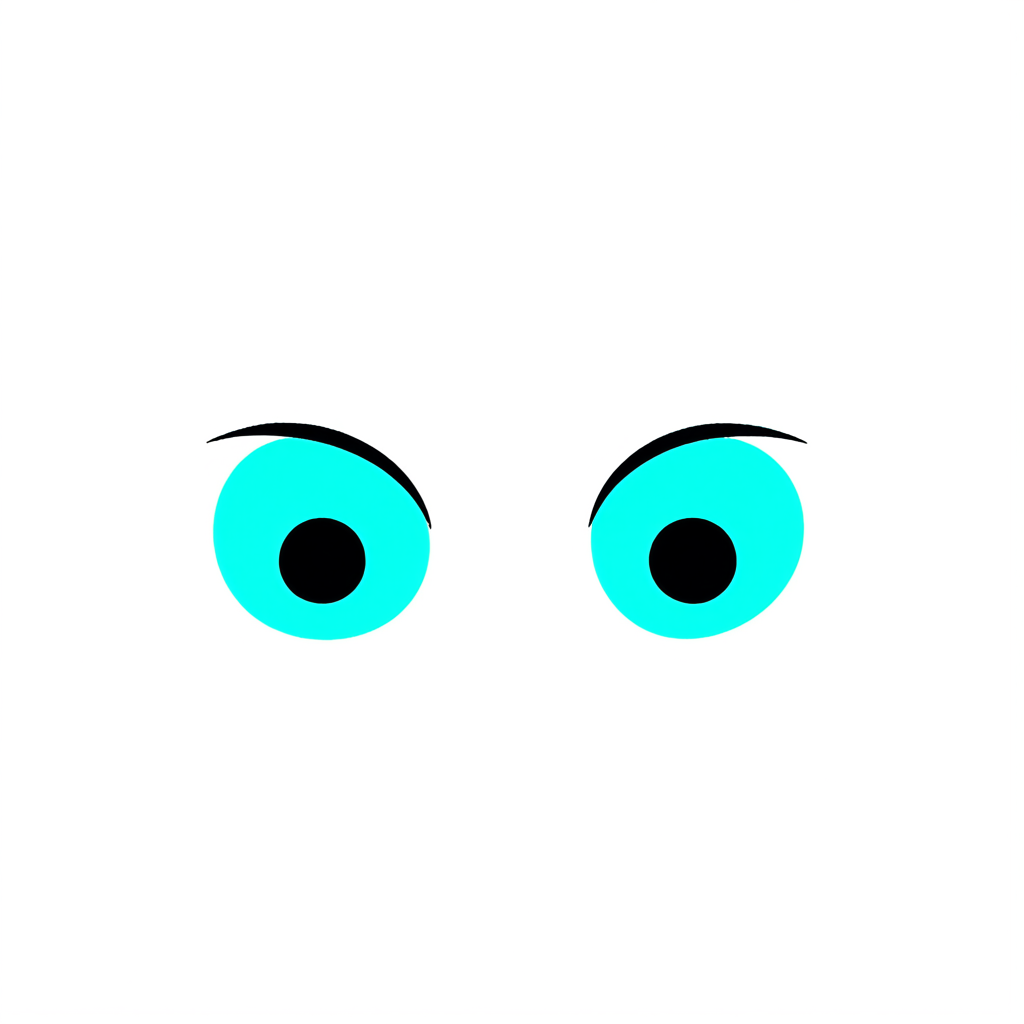
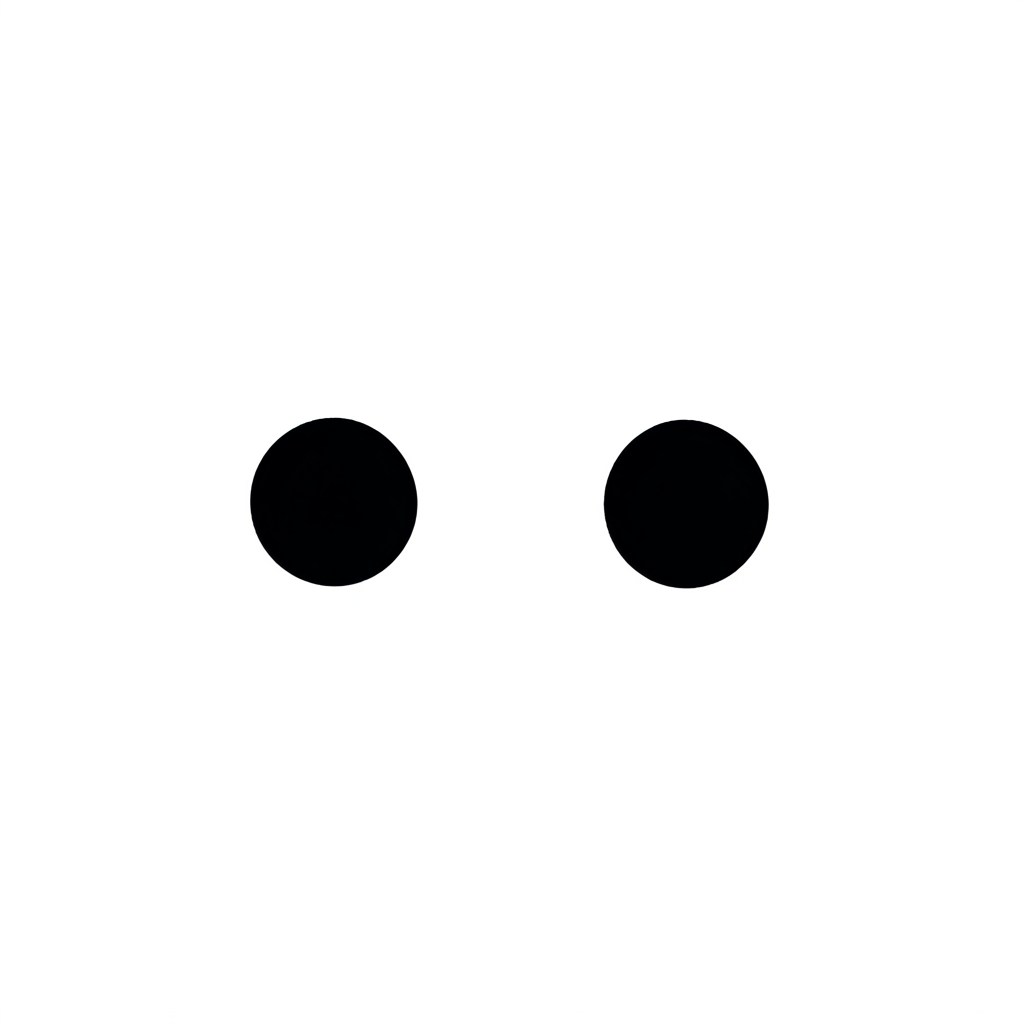

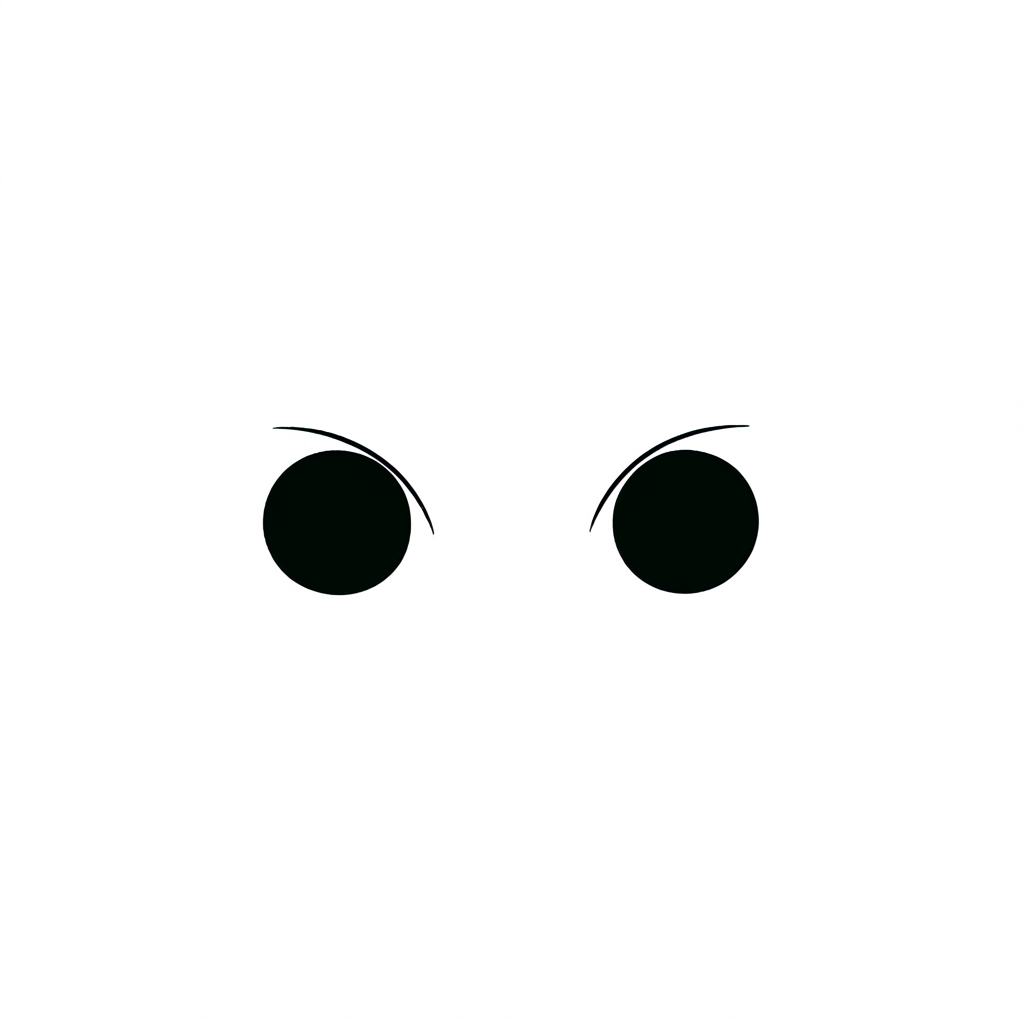
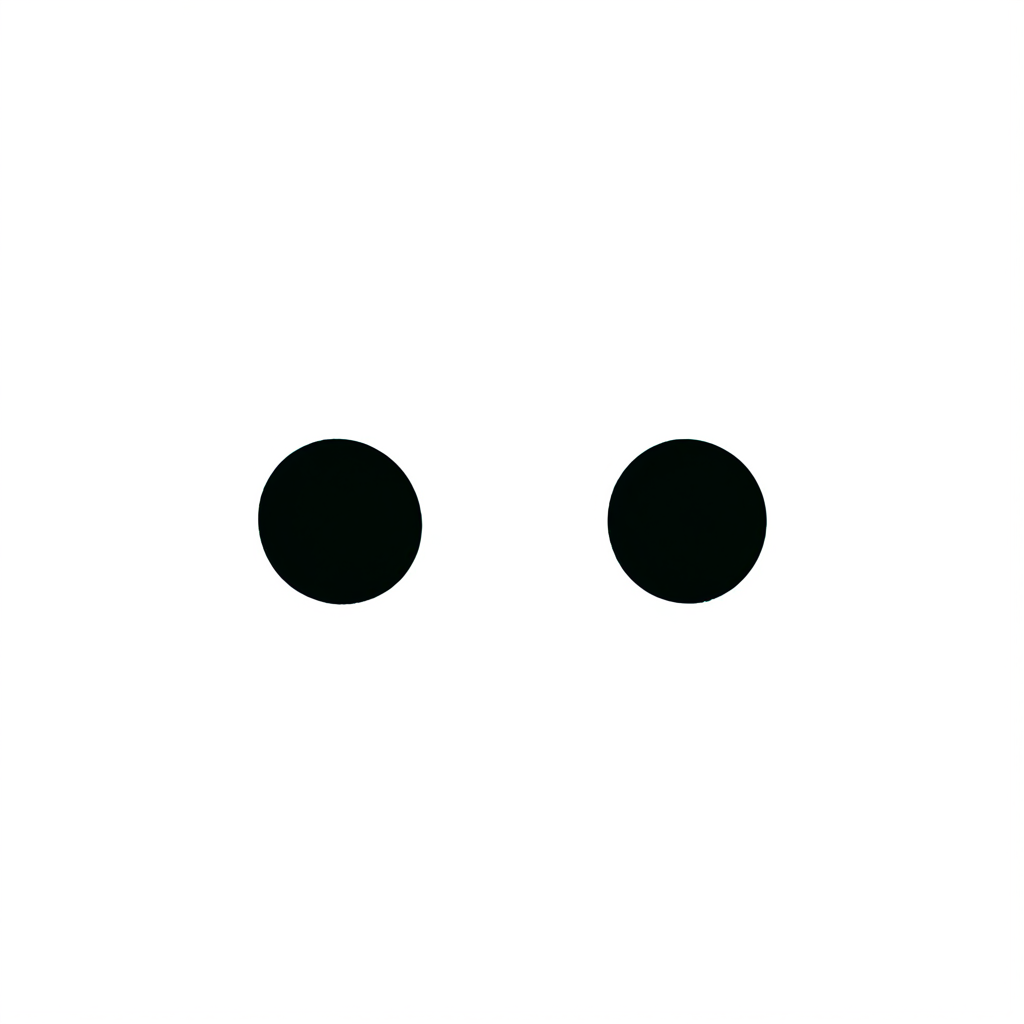

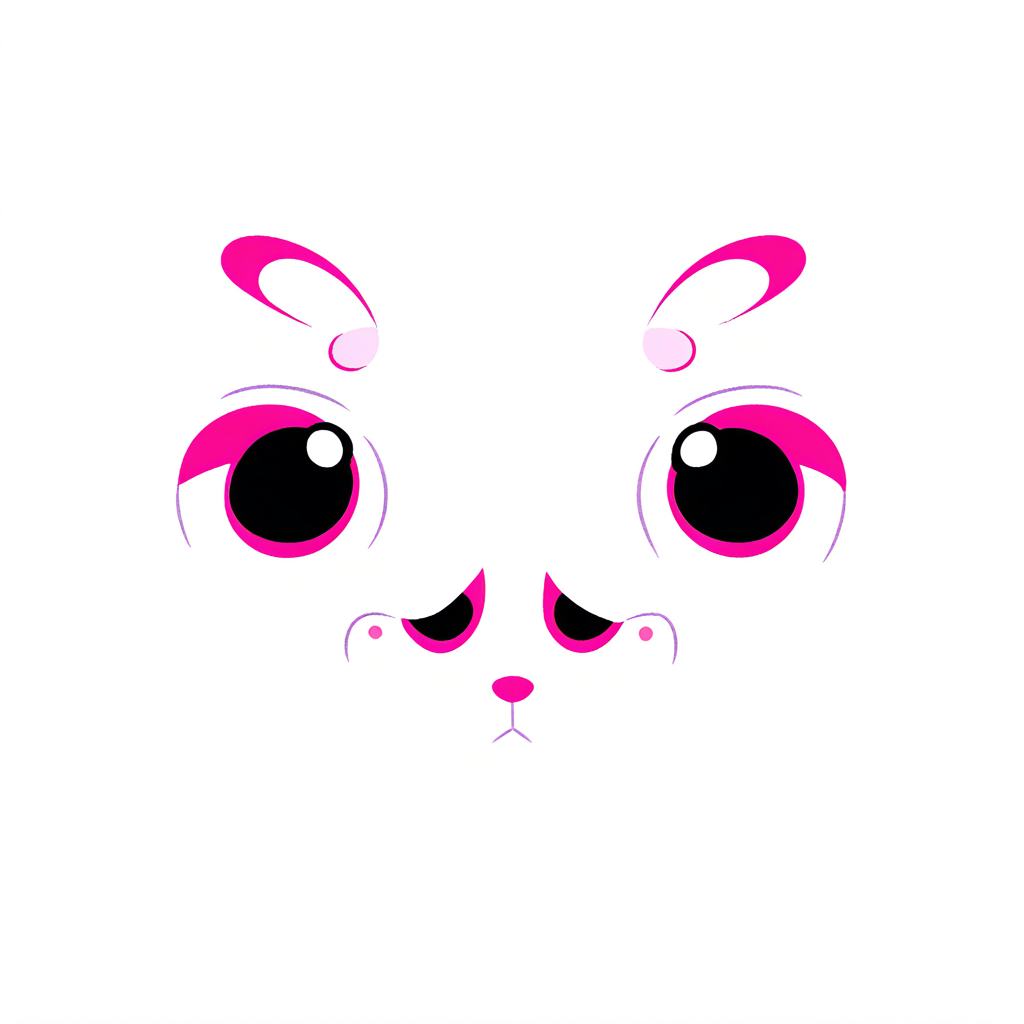
Eight of the 64 faces playtesters made with the LoRA on.
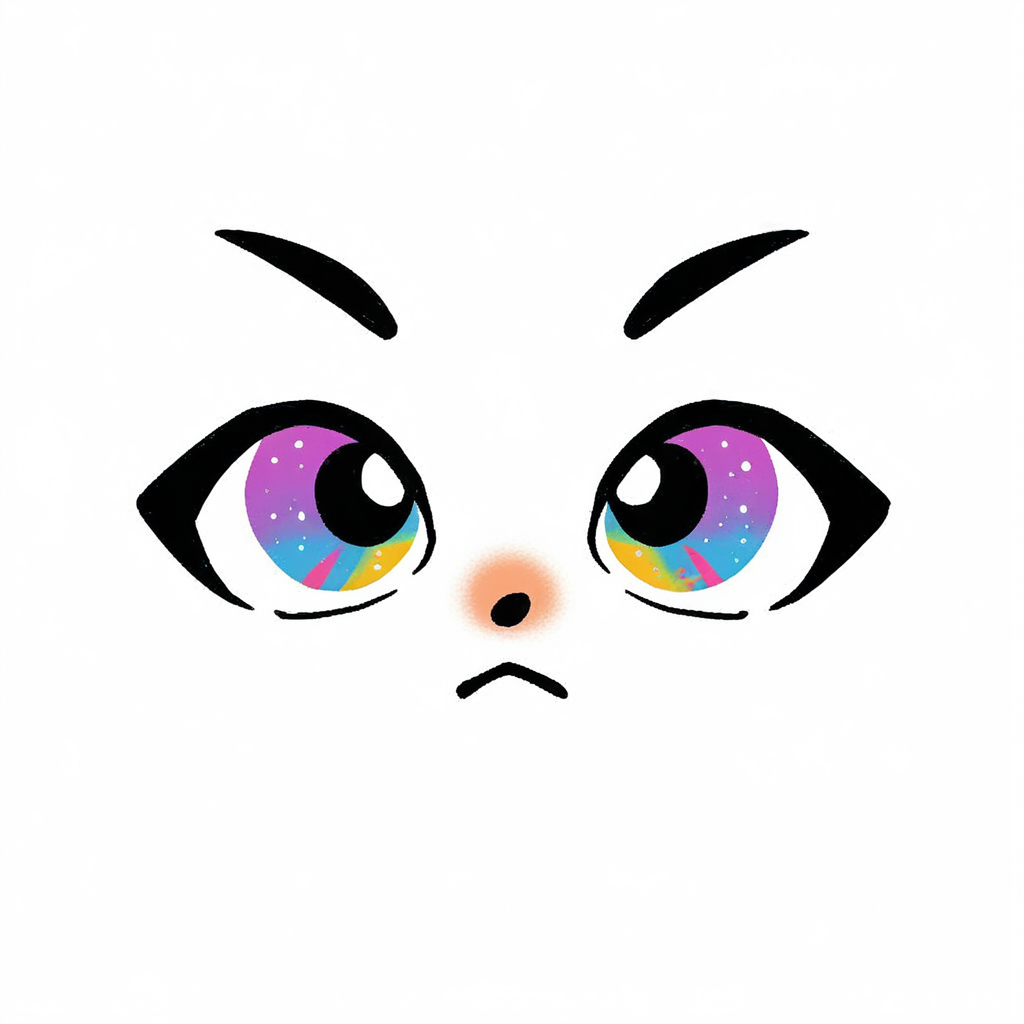
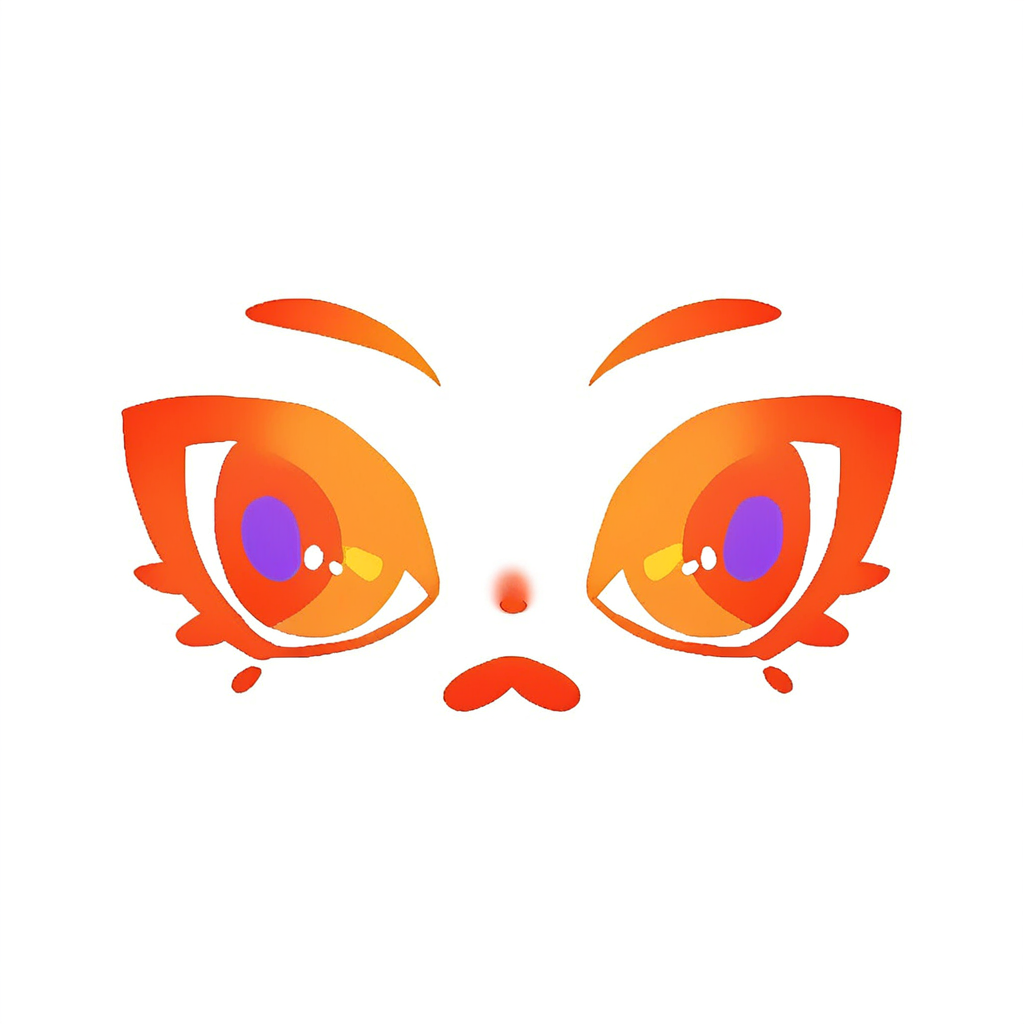
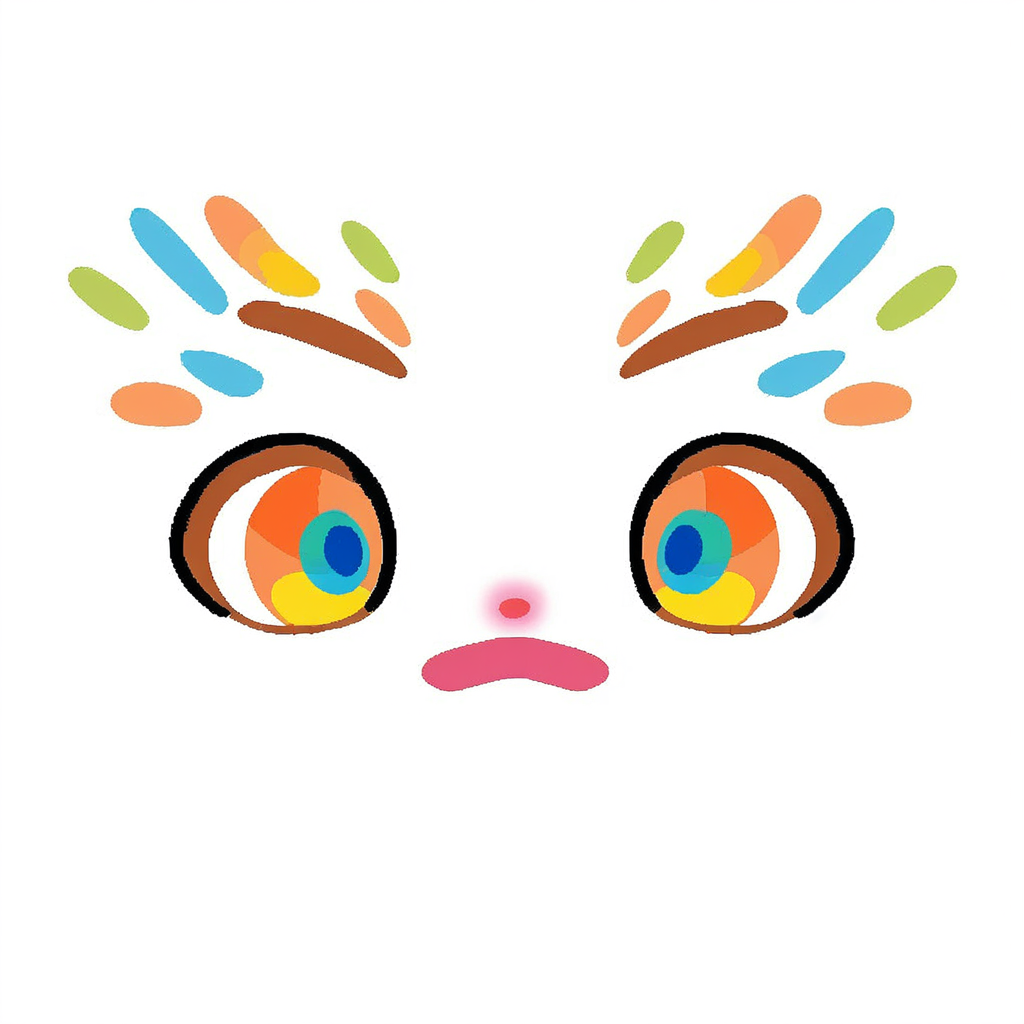
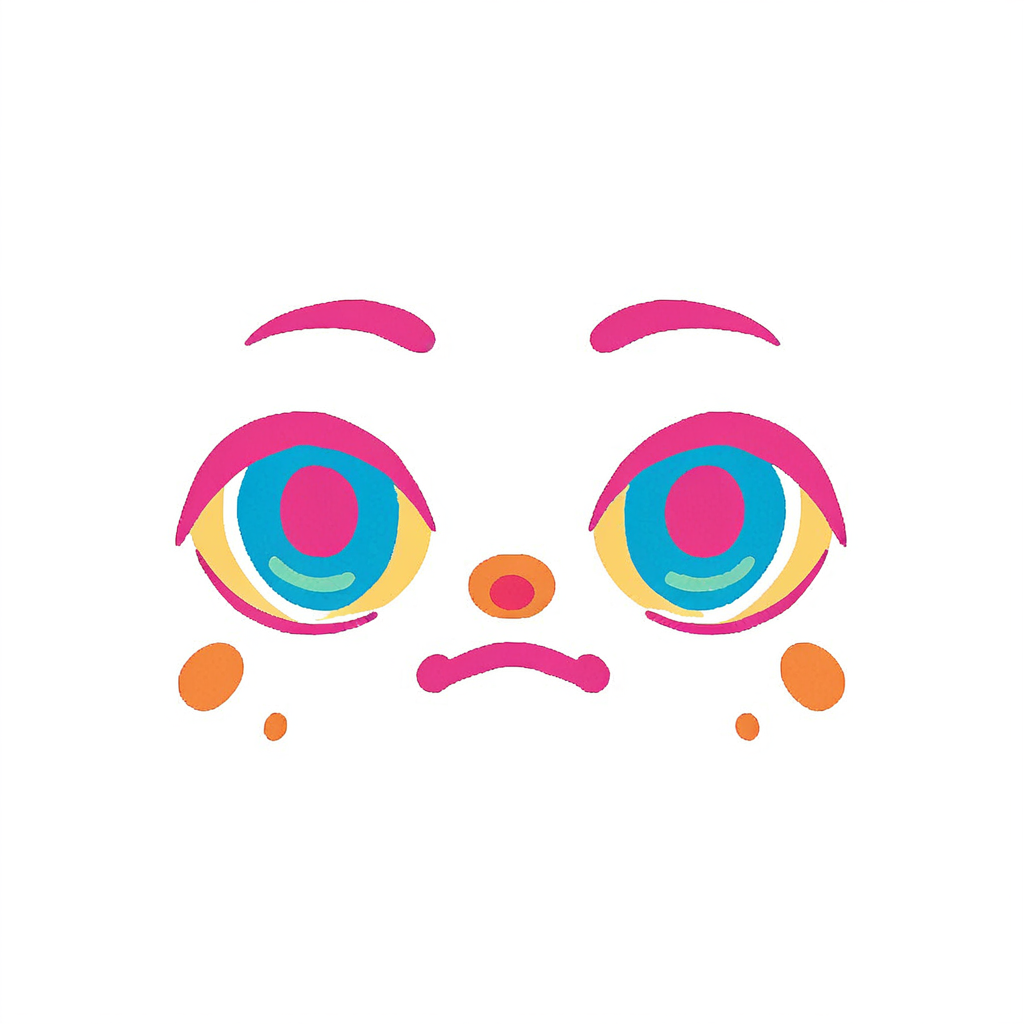
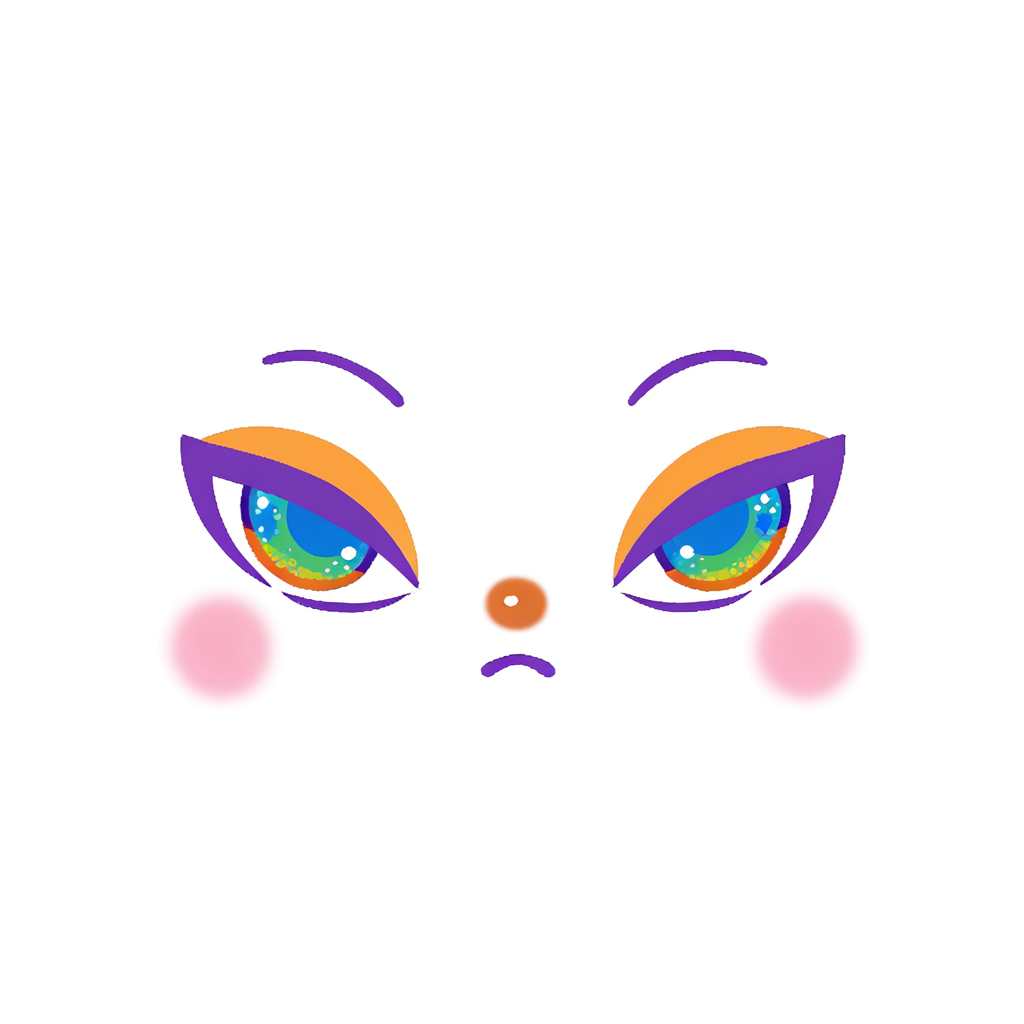
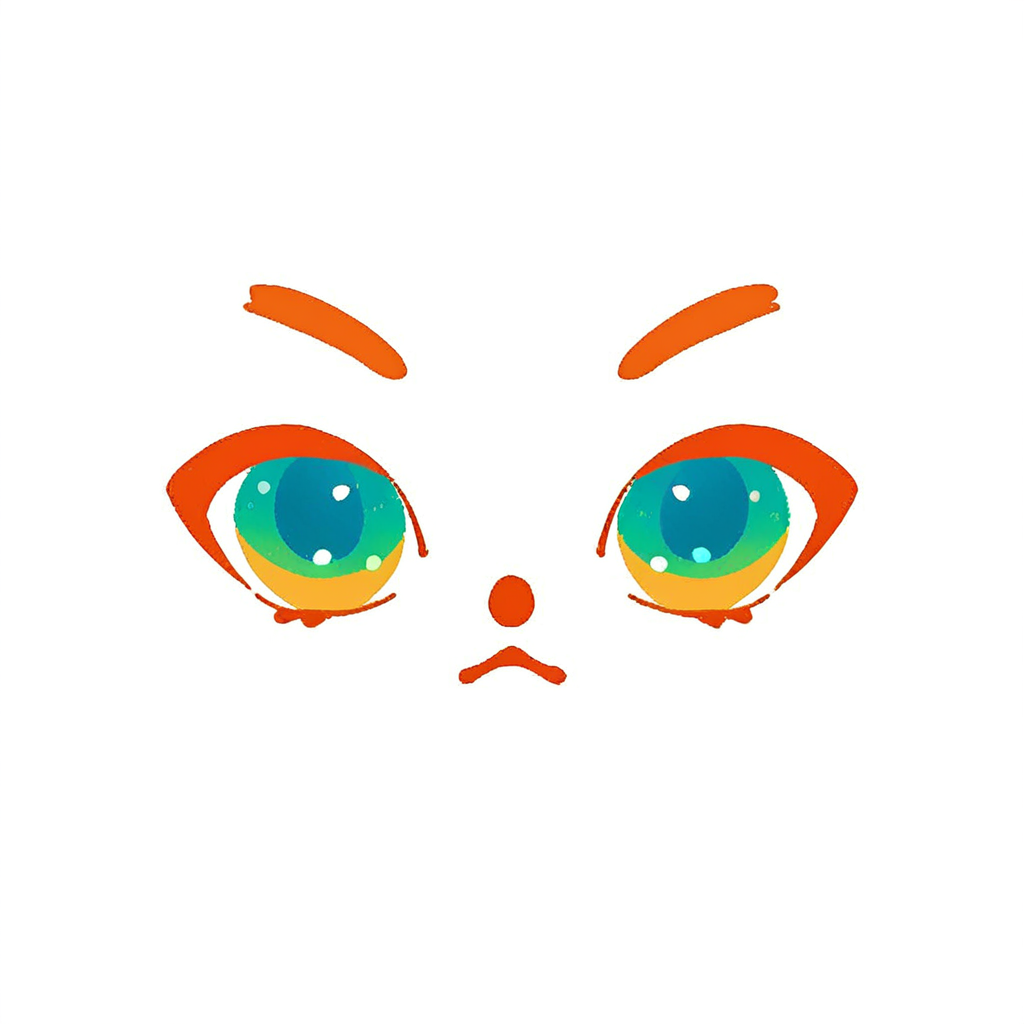
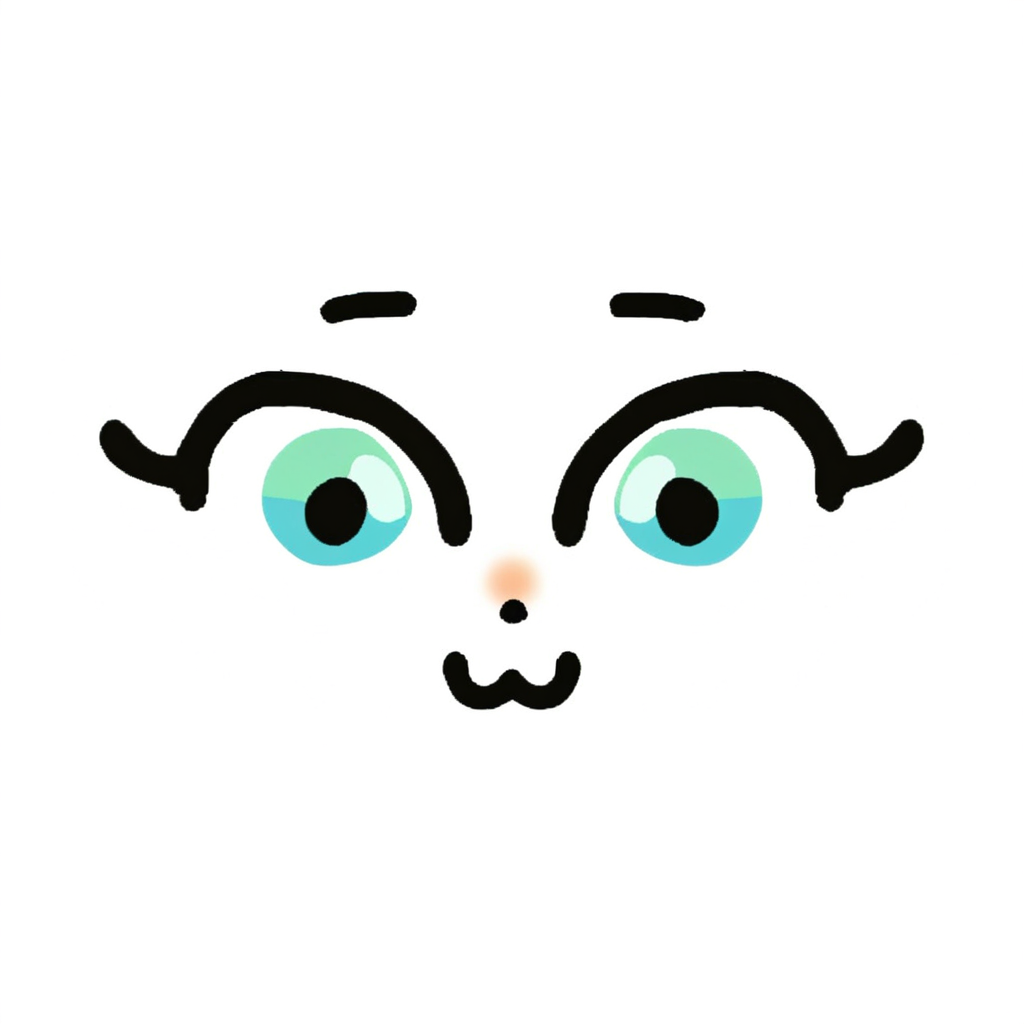
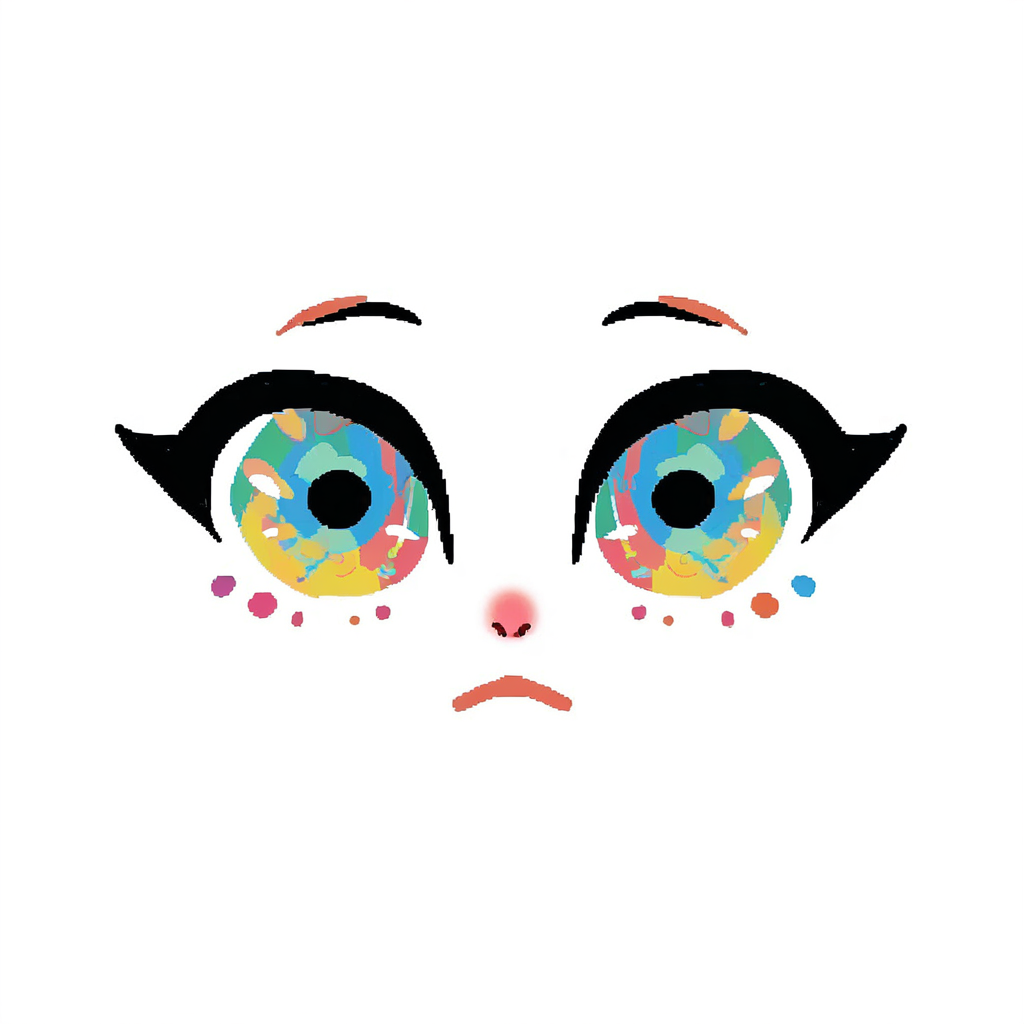
All 50 prompt-only attempts, before the LoRA.

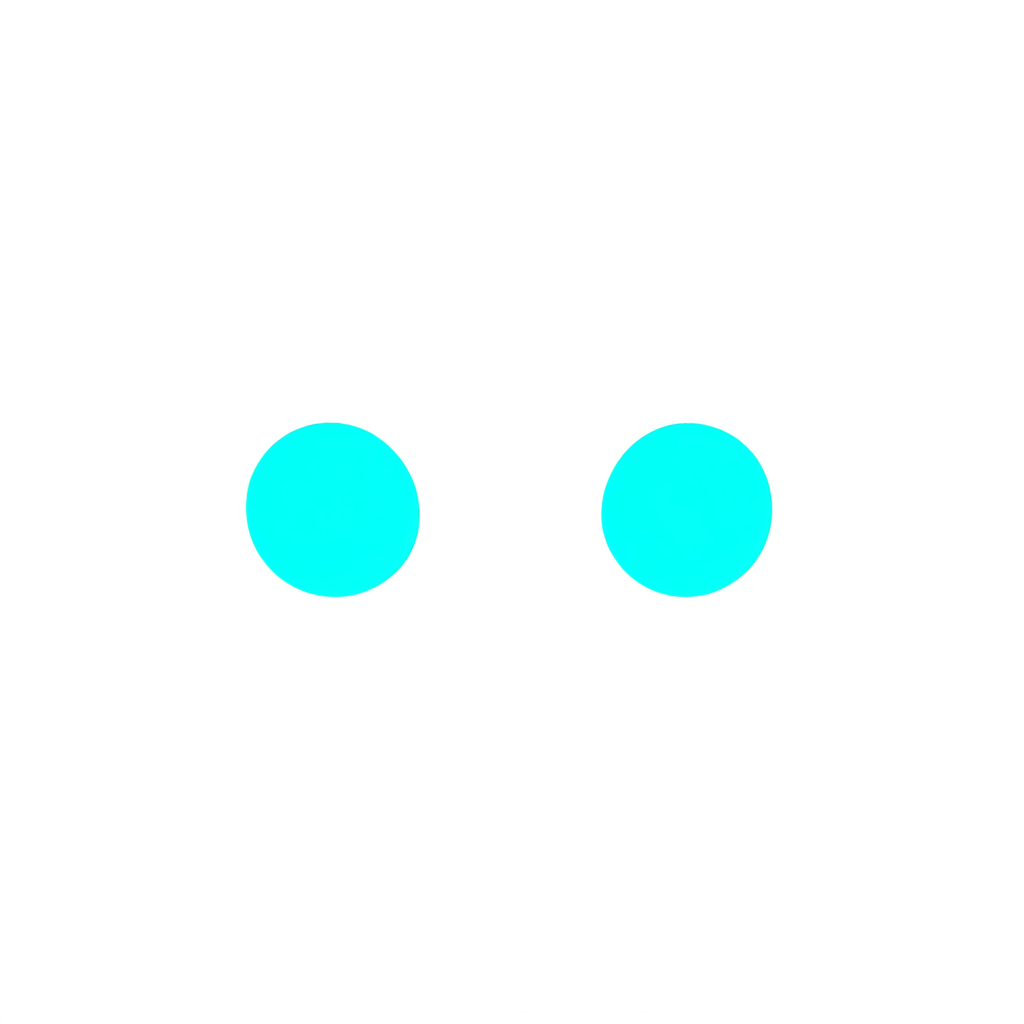
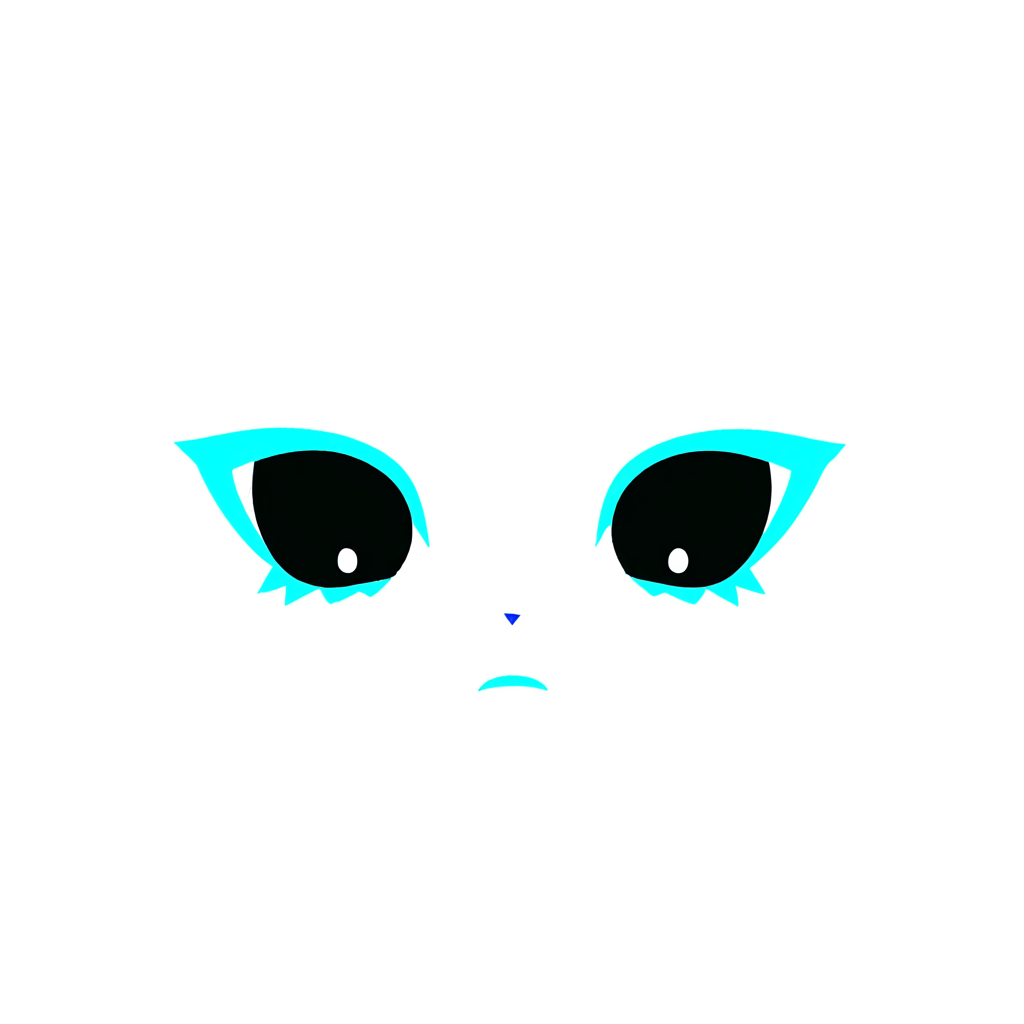
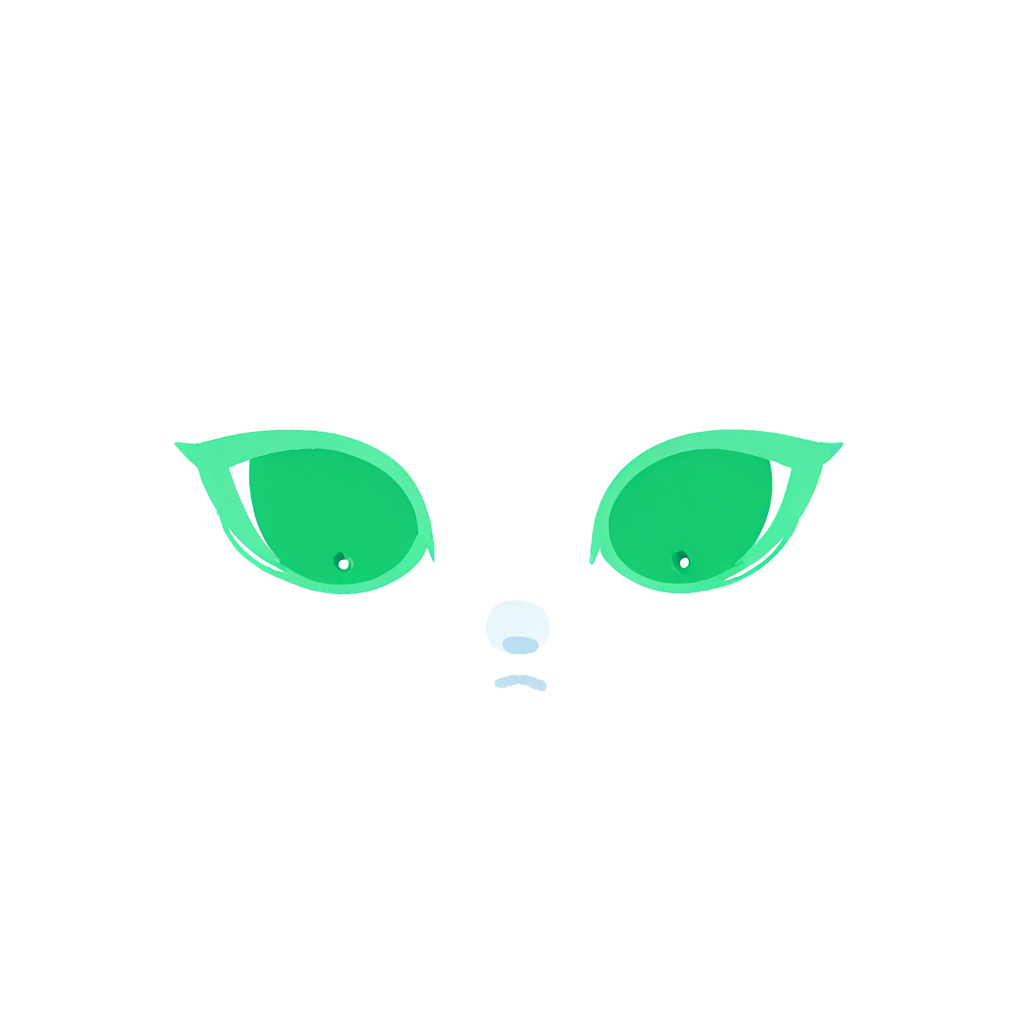

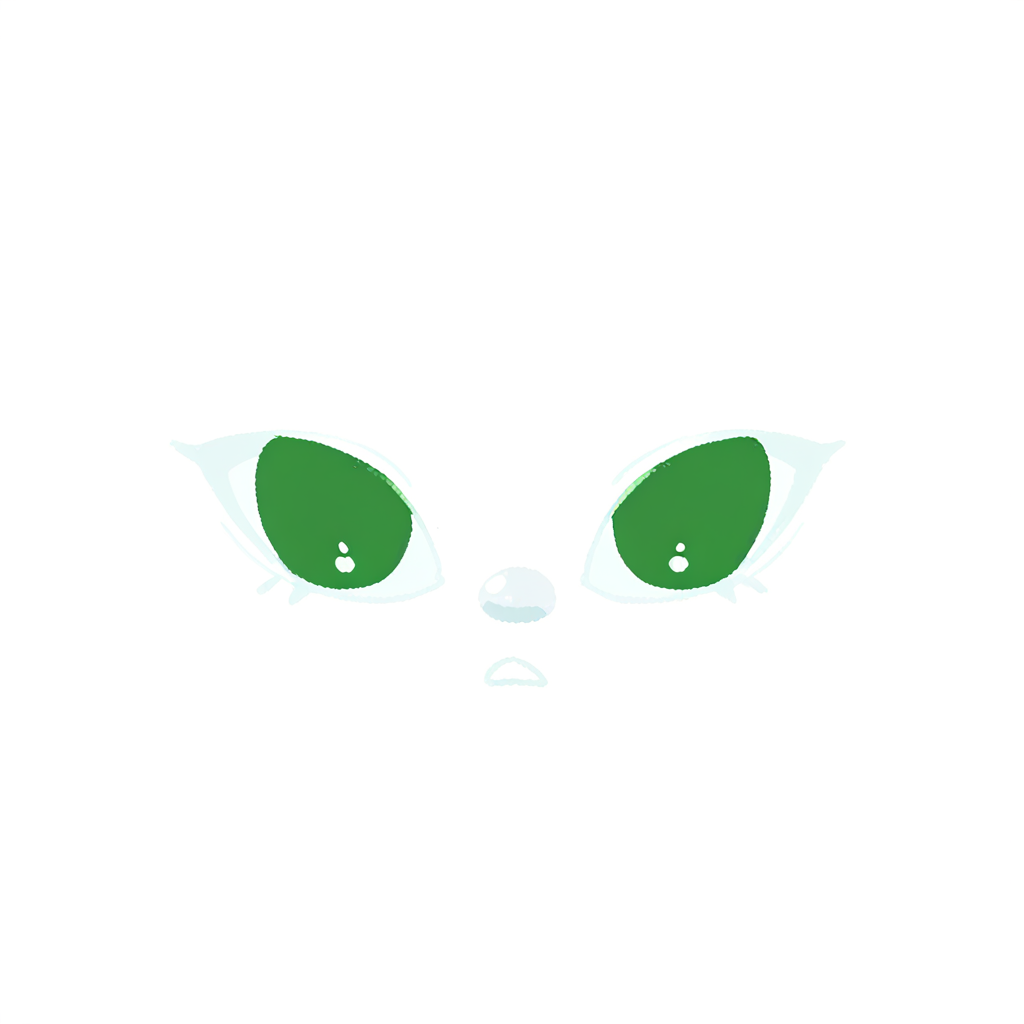
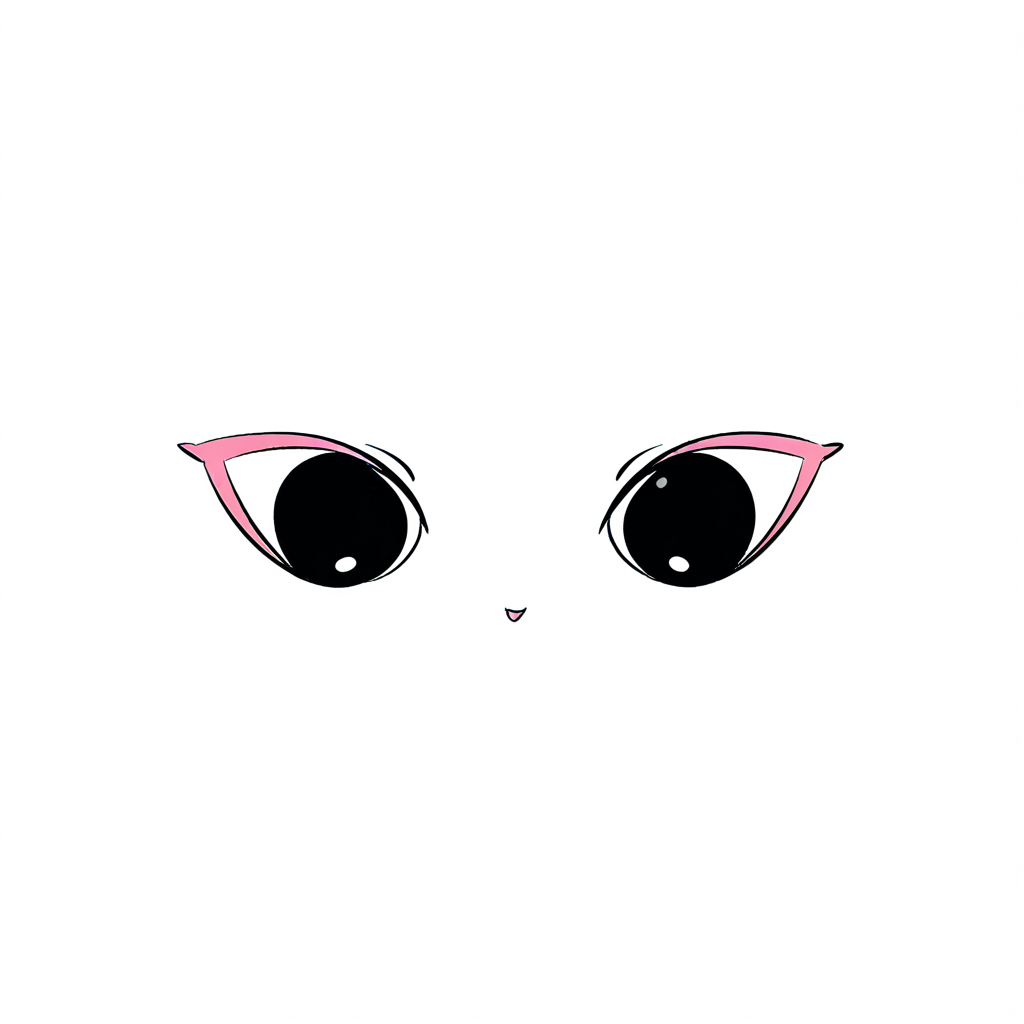
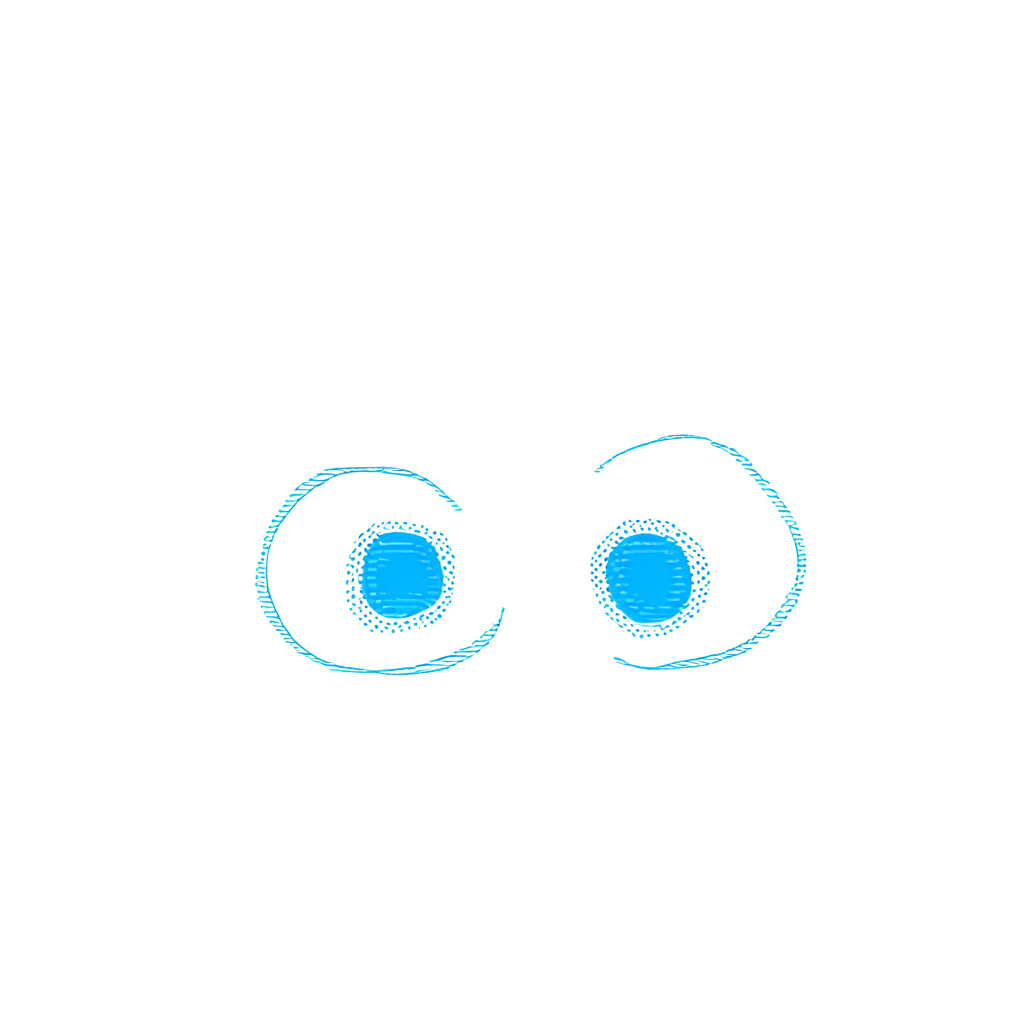
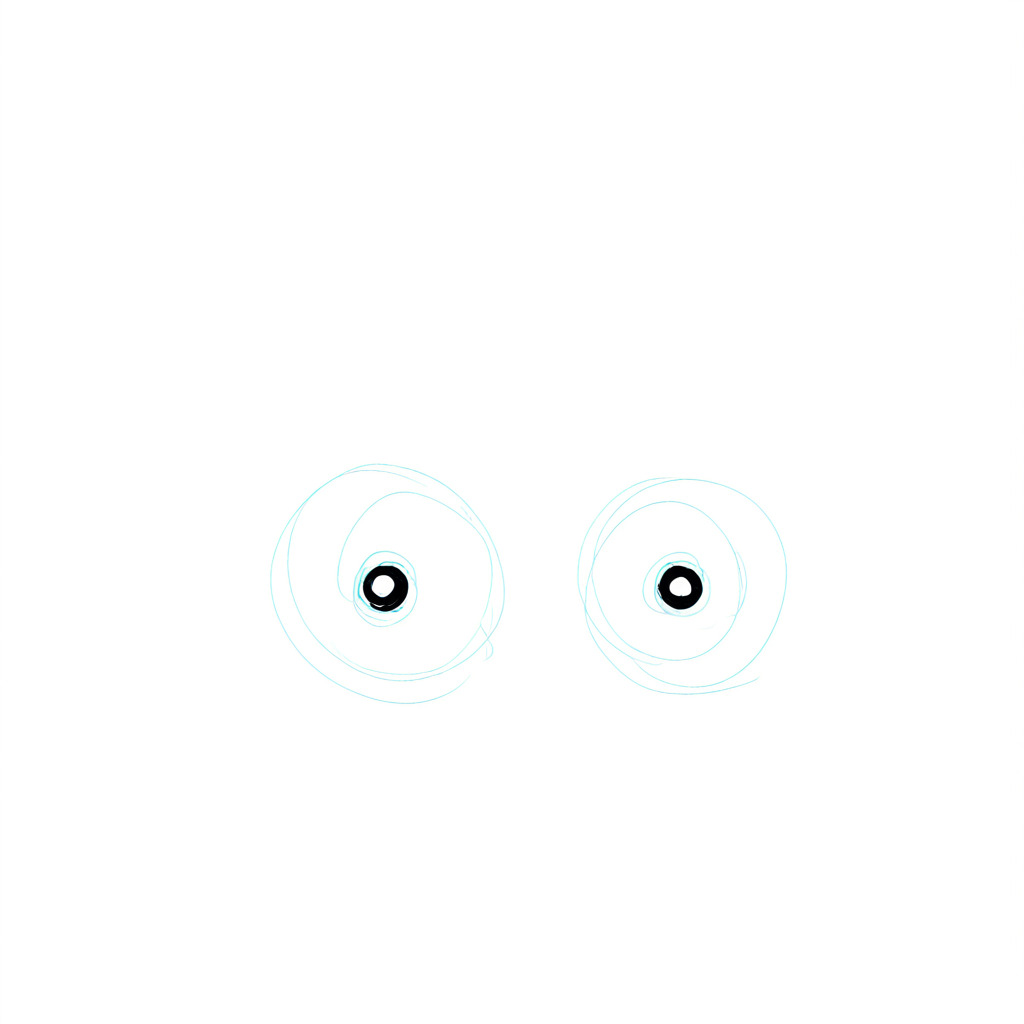
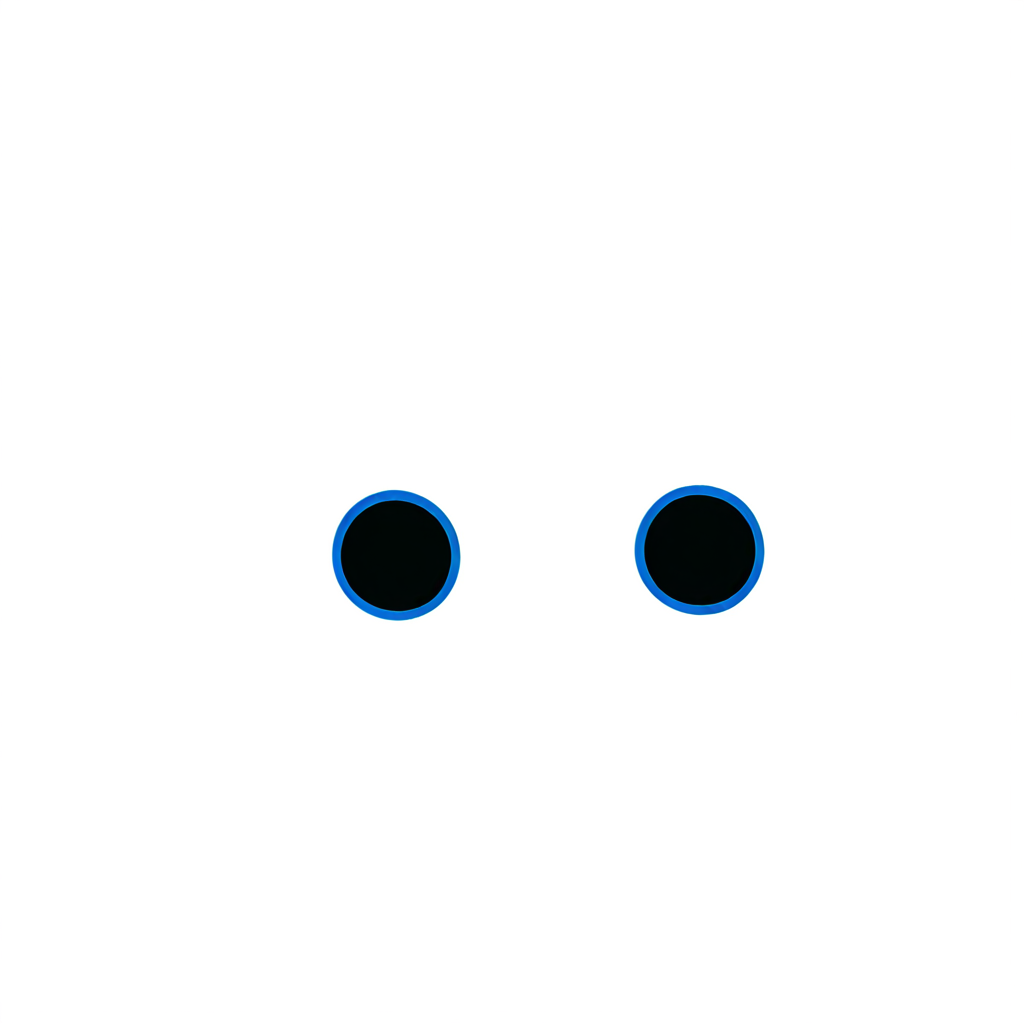

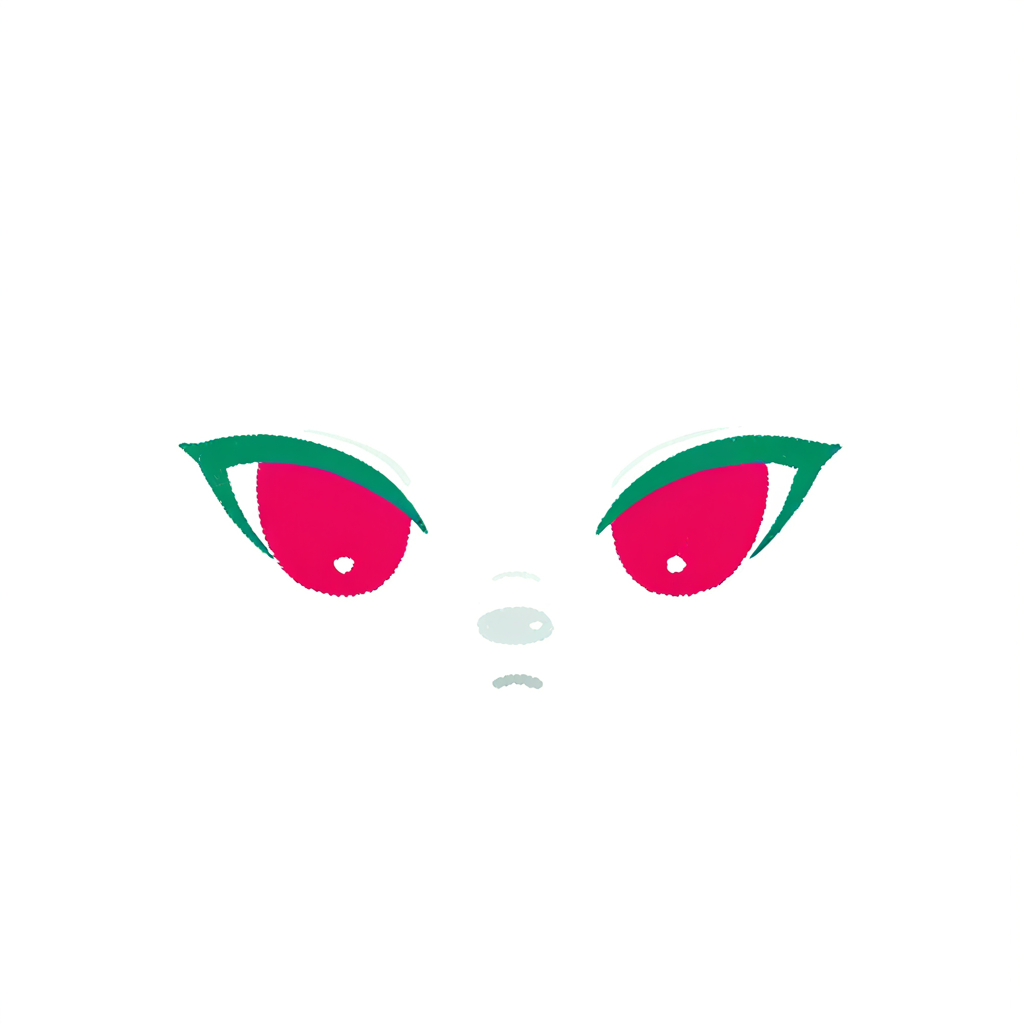
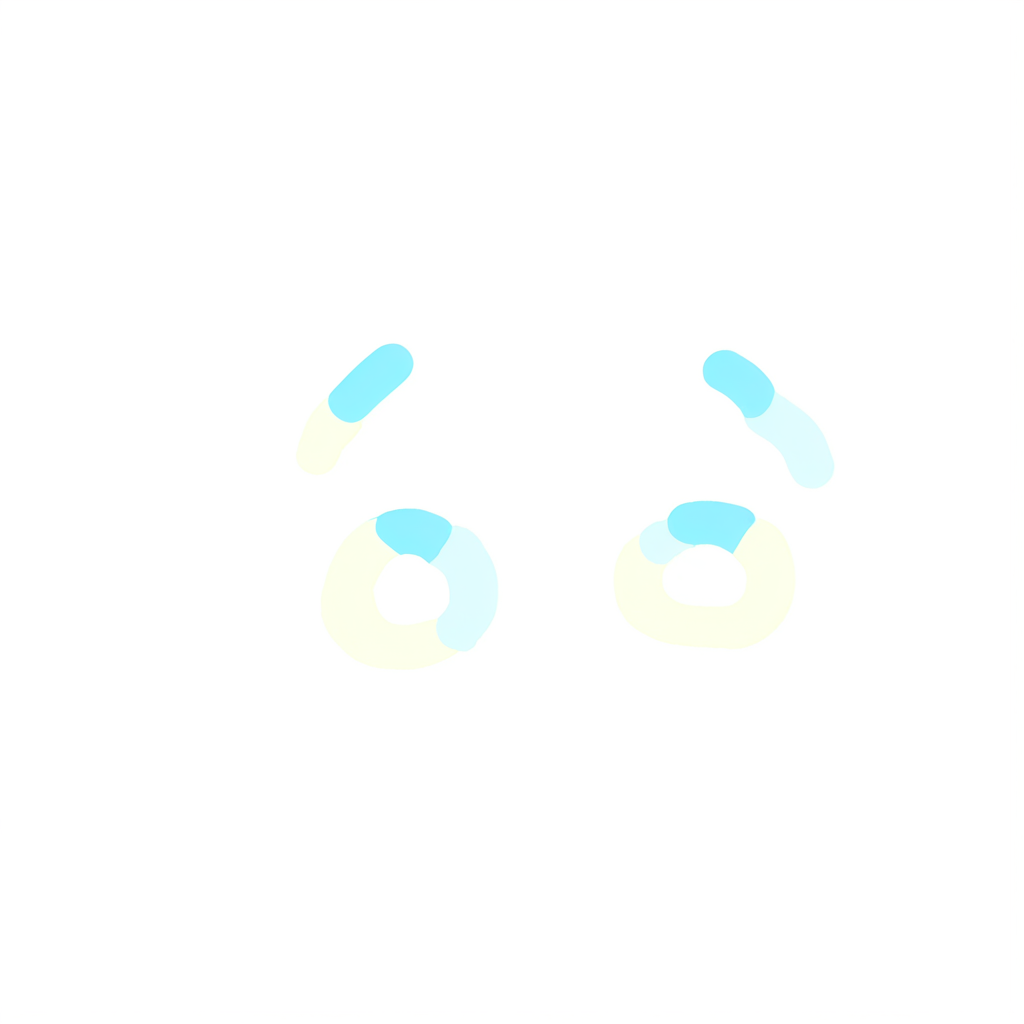
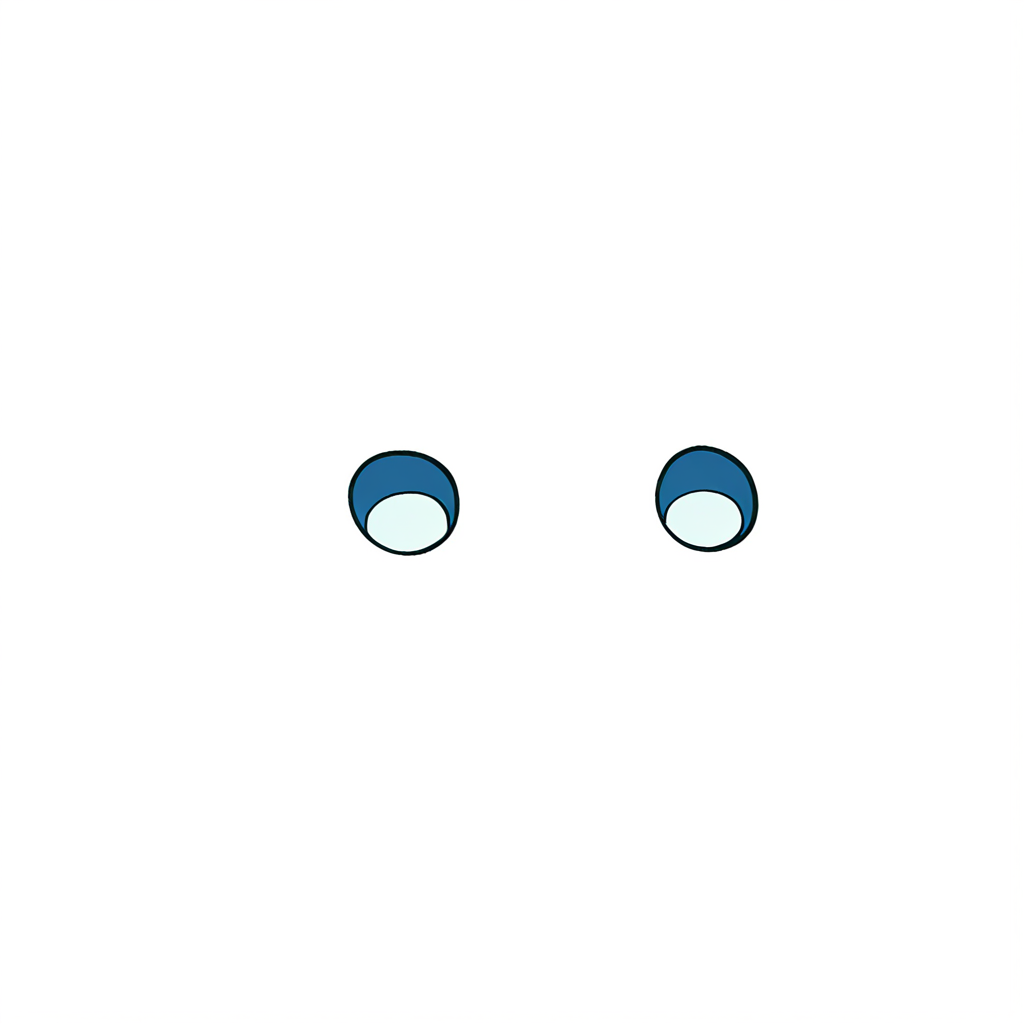


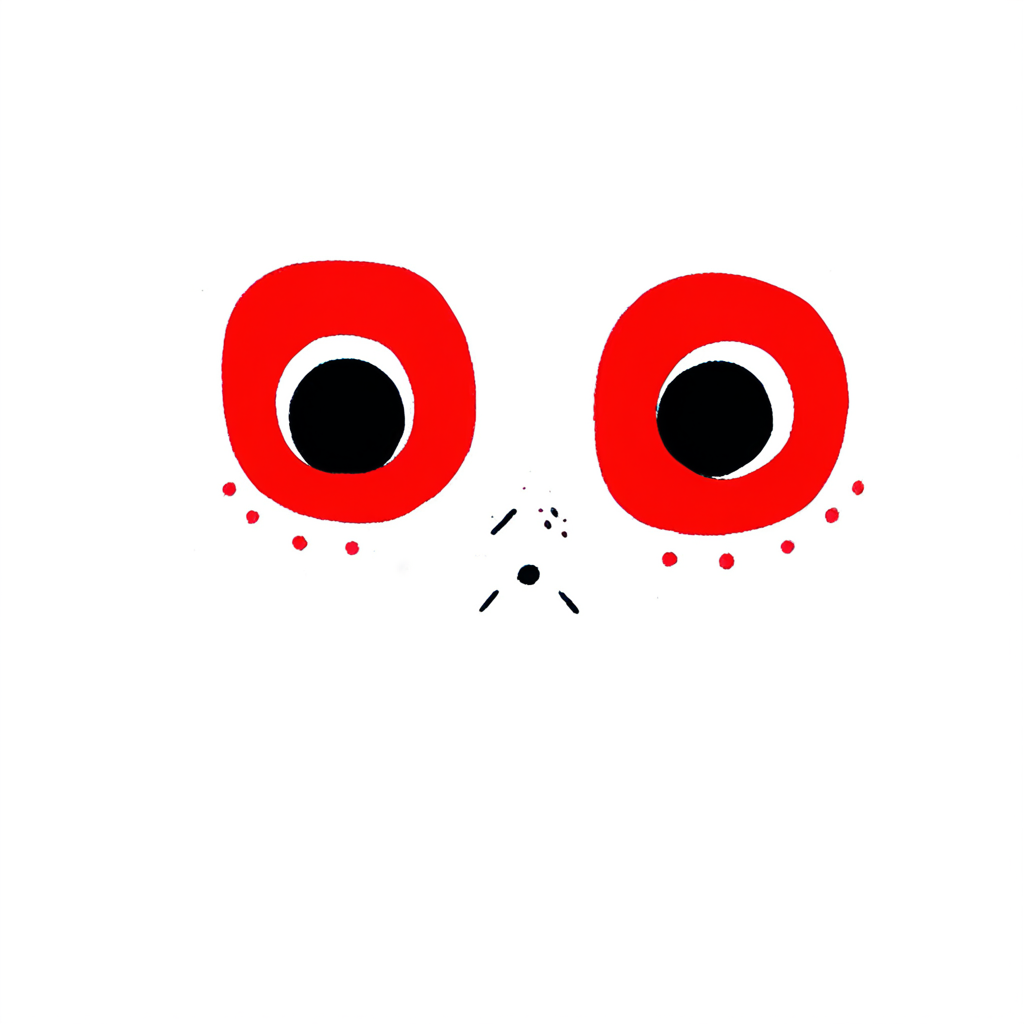
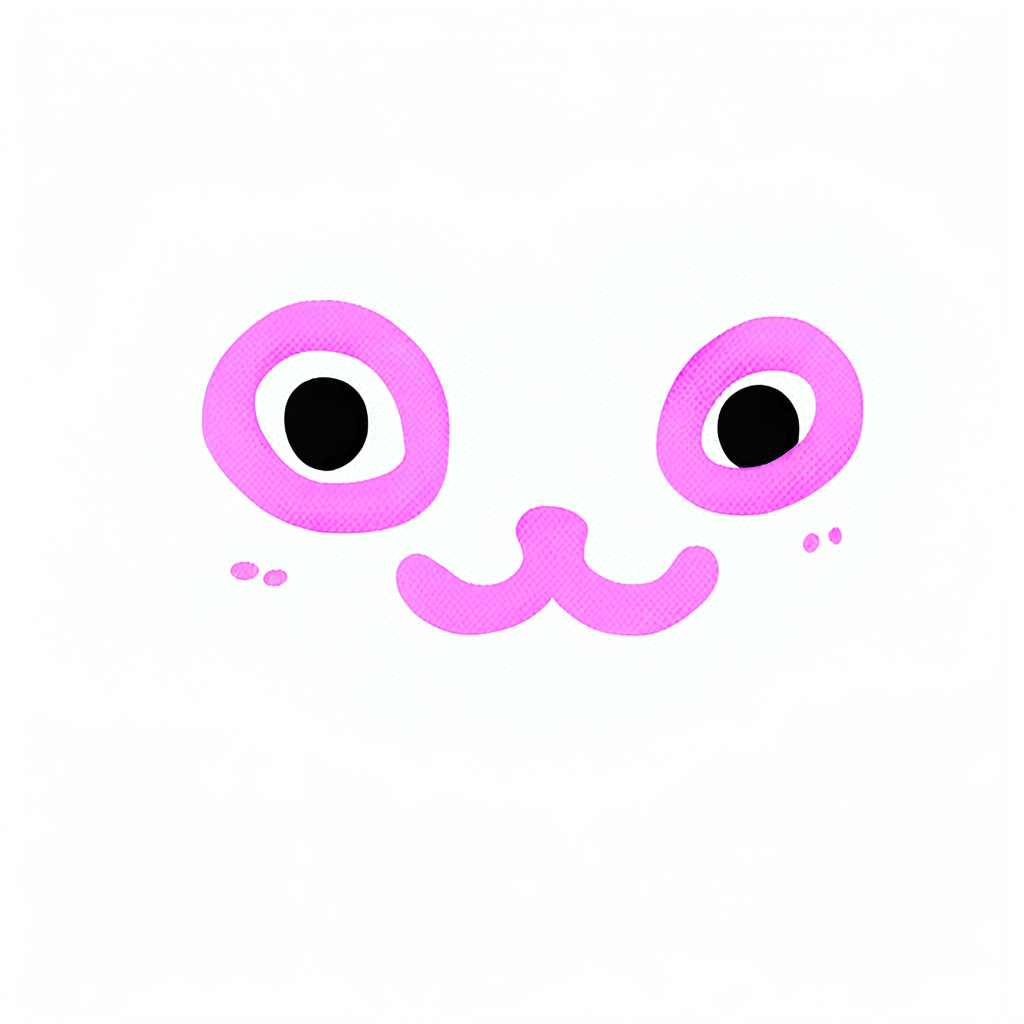
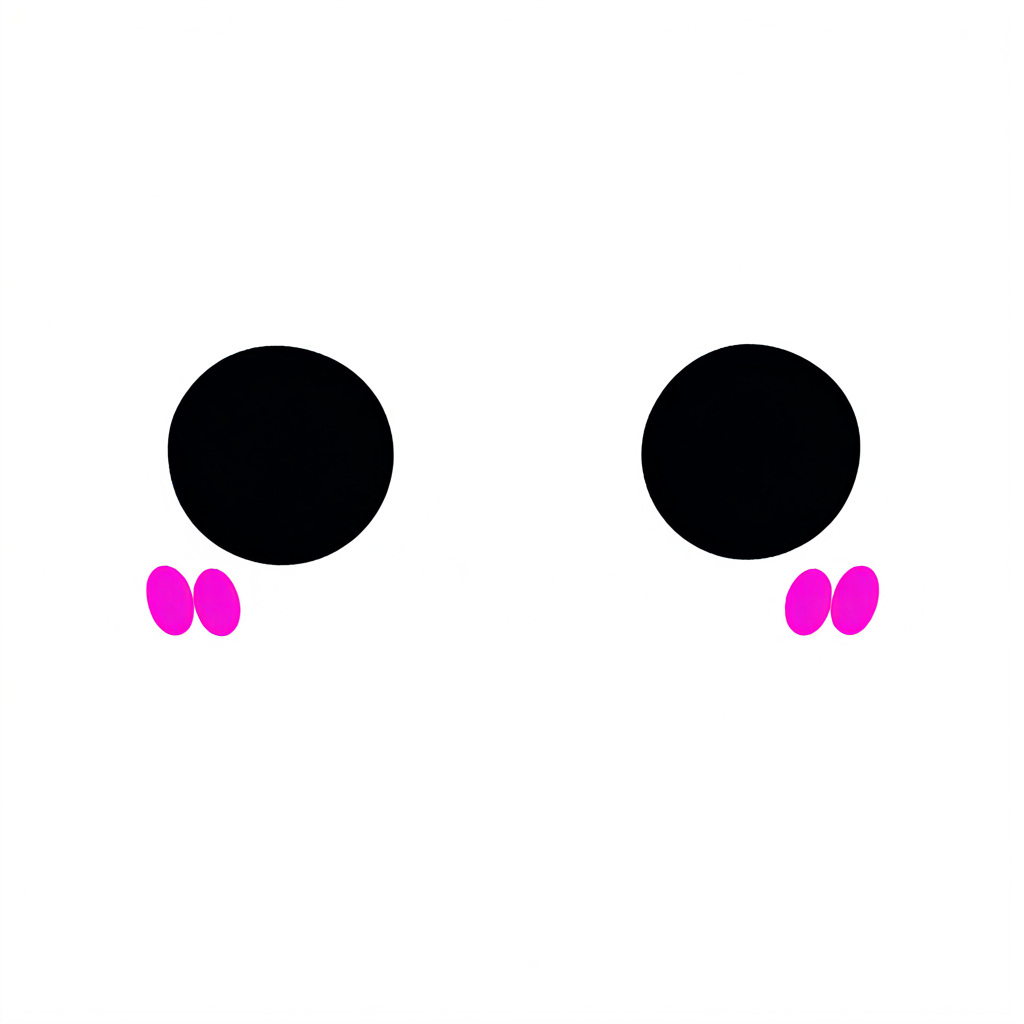
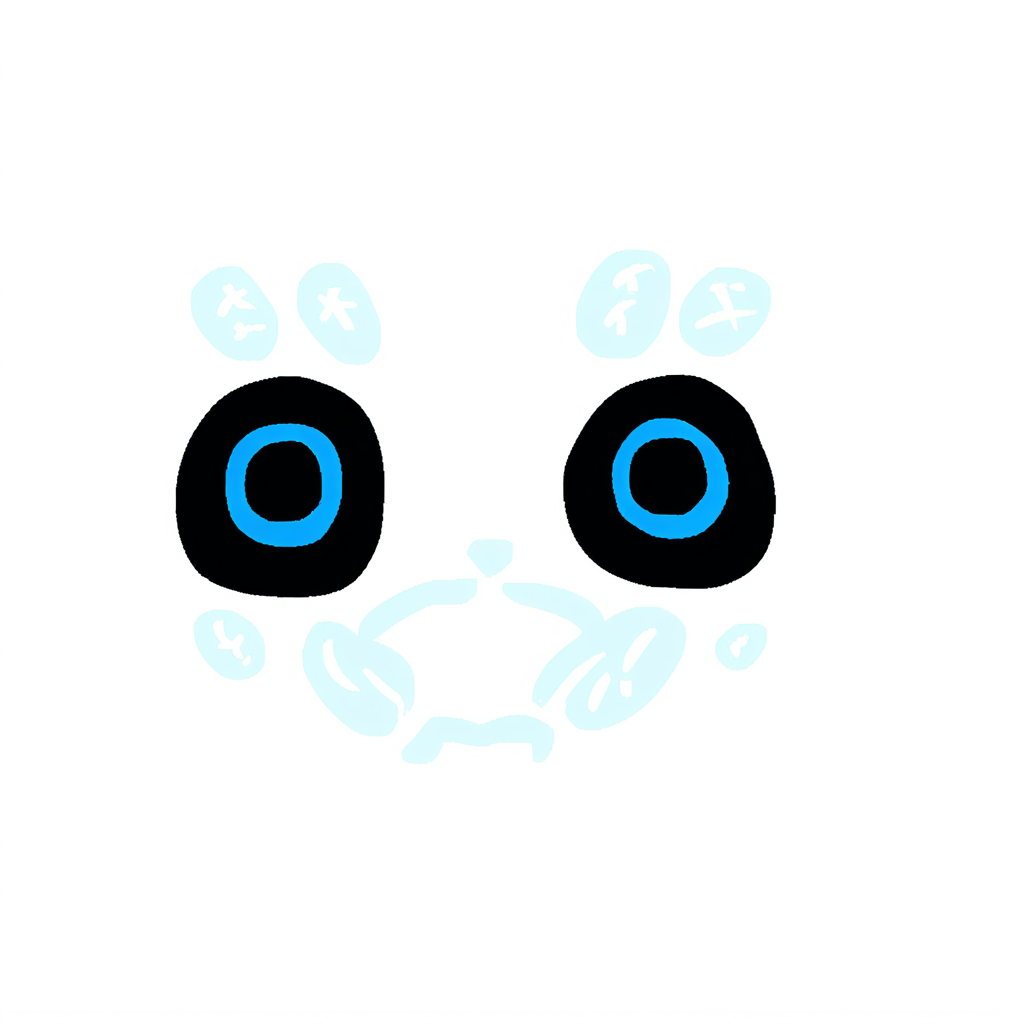
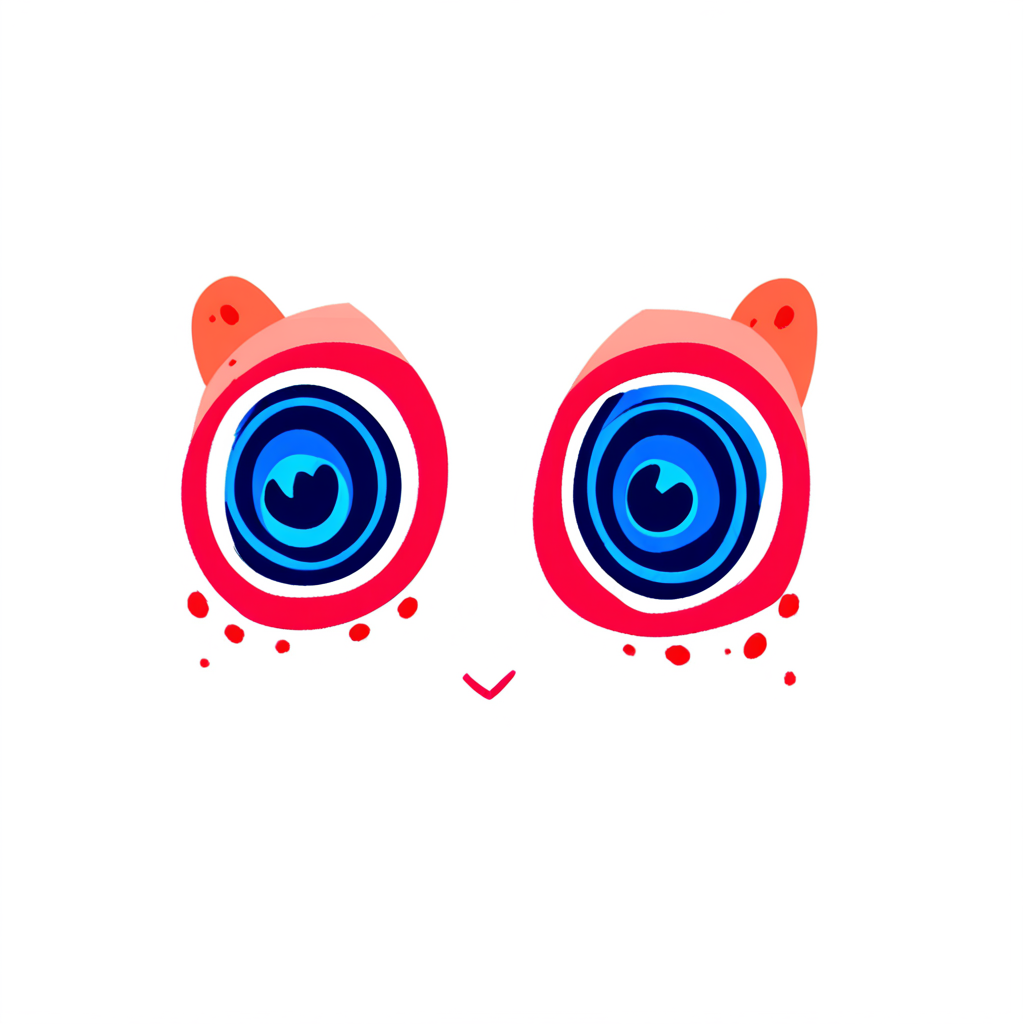
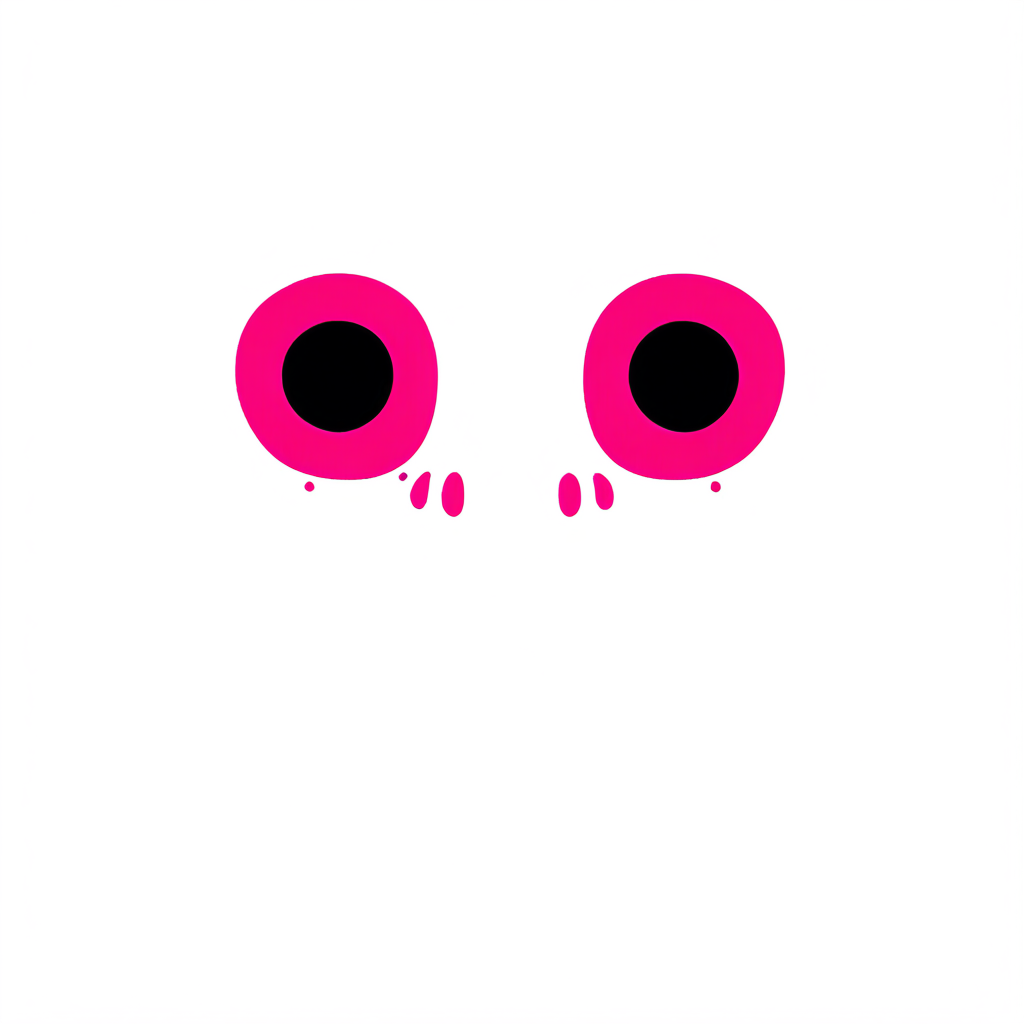
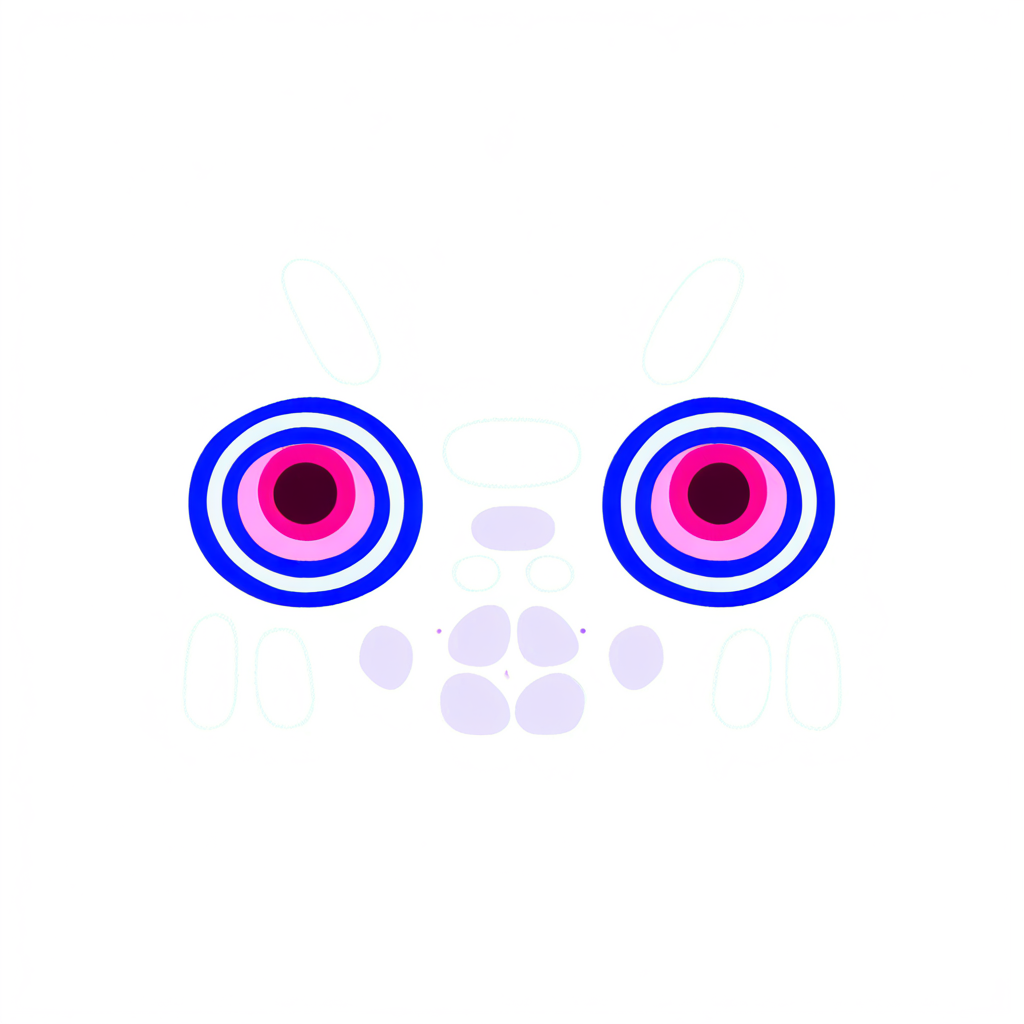
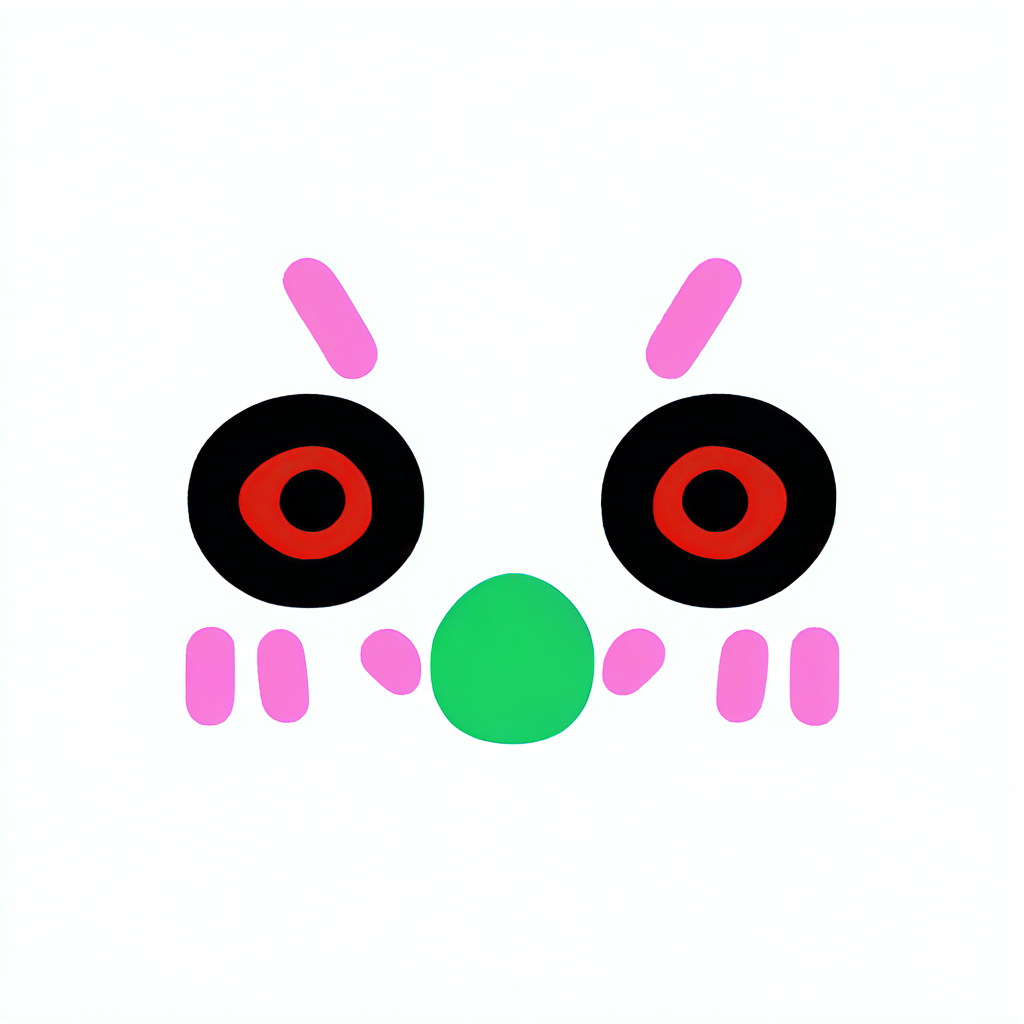
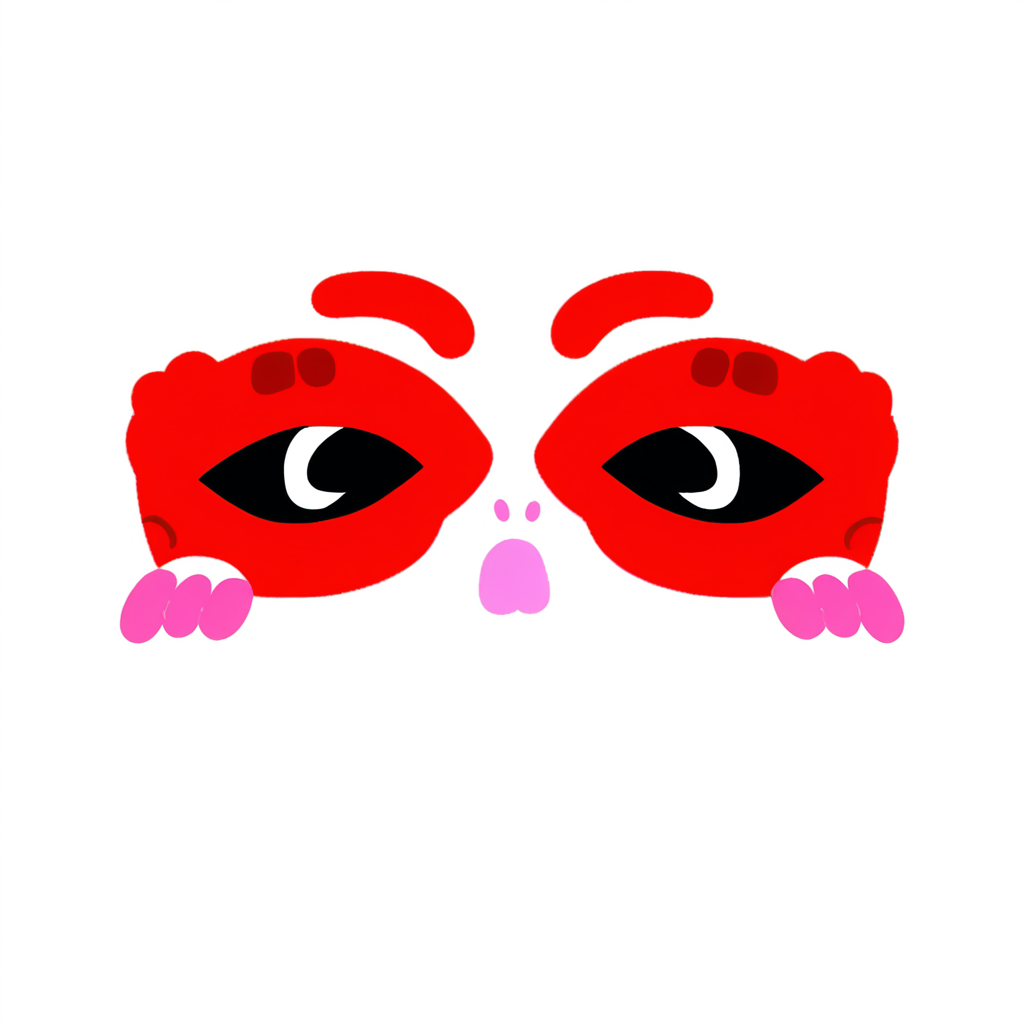
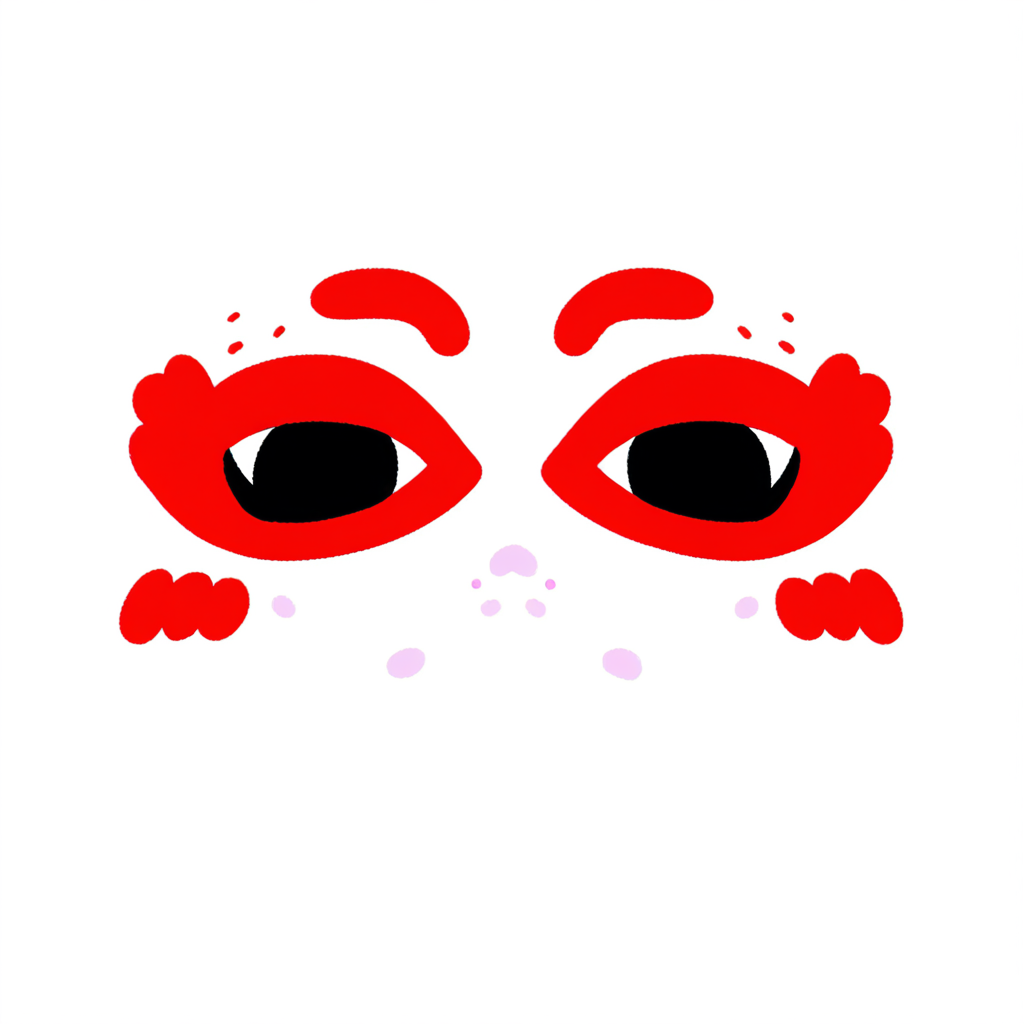
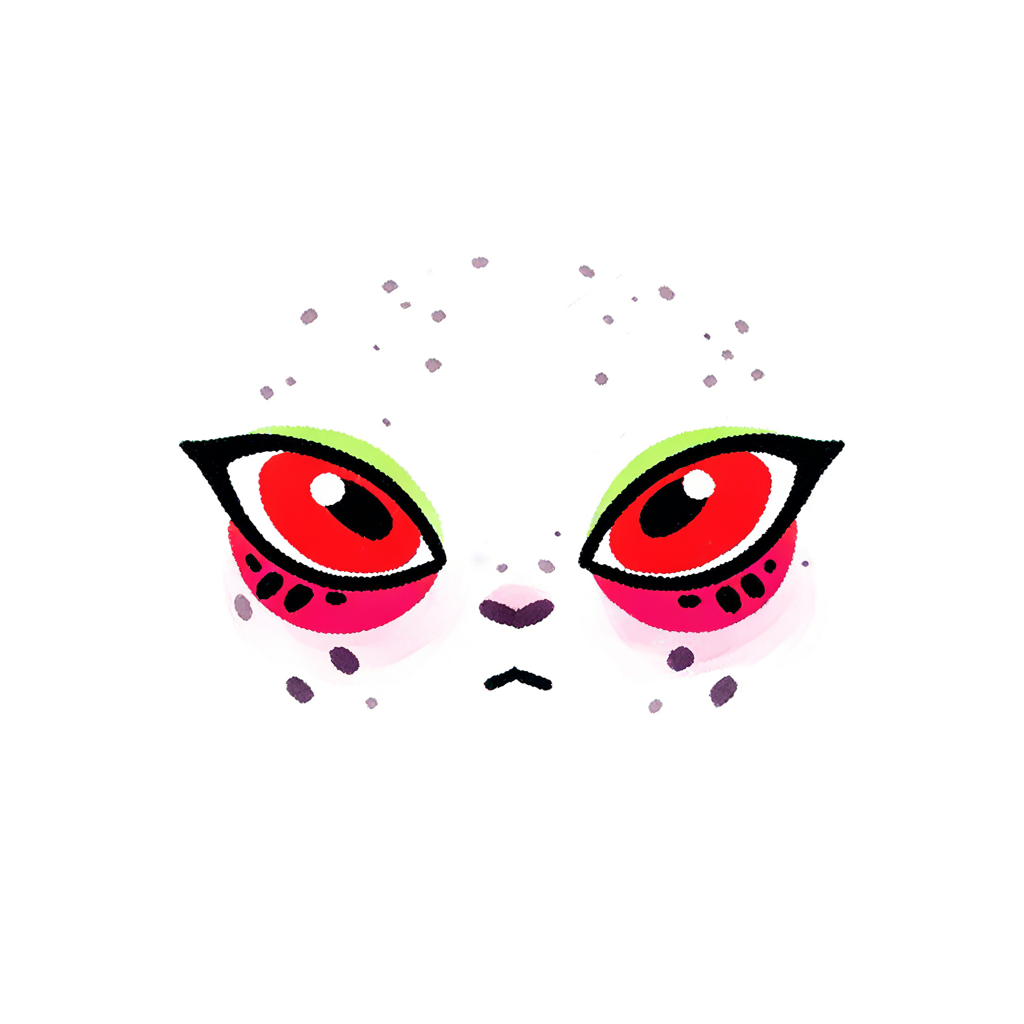
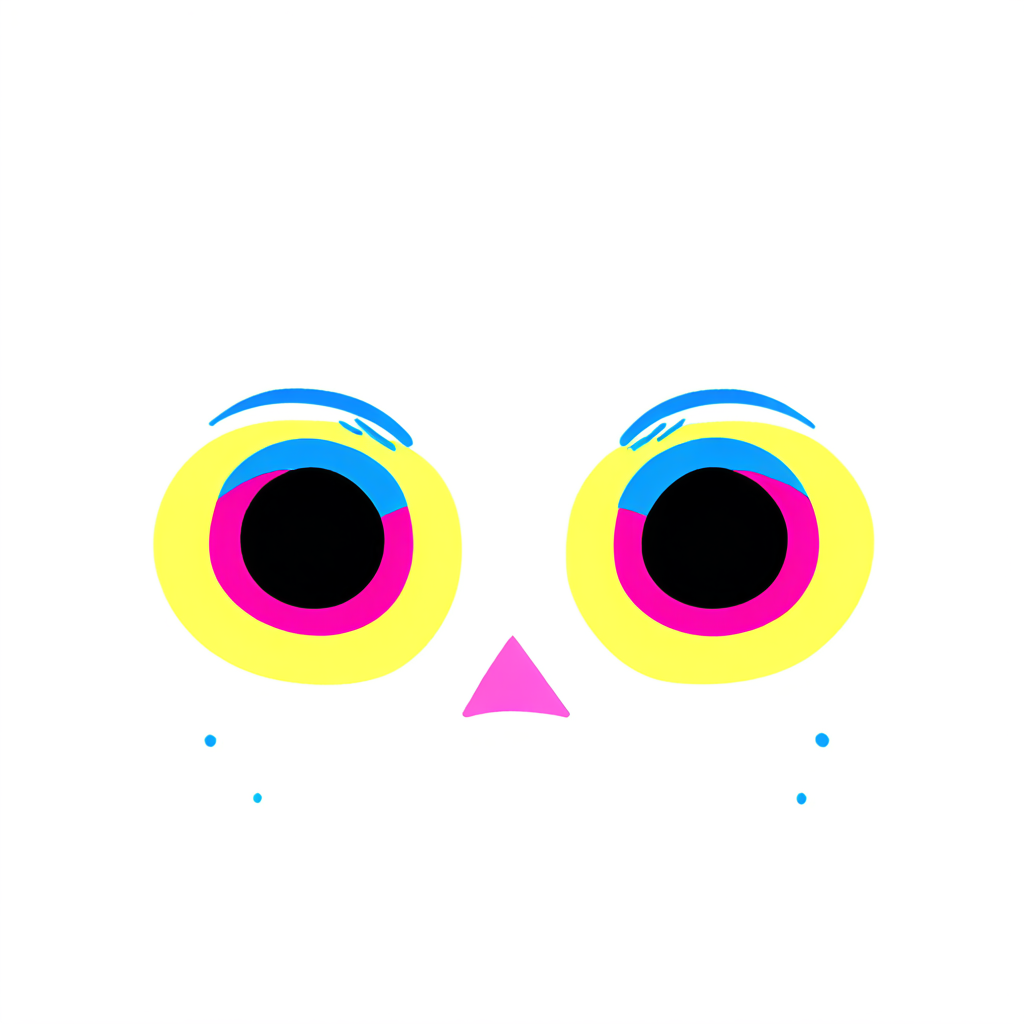
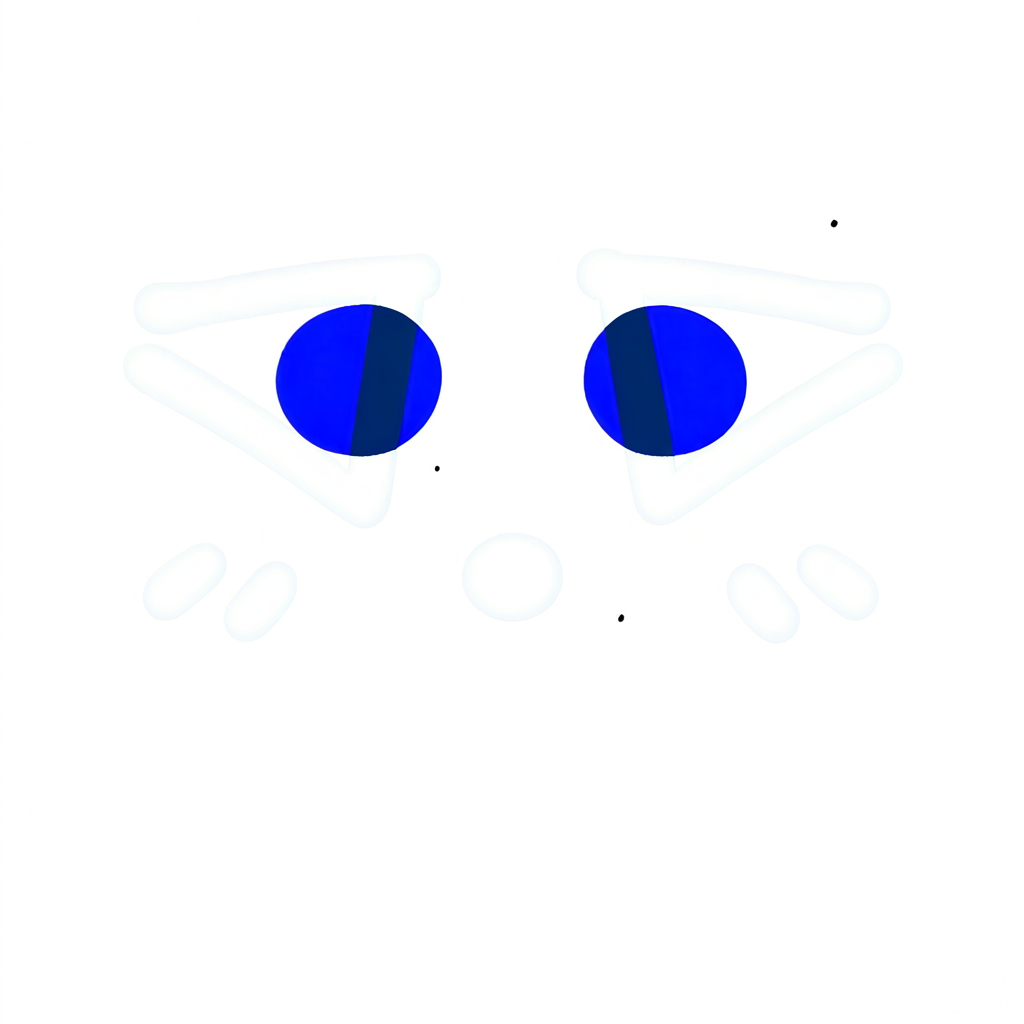
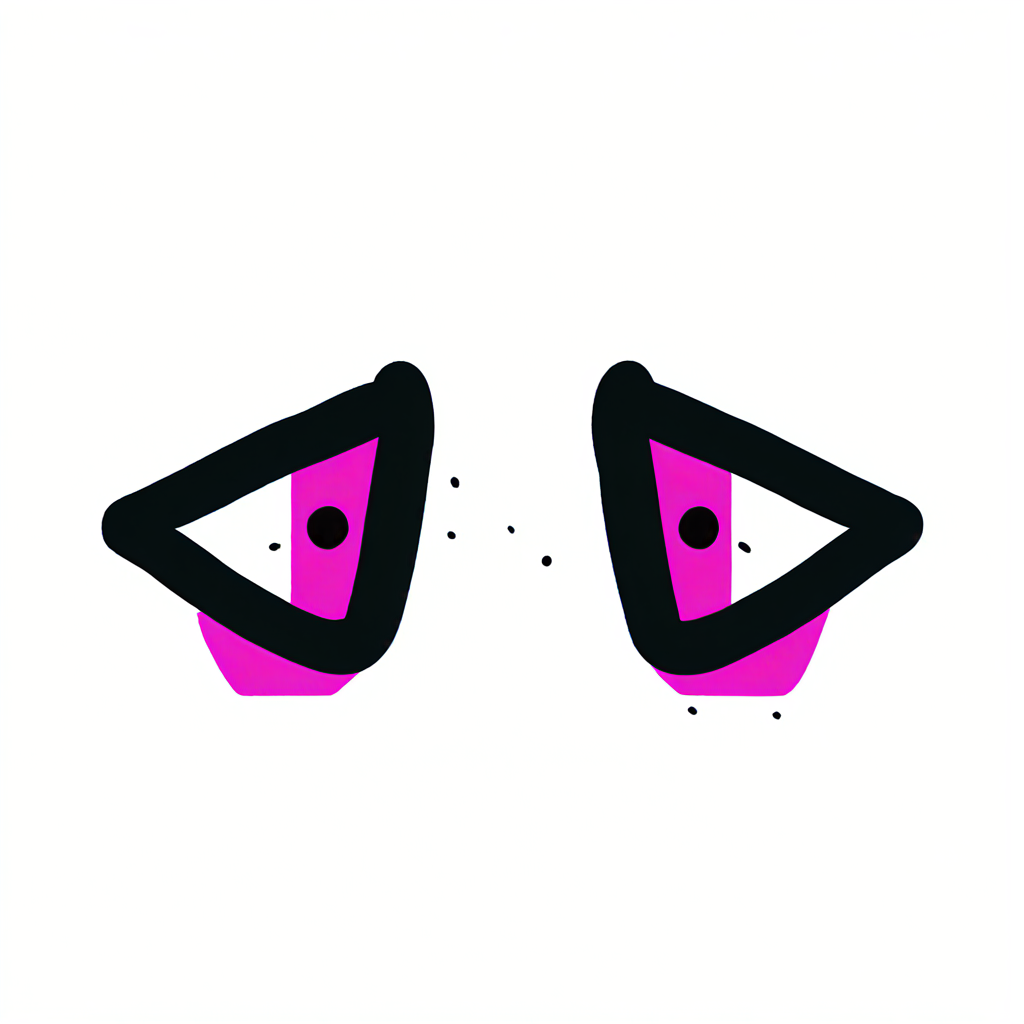

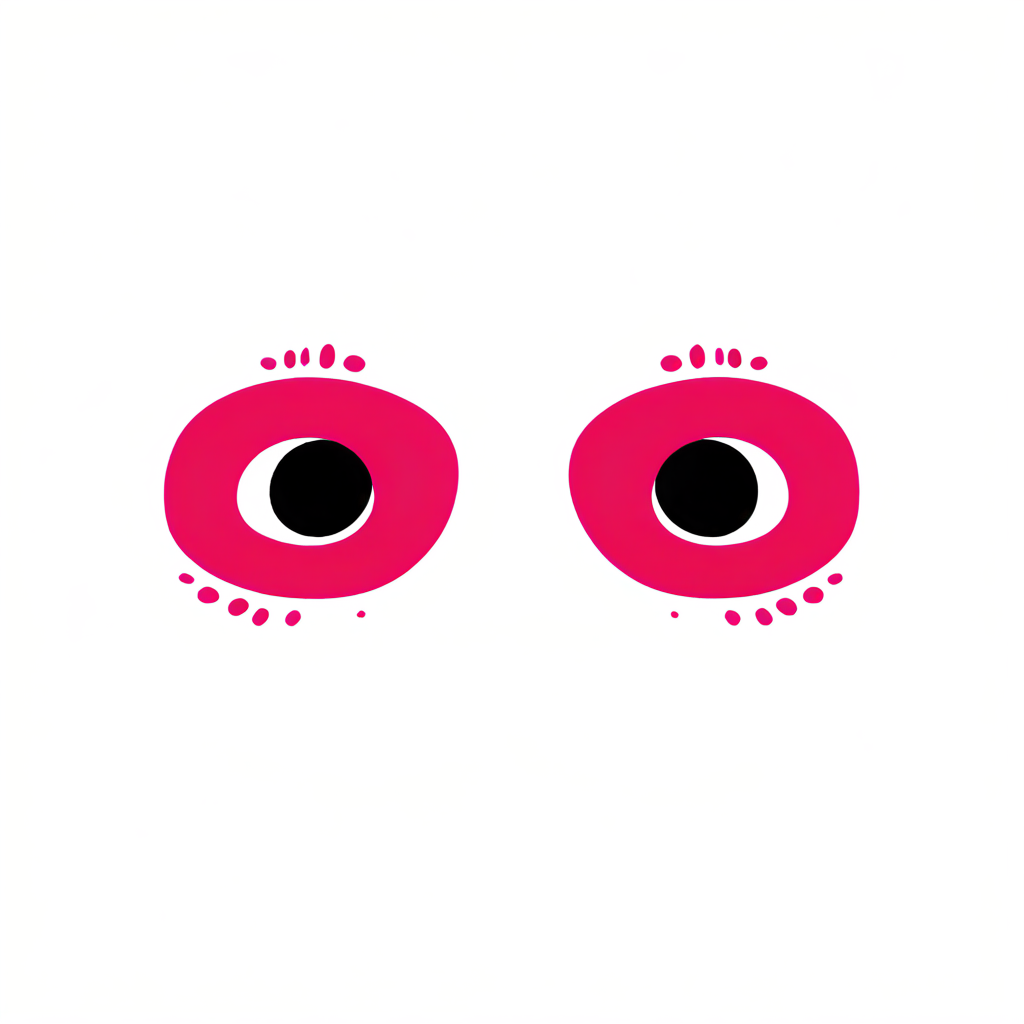
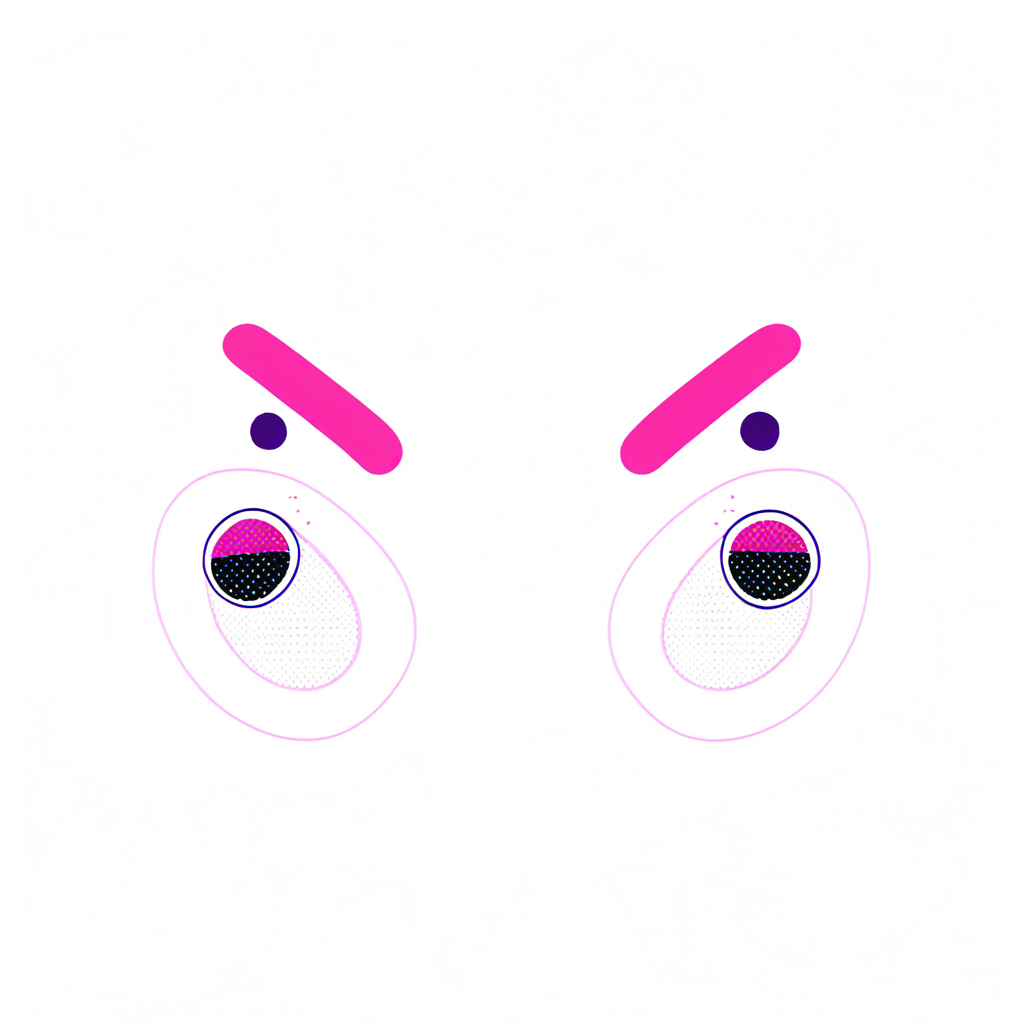
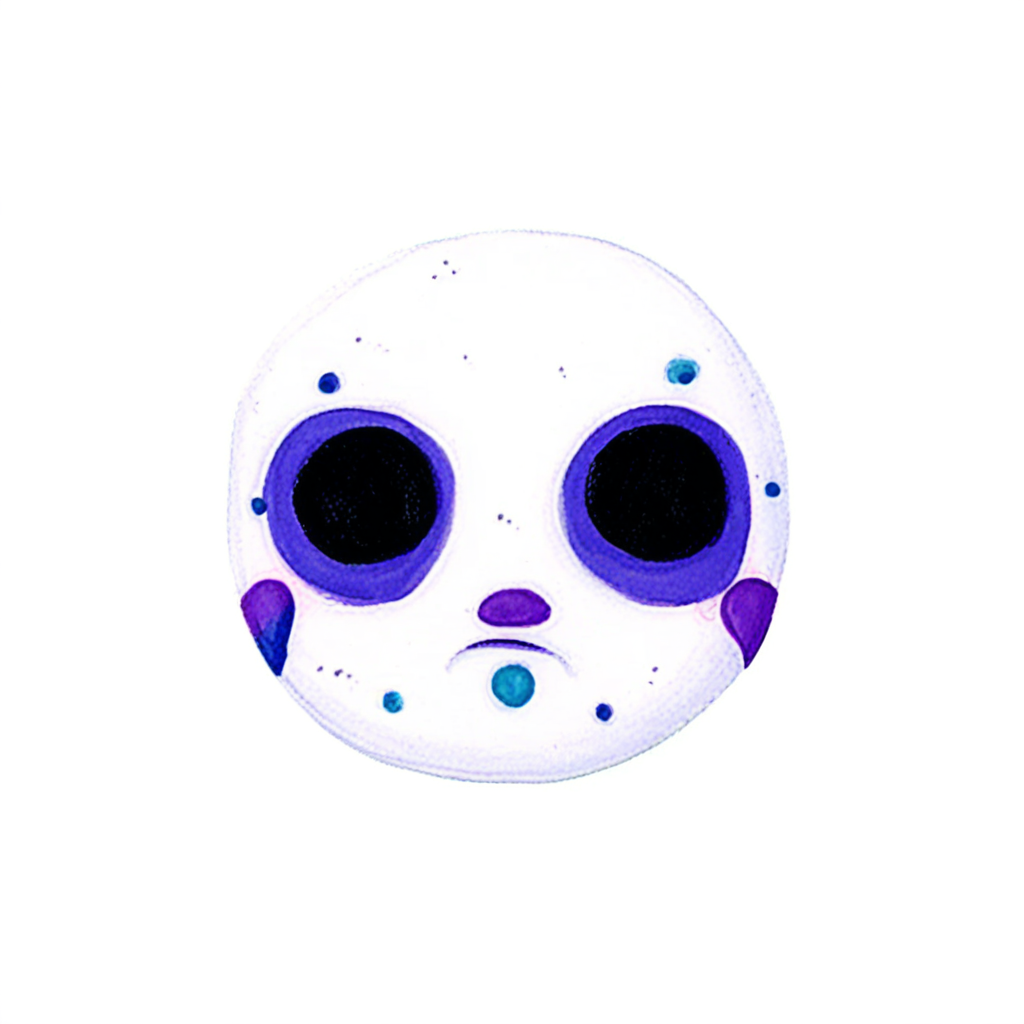
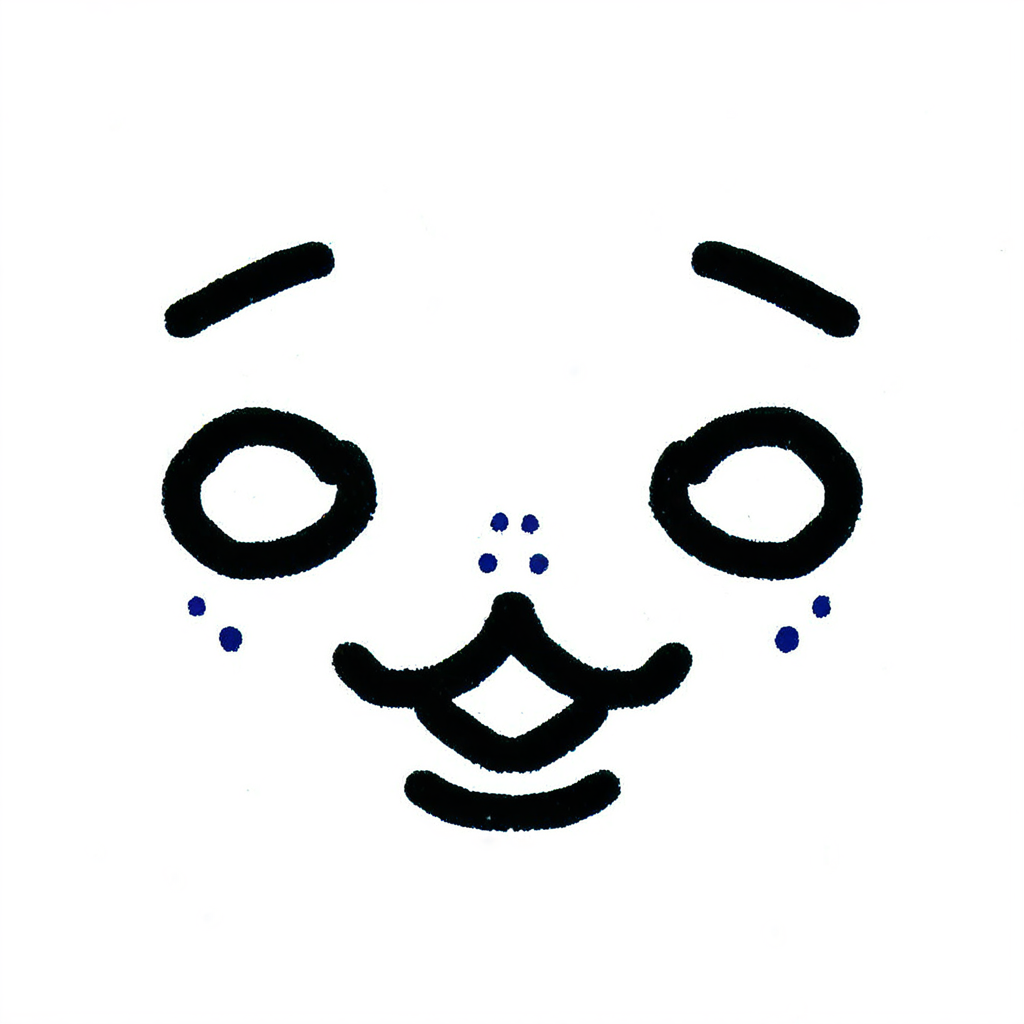
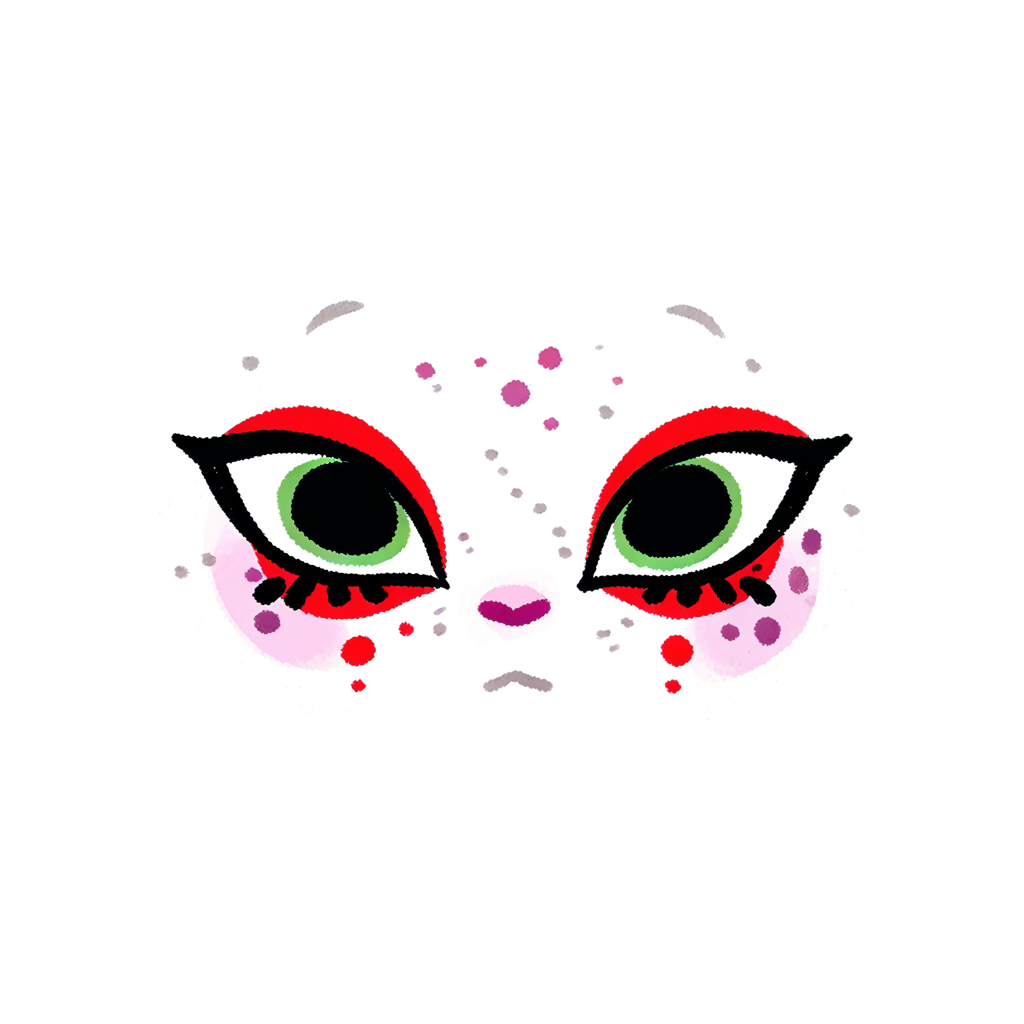
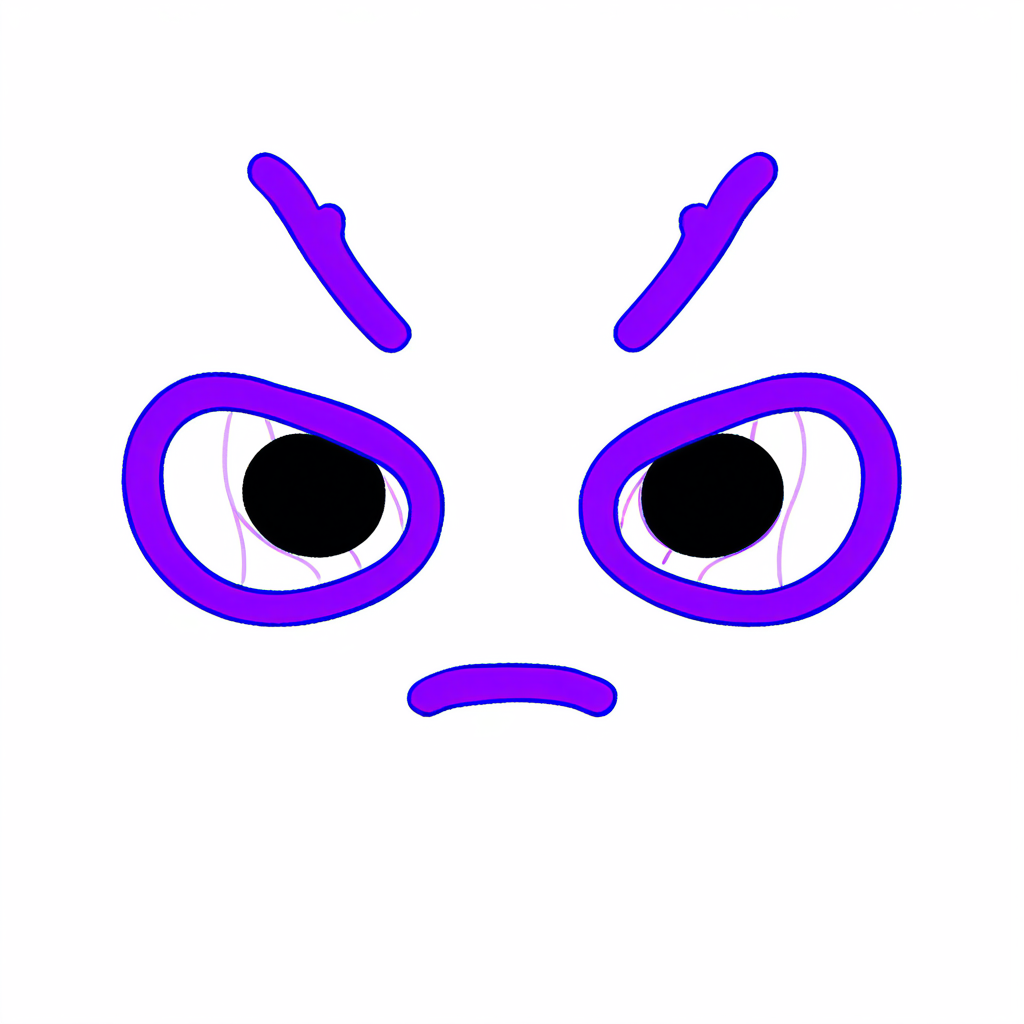
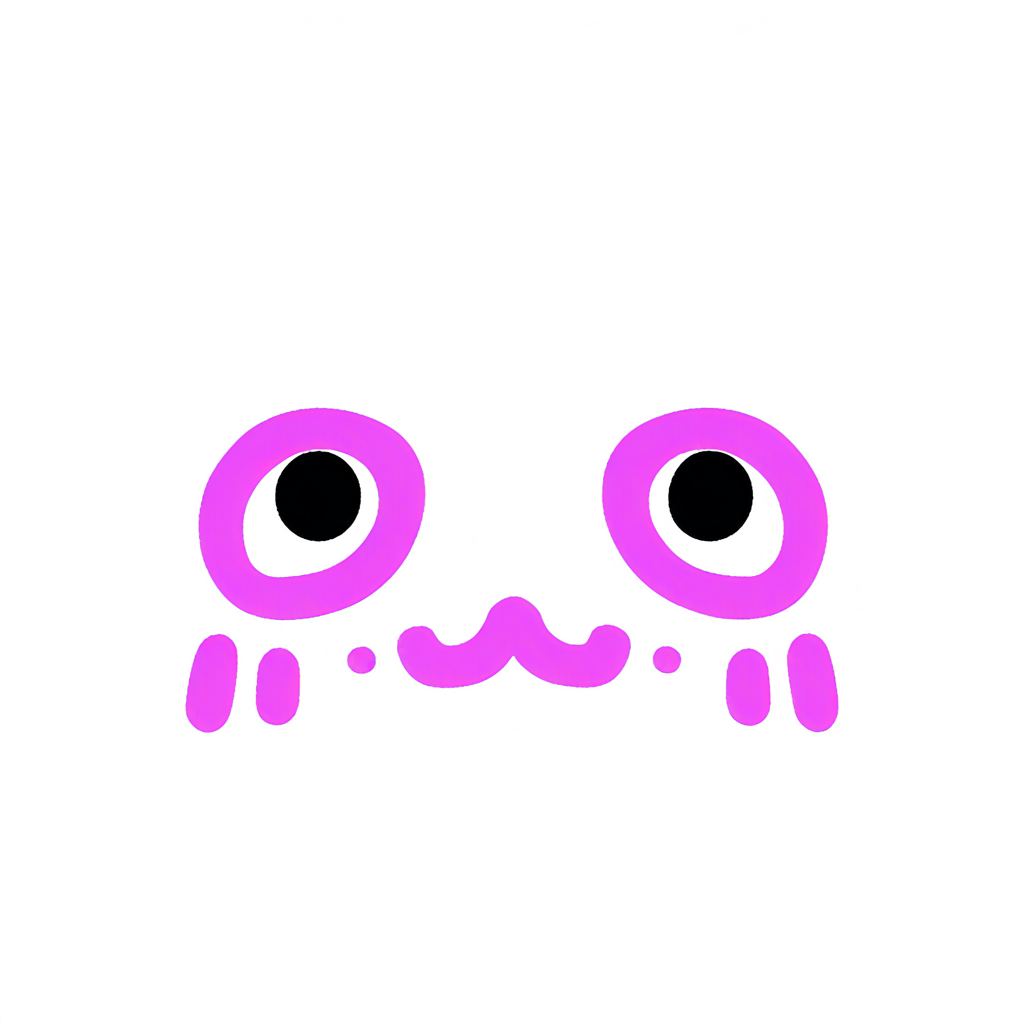
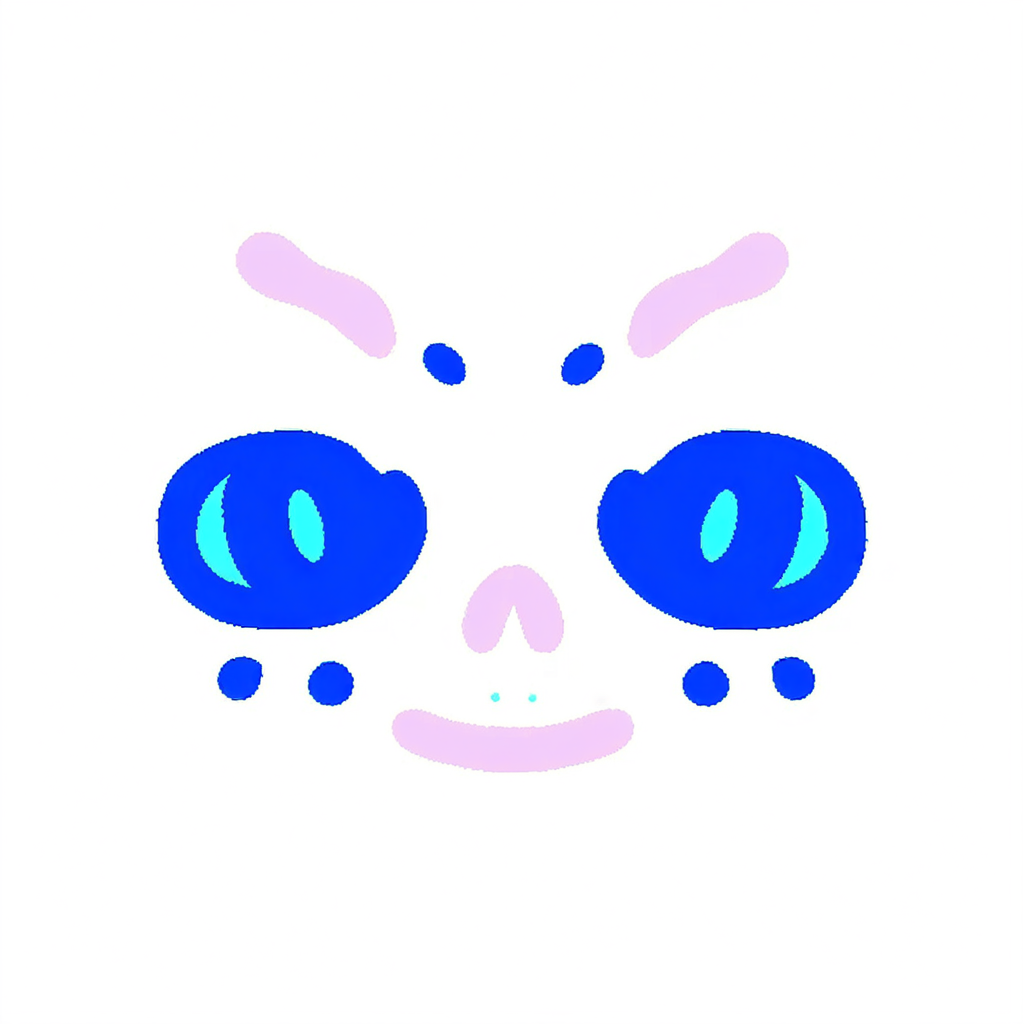
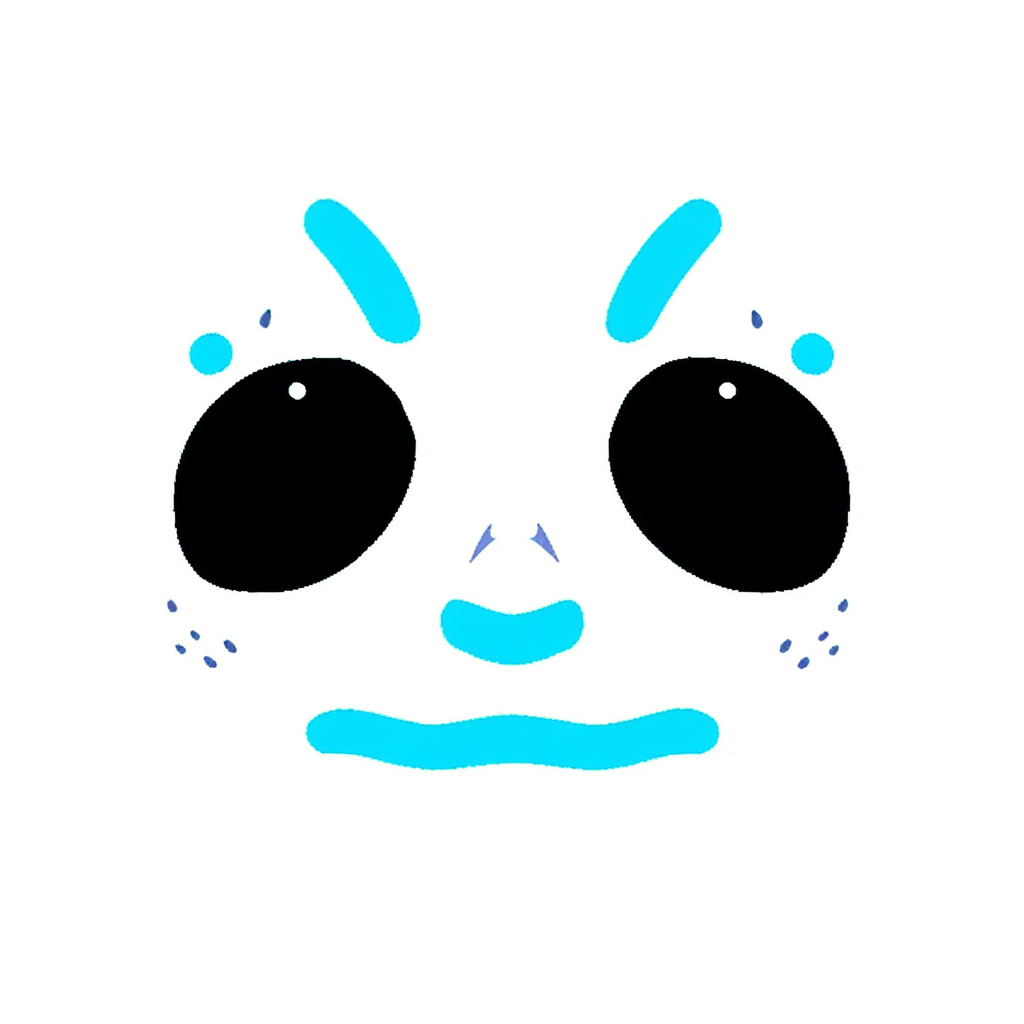
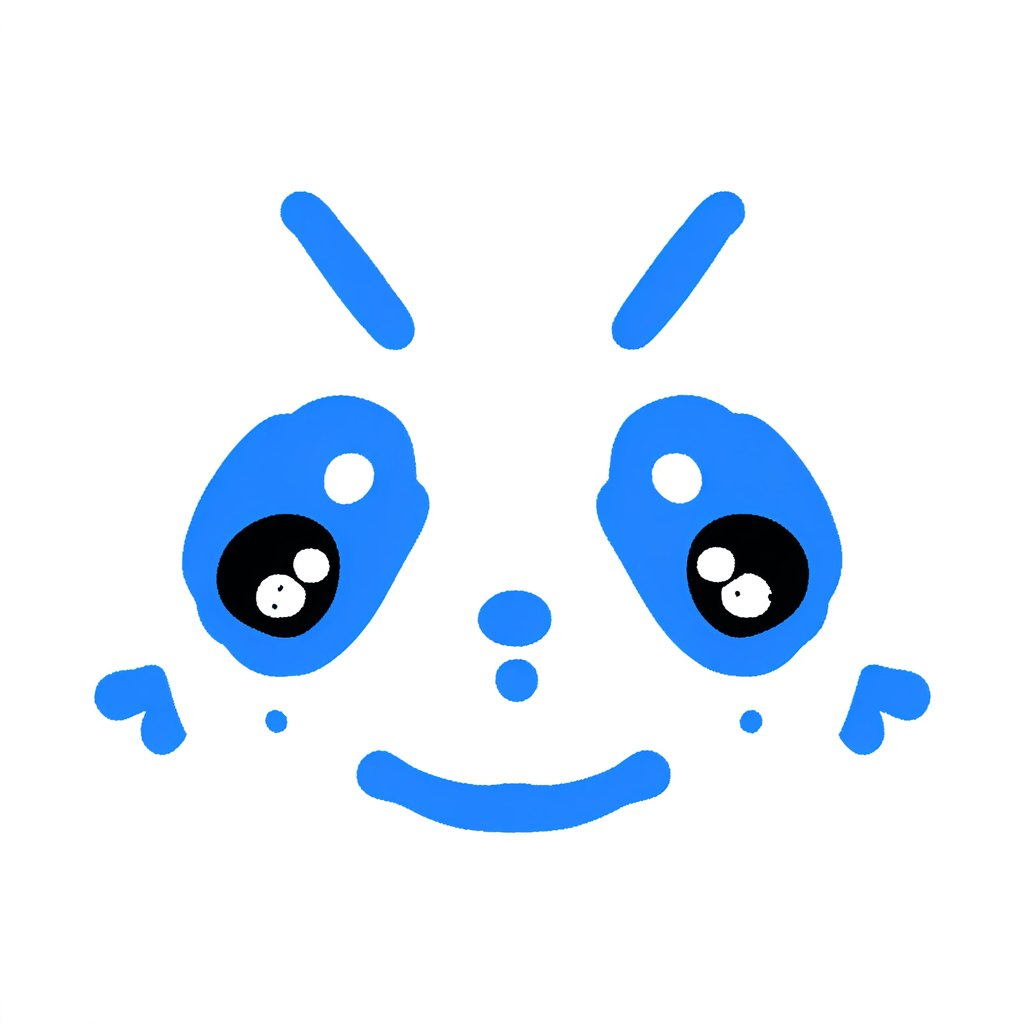
Over-painting, or too similar to the LoRA.
Tuning the LoRA, and things like denoise in the workflow, was the hardest part of this step. The AI often over-painted, or came out too similar to the LoRA. So I adjusted the LoRA training dataset several times so it learned more of my style and distribution, and I added two modes in the game, High and Low, so players can choose the strength of the AI repaint themselves to fit different needs.
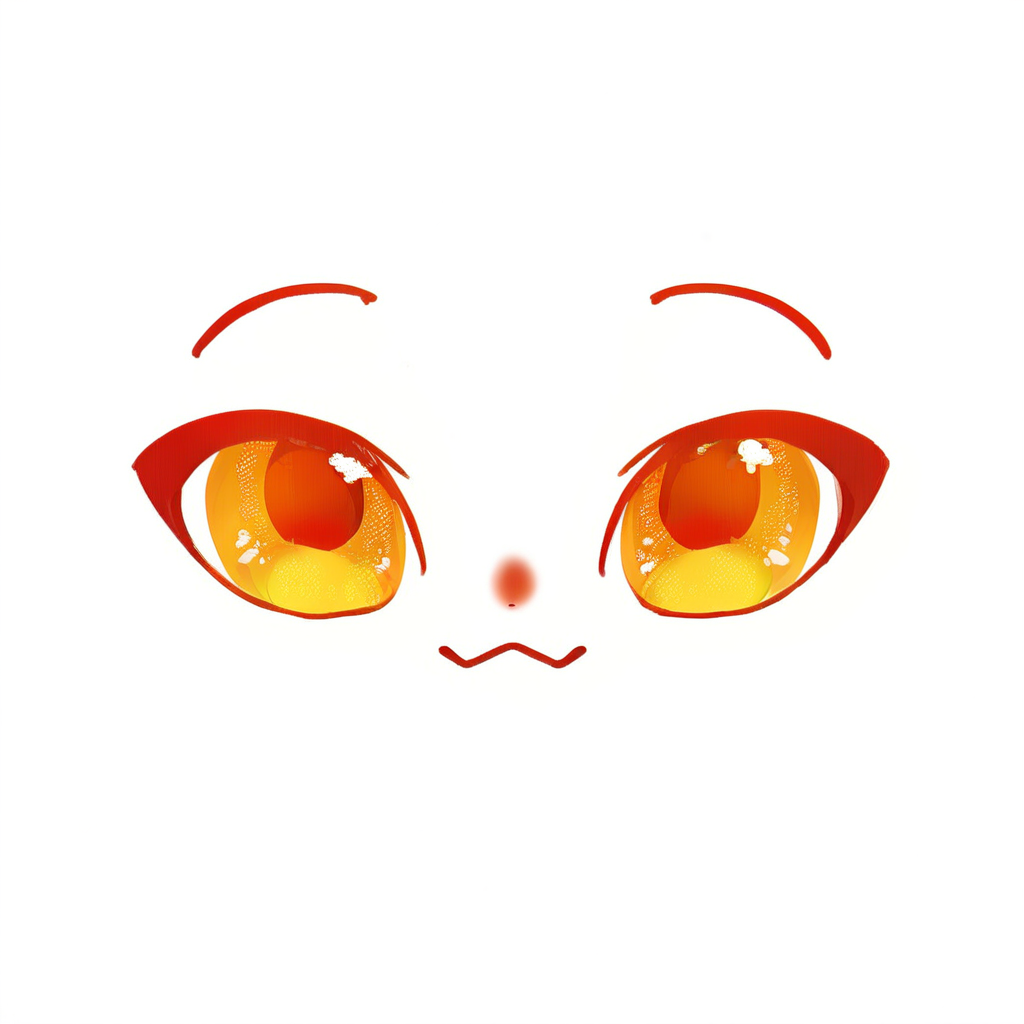
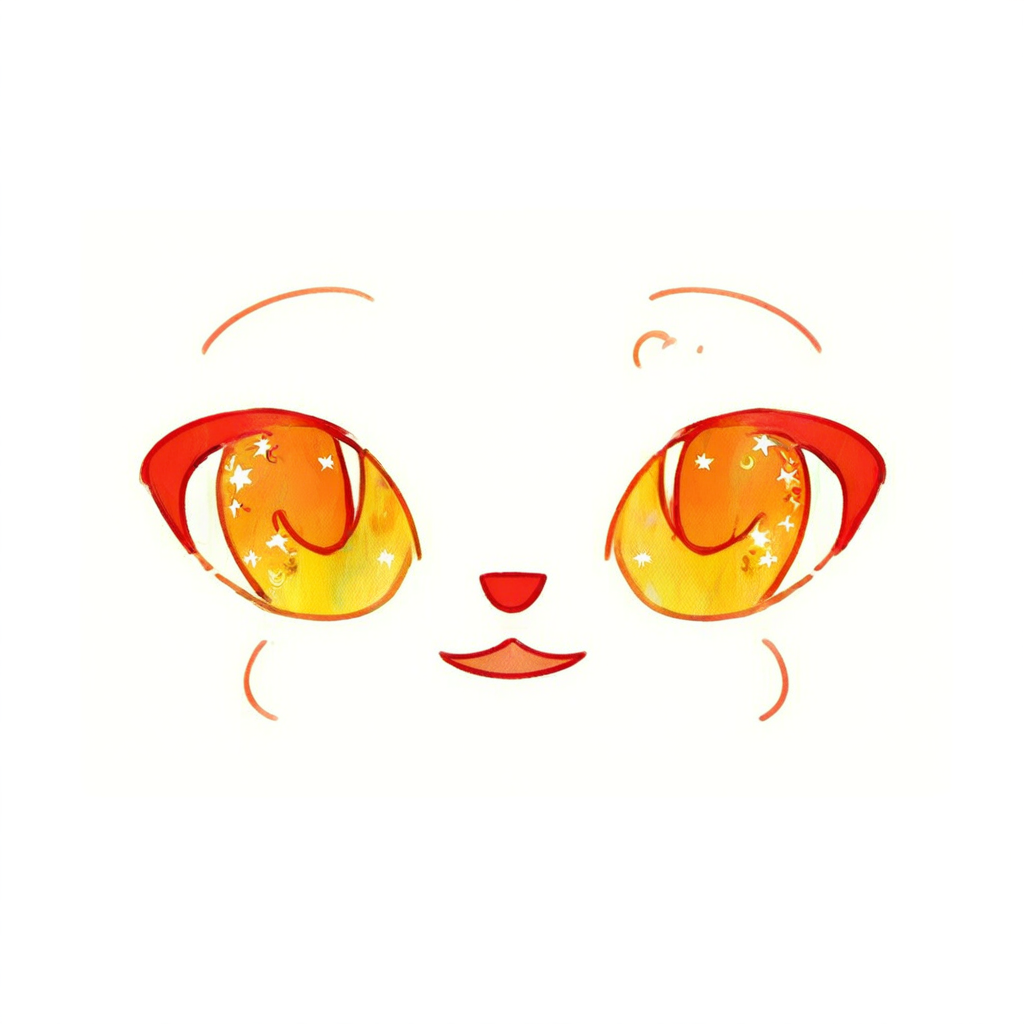
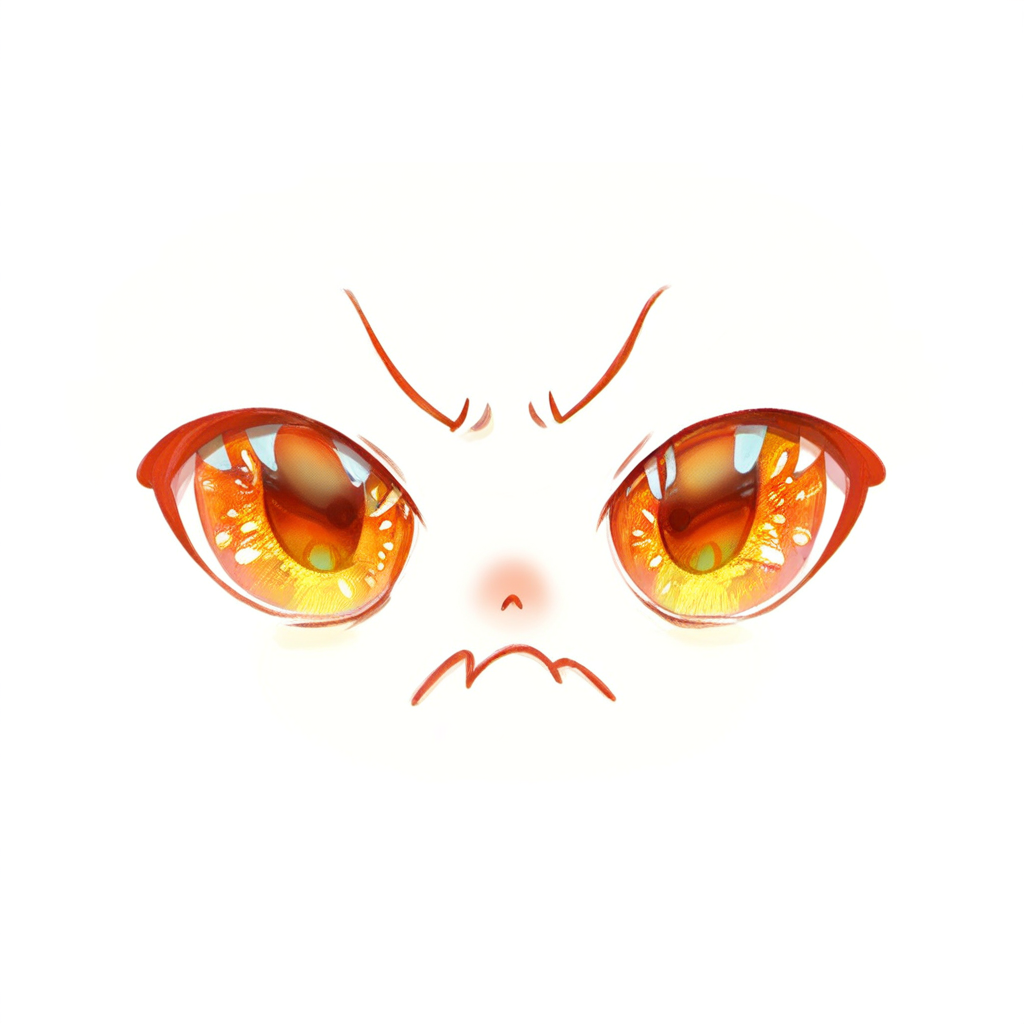
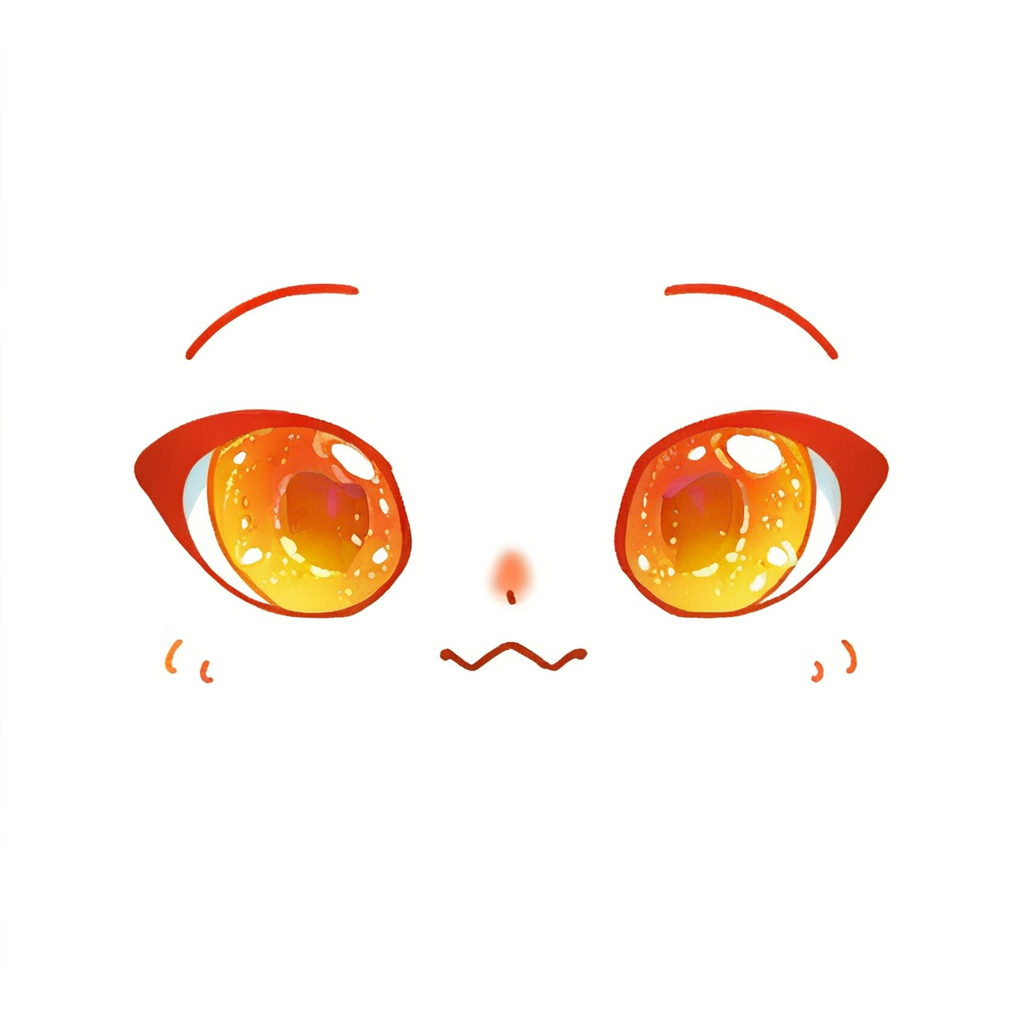
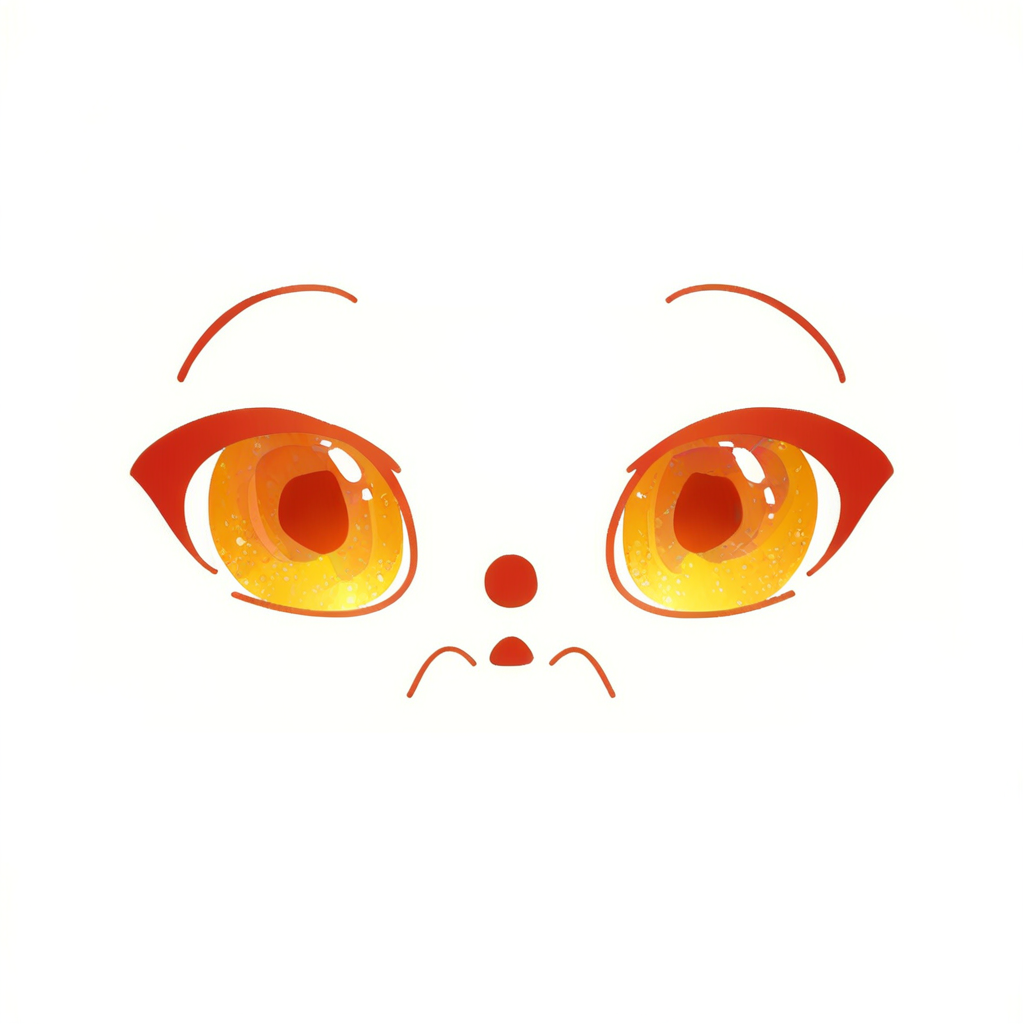
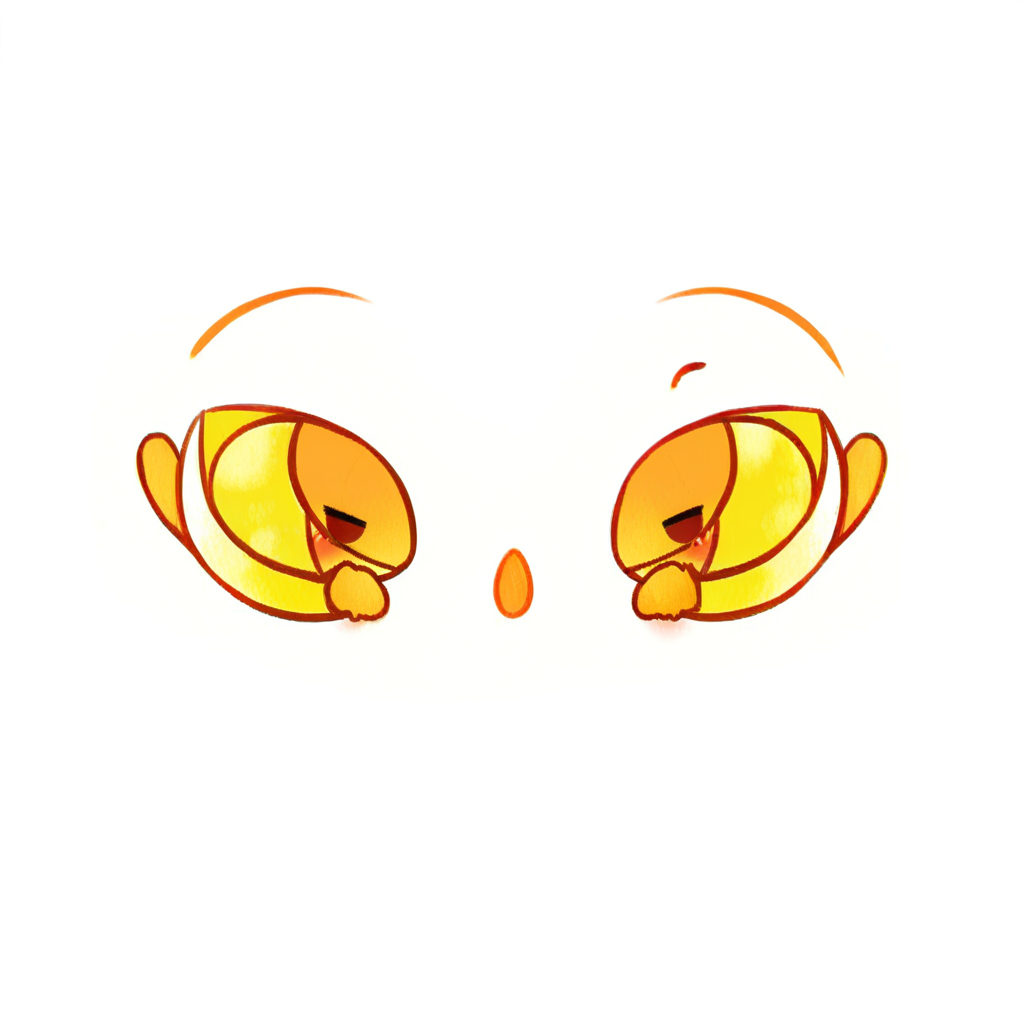

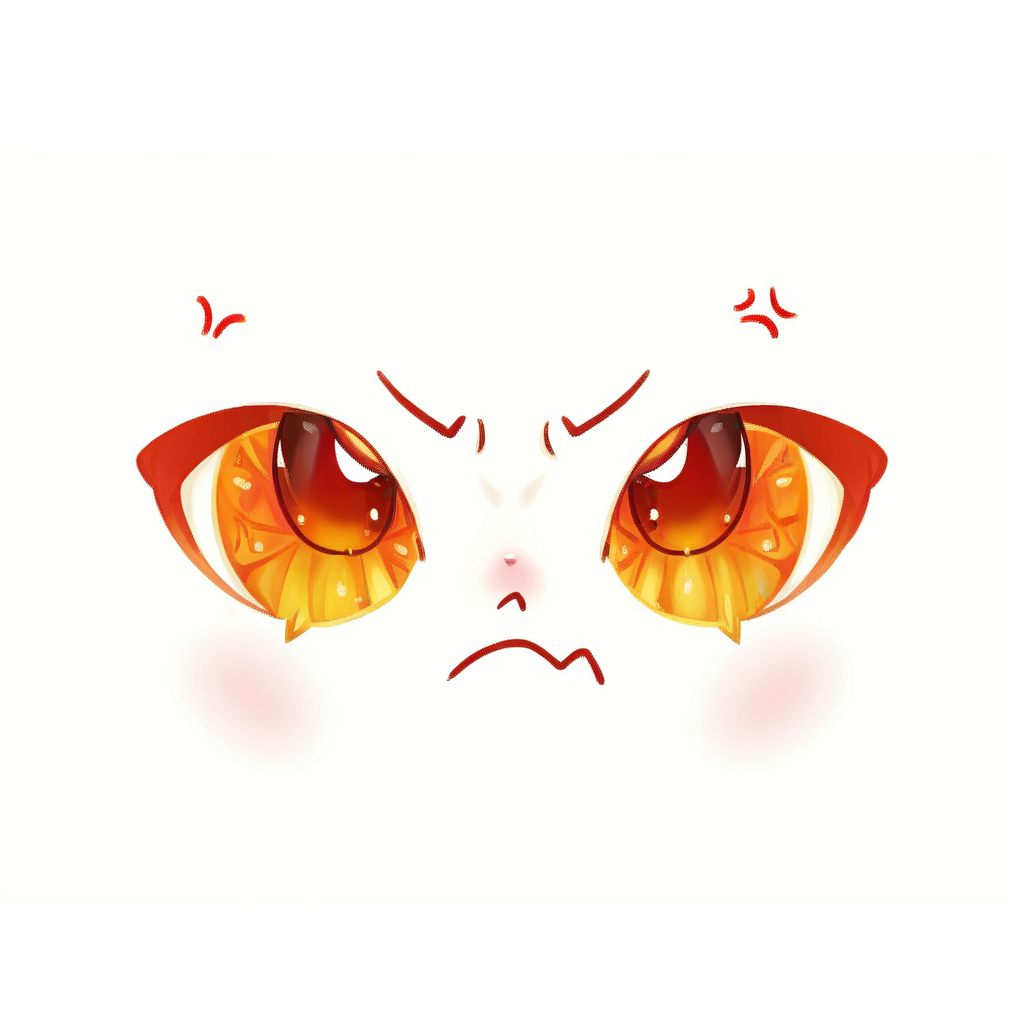
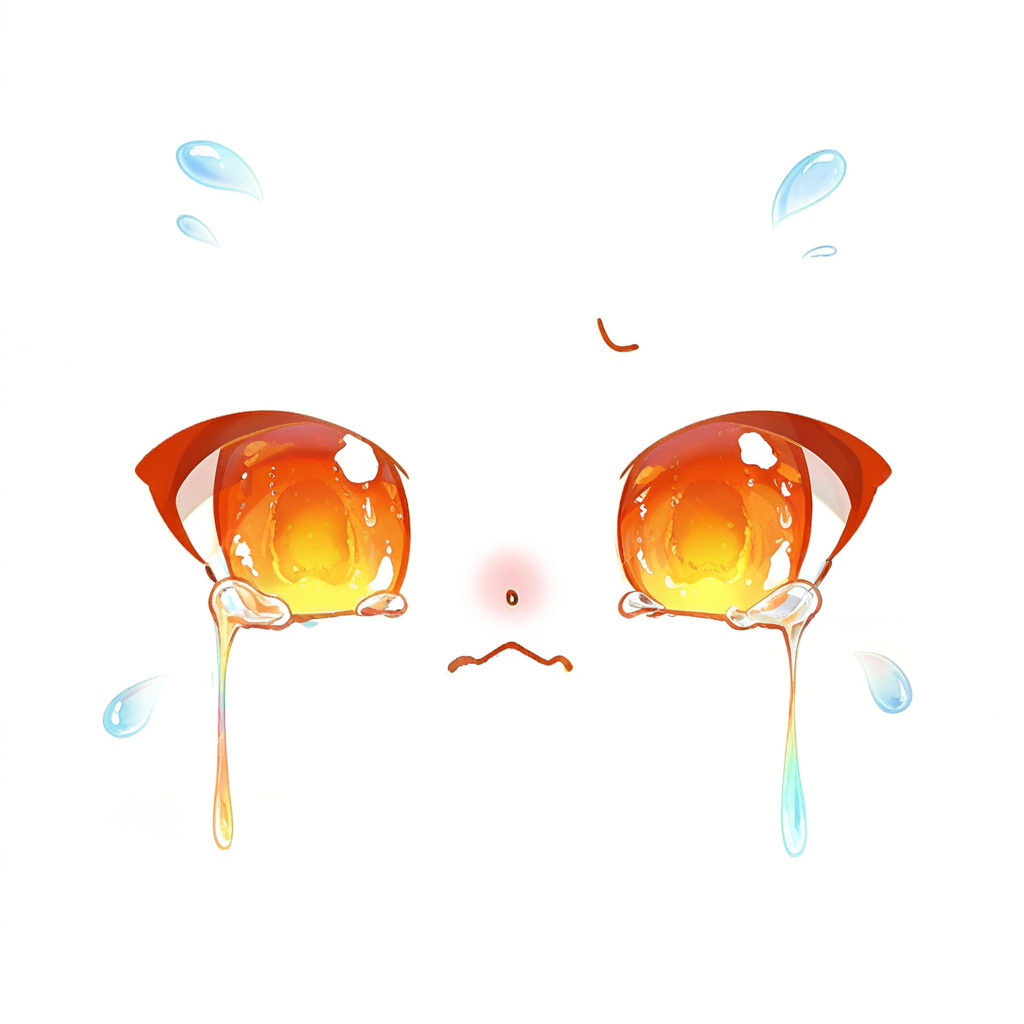
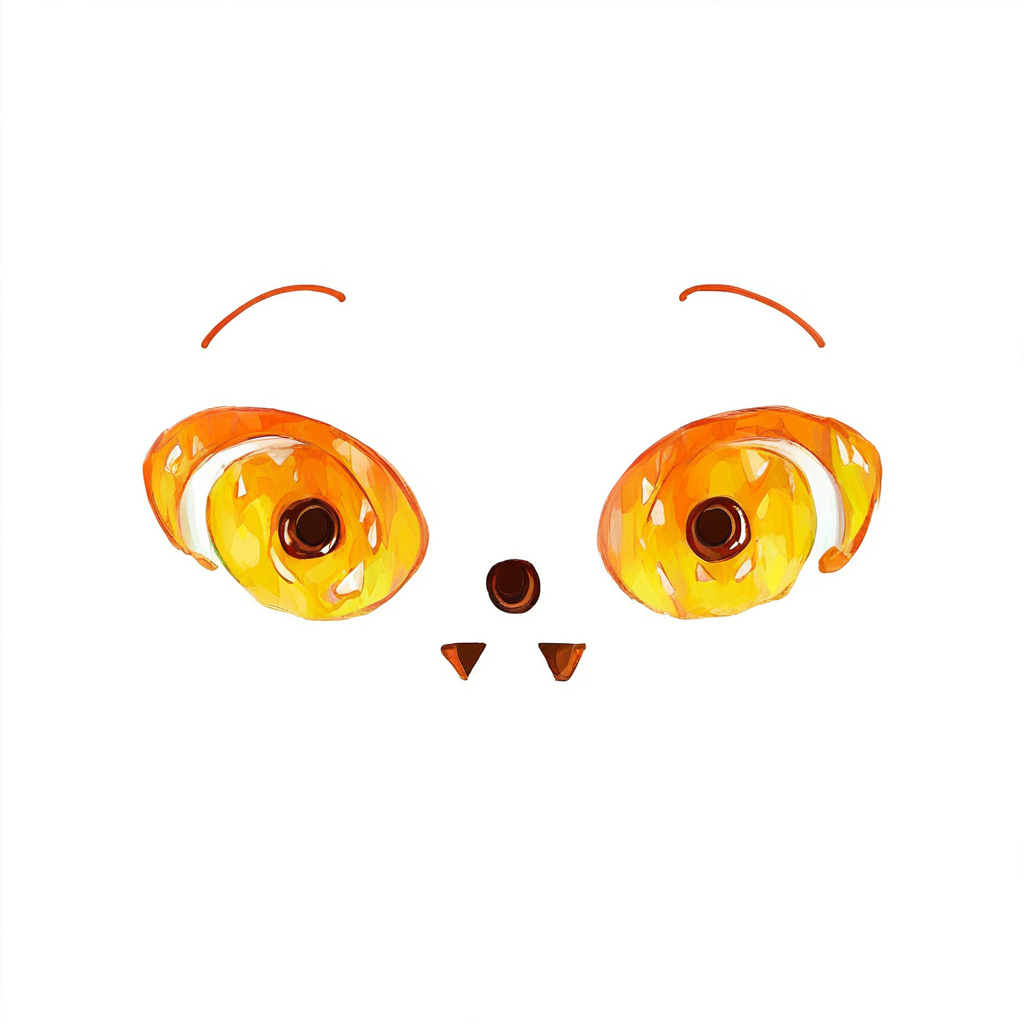

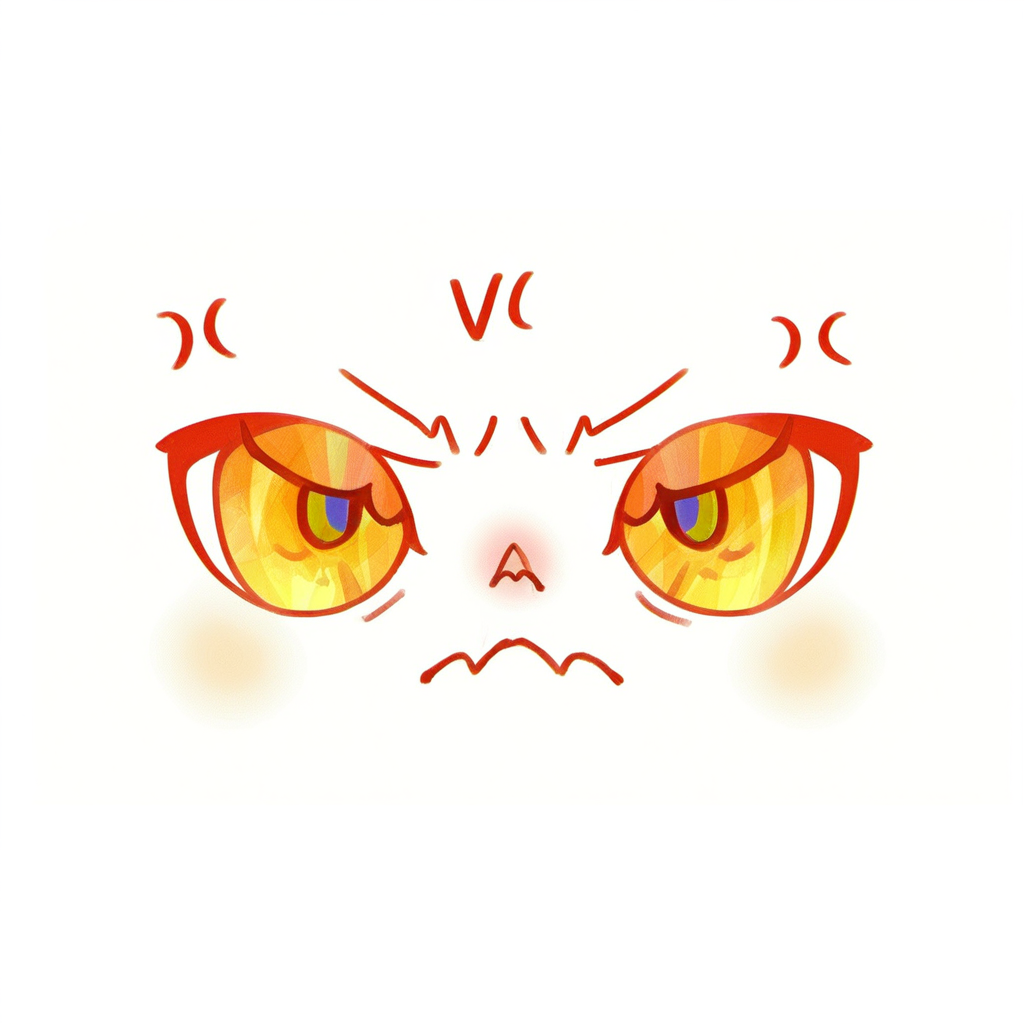
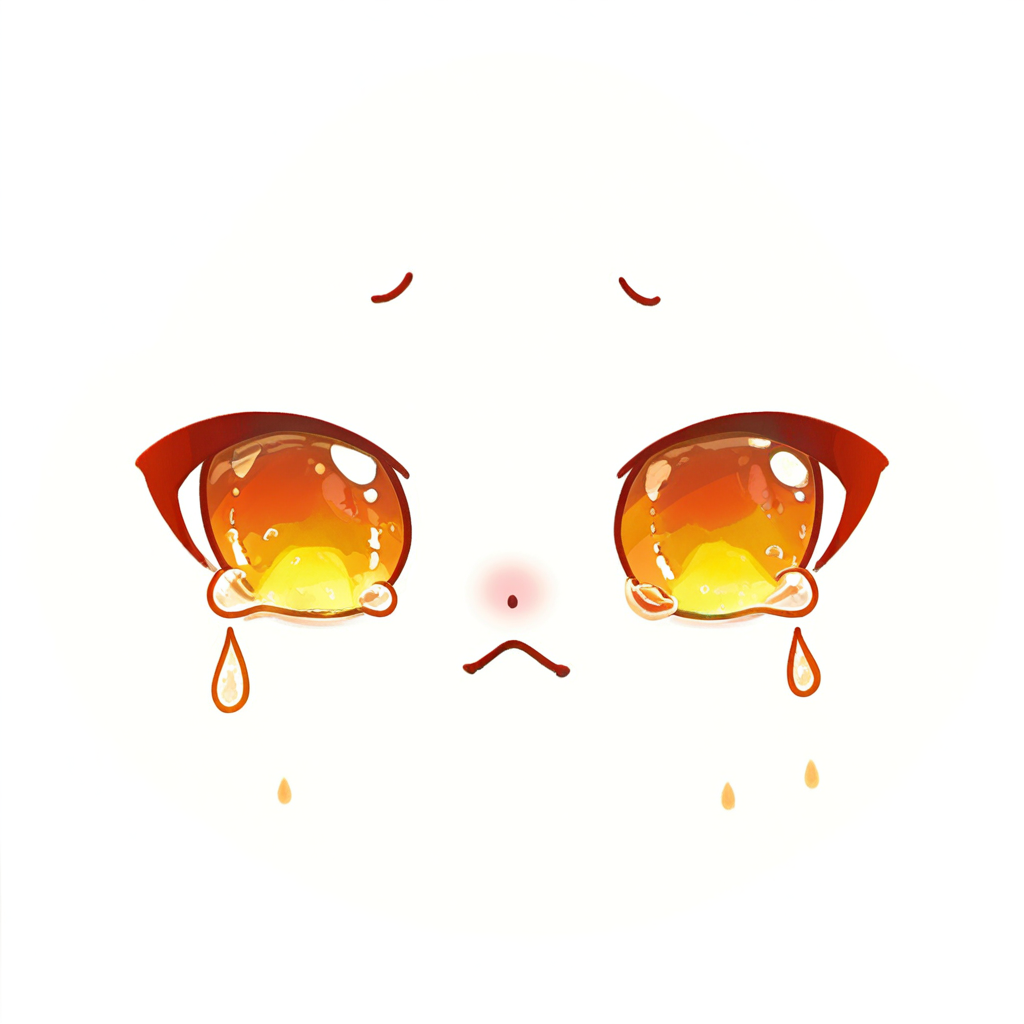
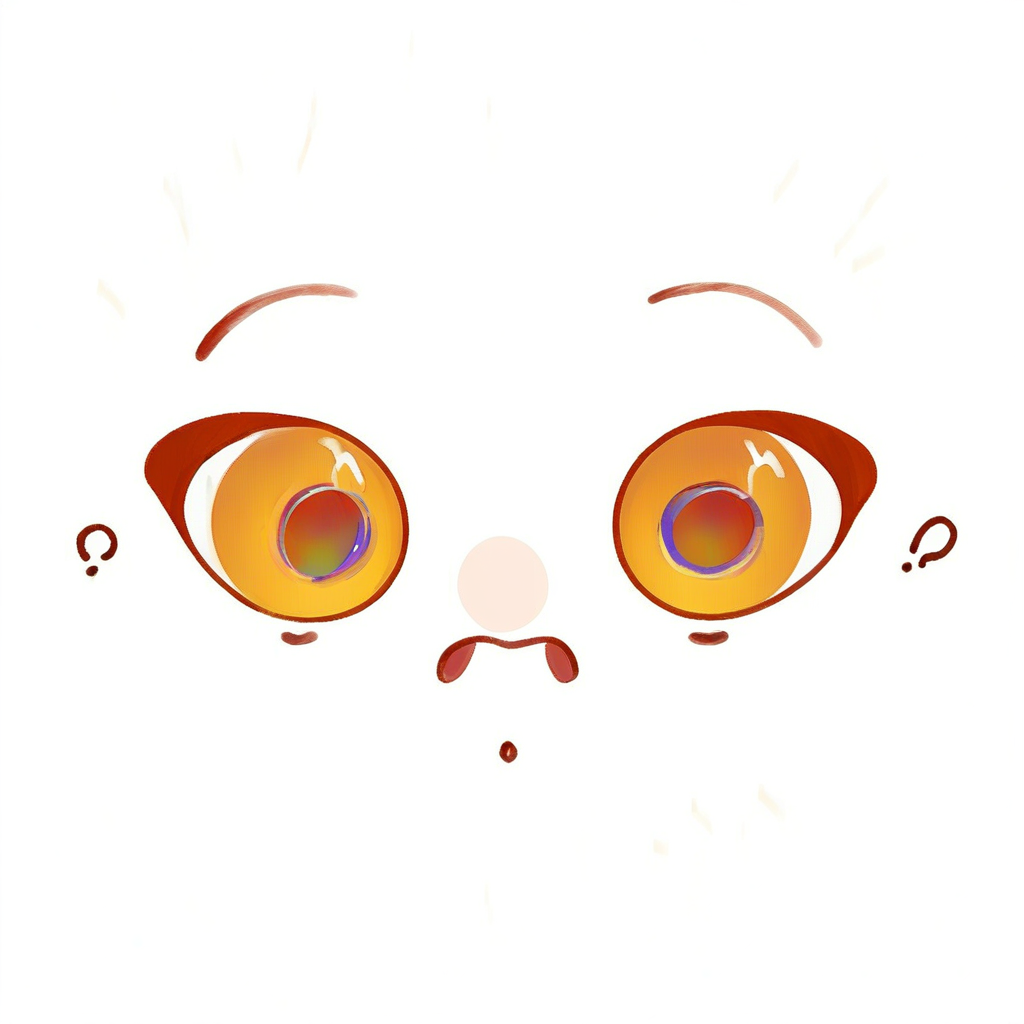

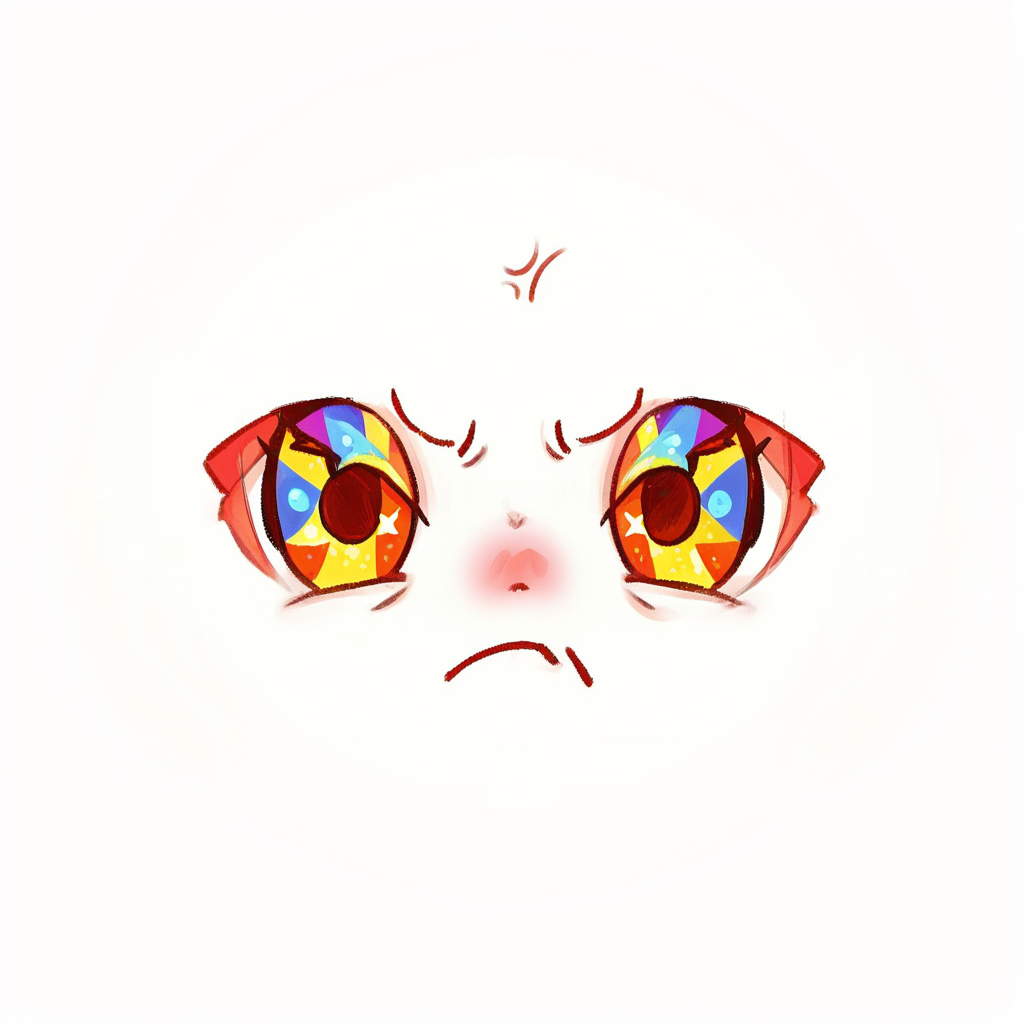
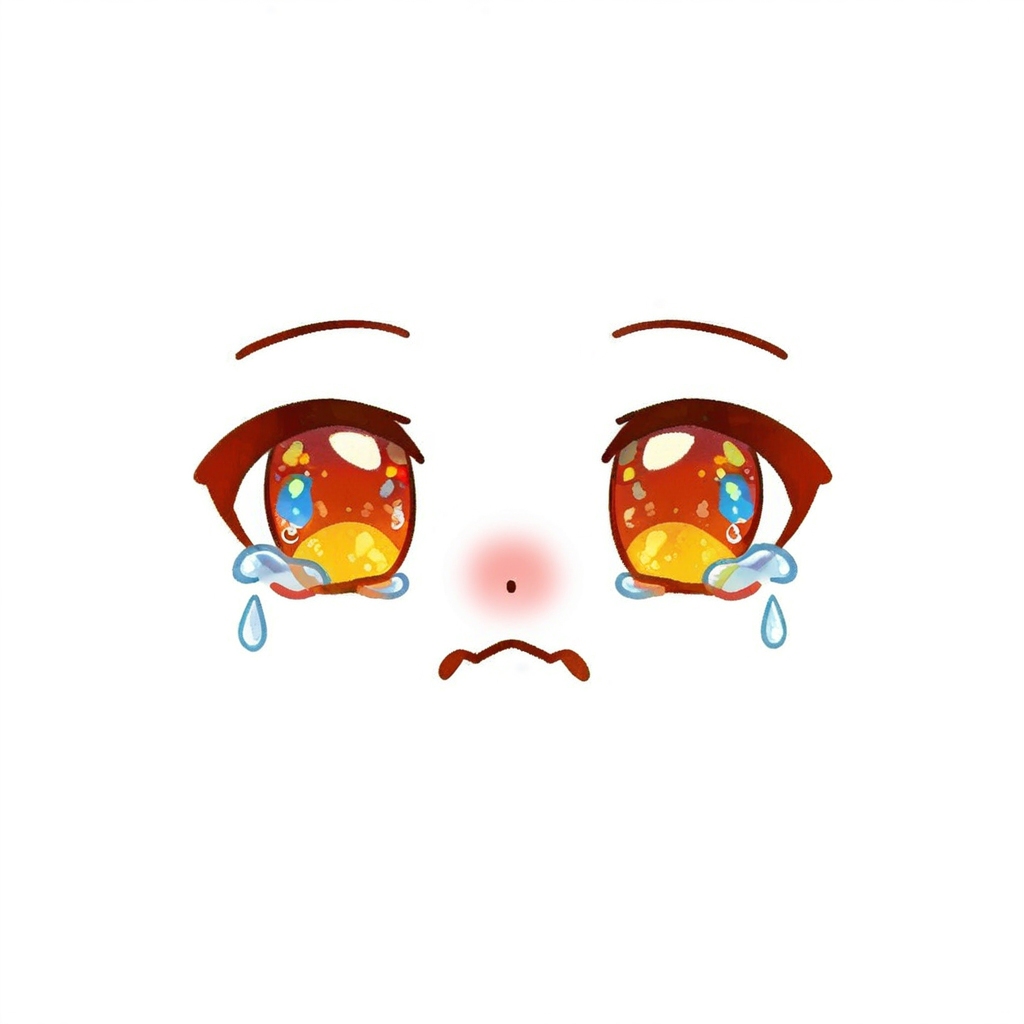
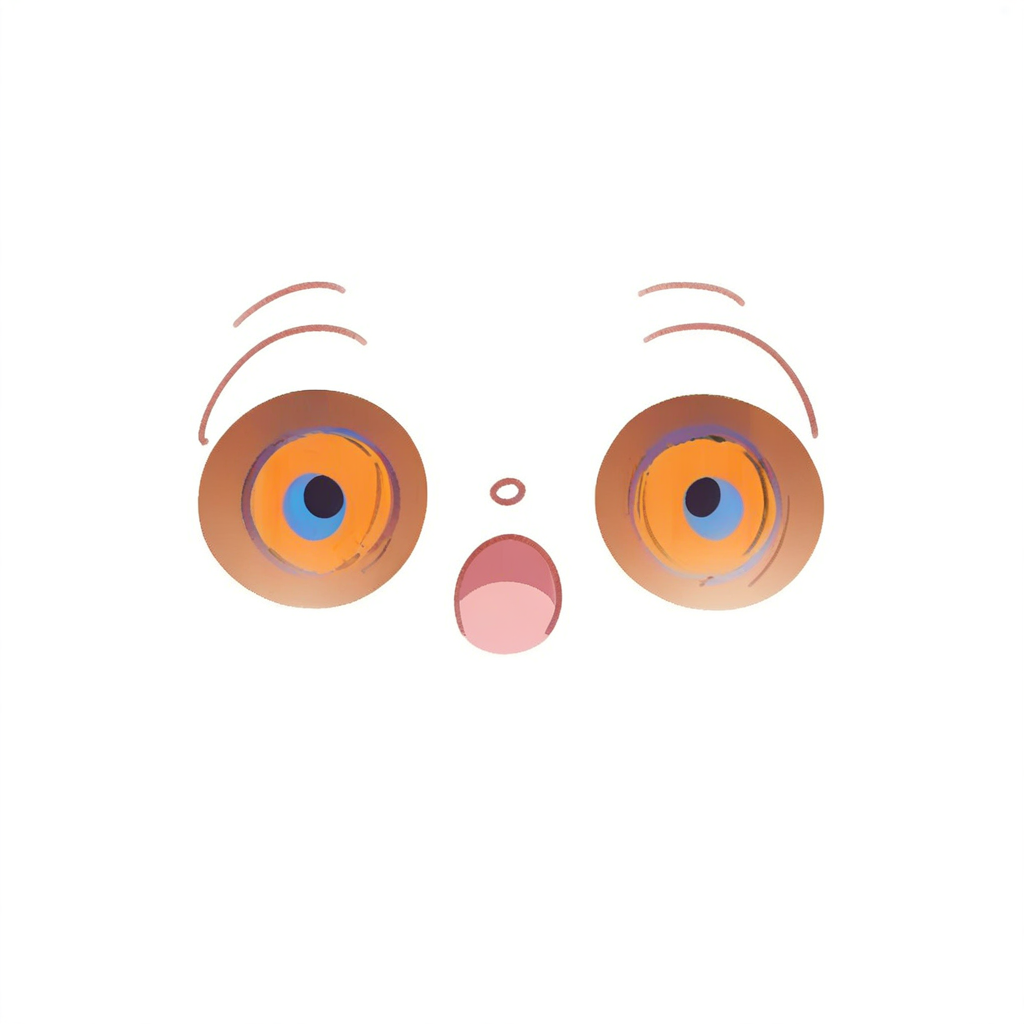
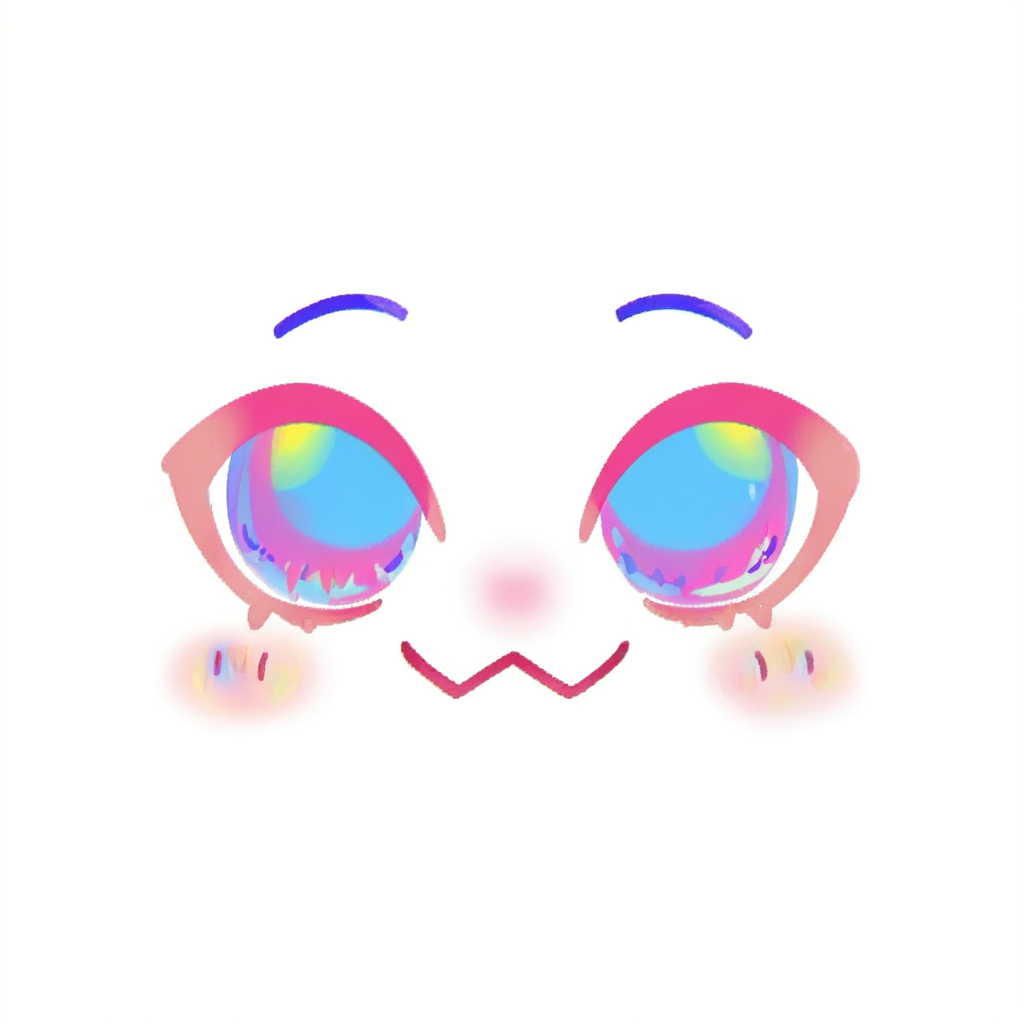
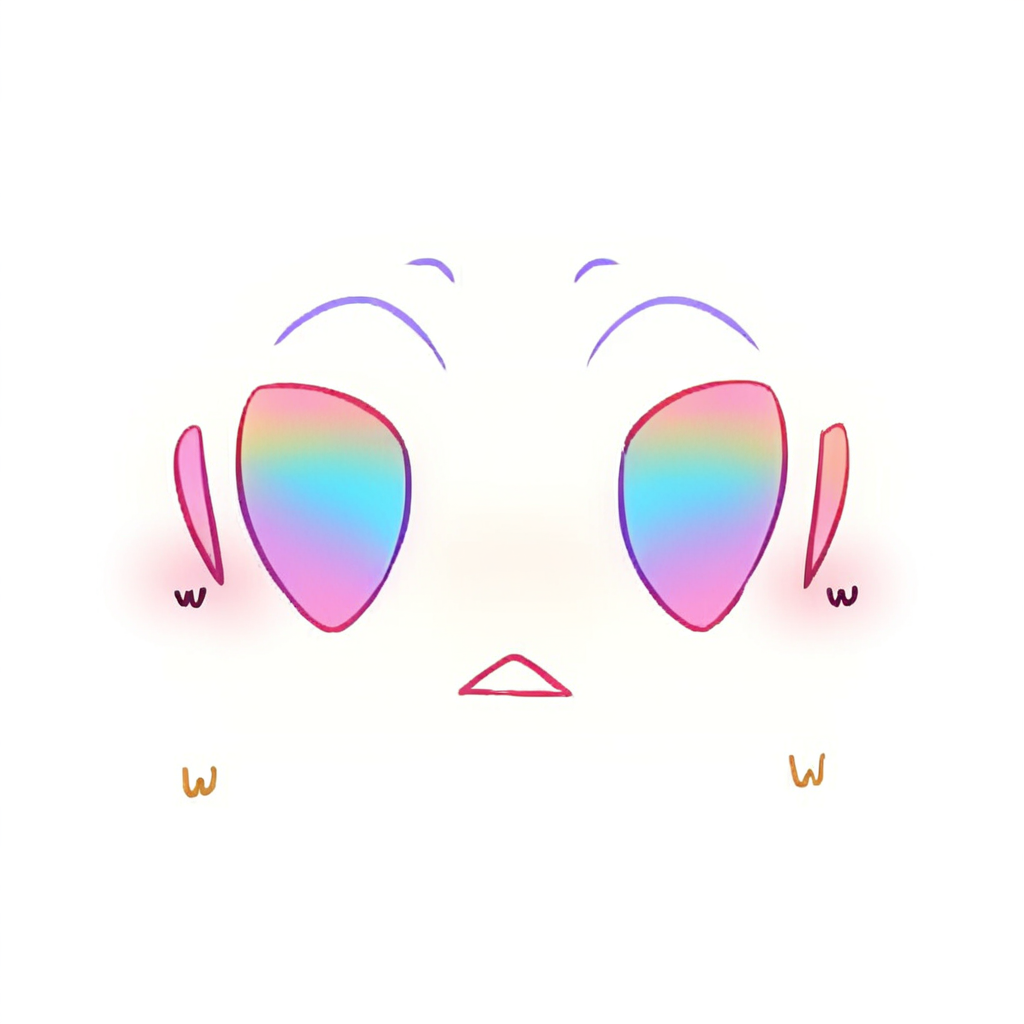
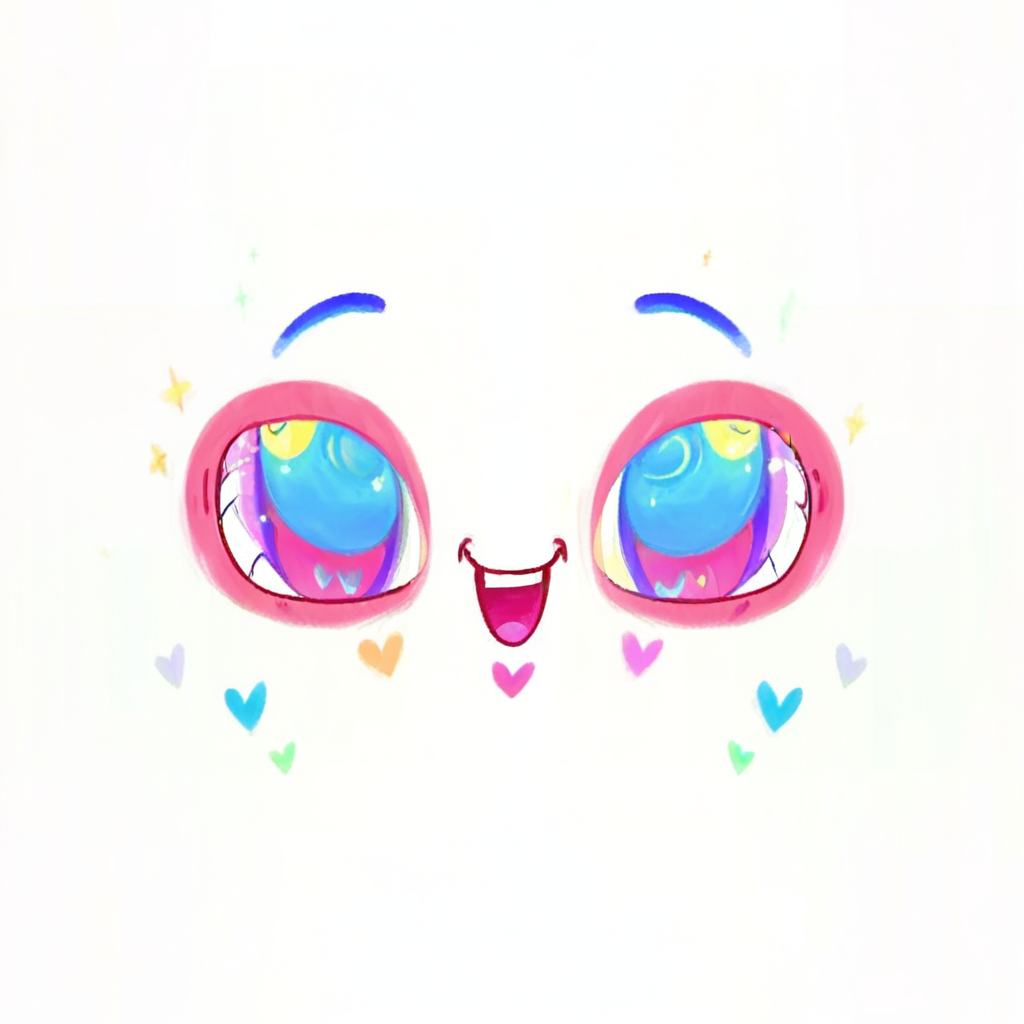
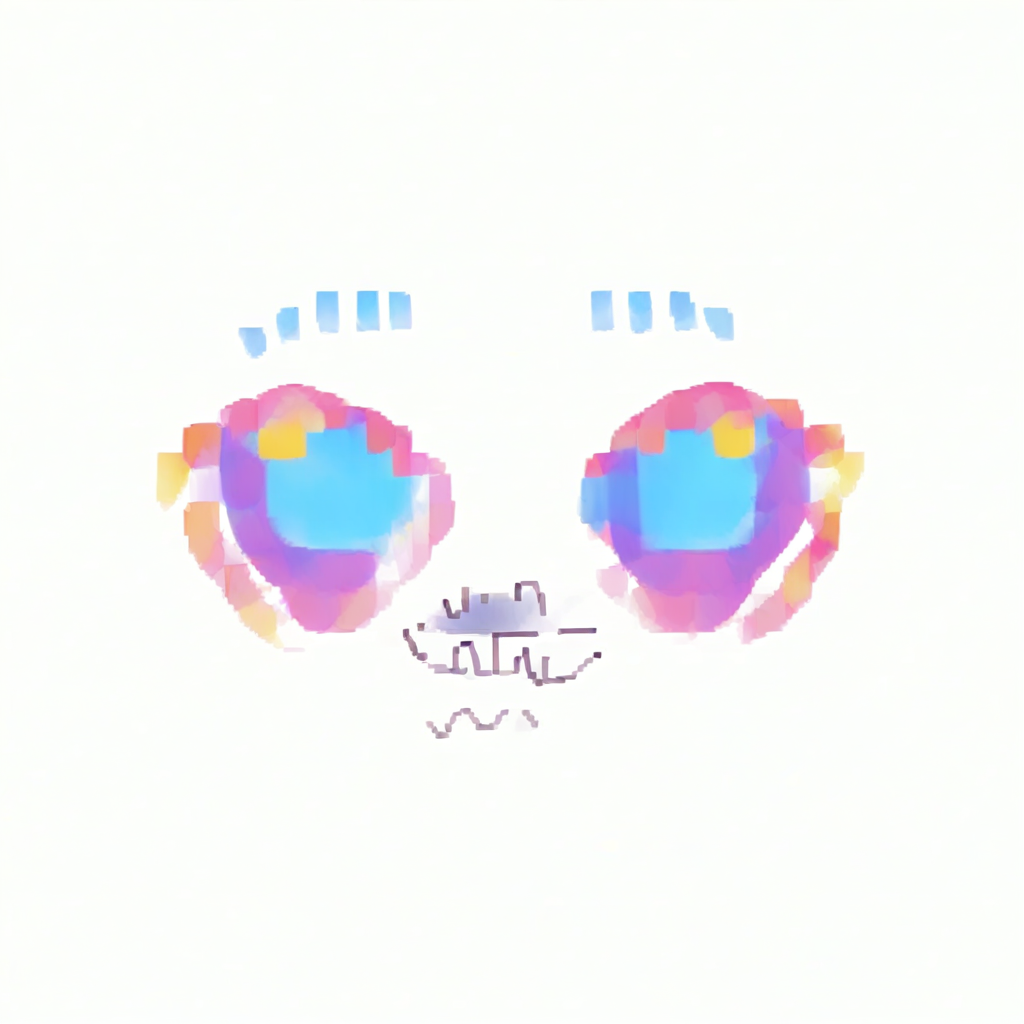

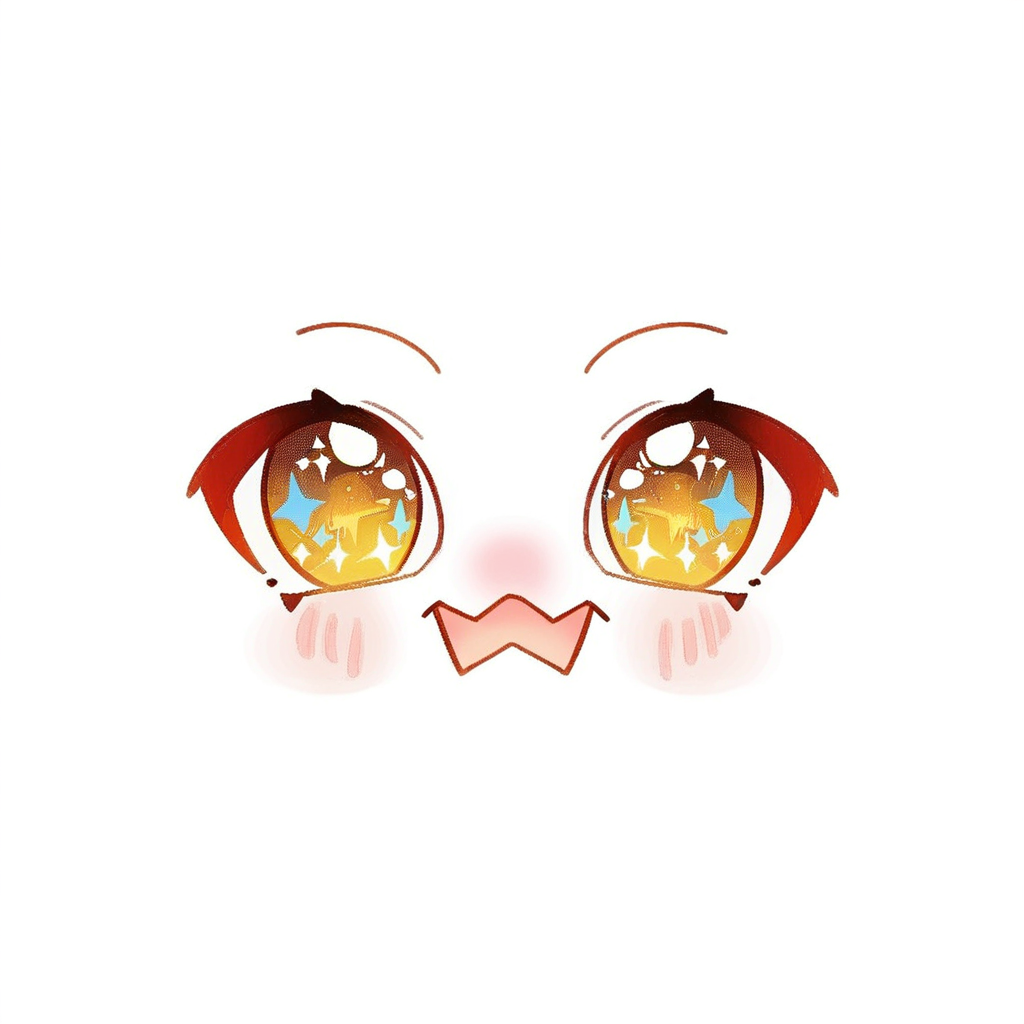
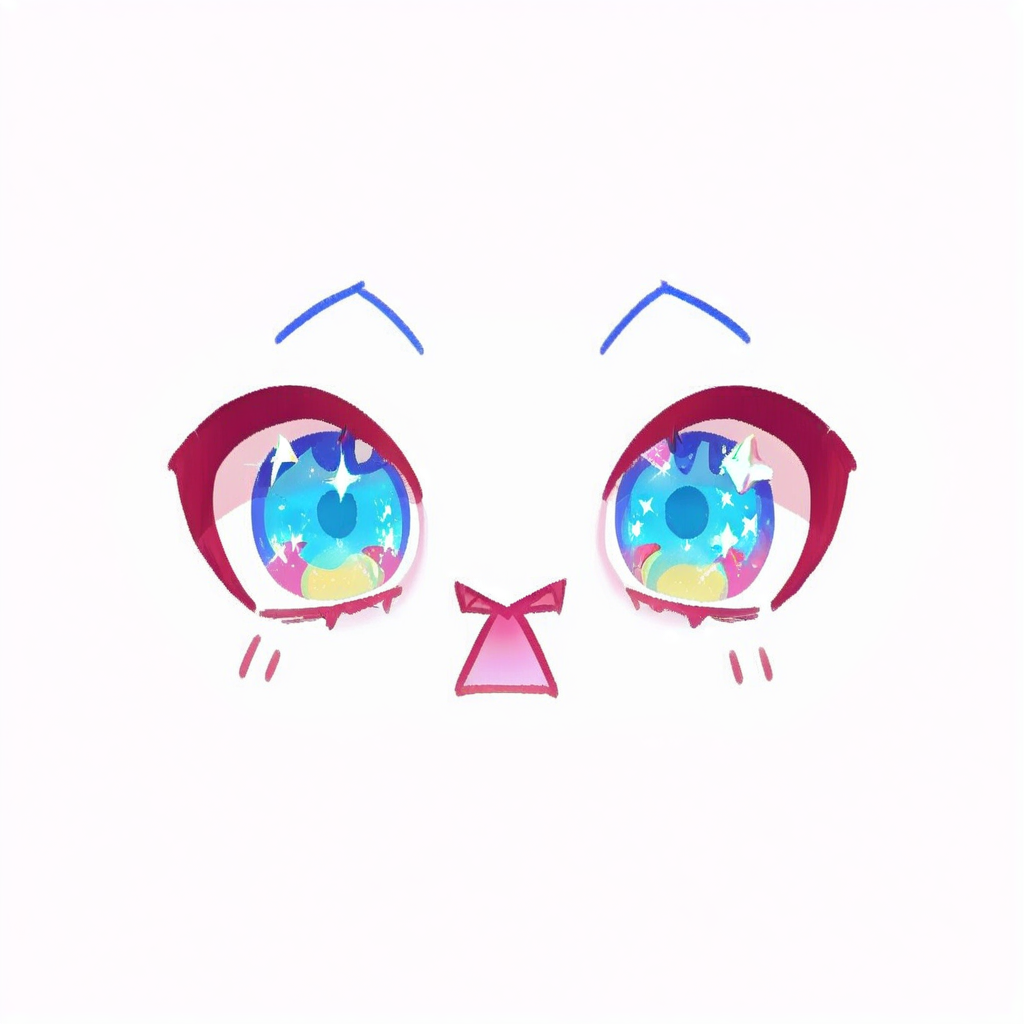
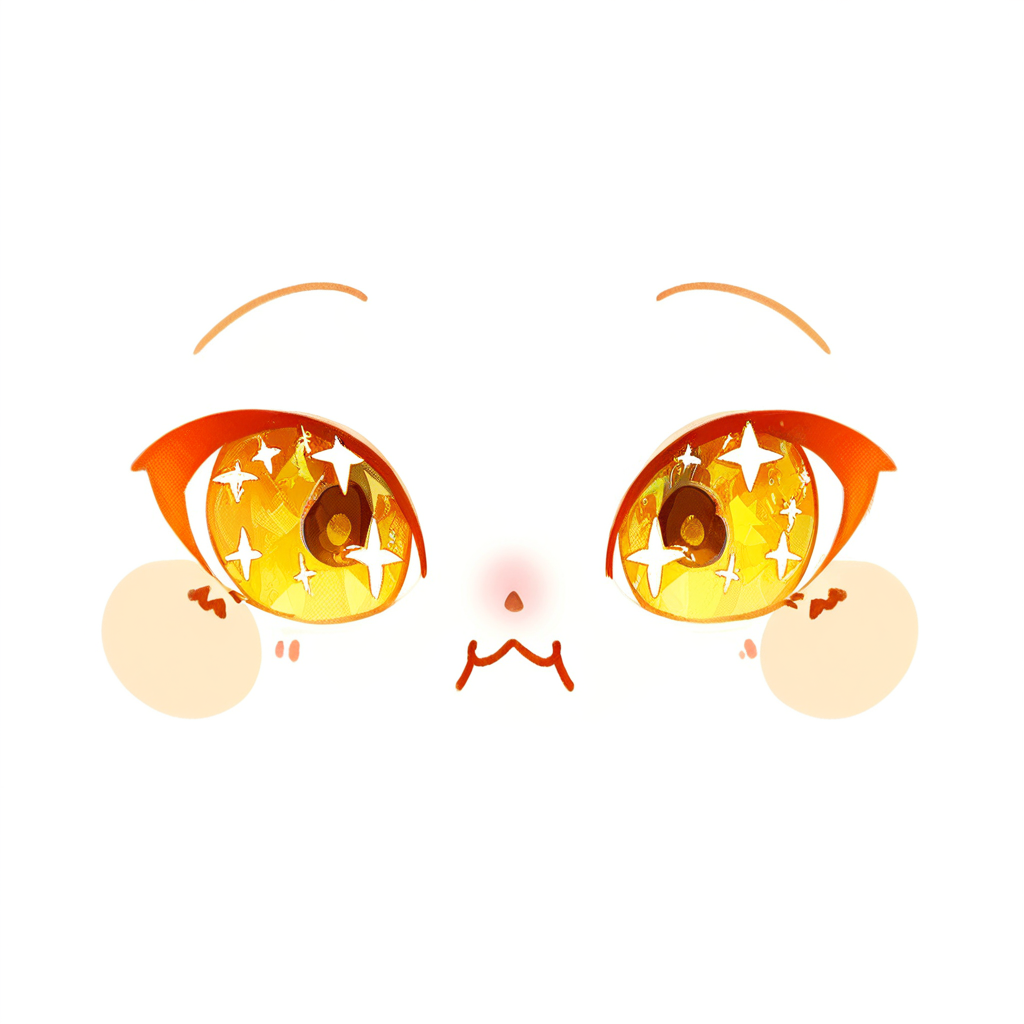
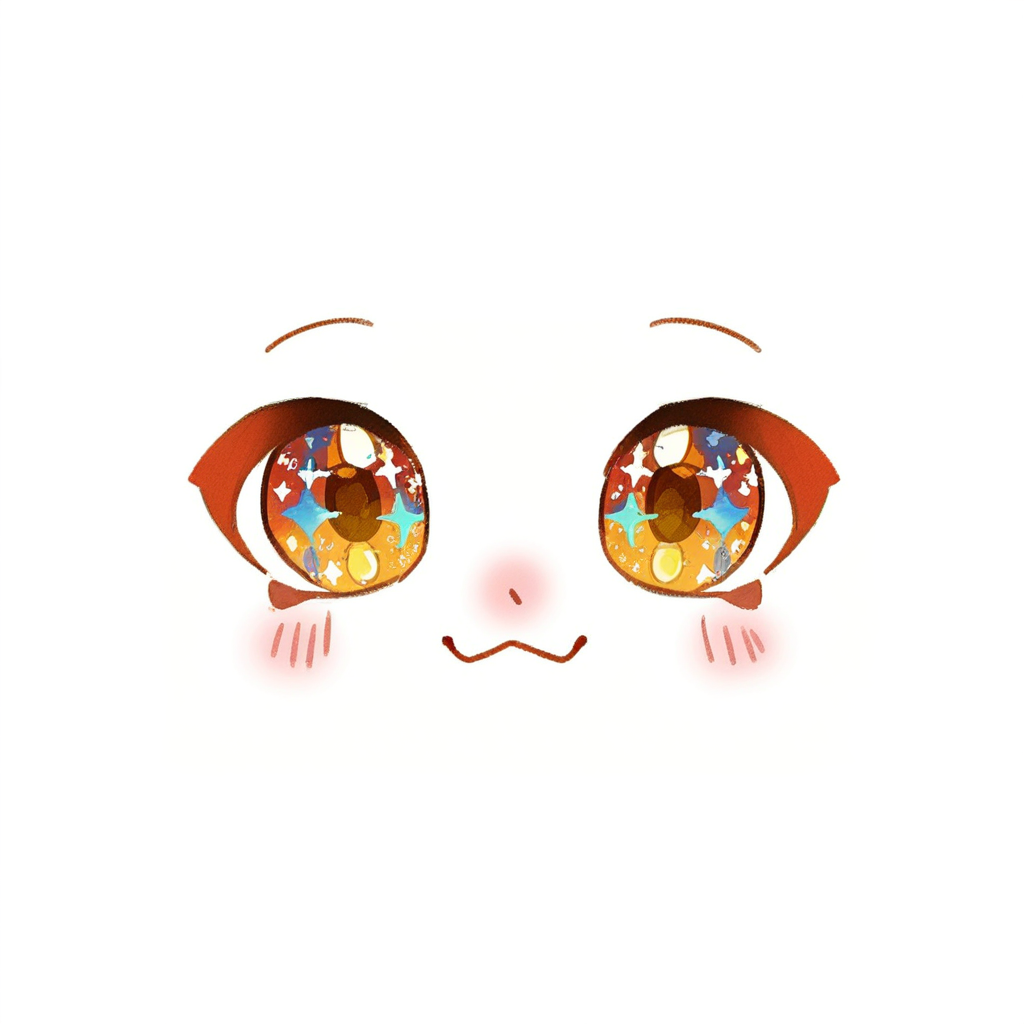
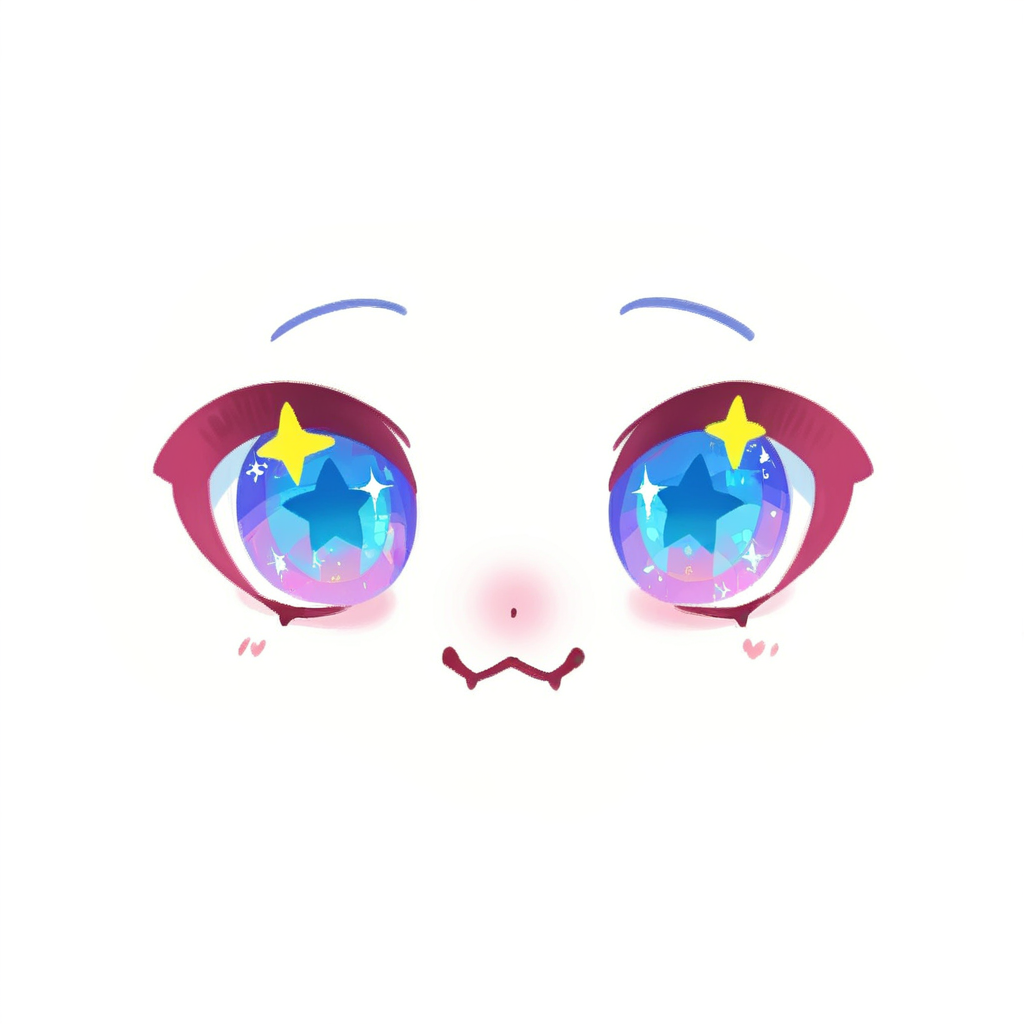
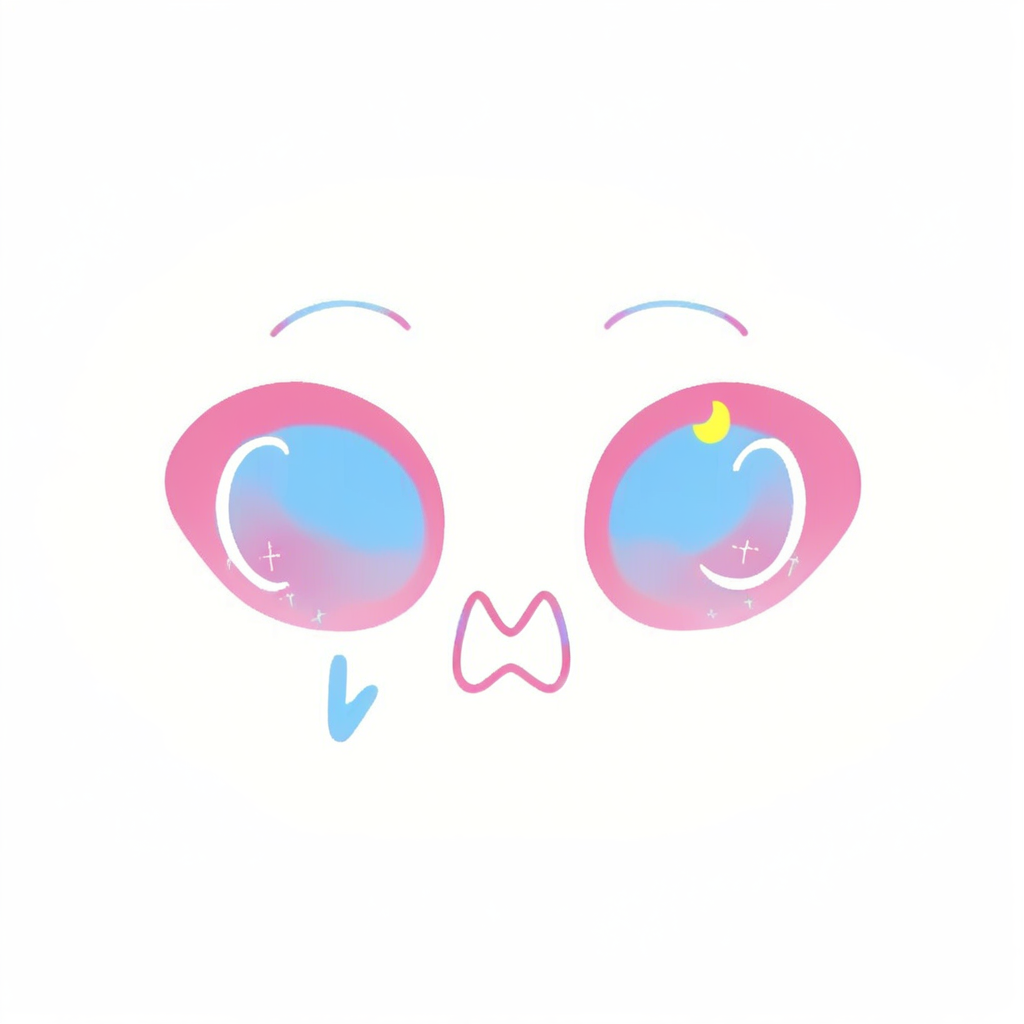
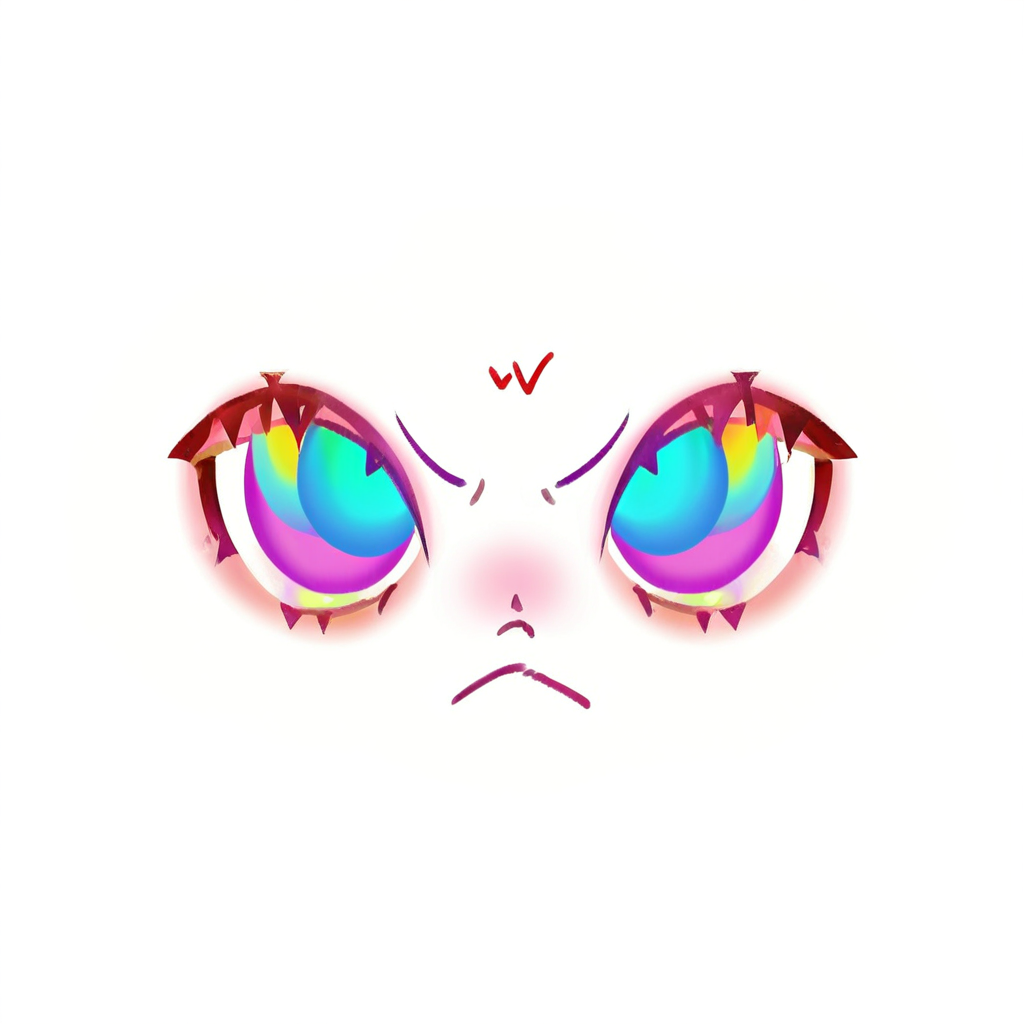
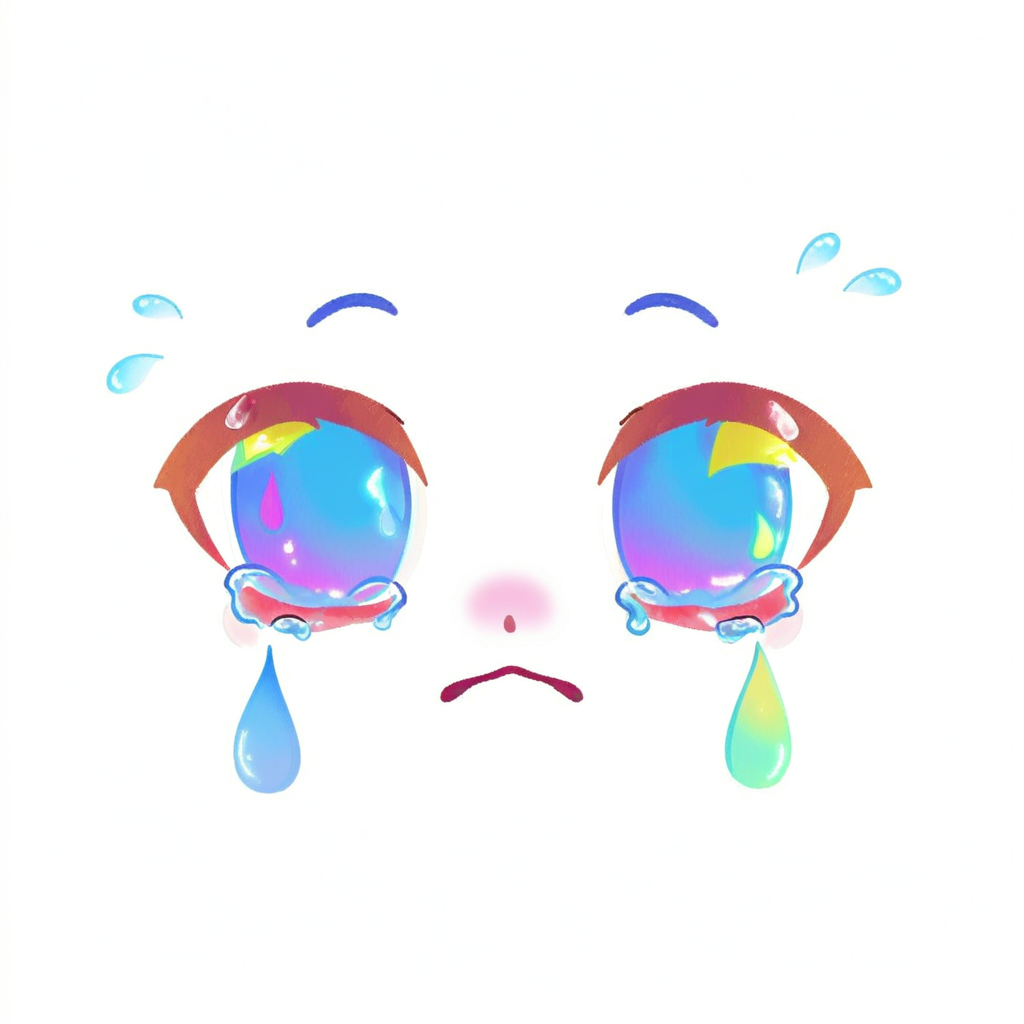
In the end: a LoRA trained on 12 references, 64 faces generated by playtesters, and each texture back on the character in seconds.
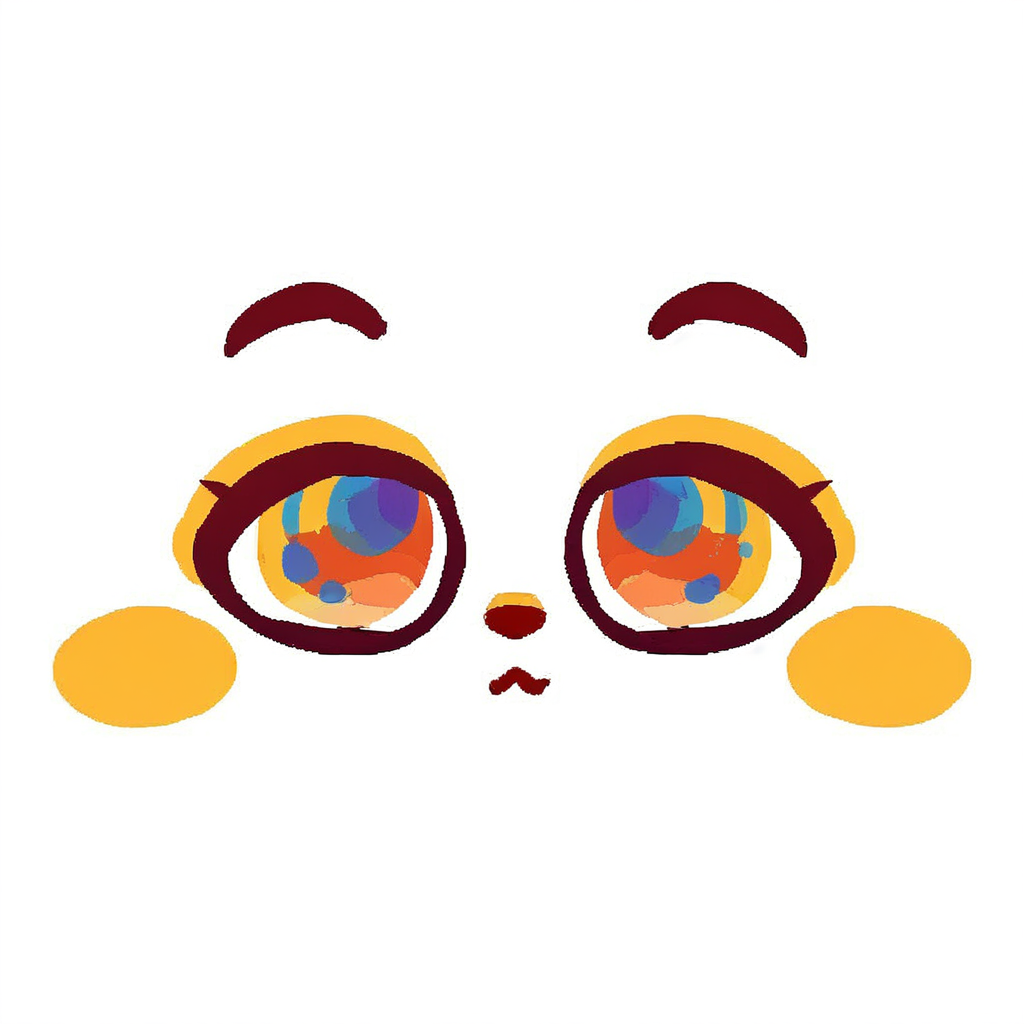
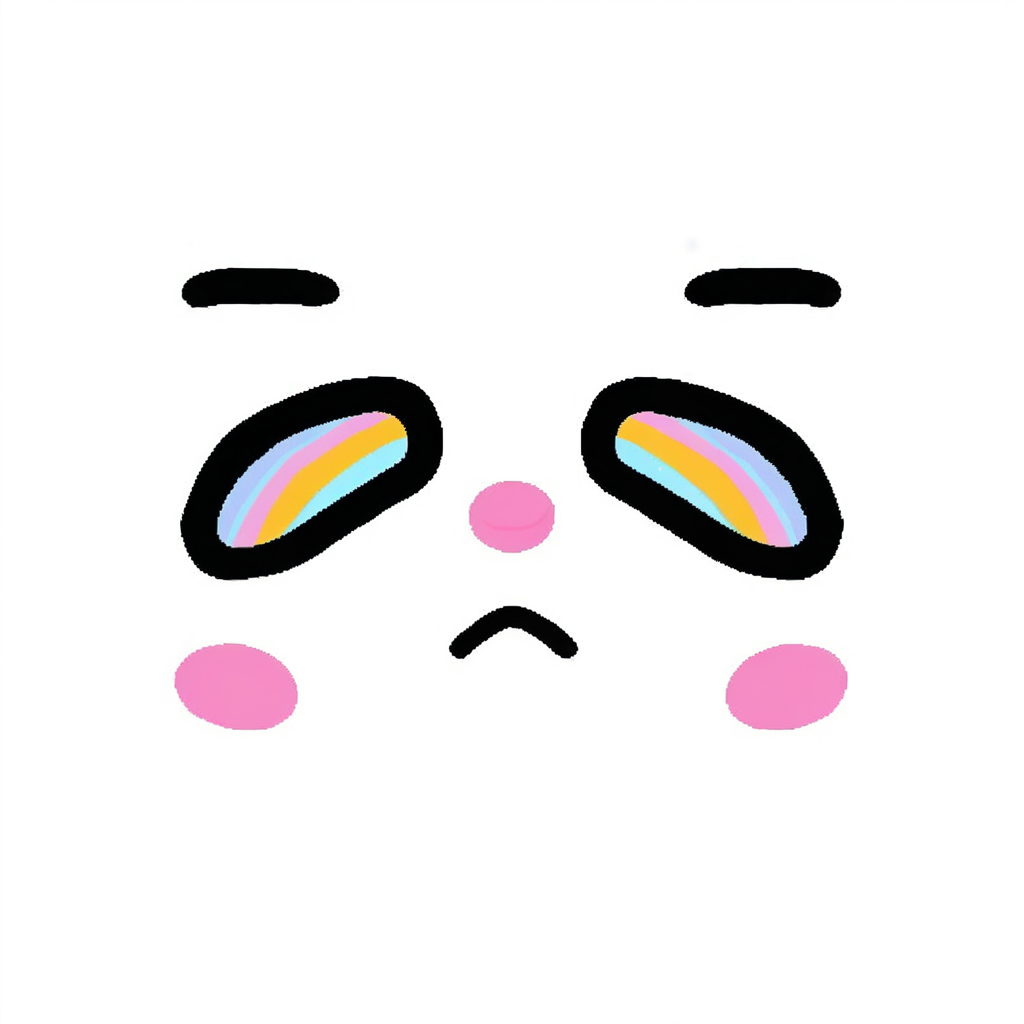
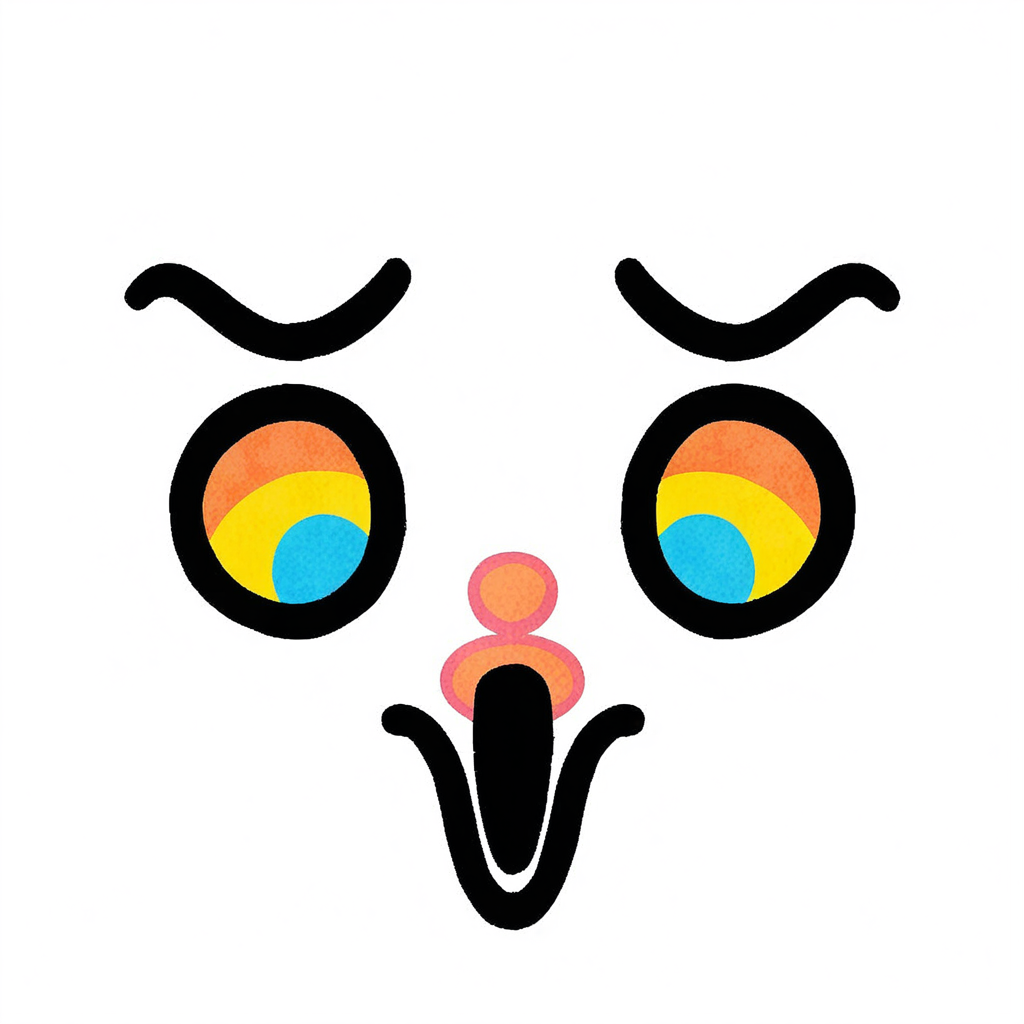
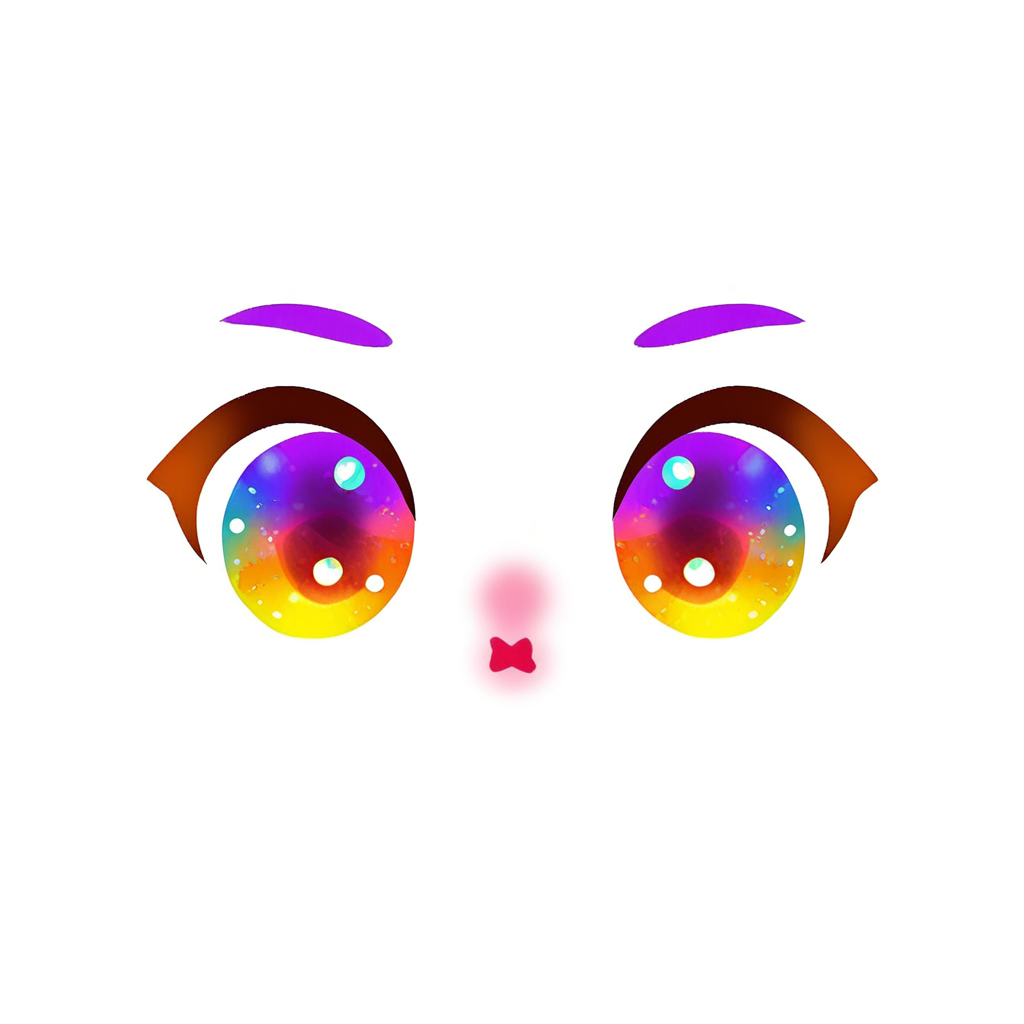
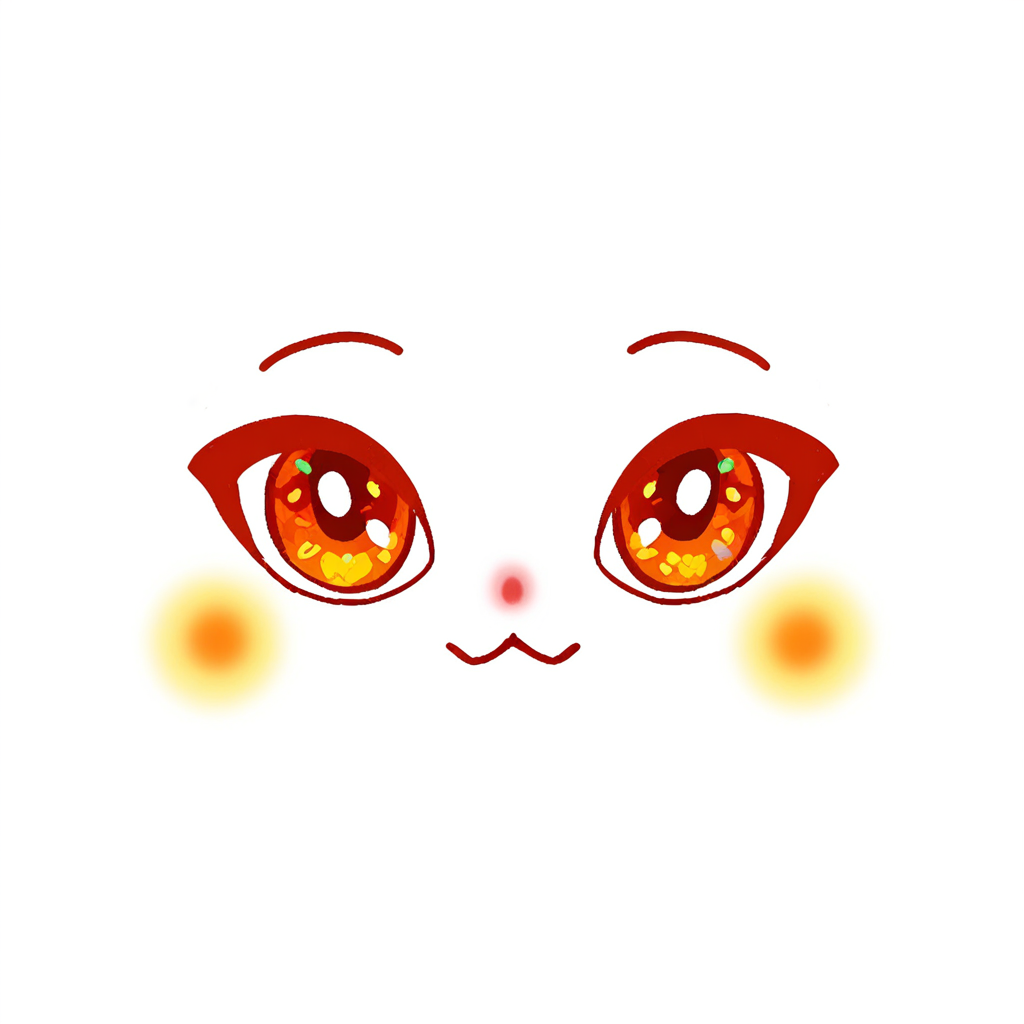
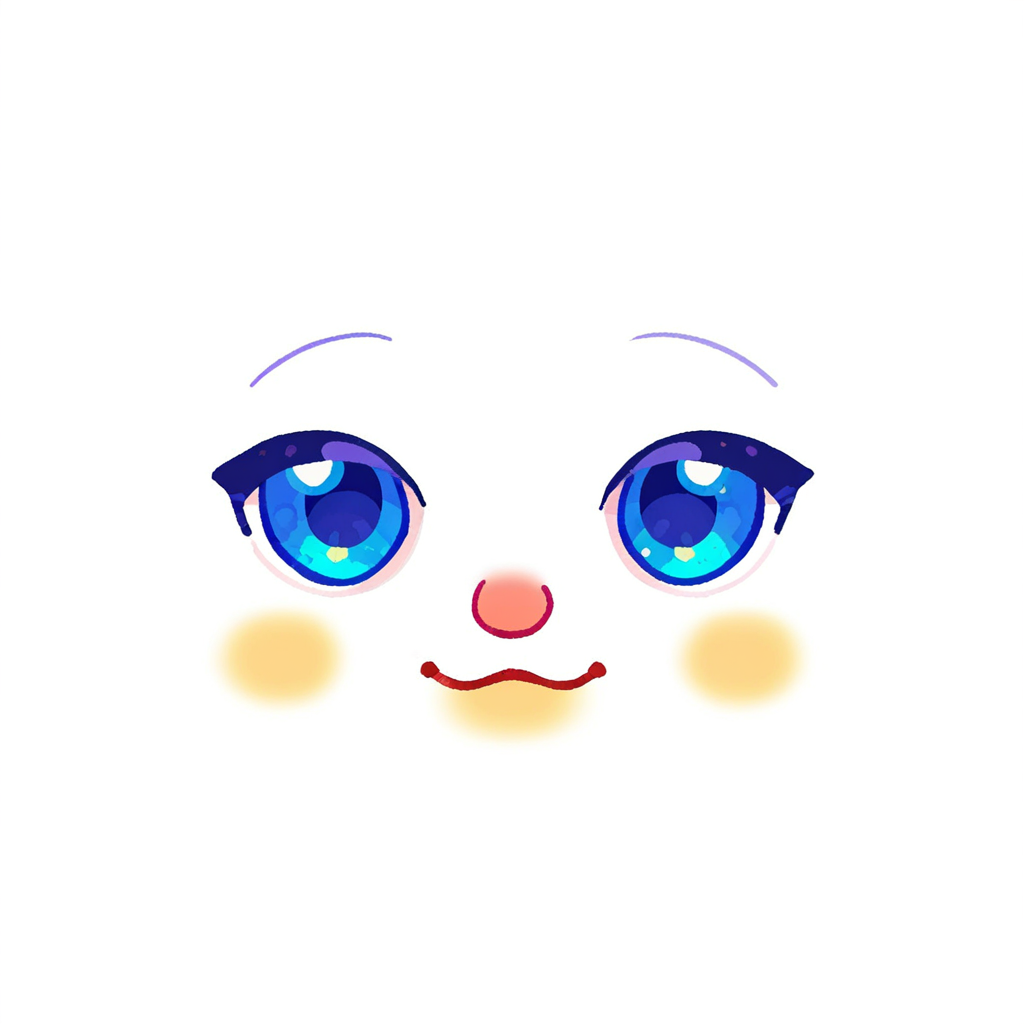
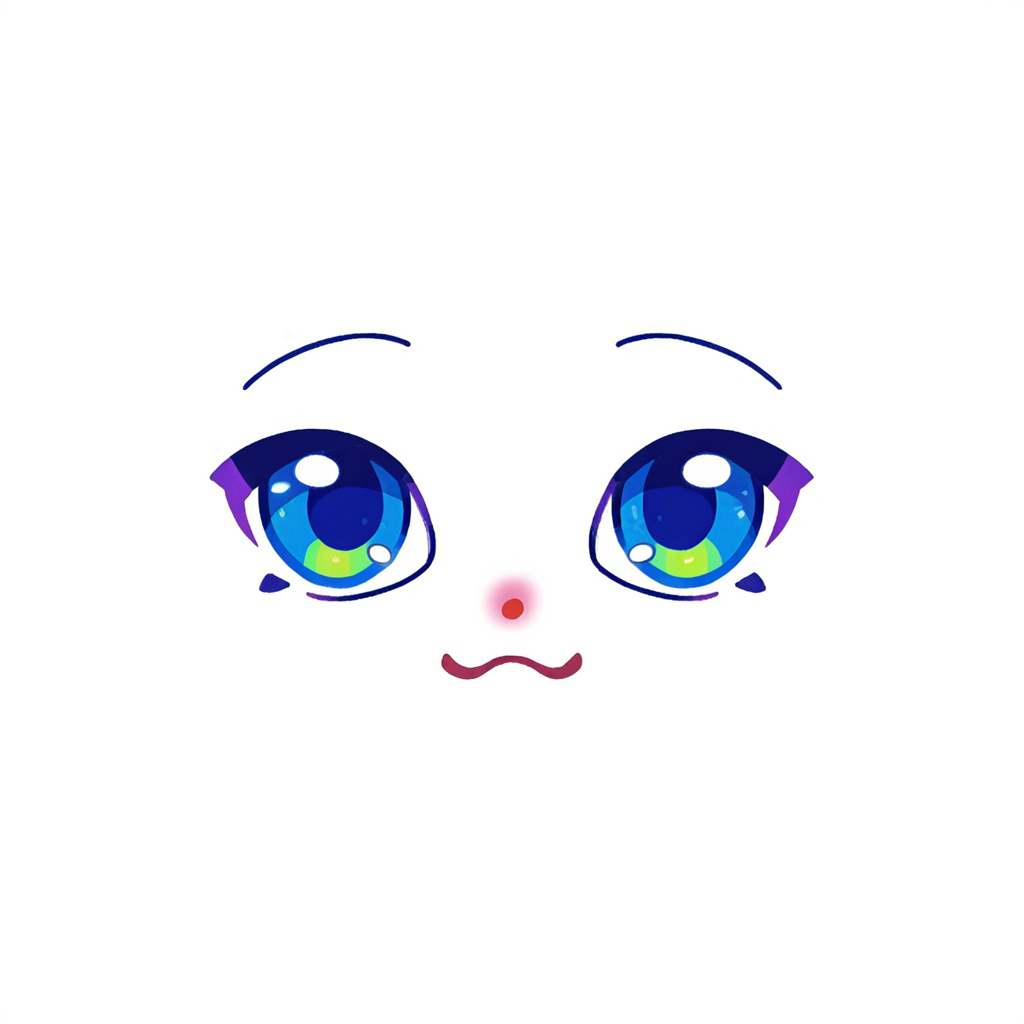
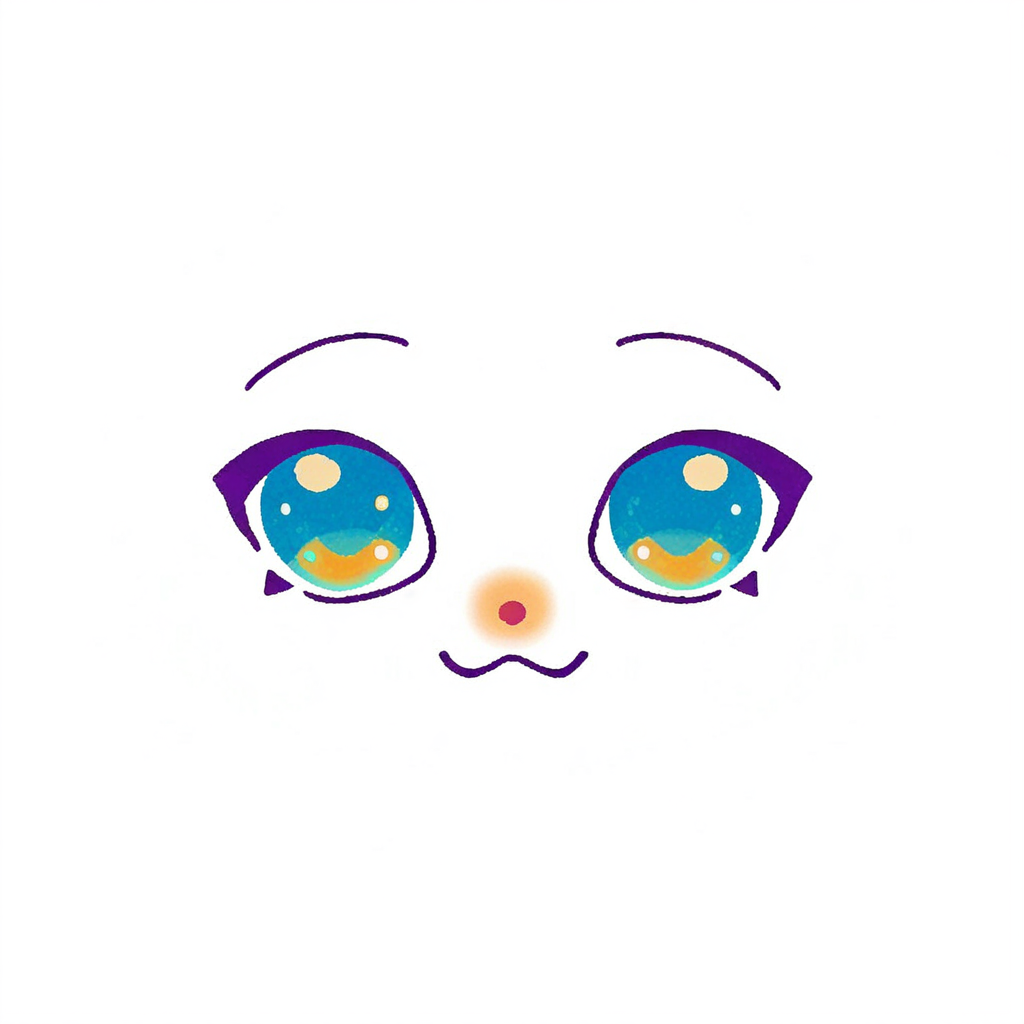
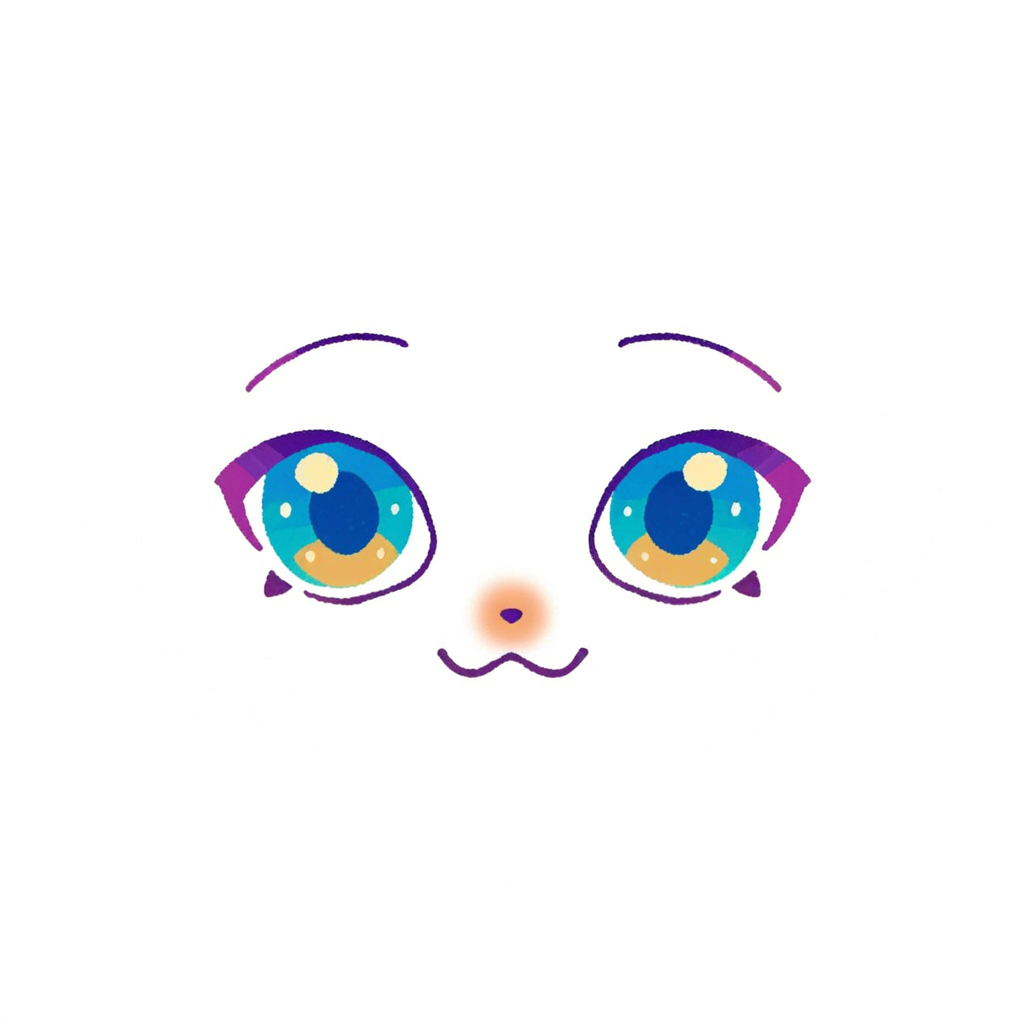
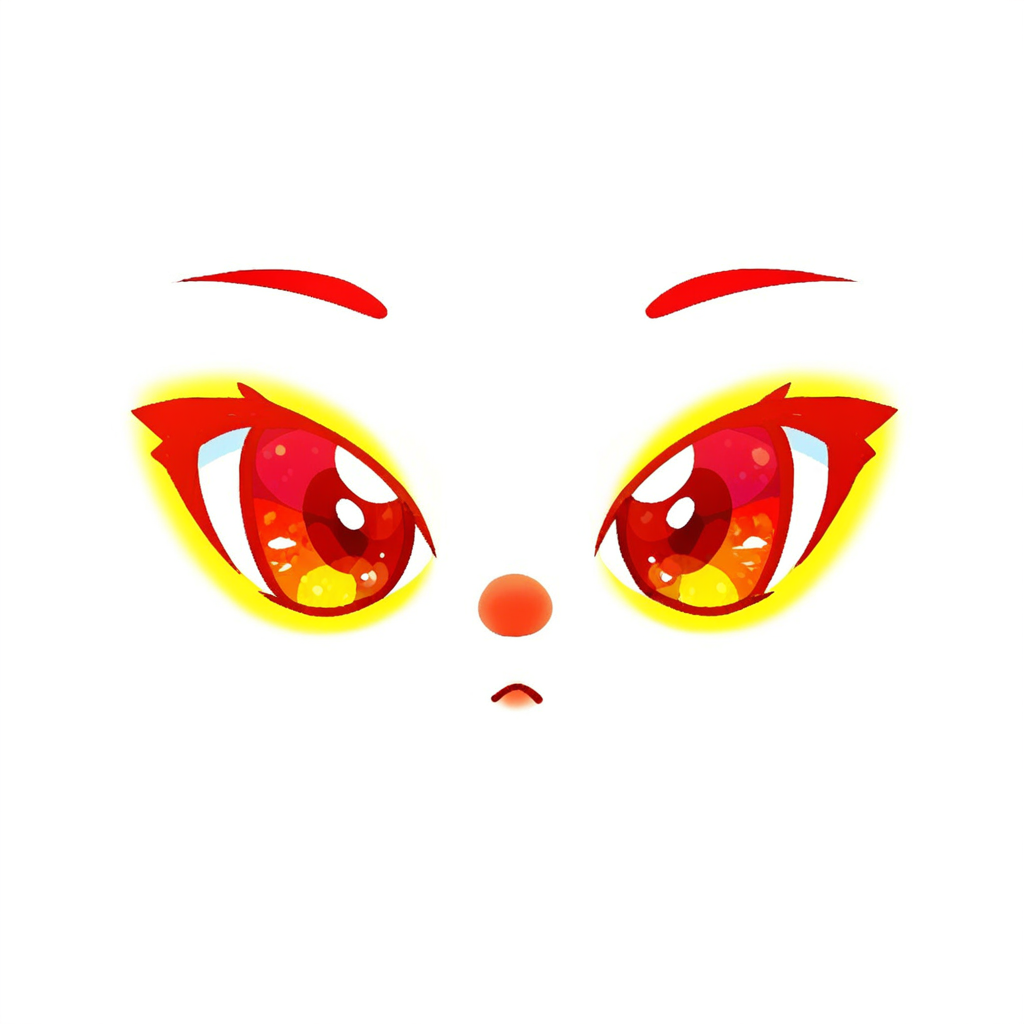
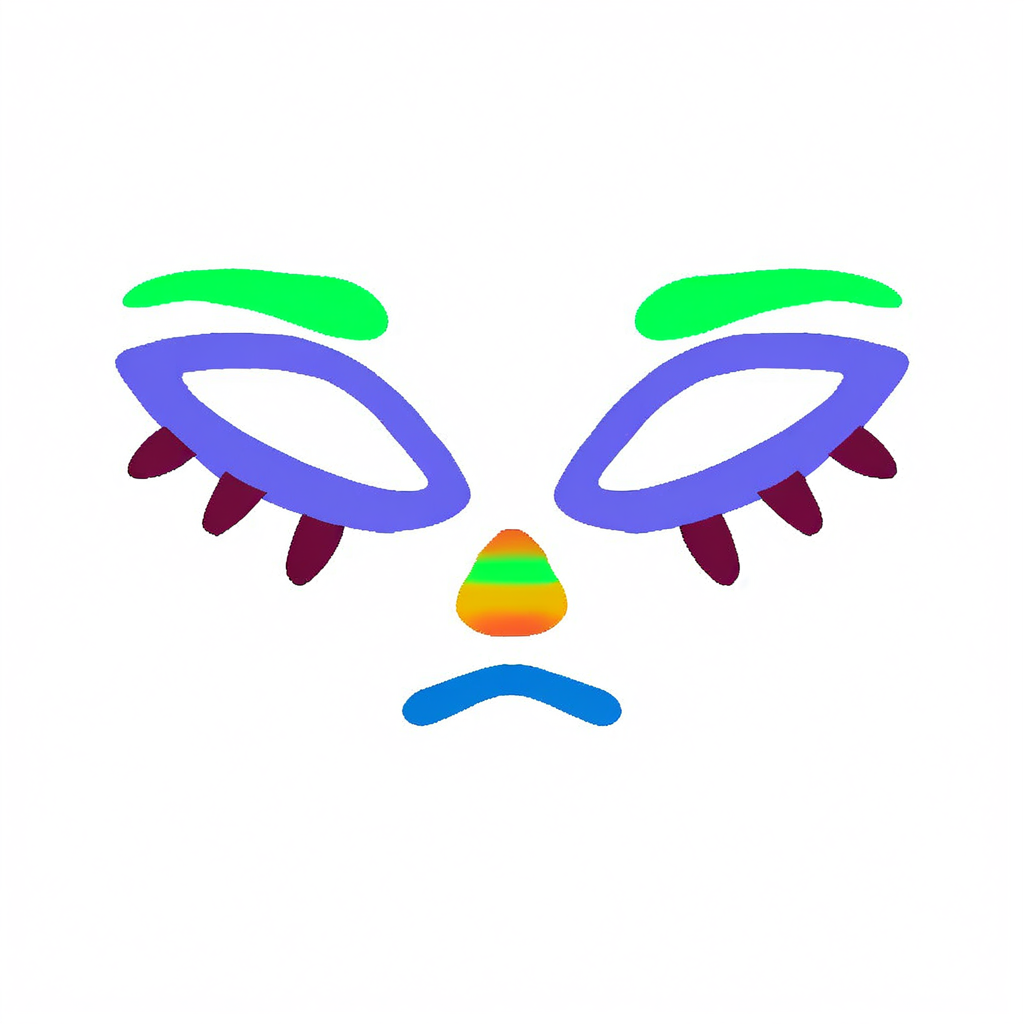
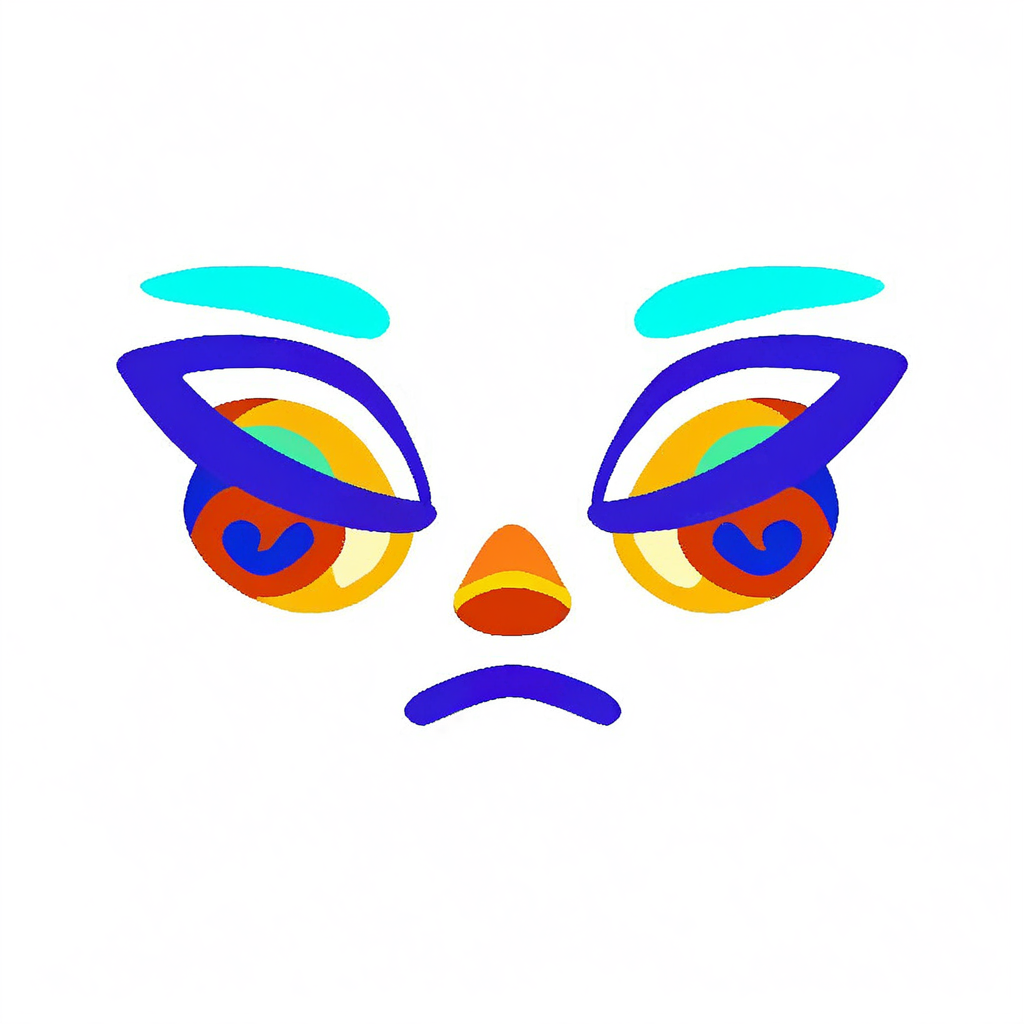
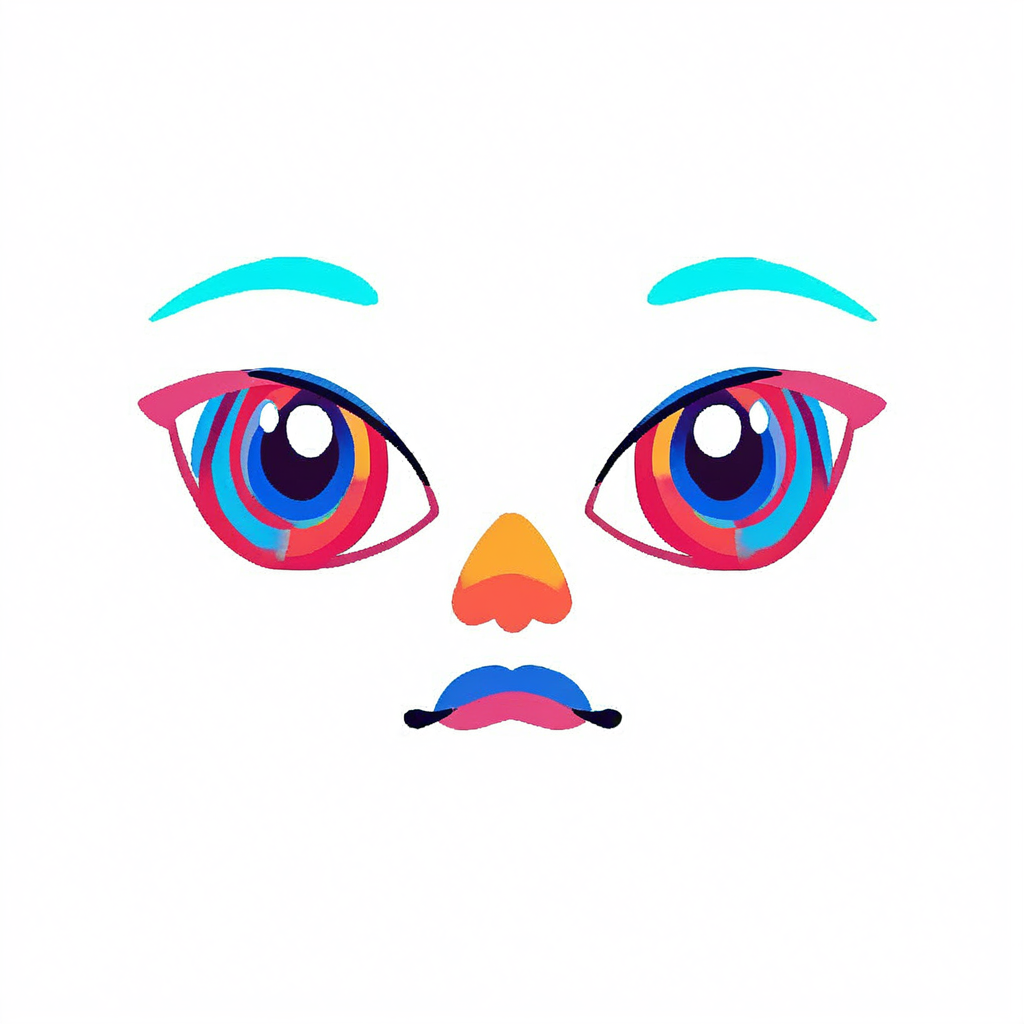
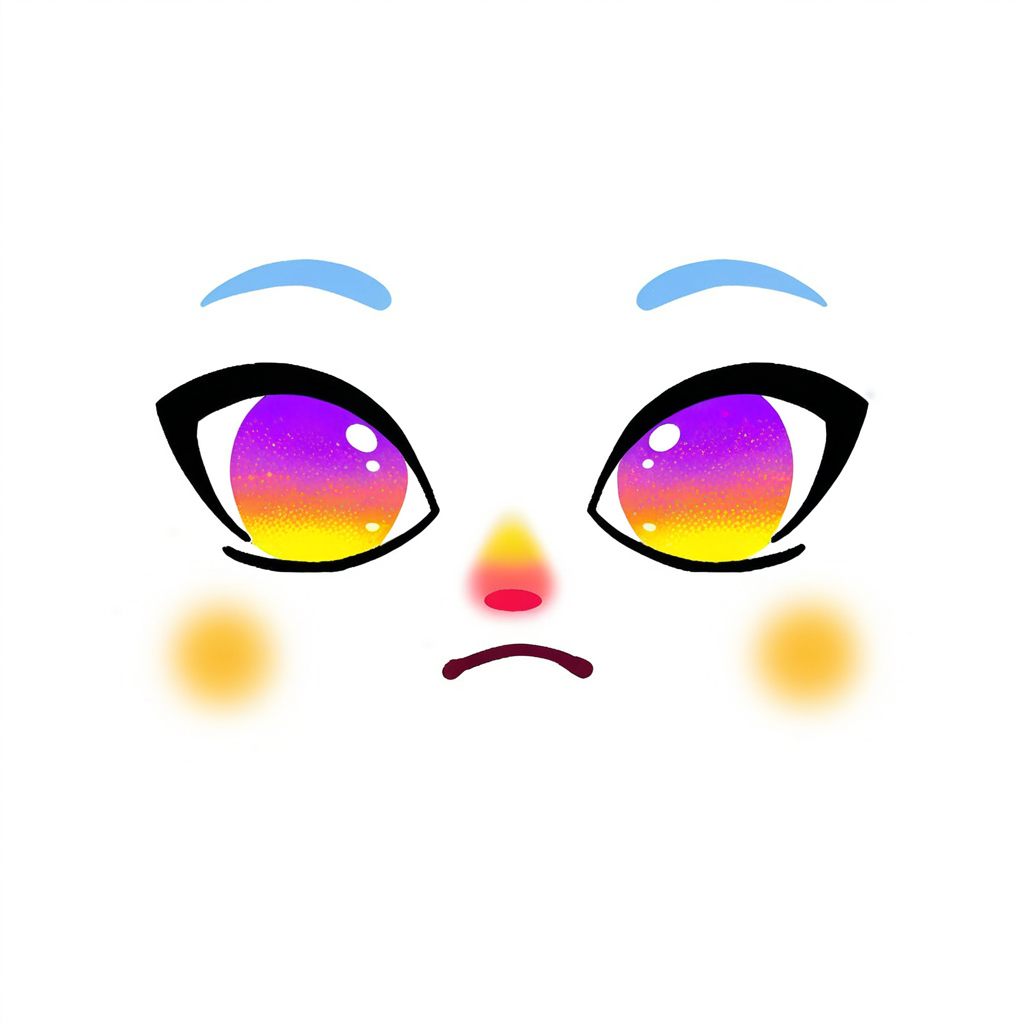
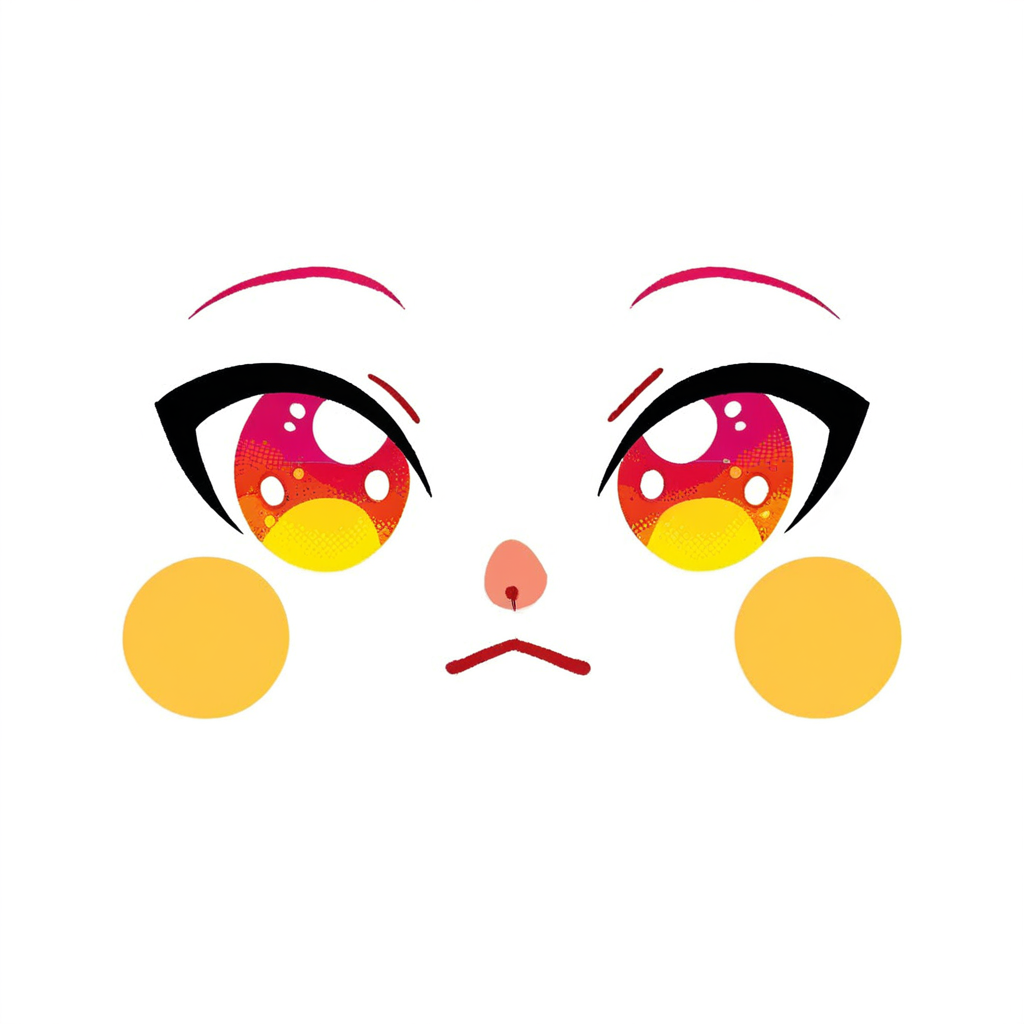
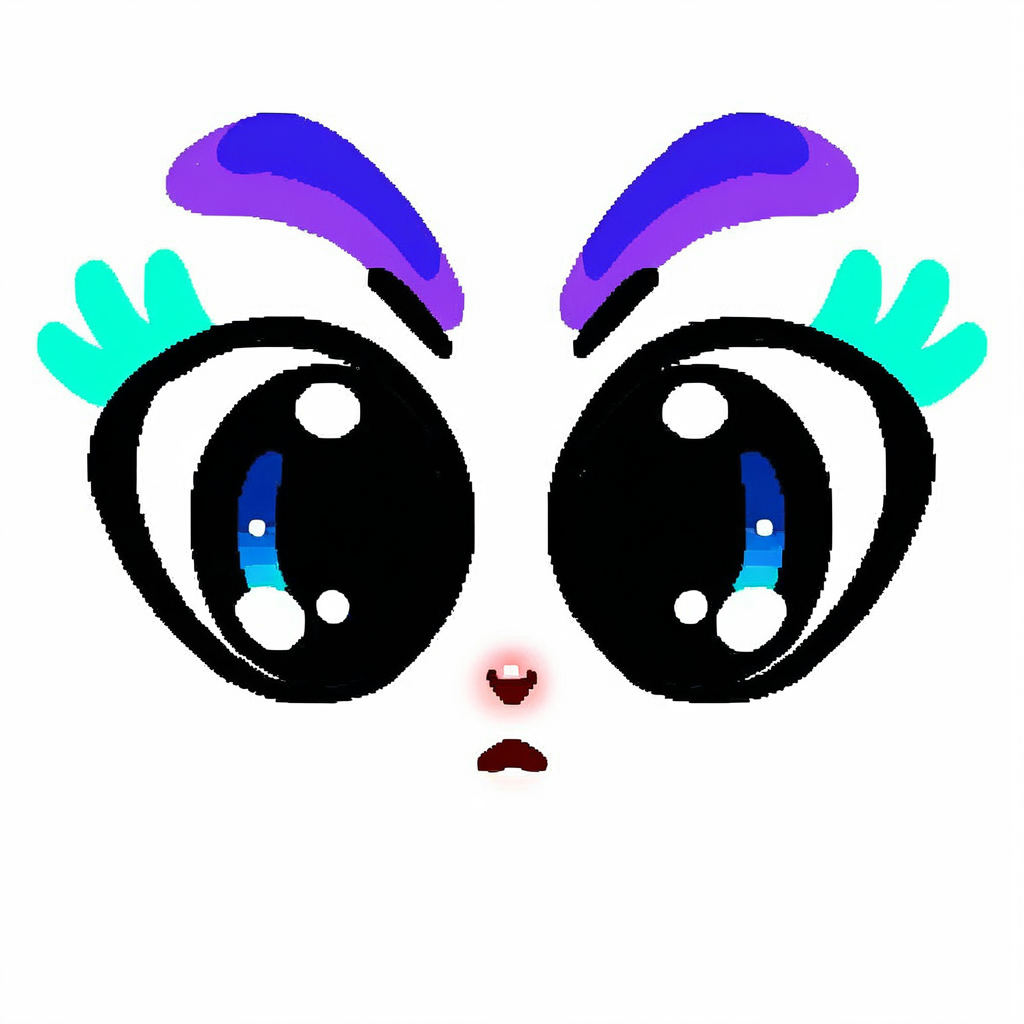
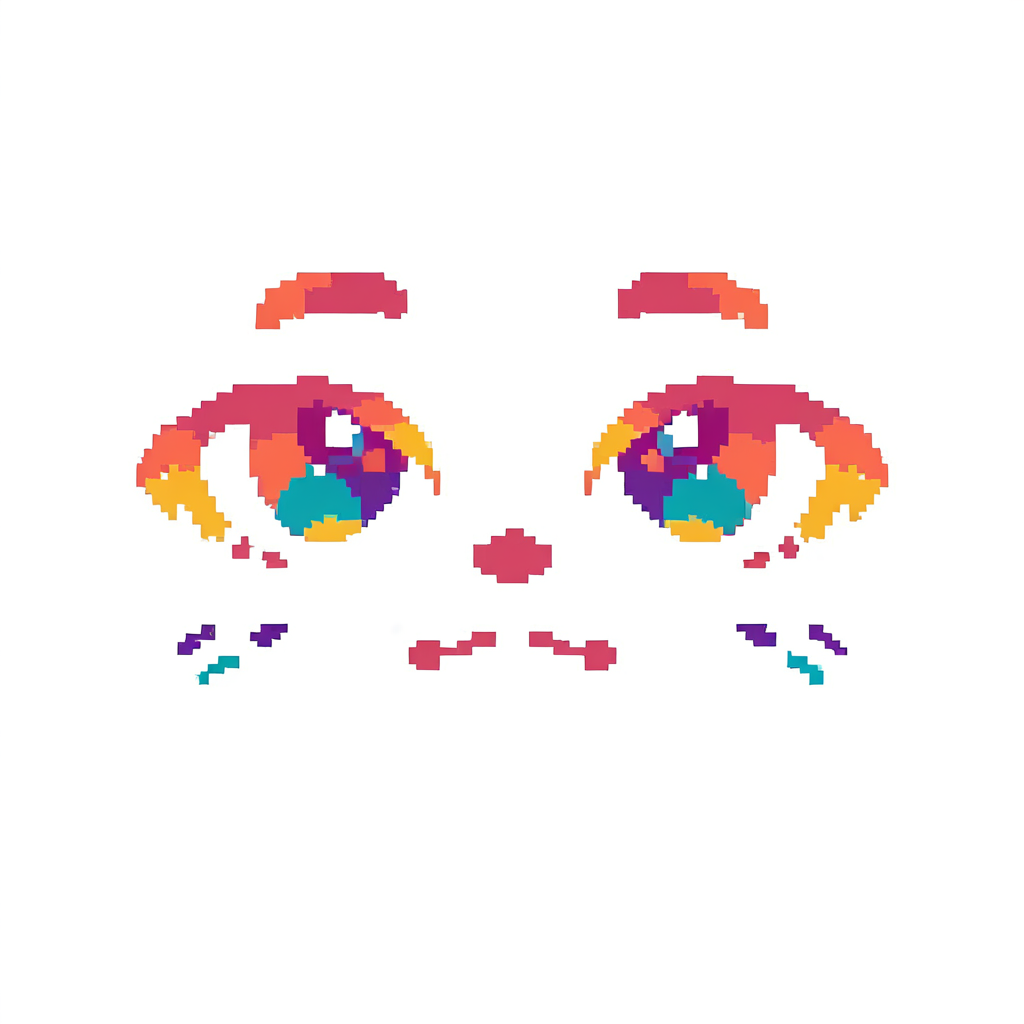
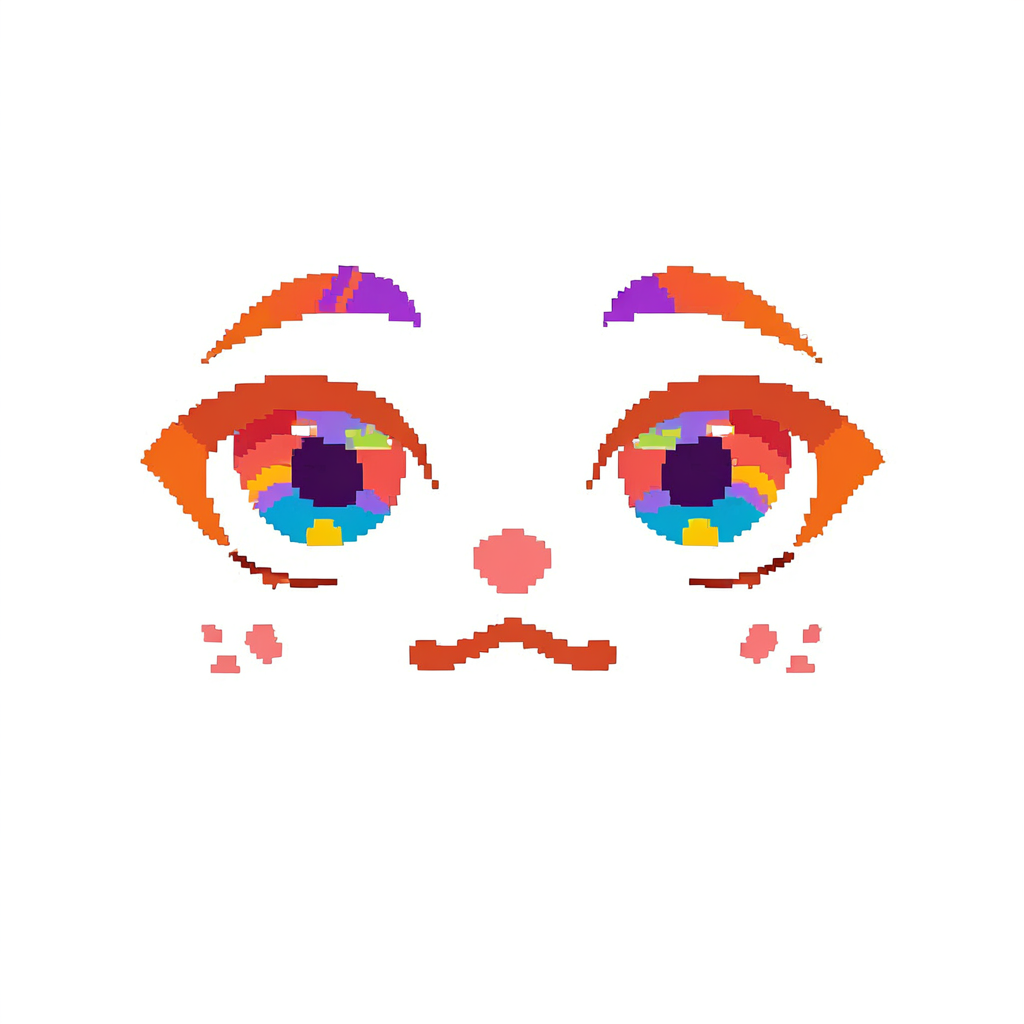
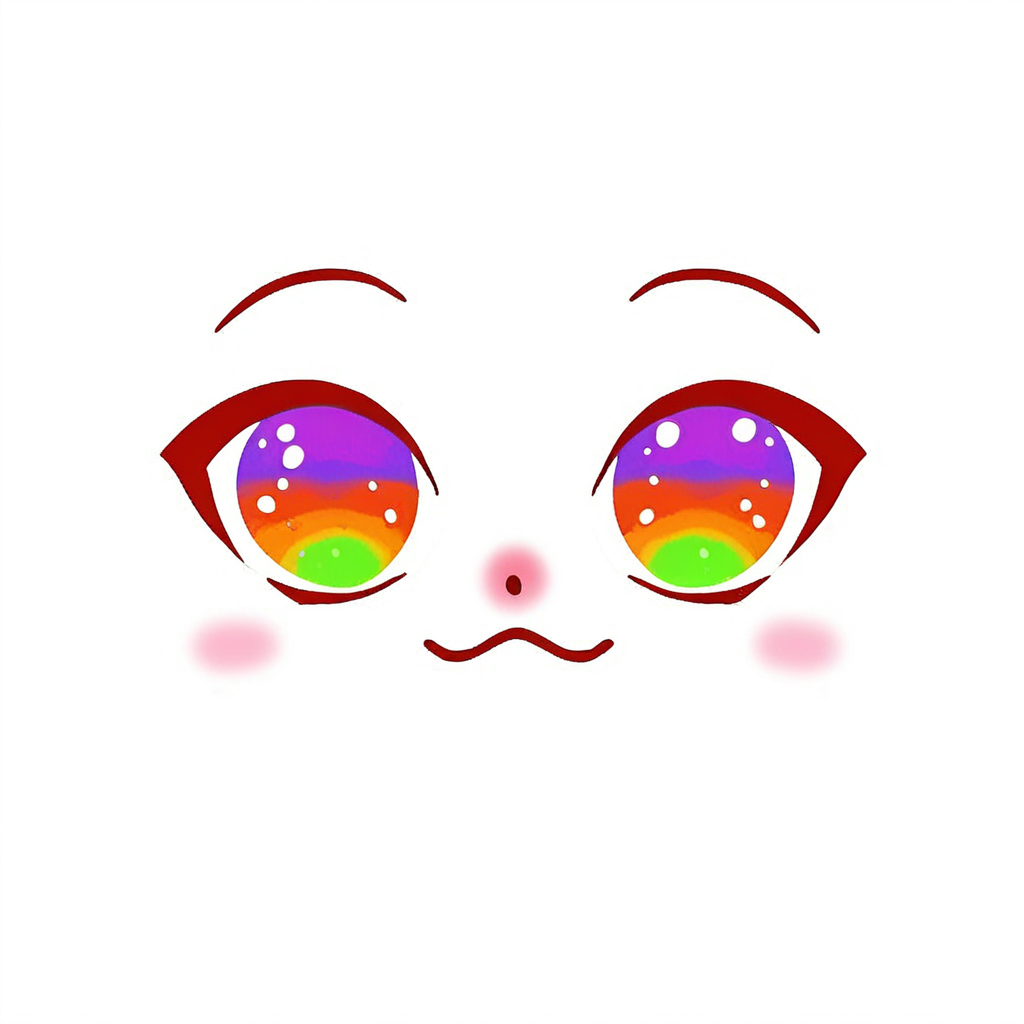
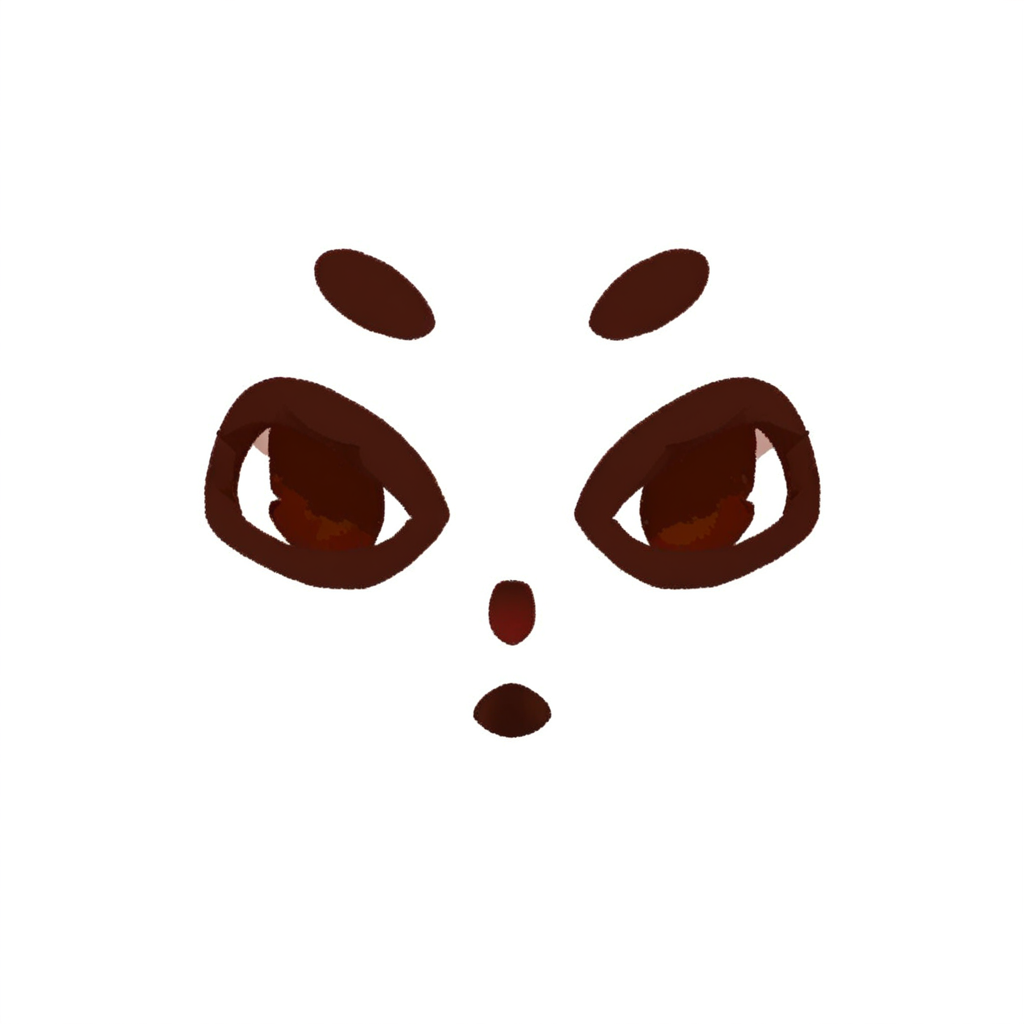
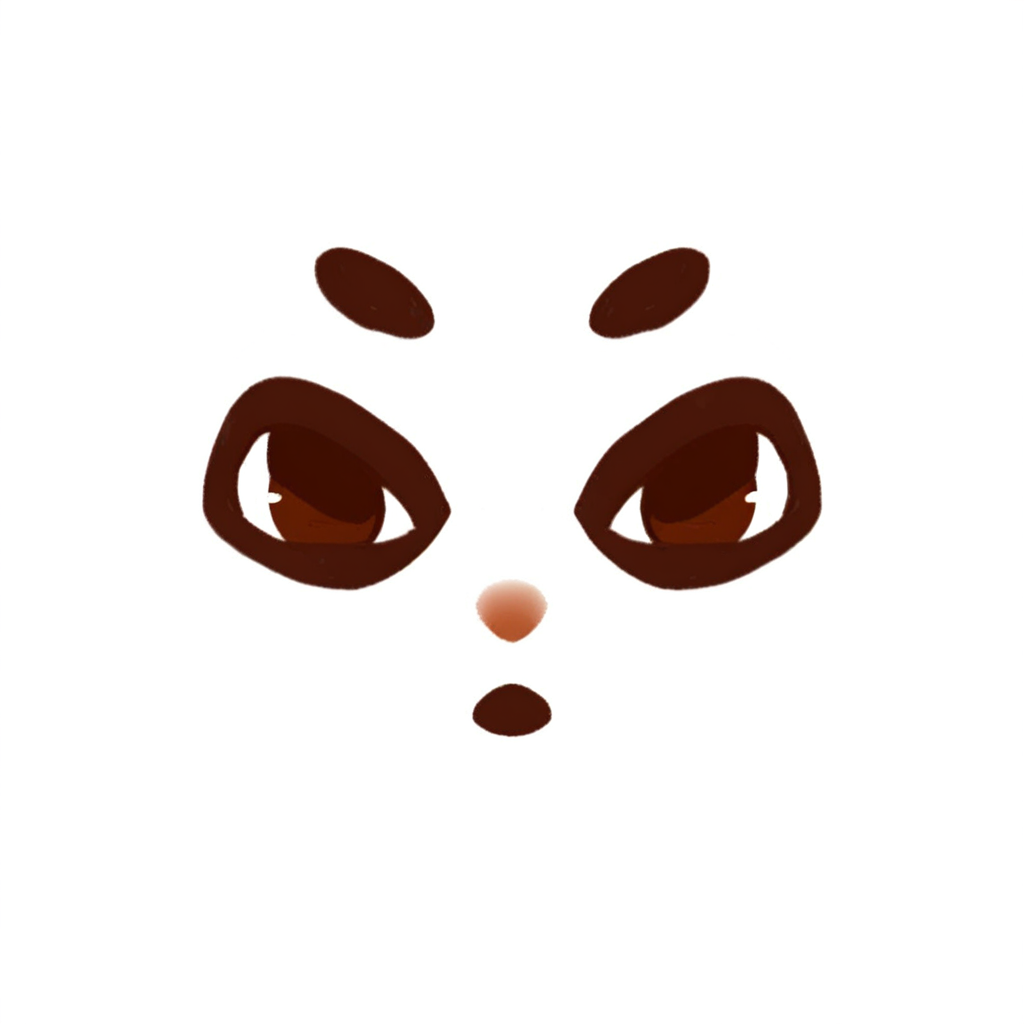
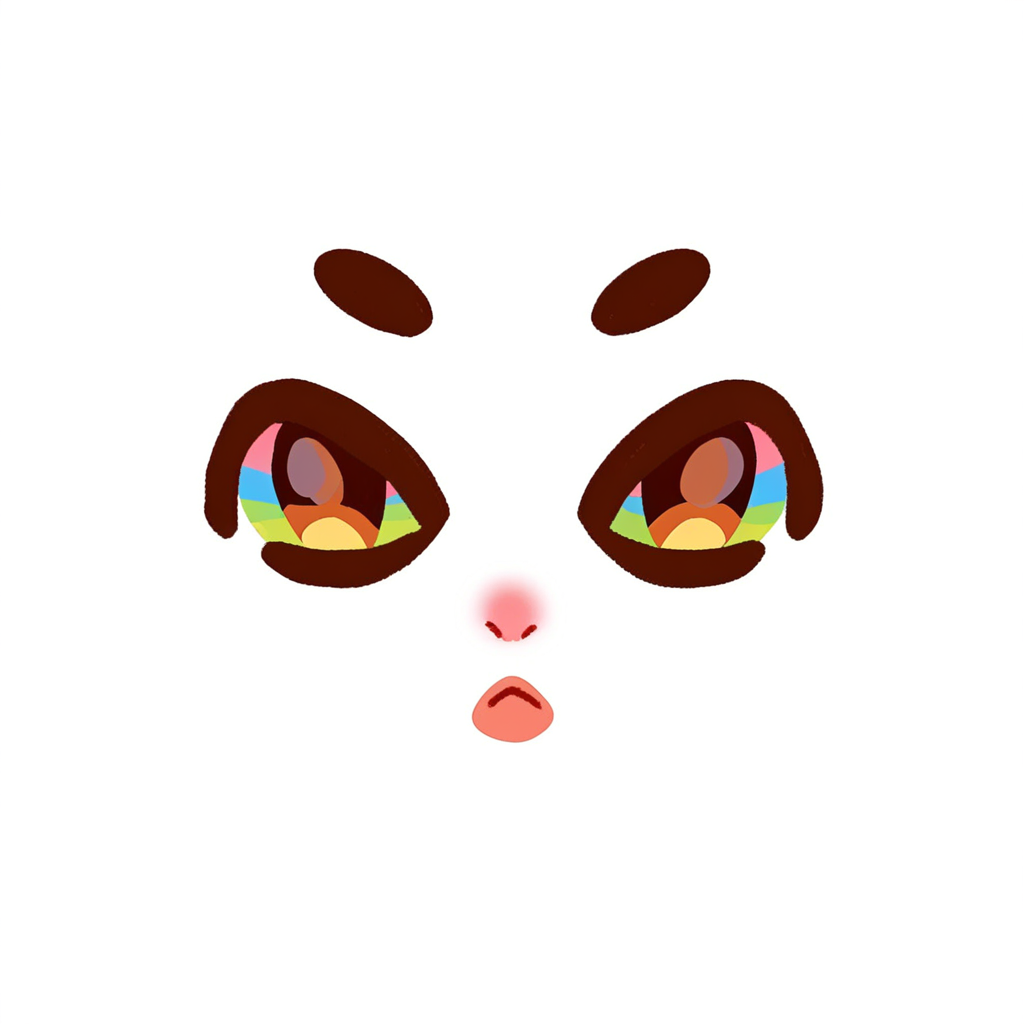
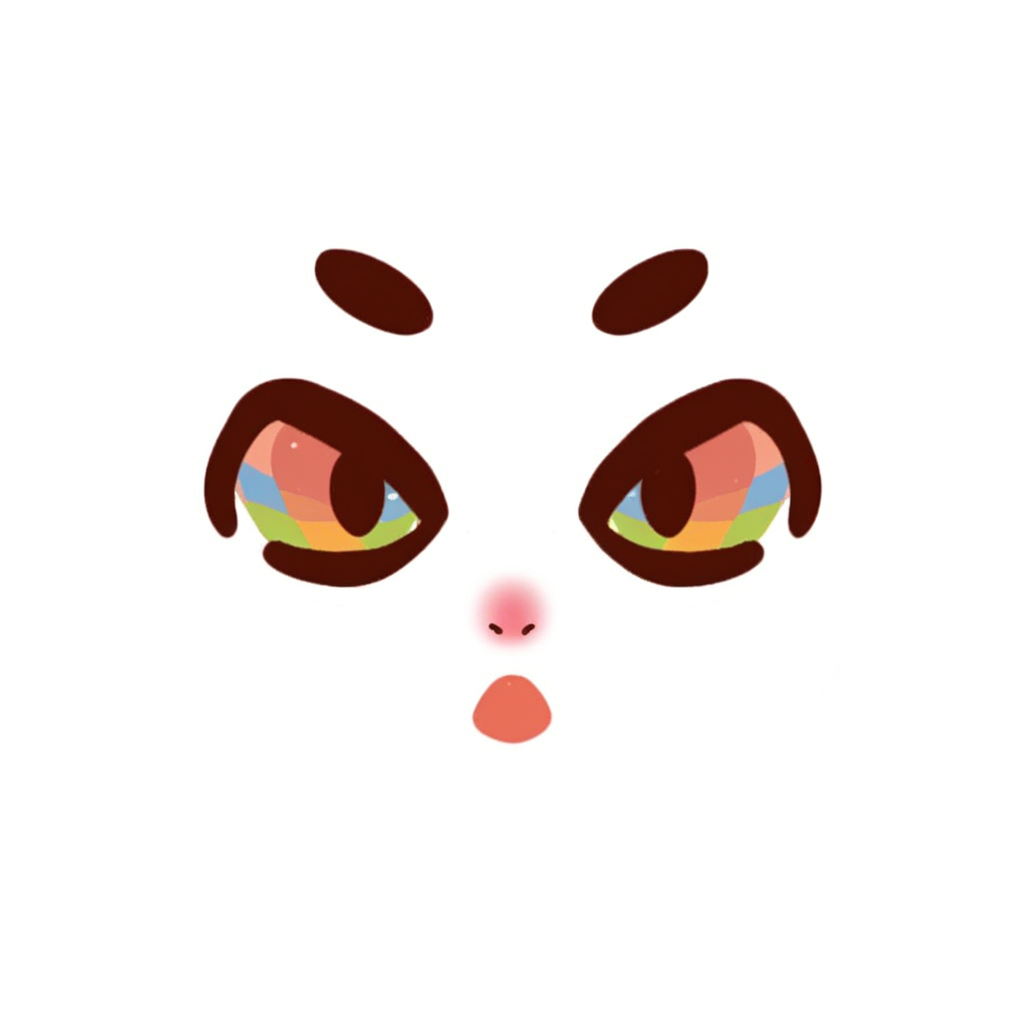
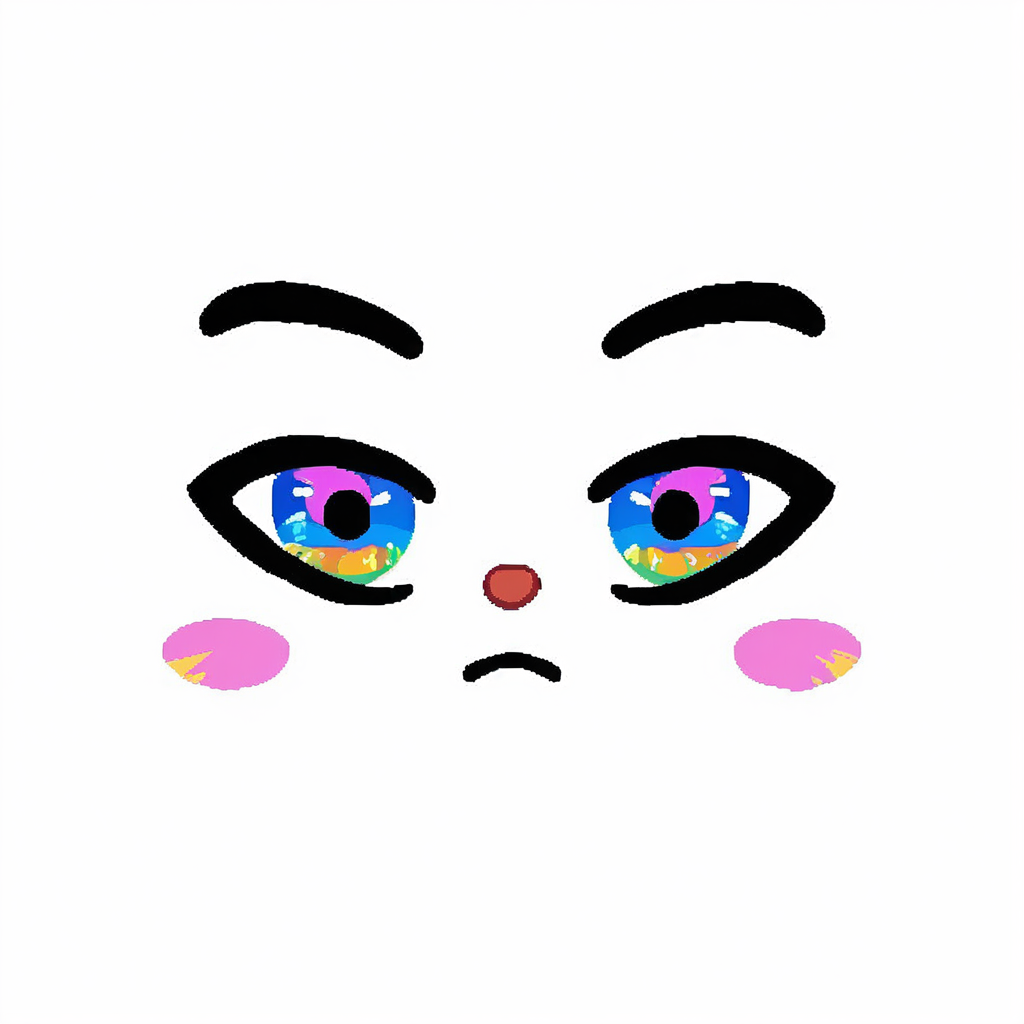
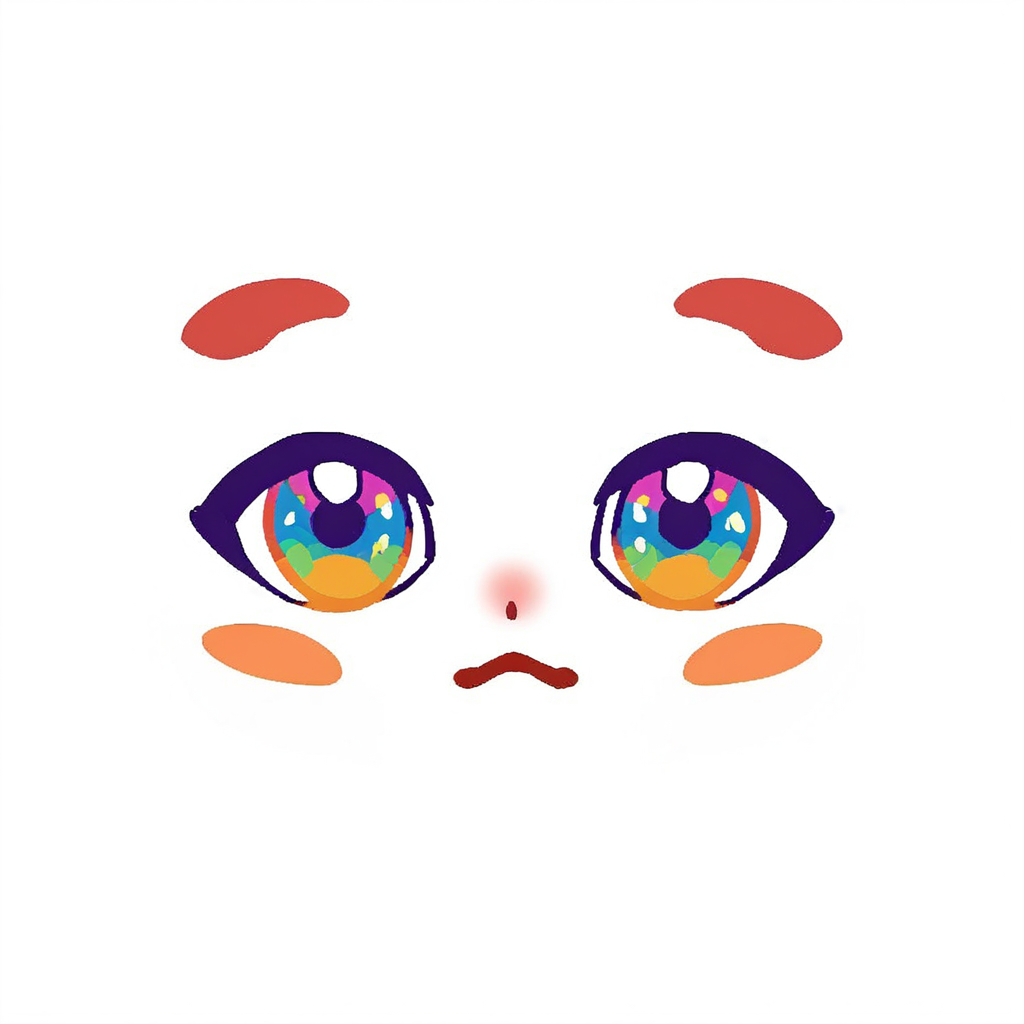
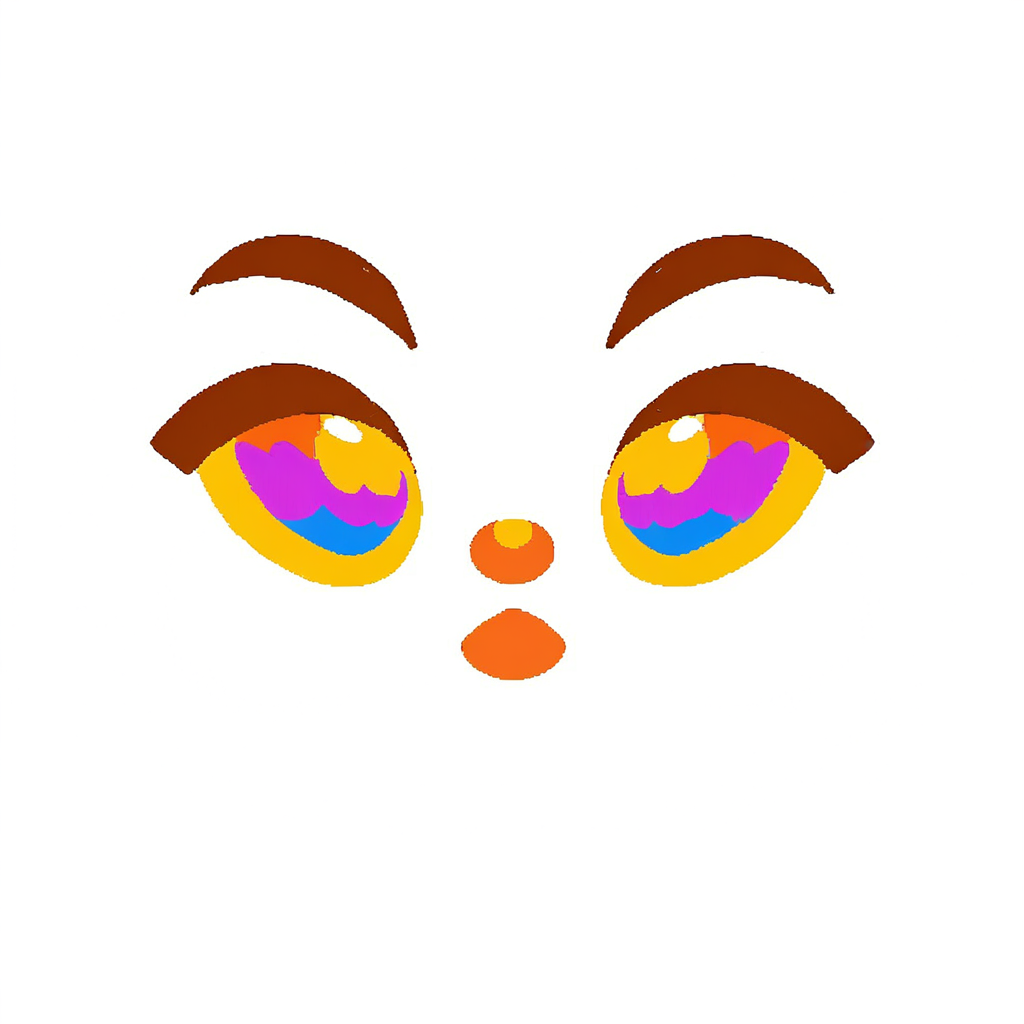
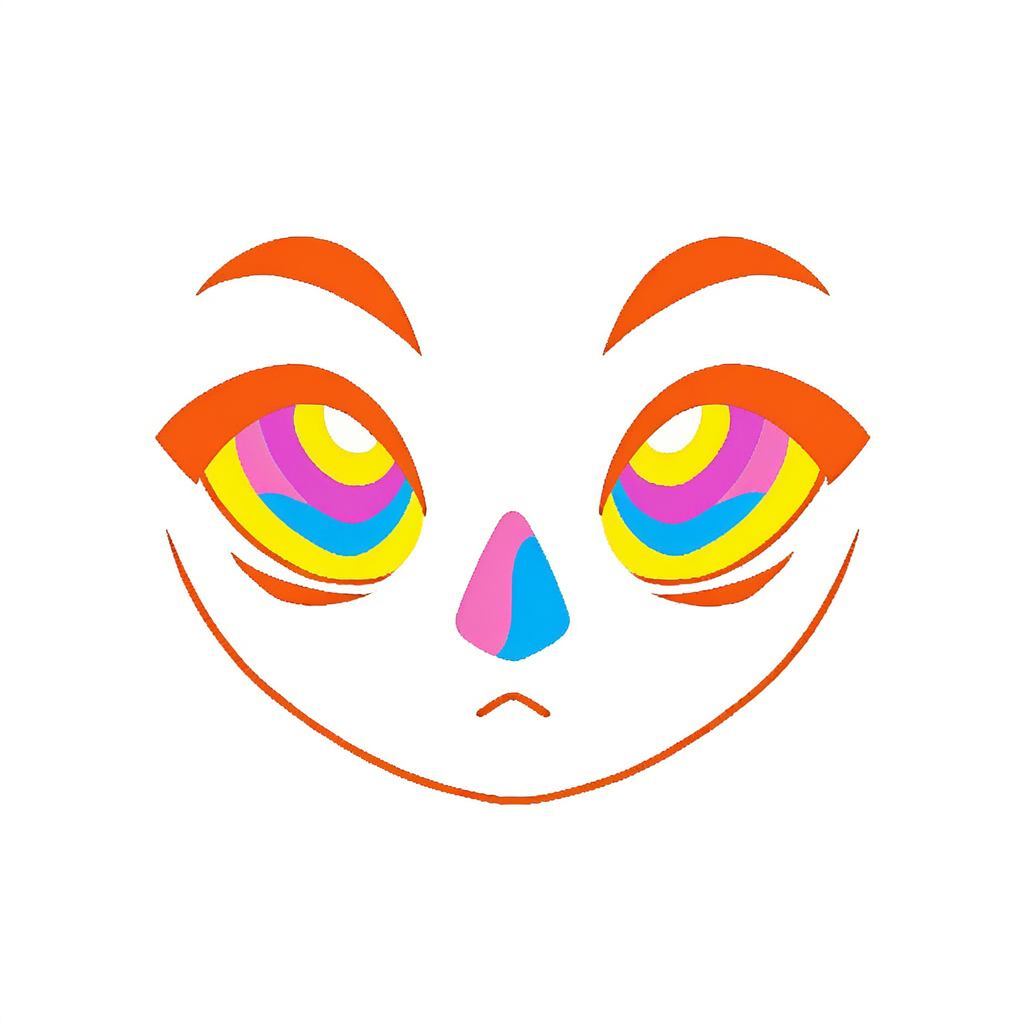
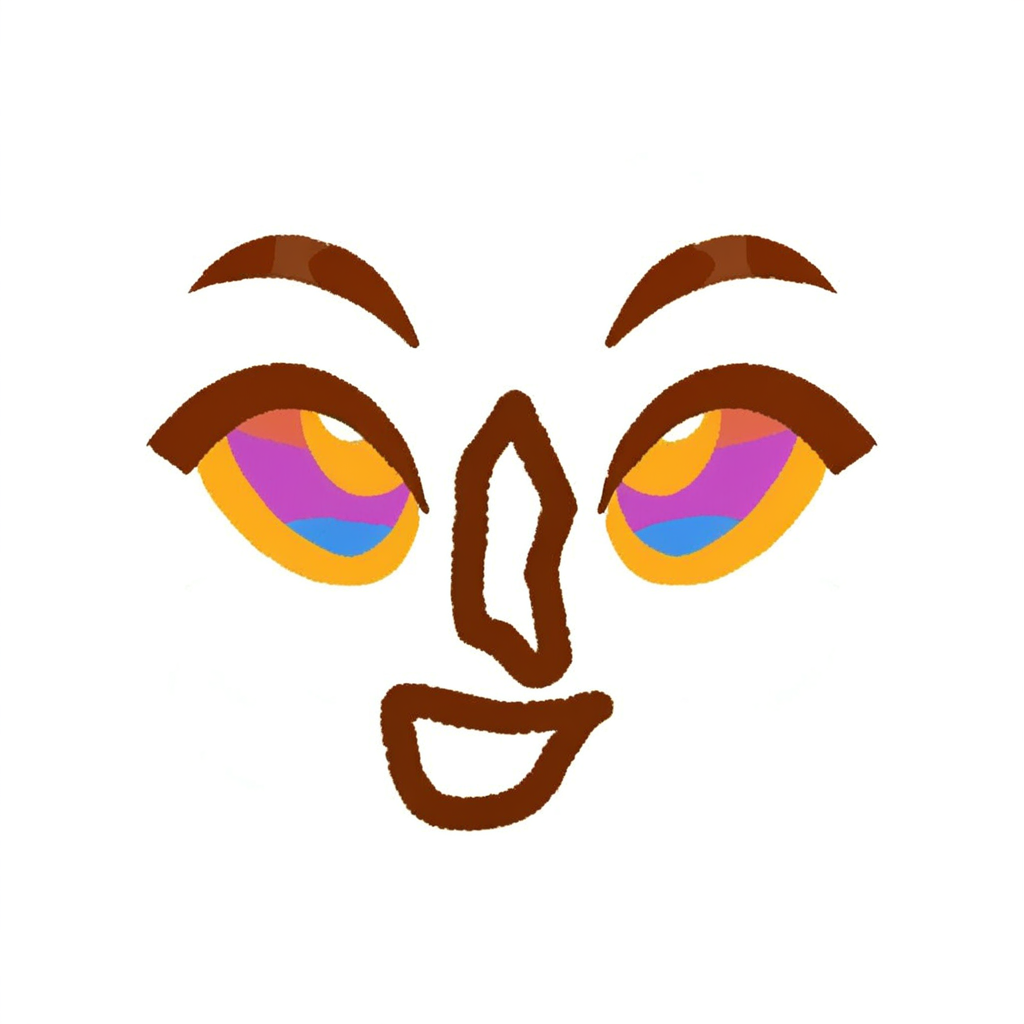
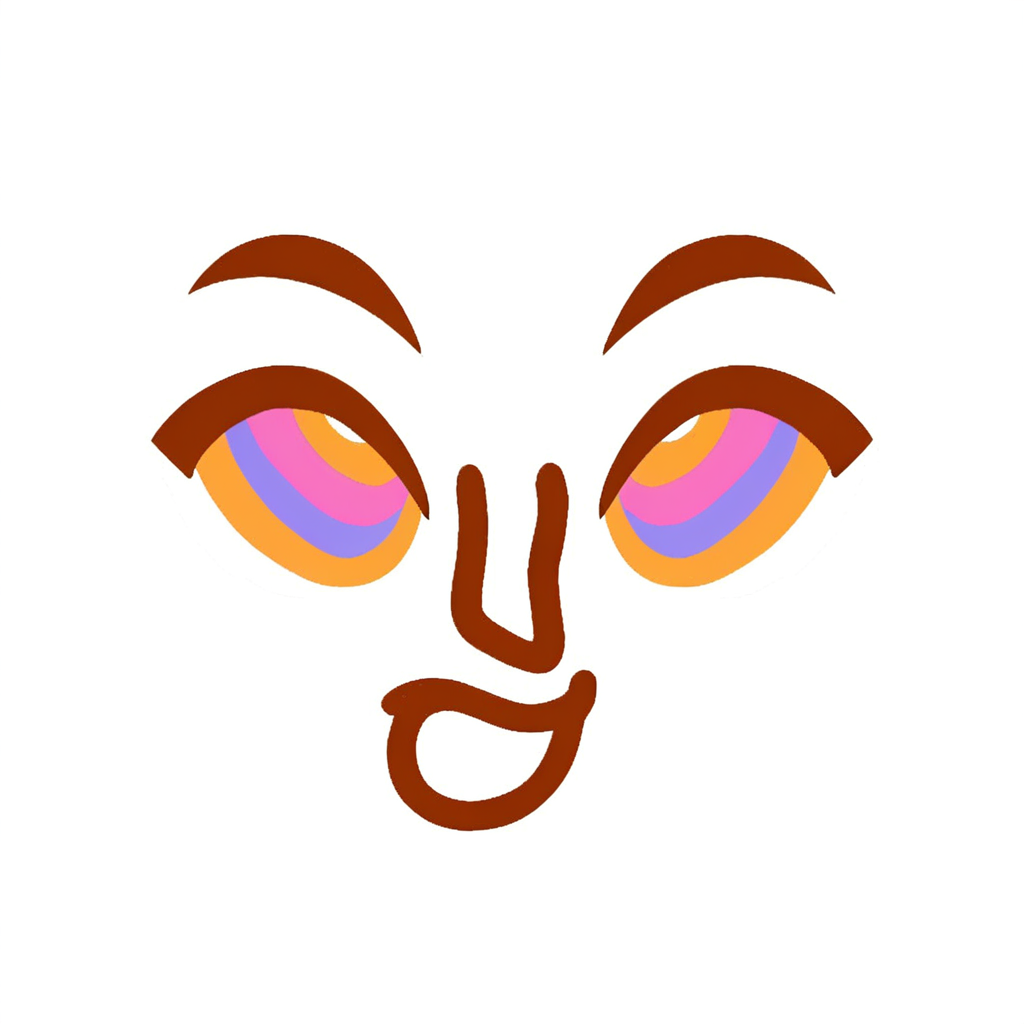
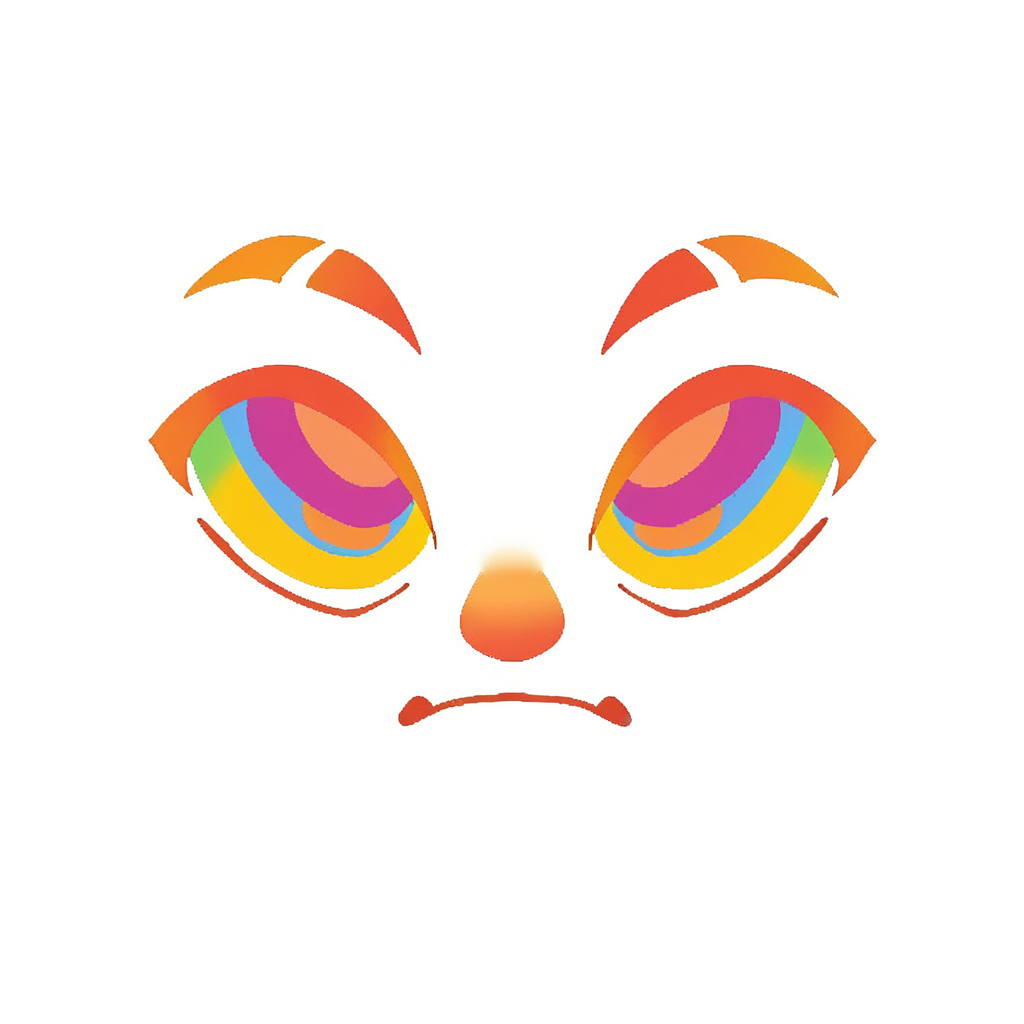
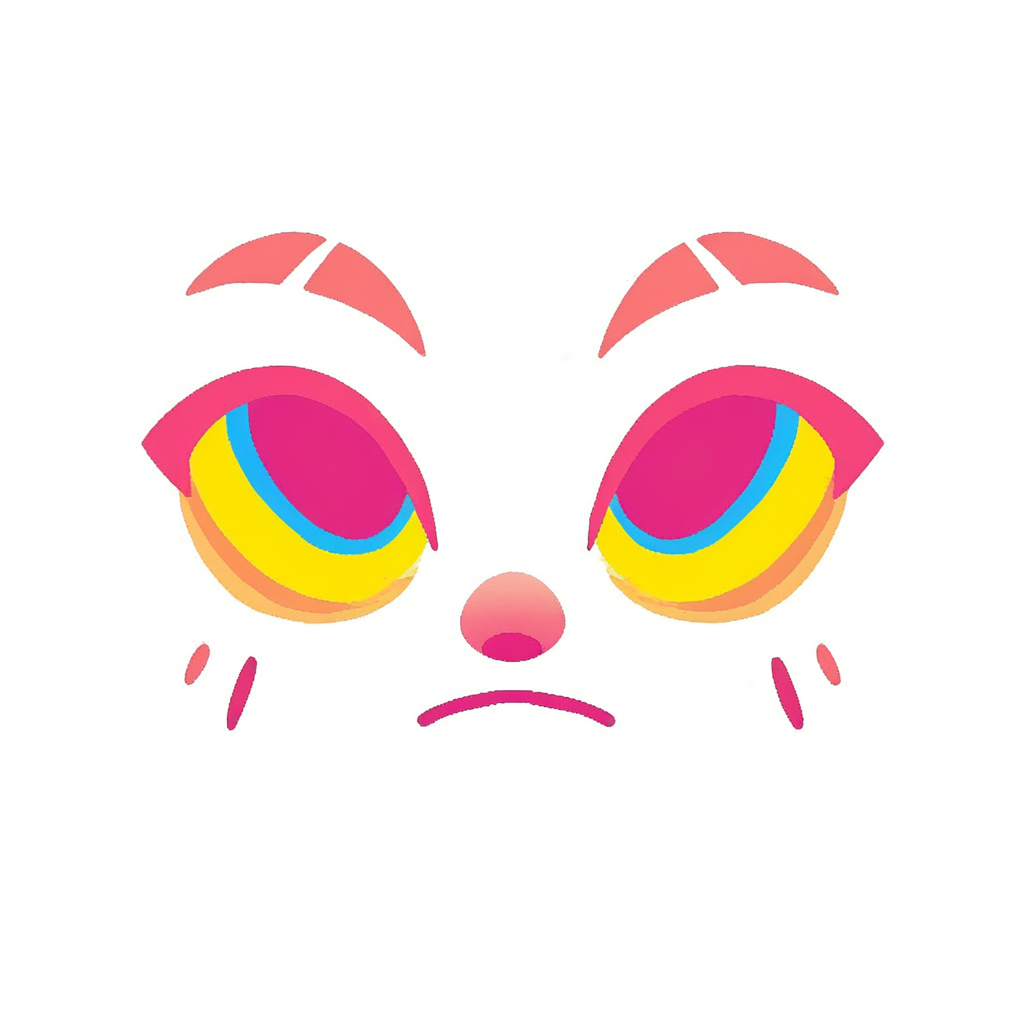
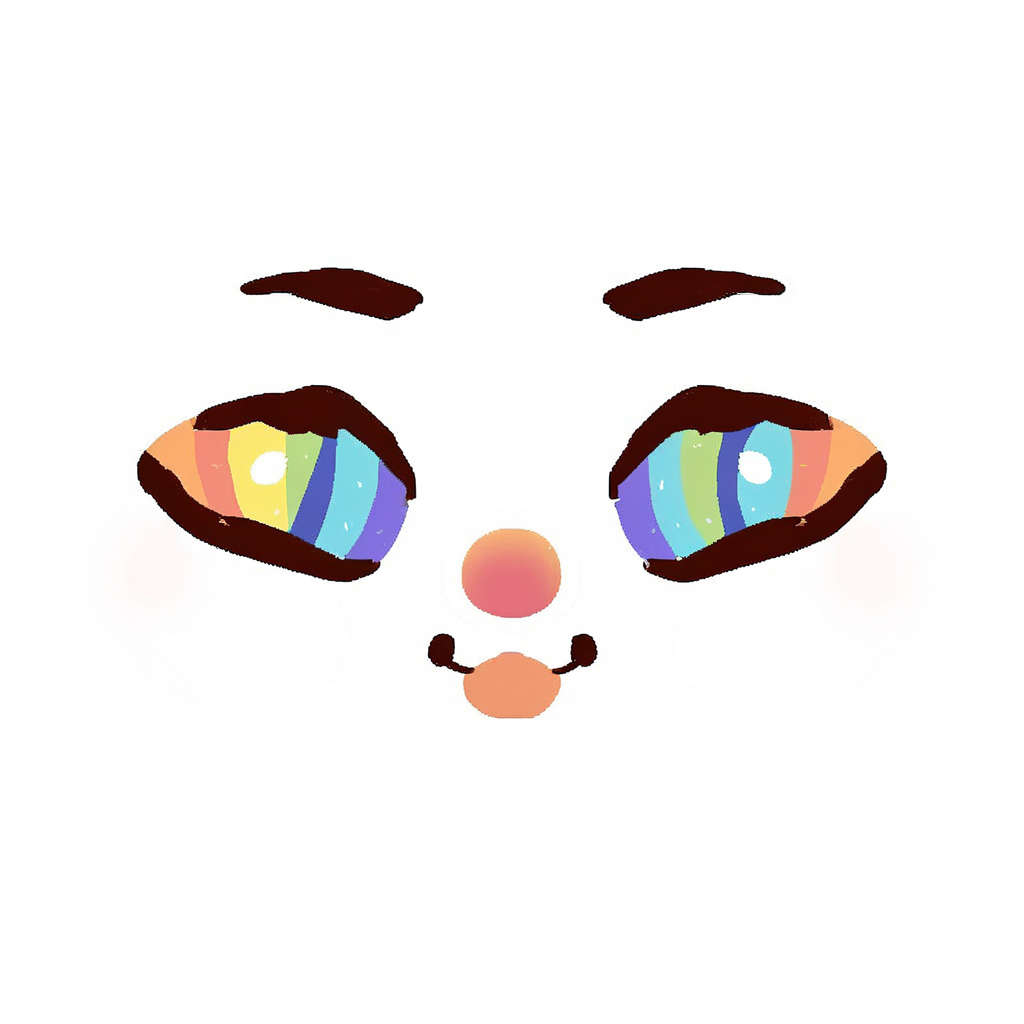
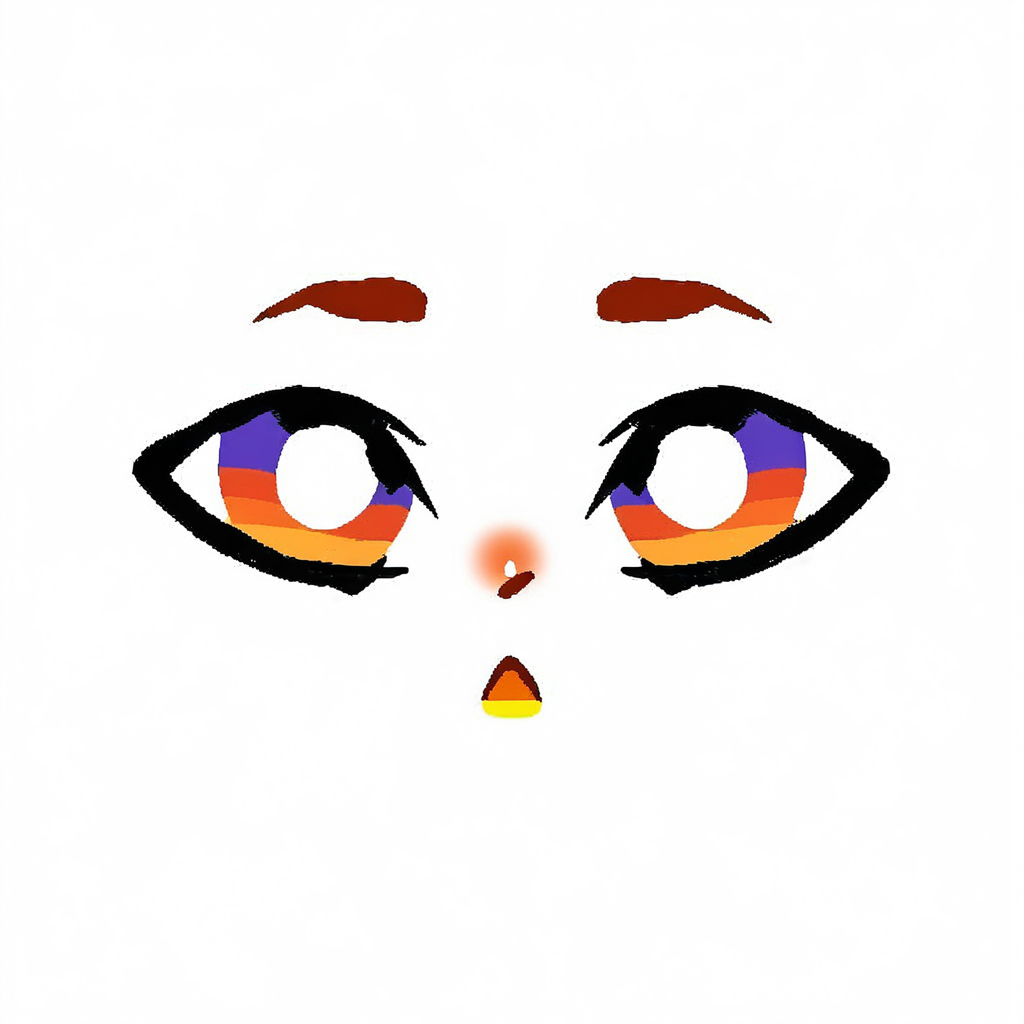
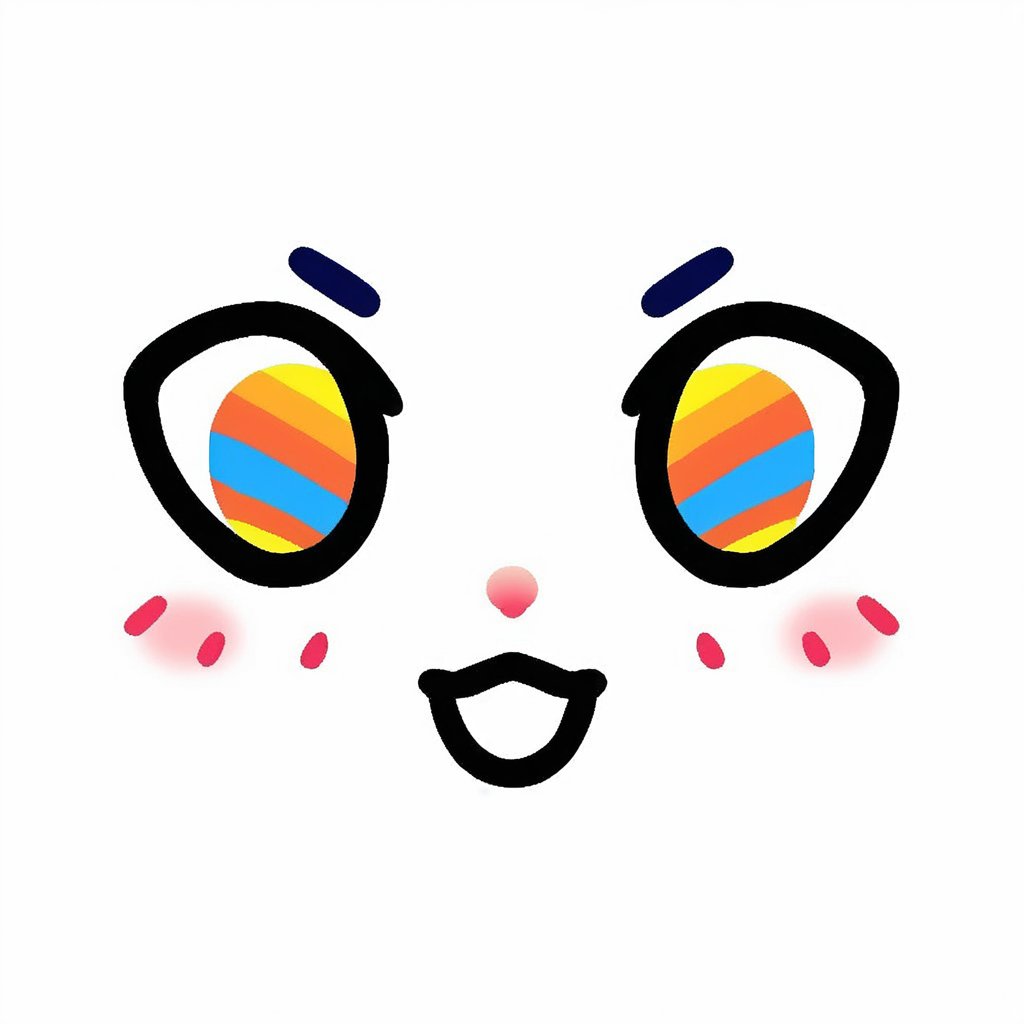
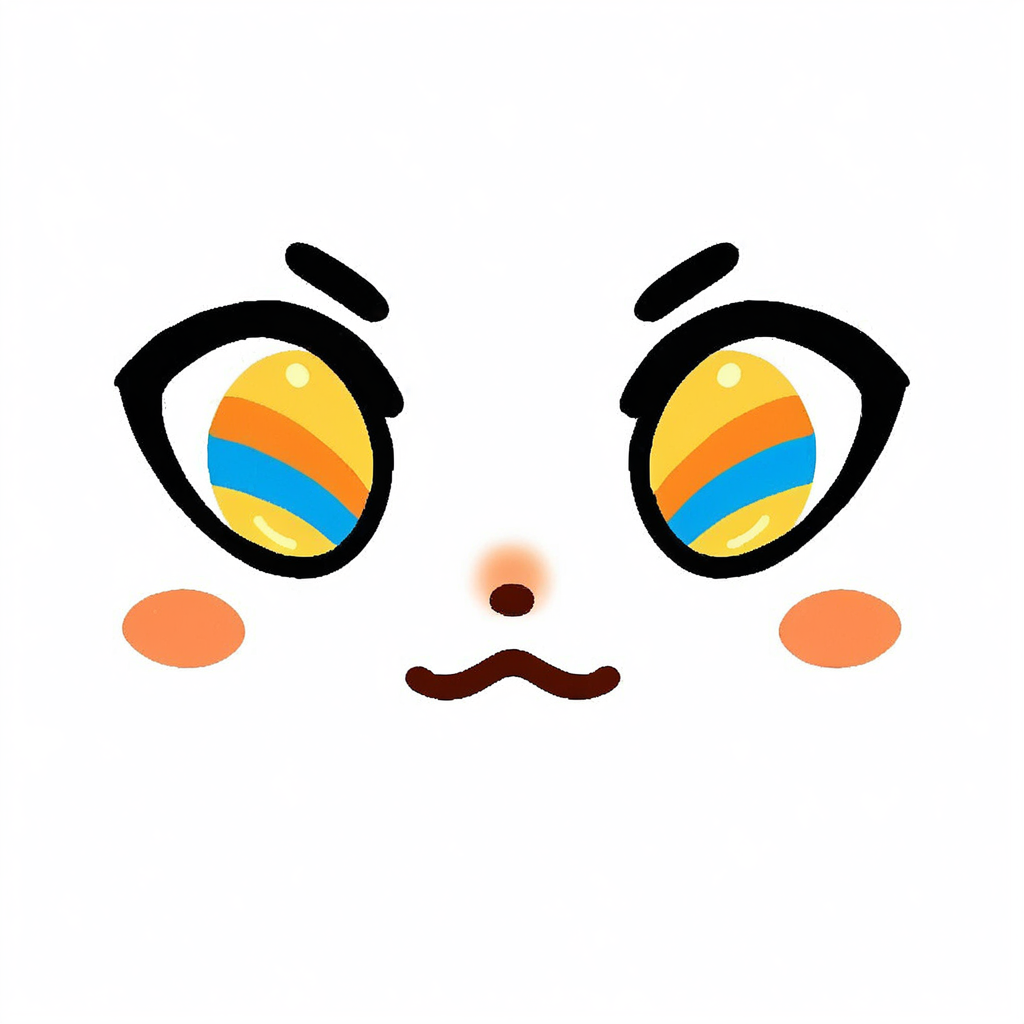
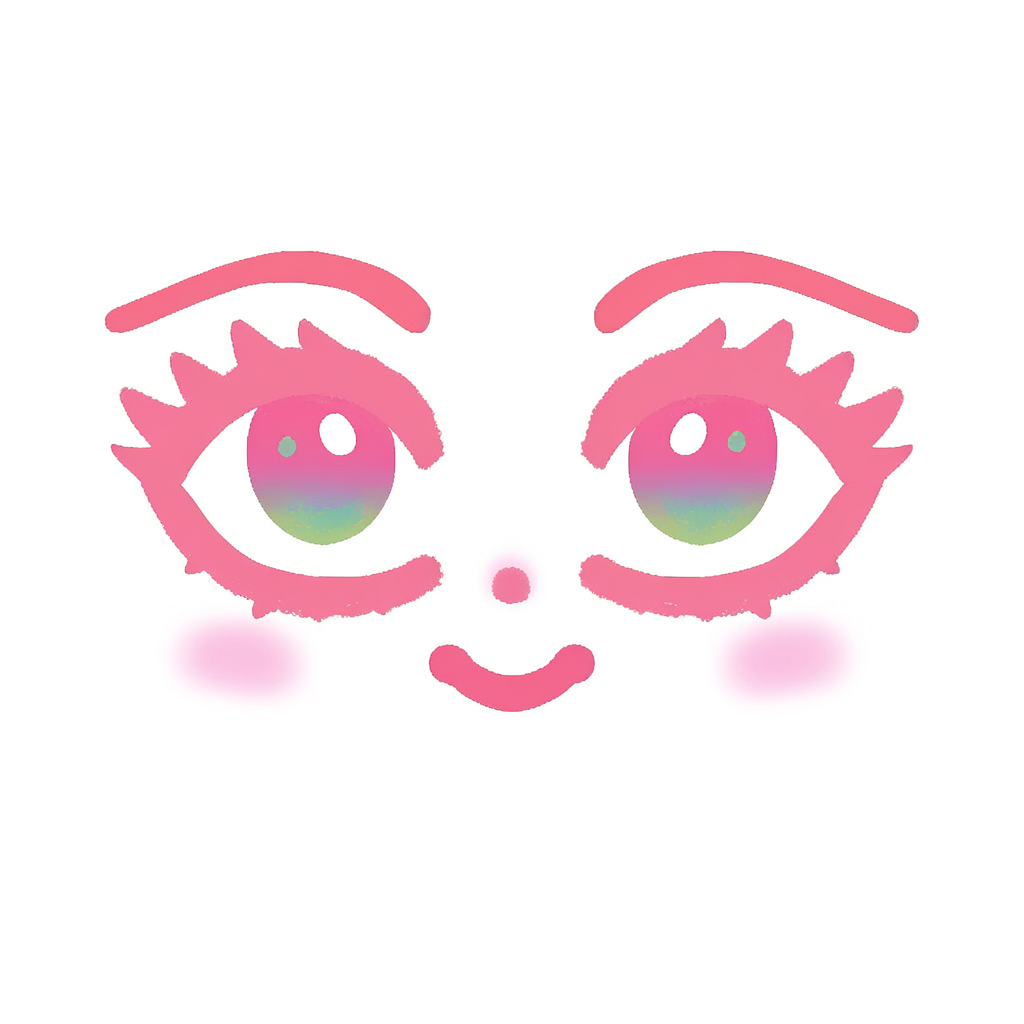
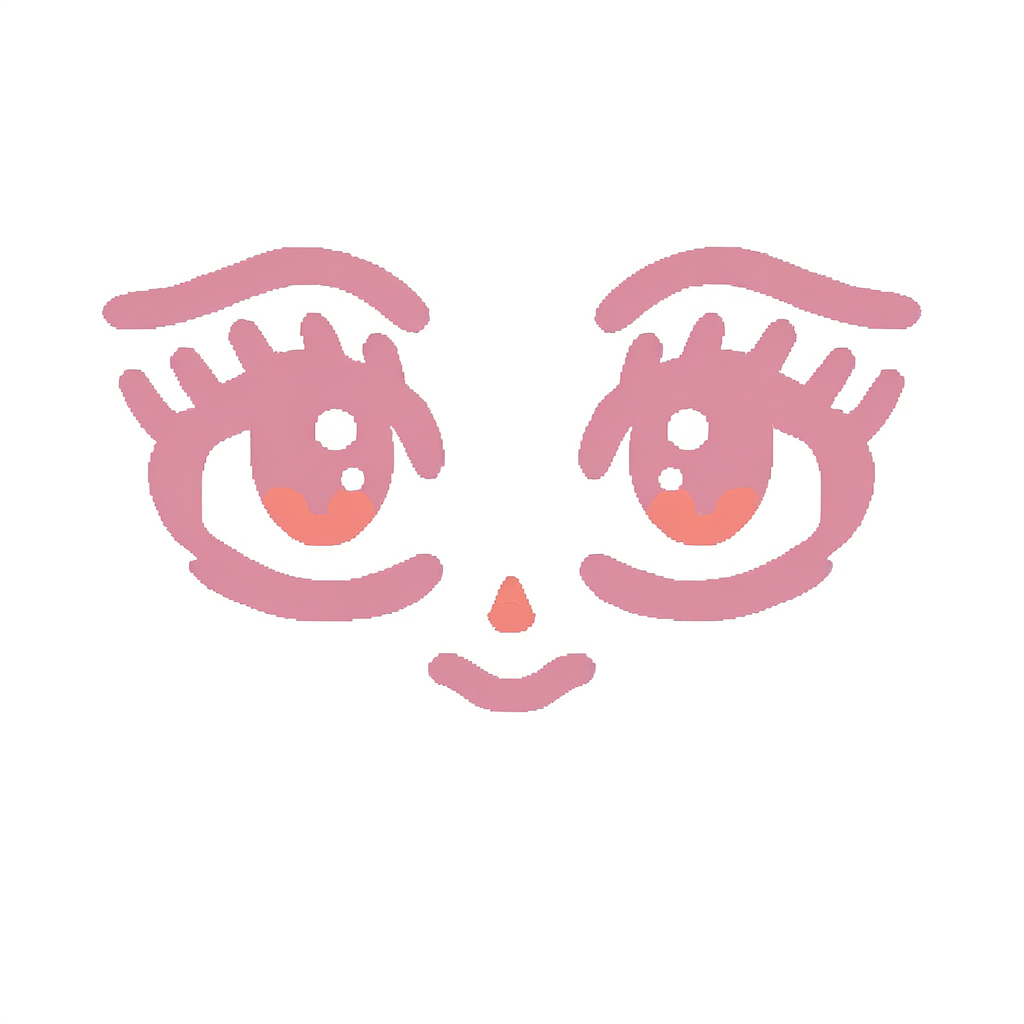
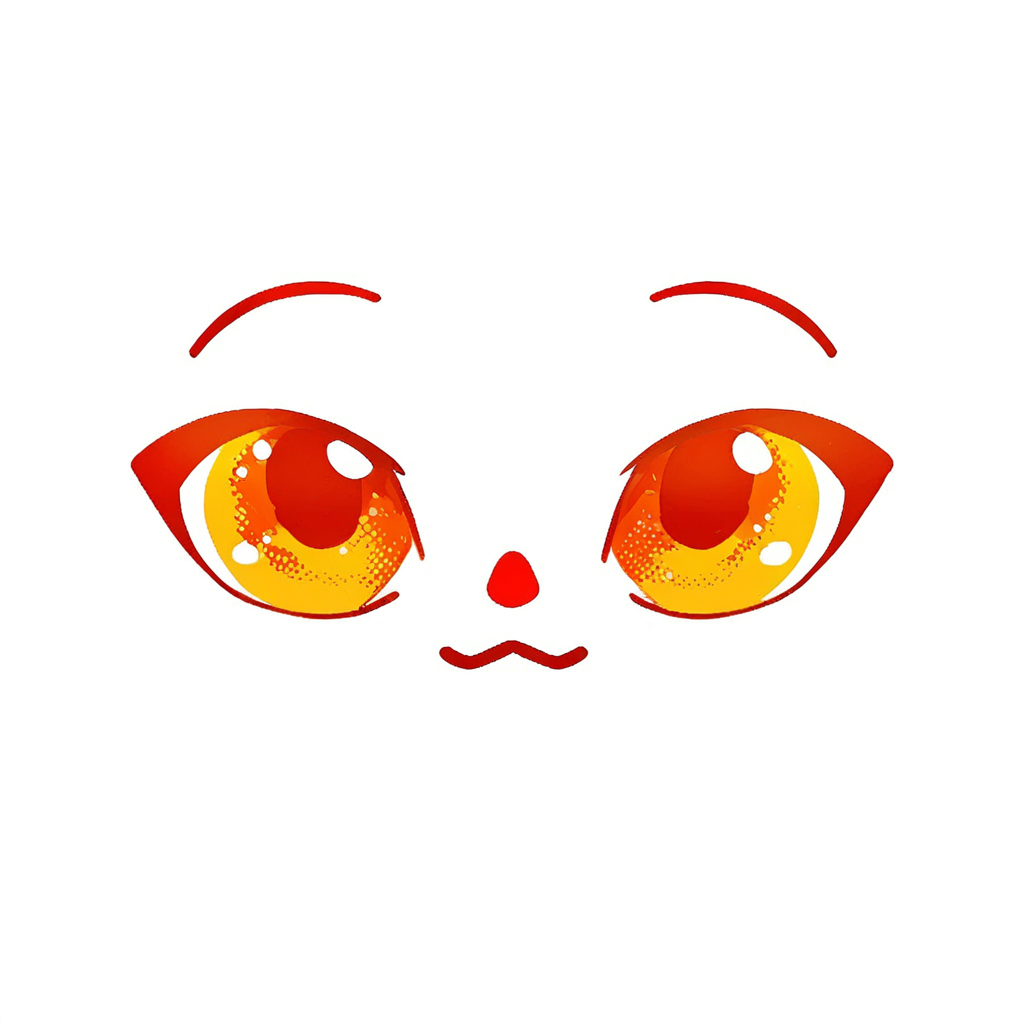
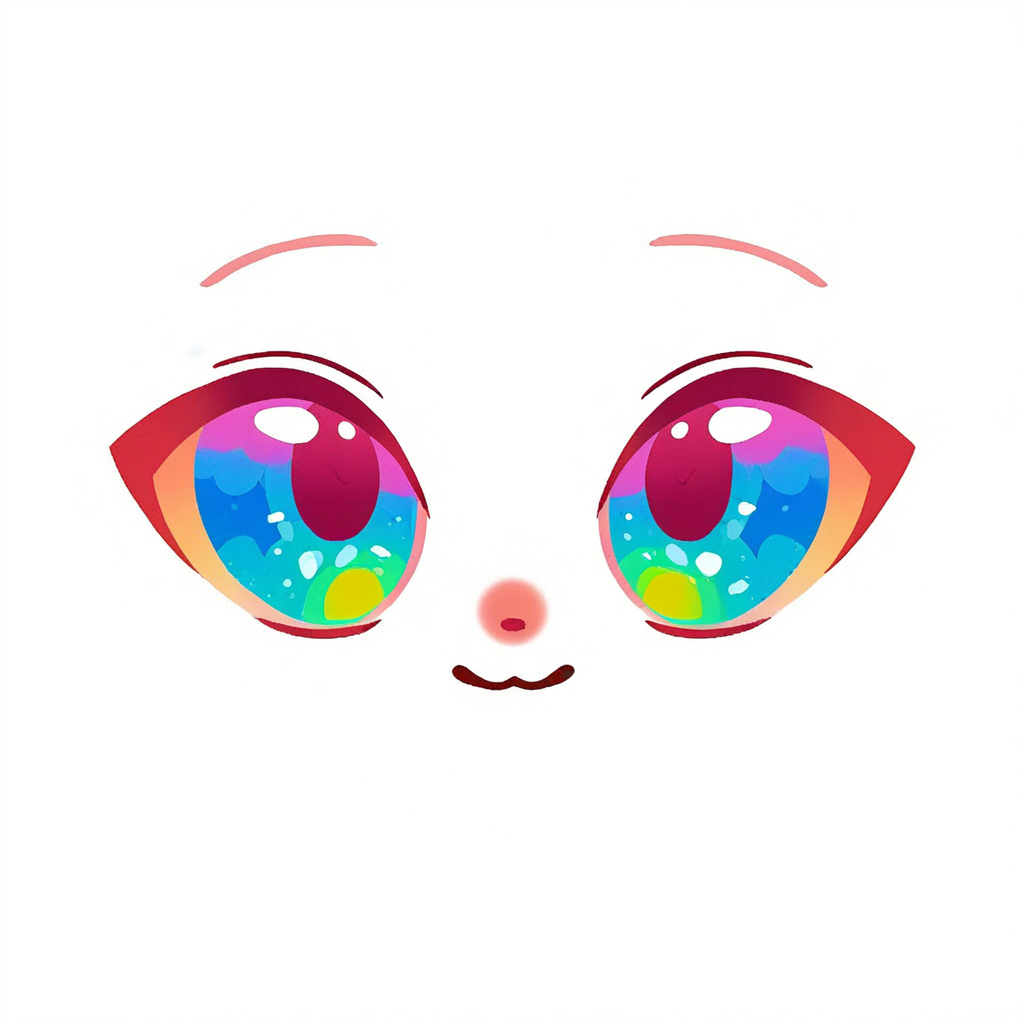
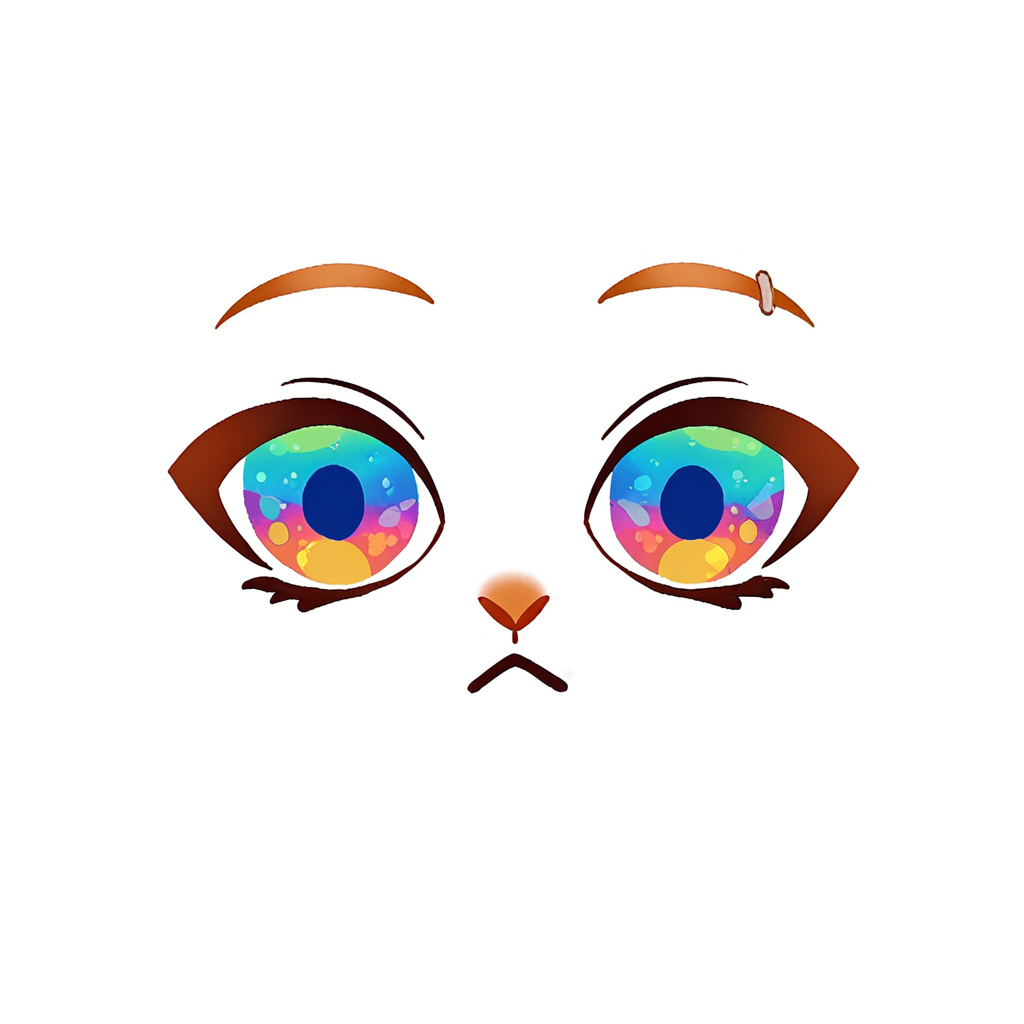
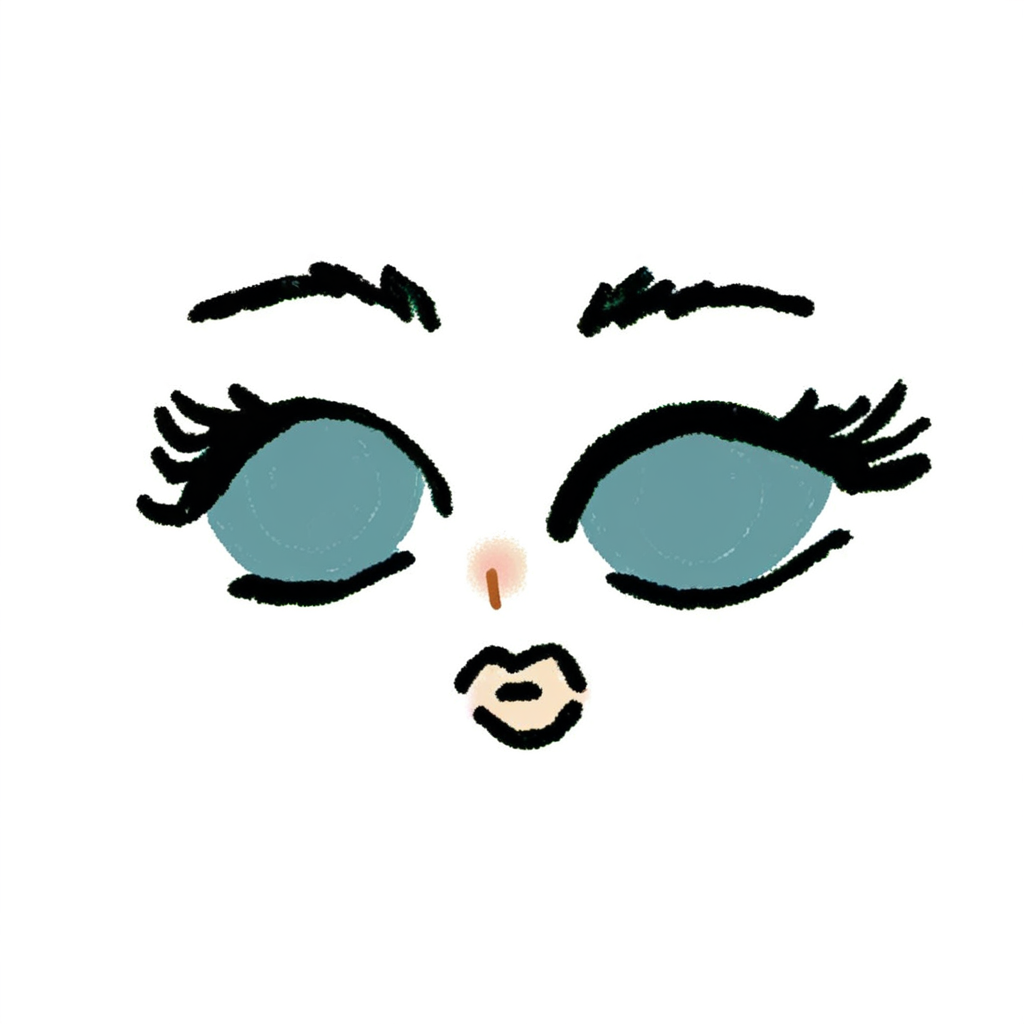
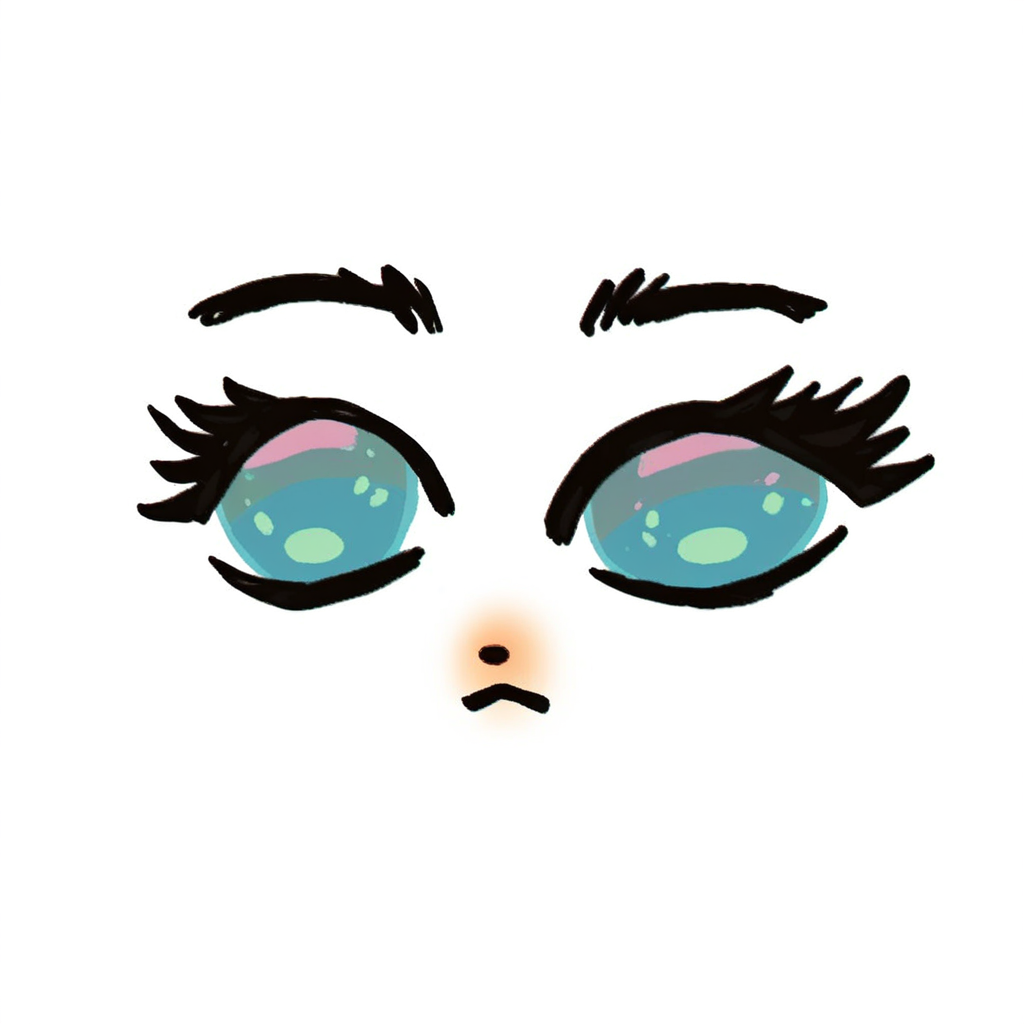
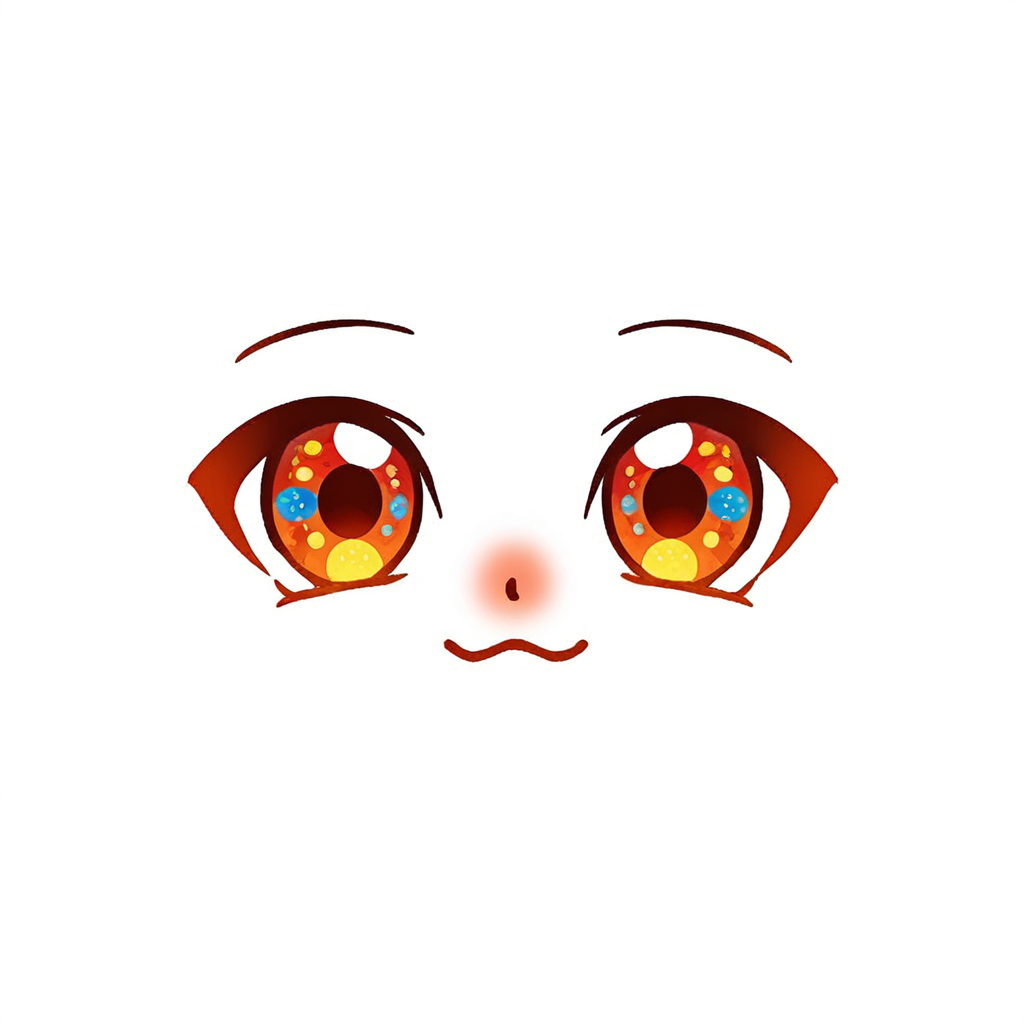
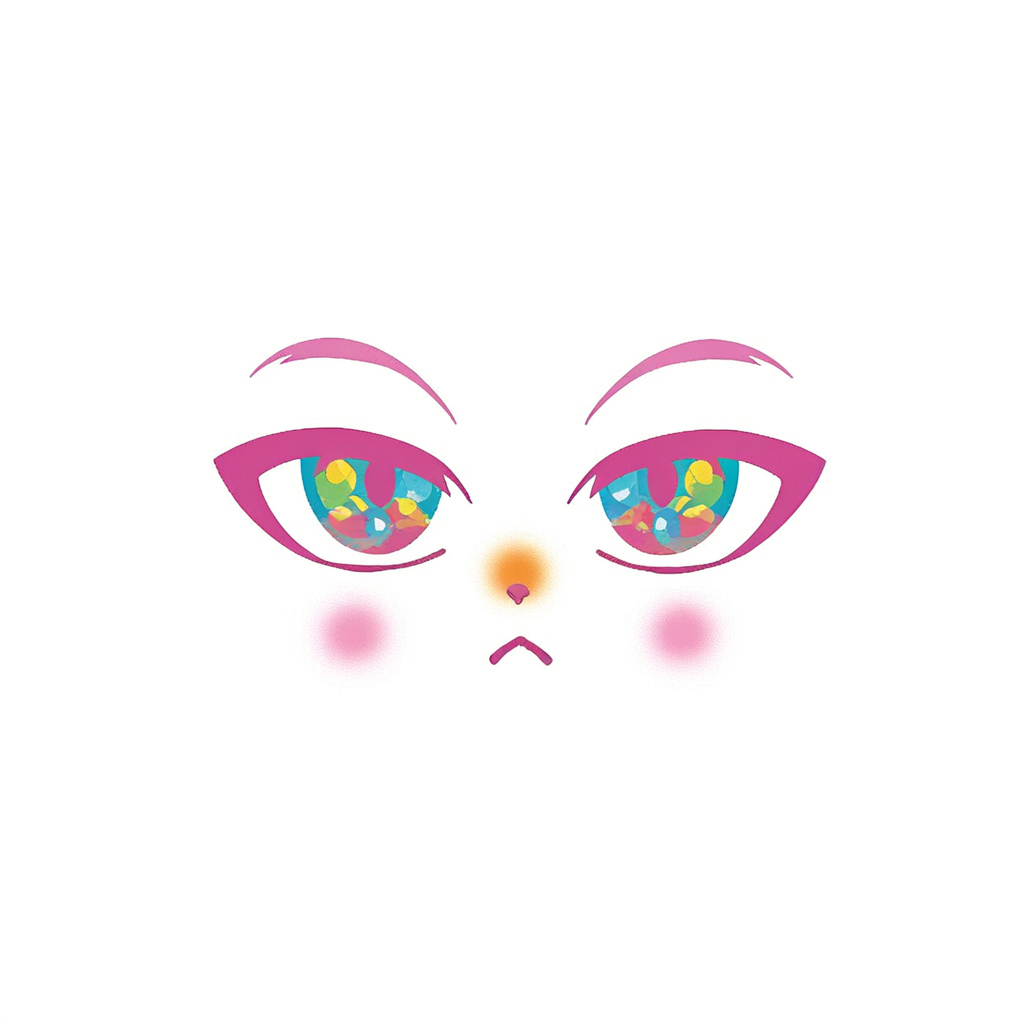
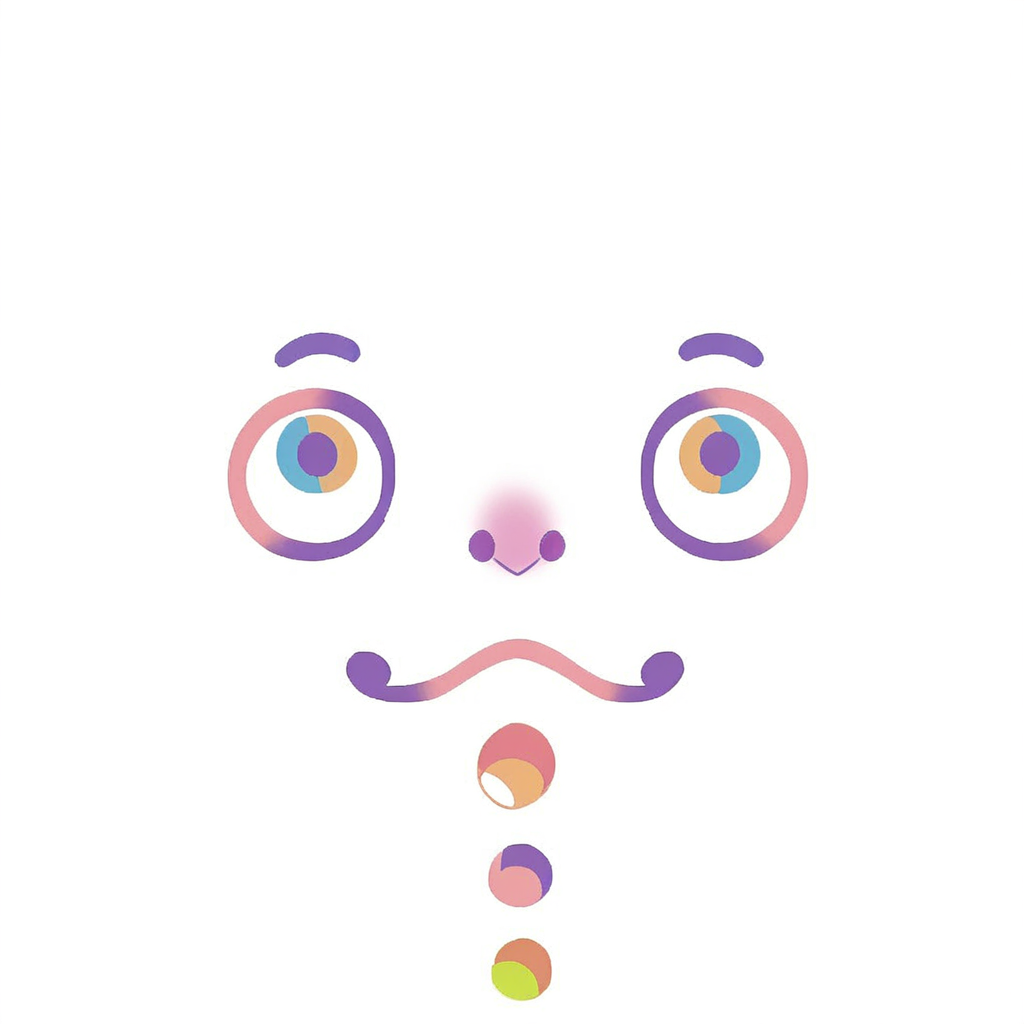
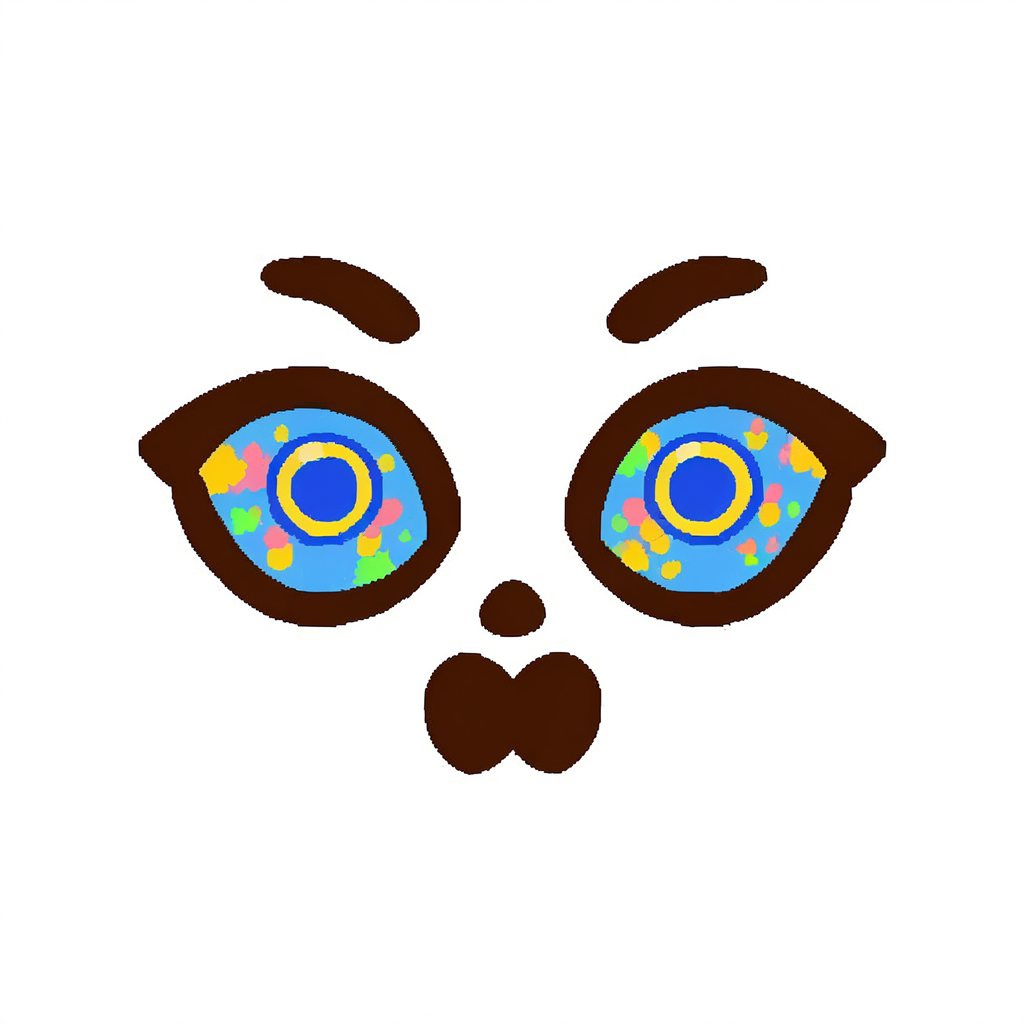
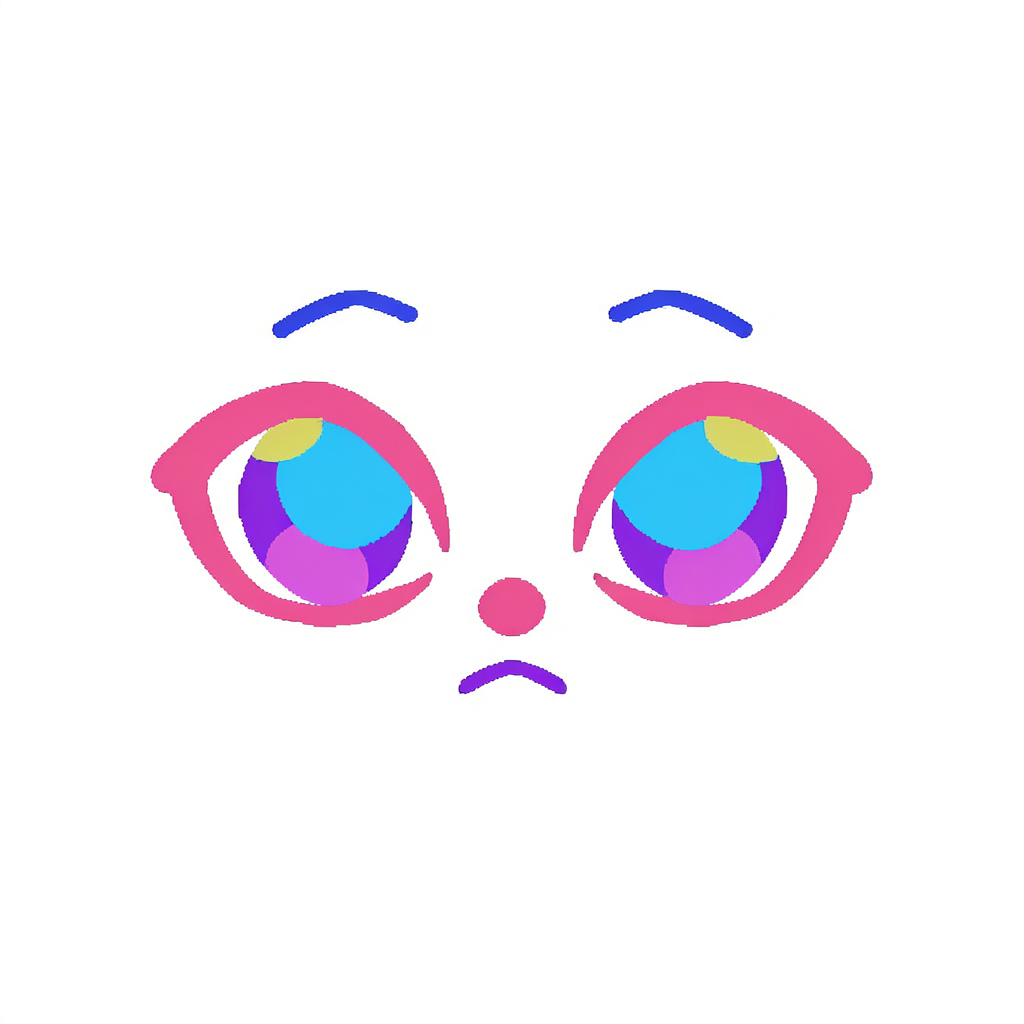
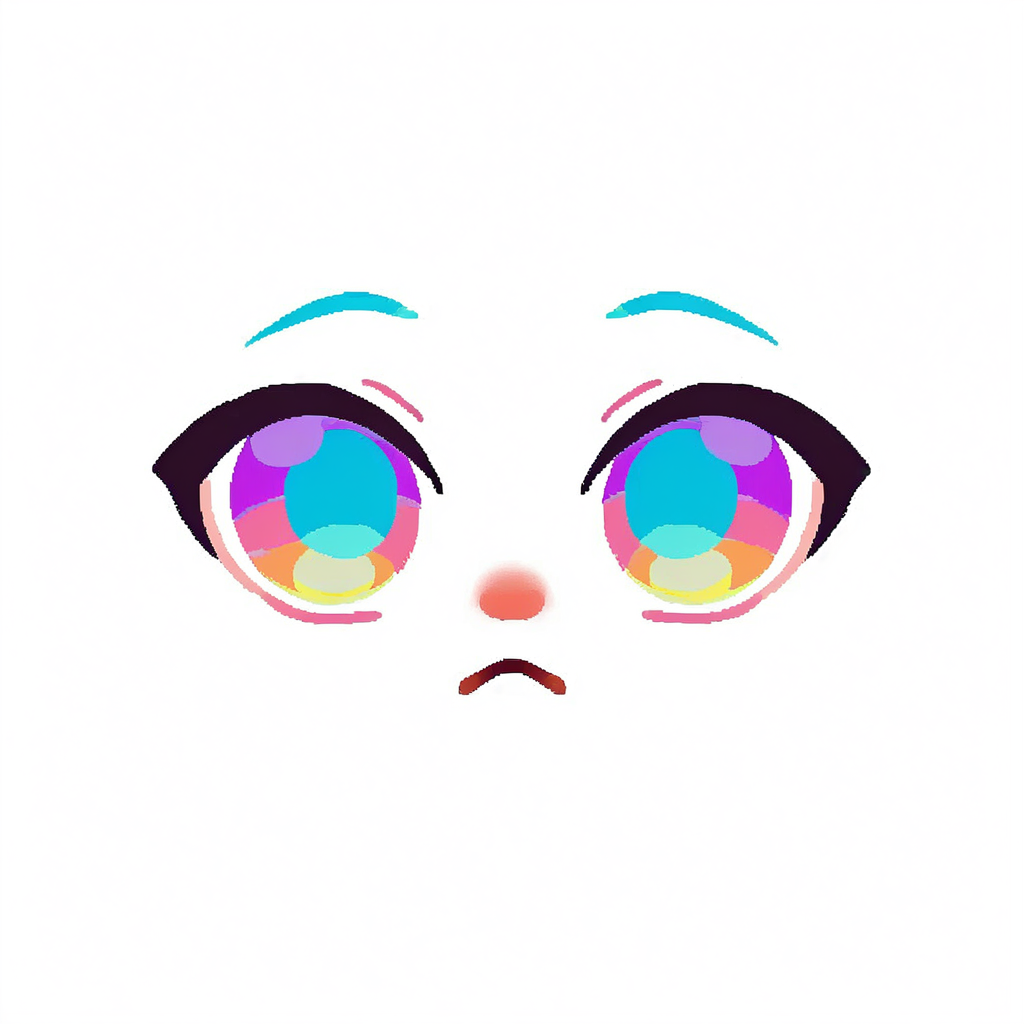
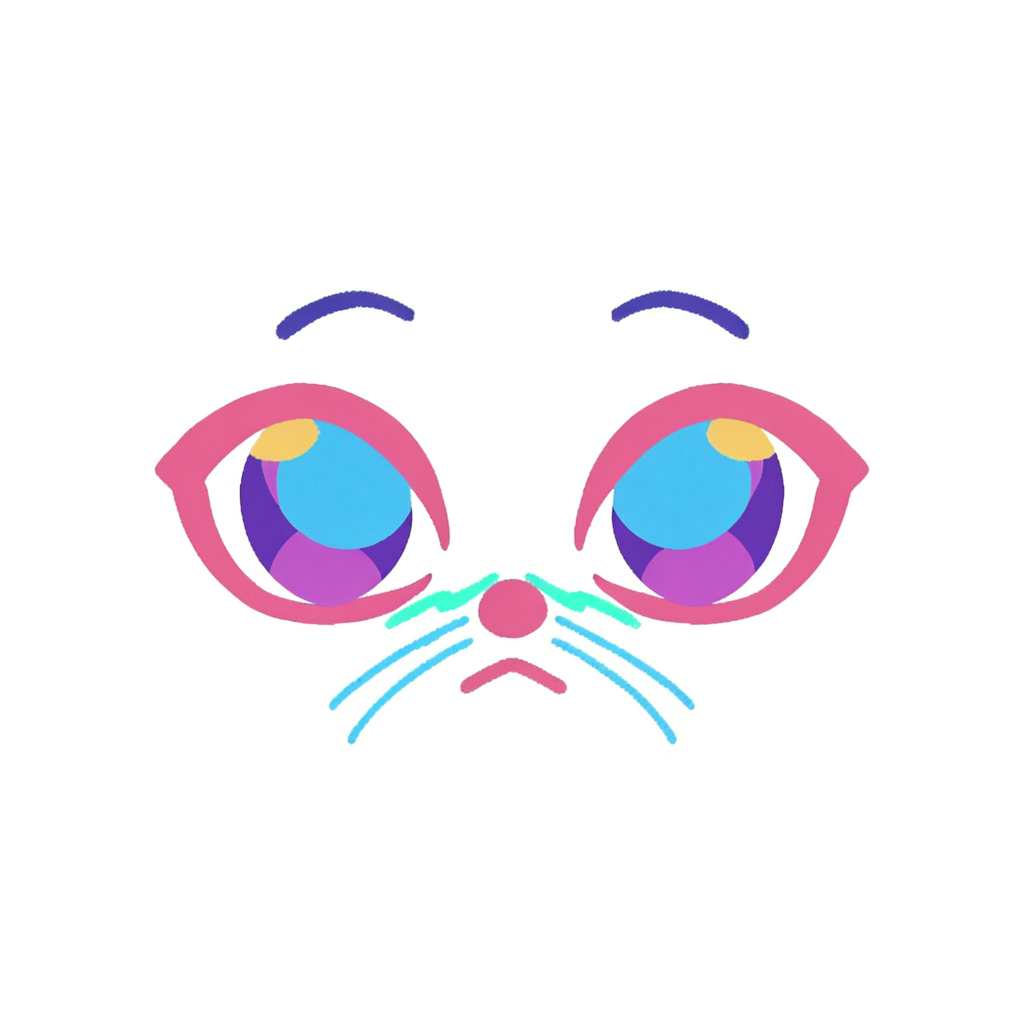
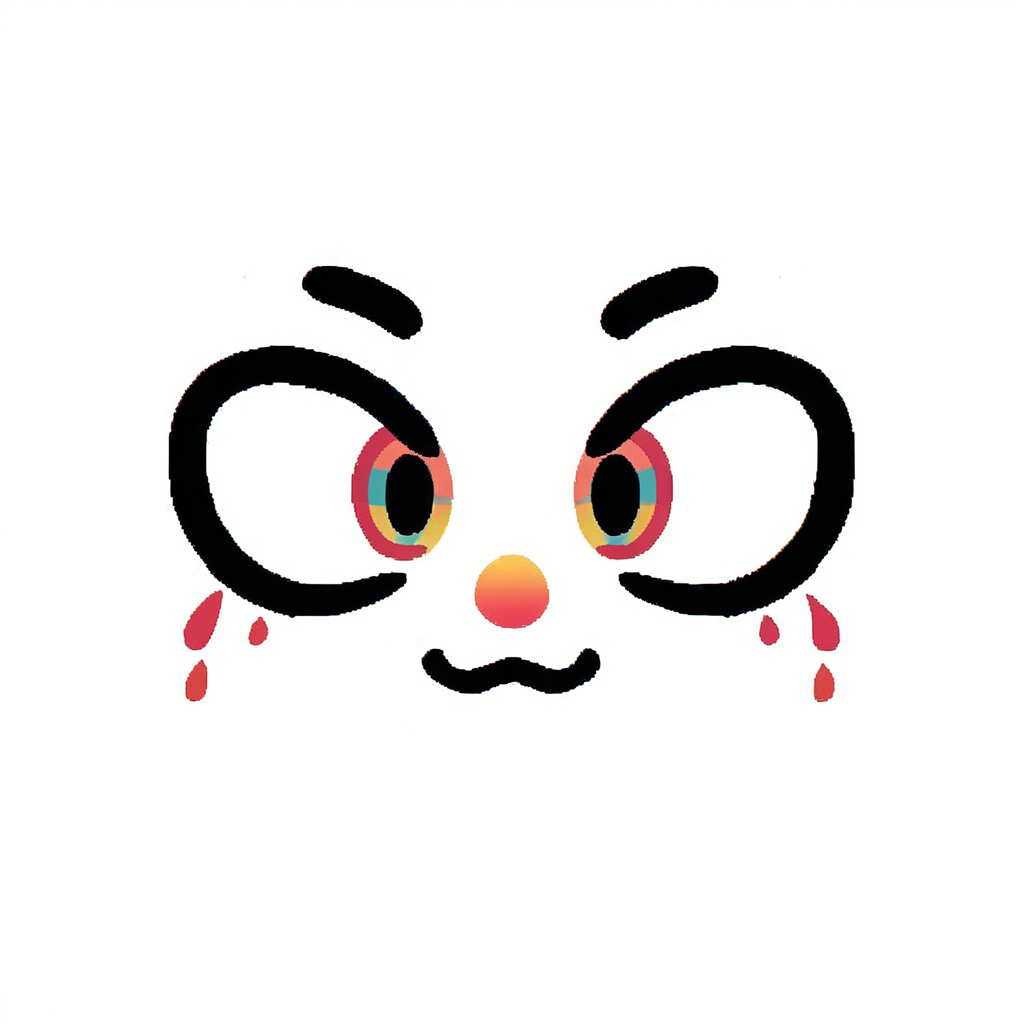
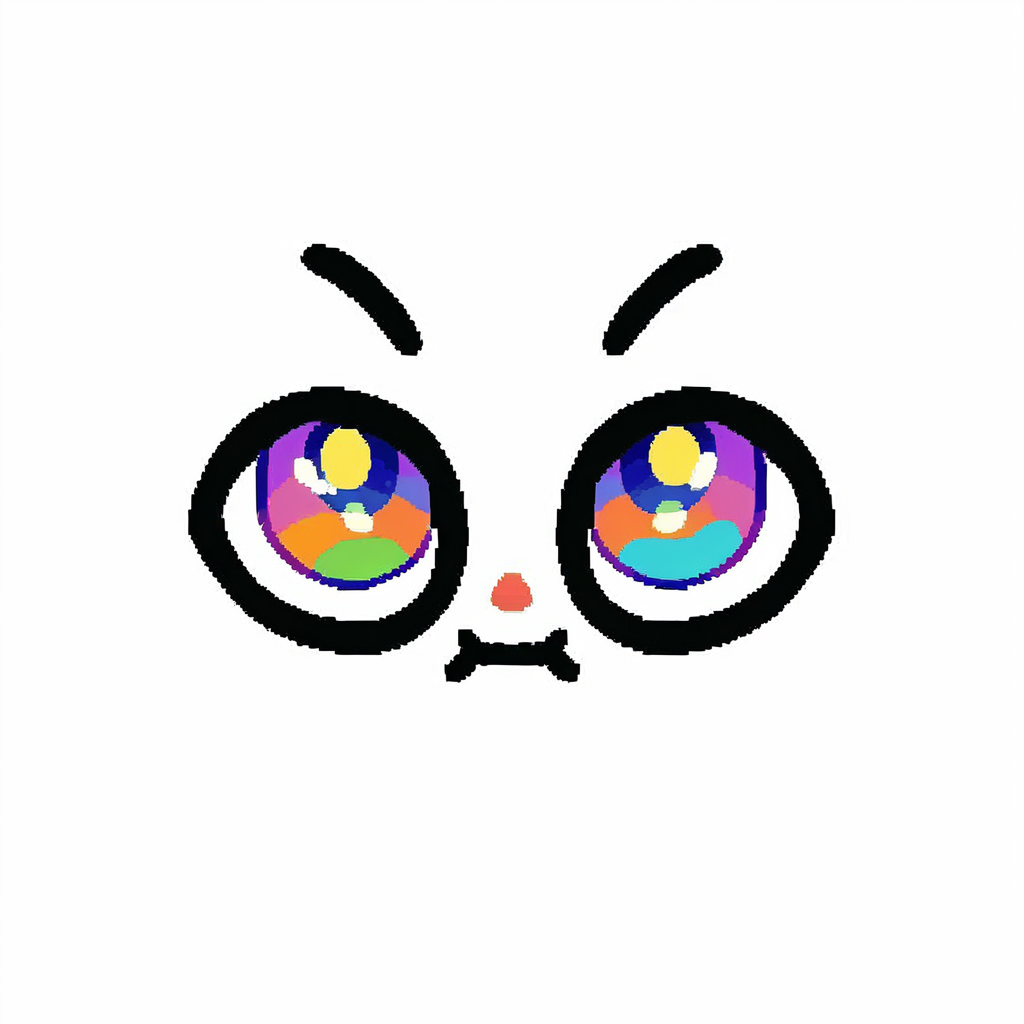
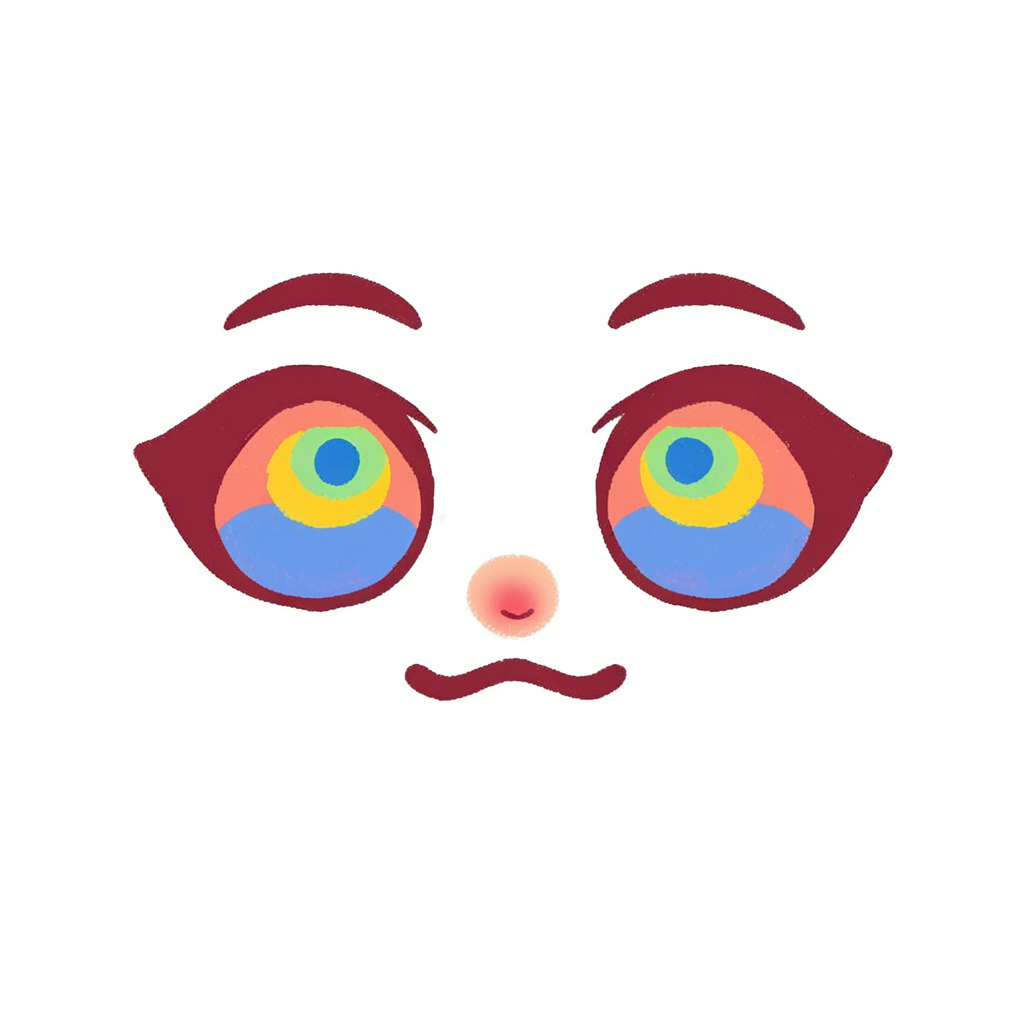
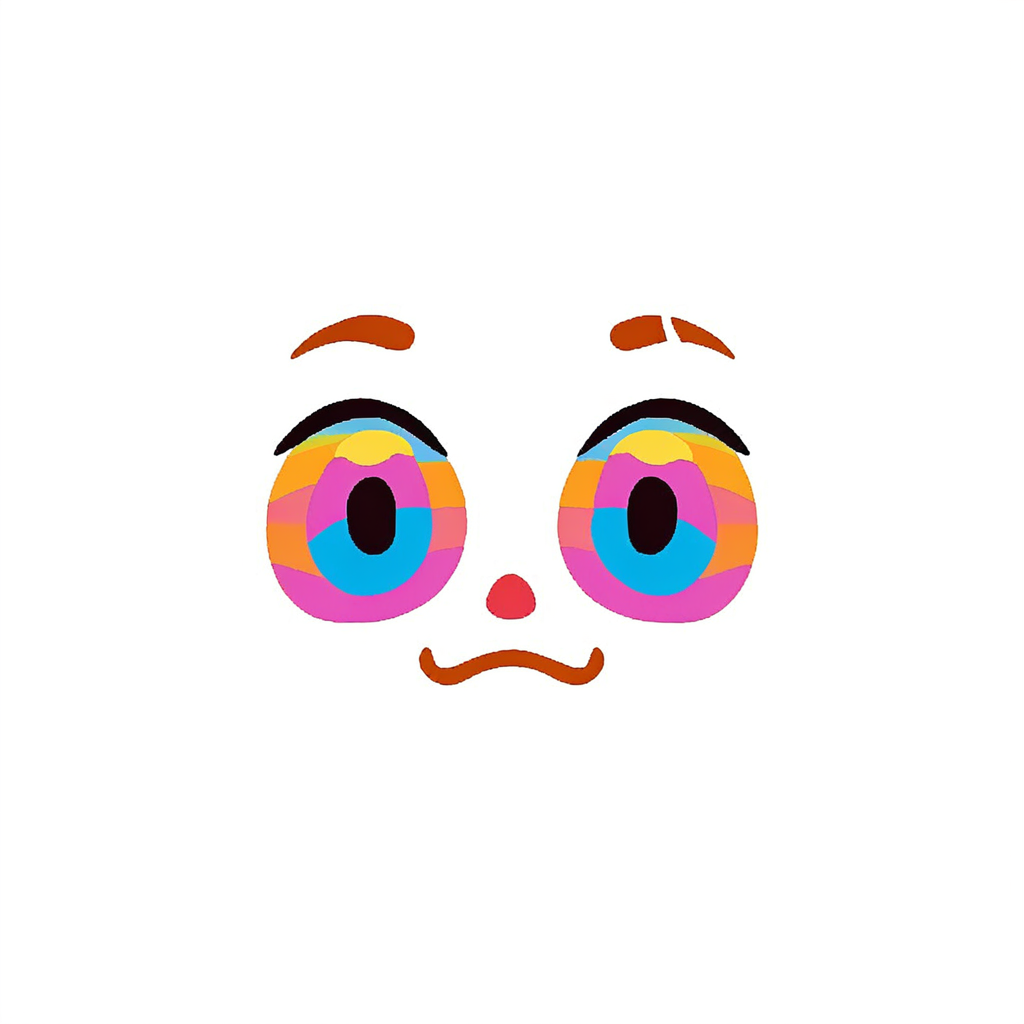
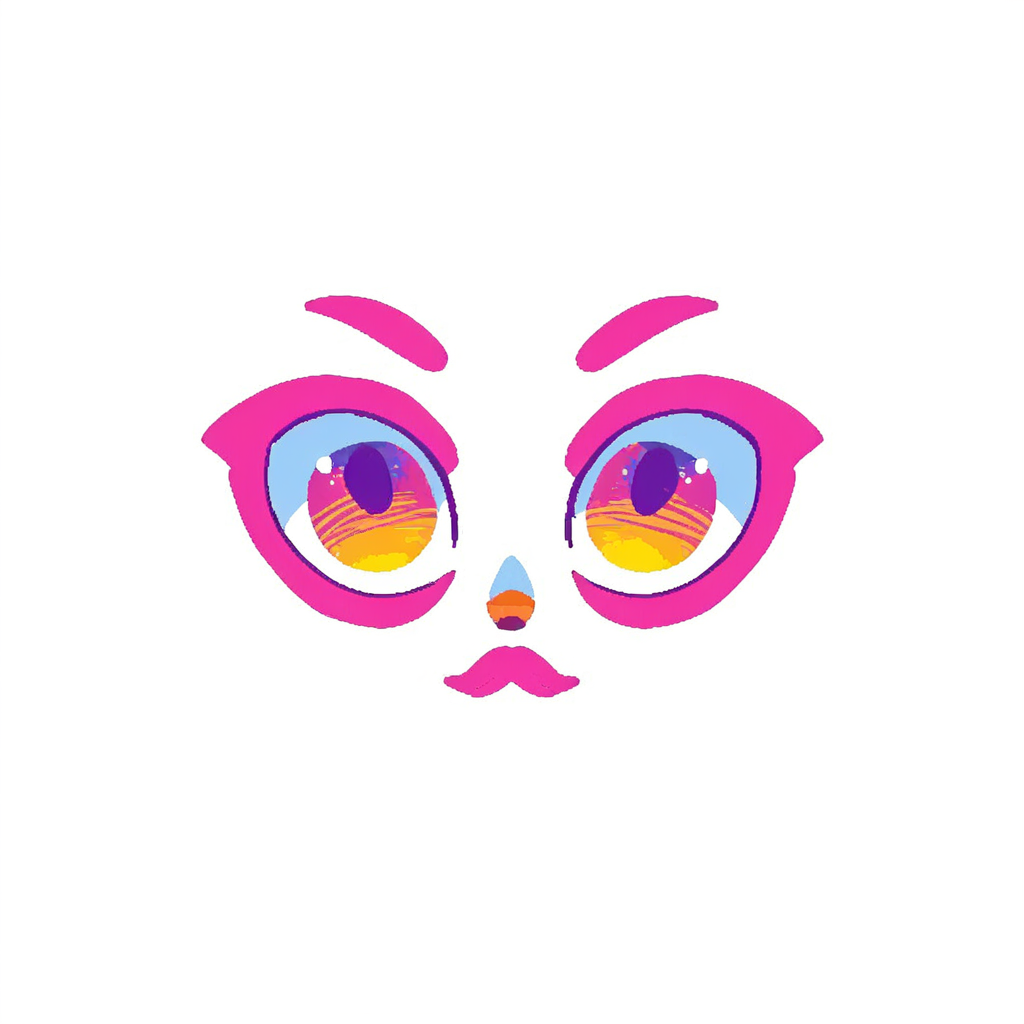
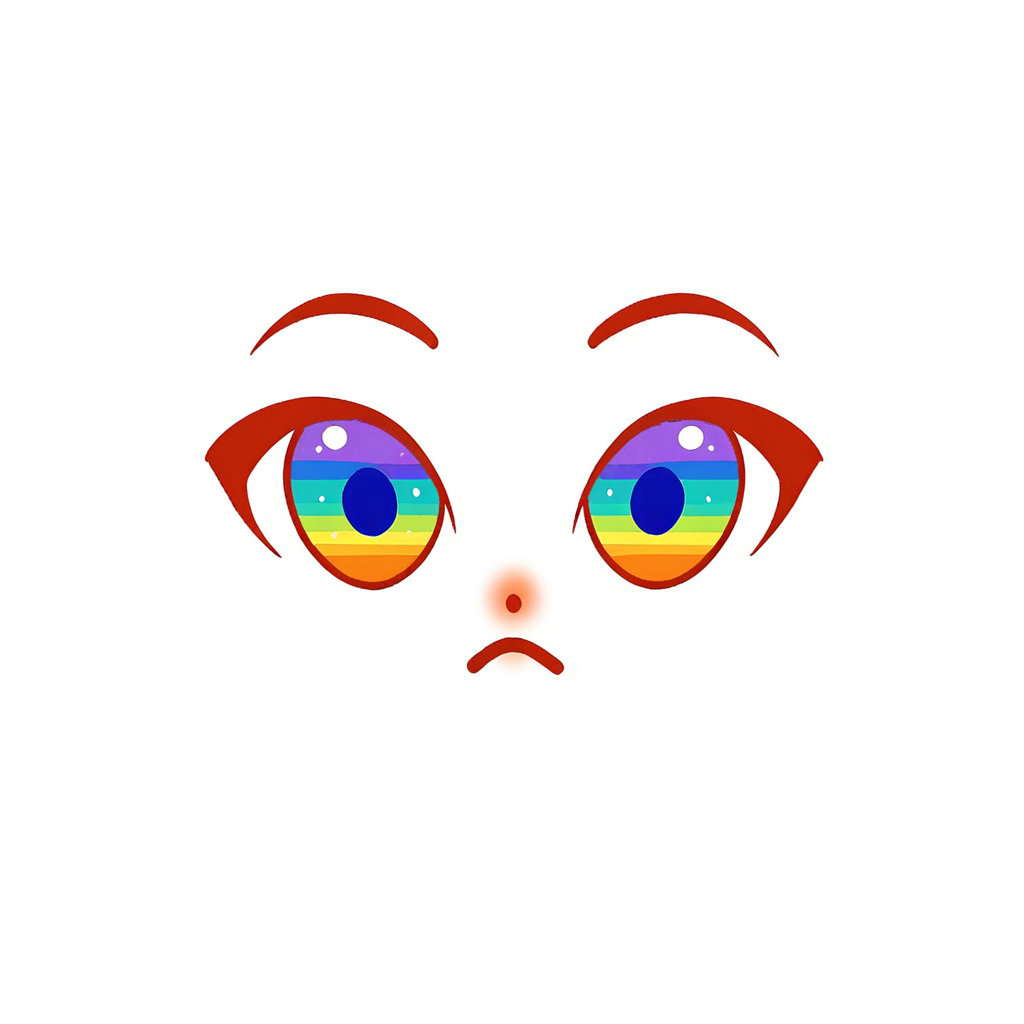
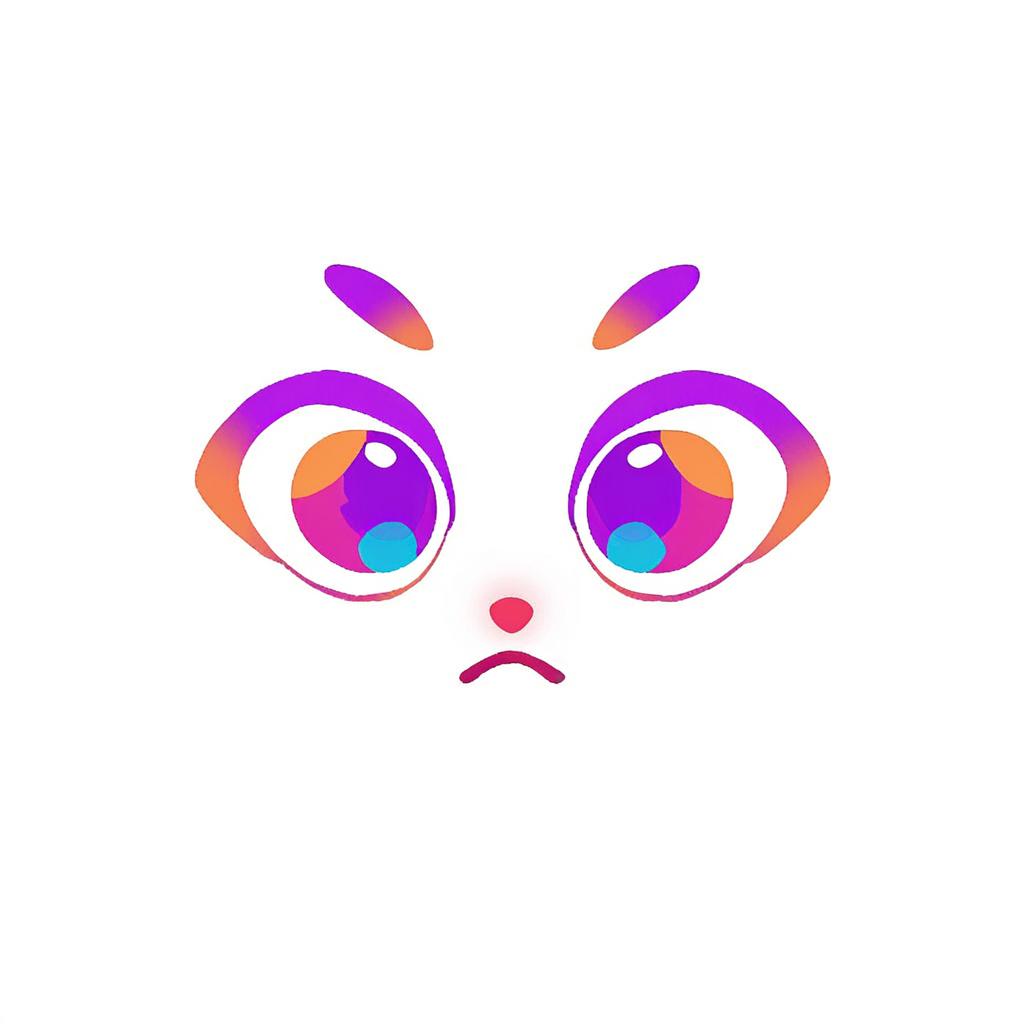
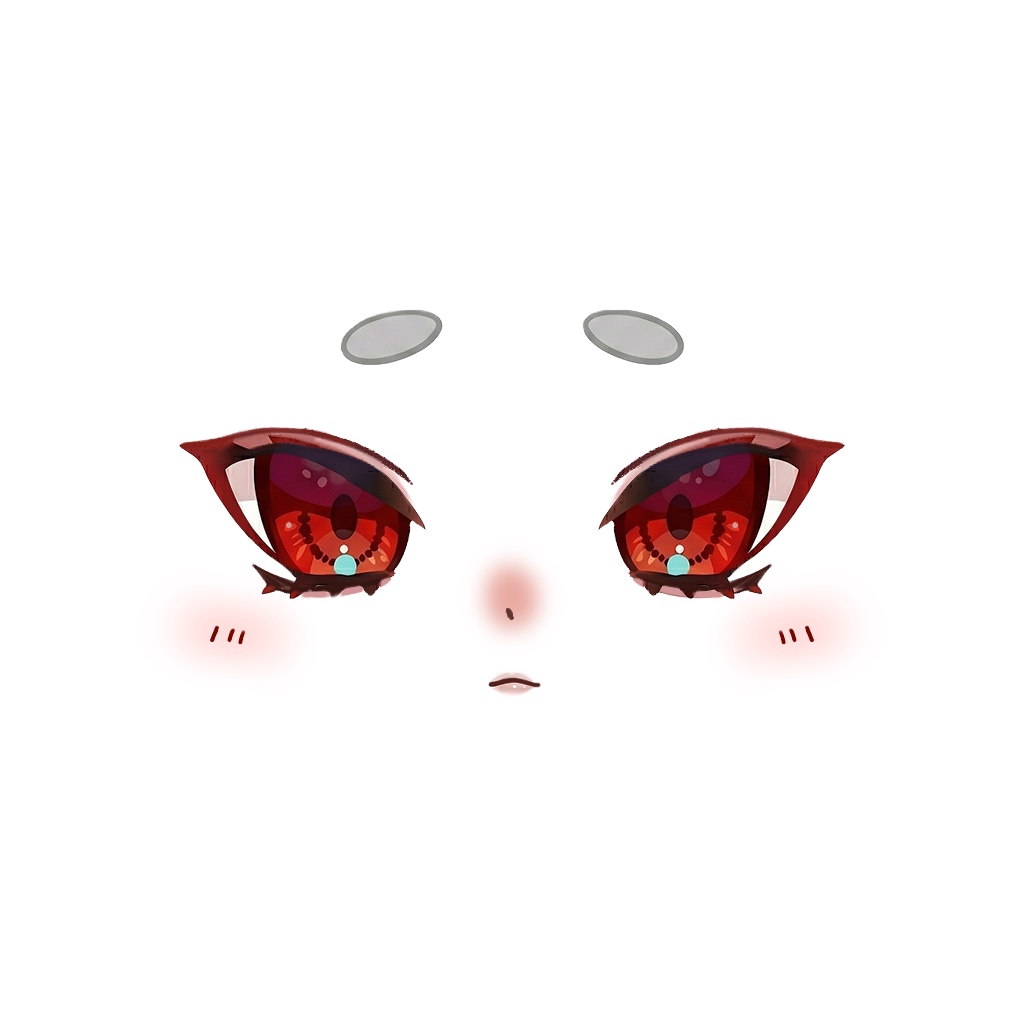
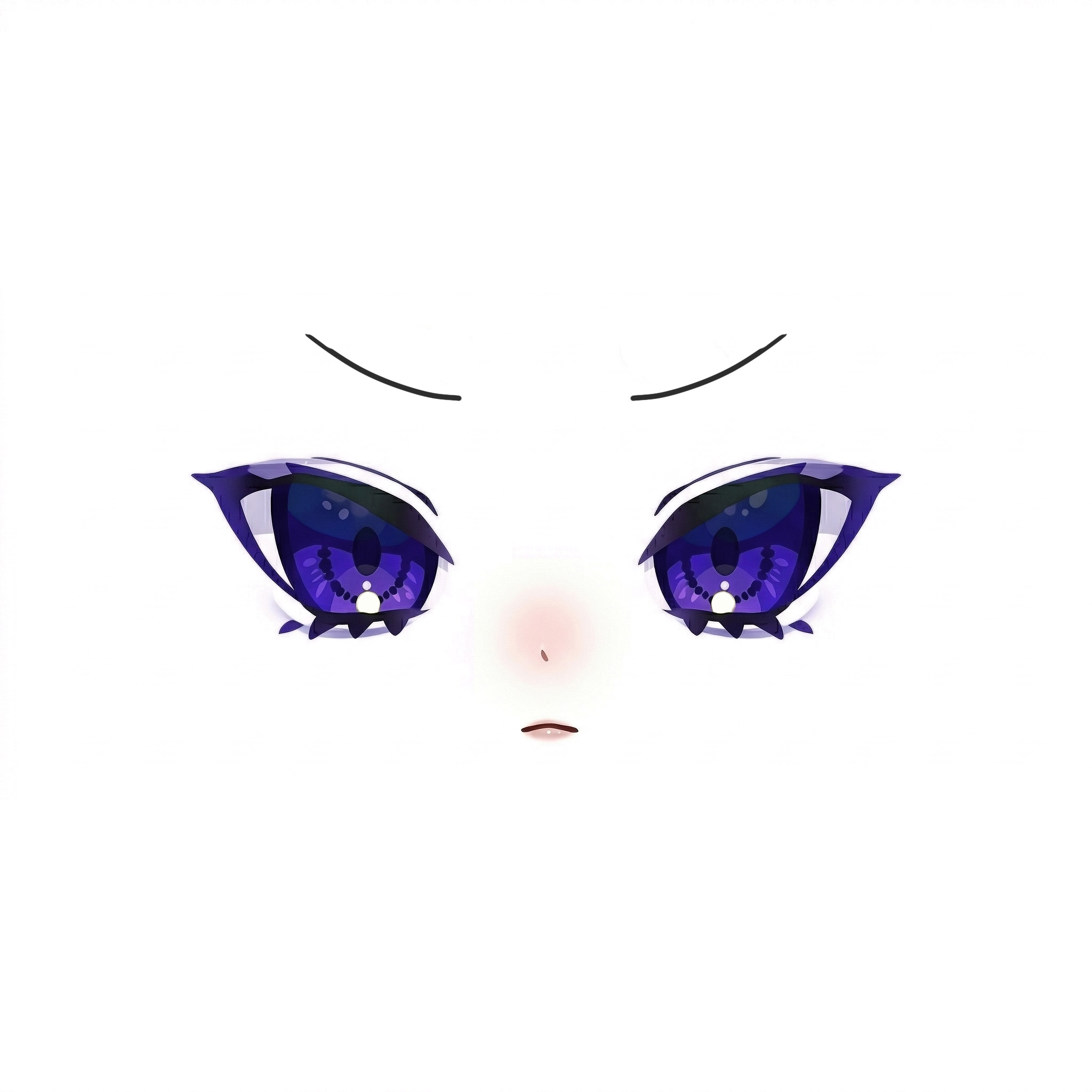
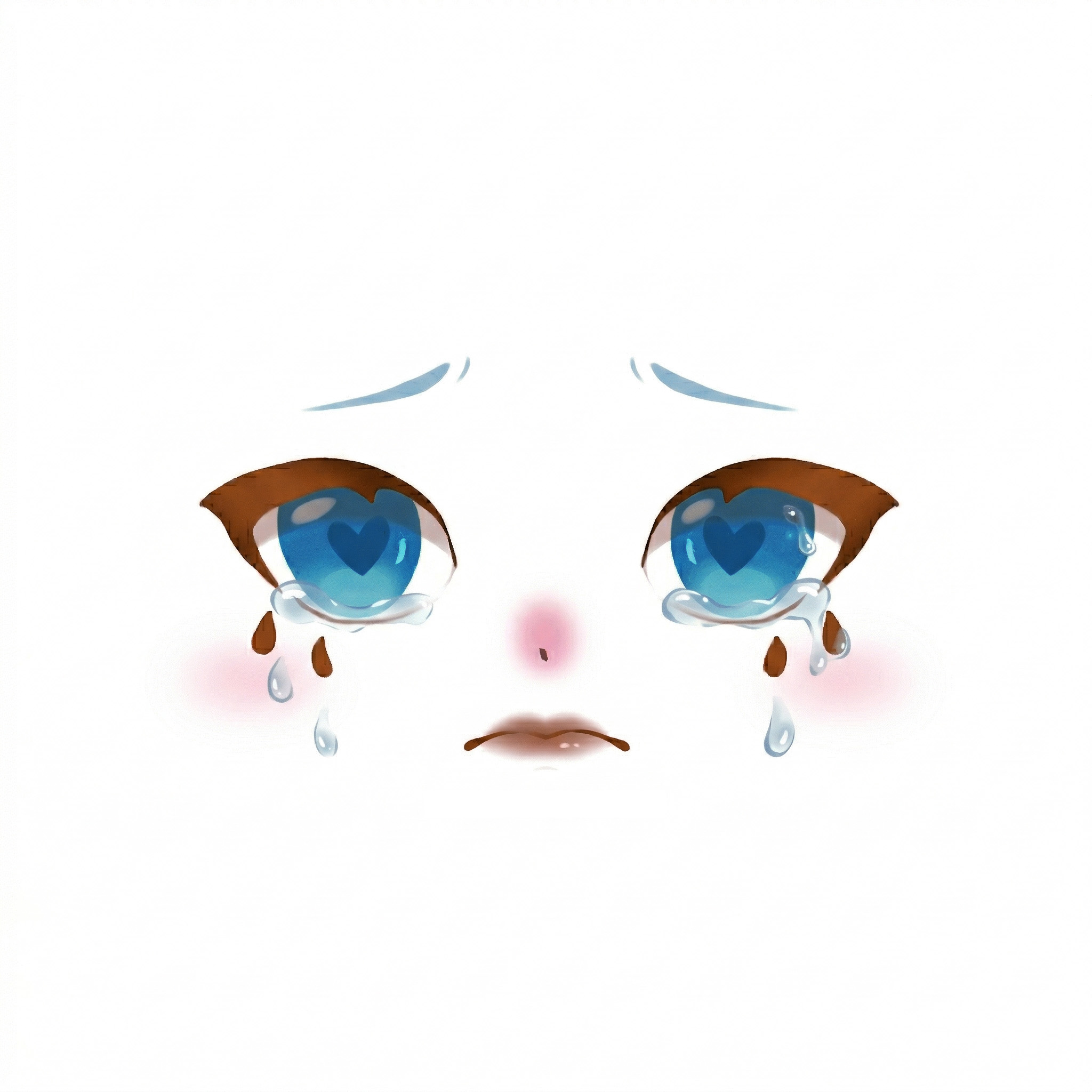
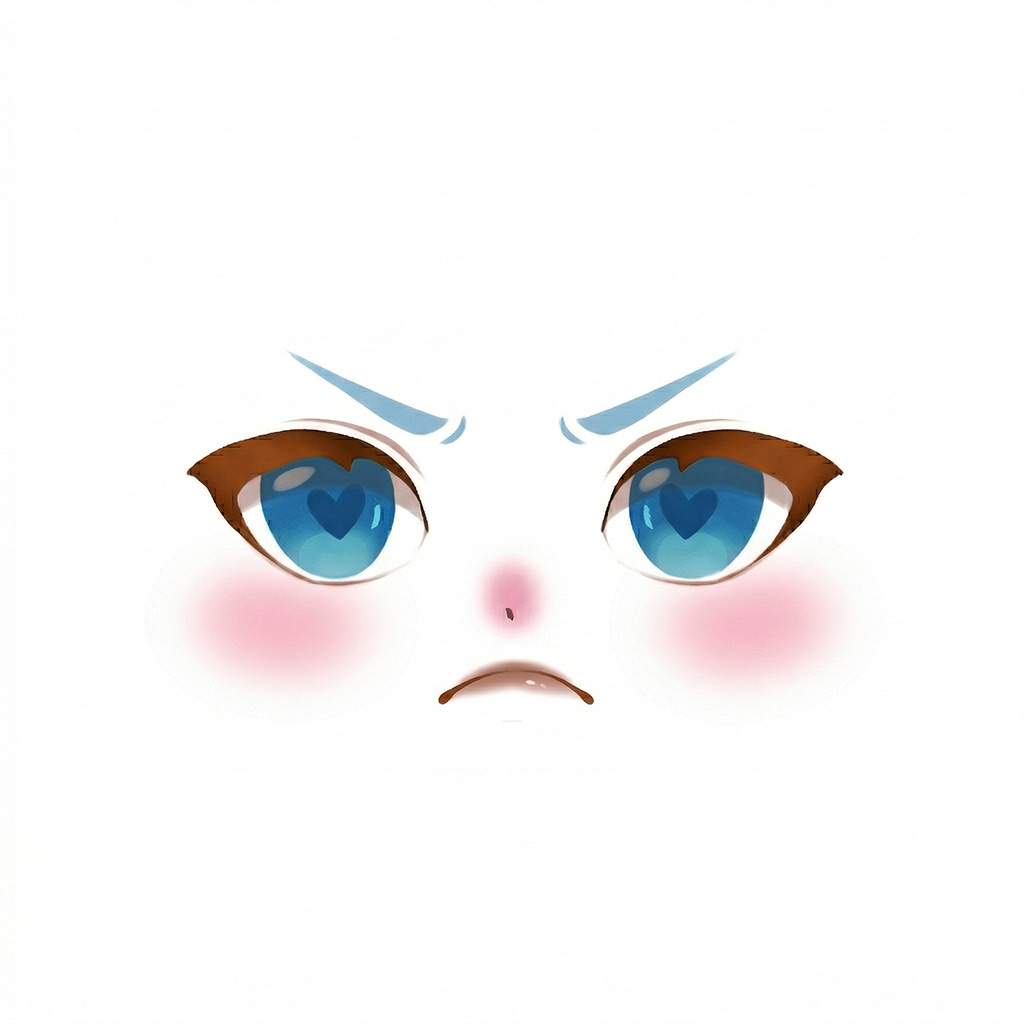
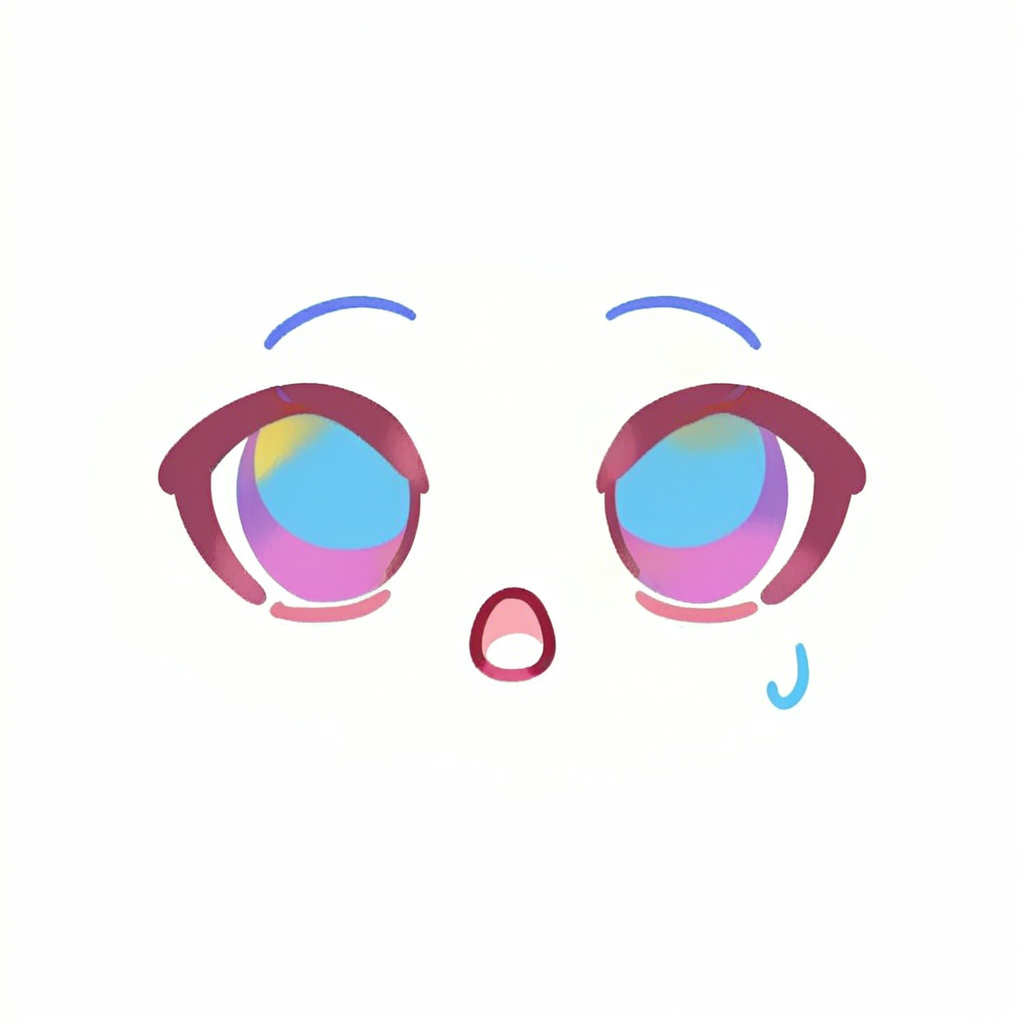
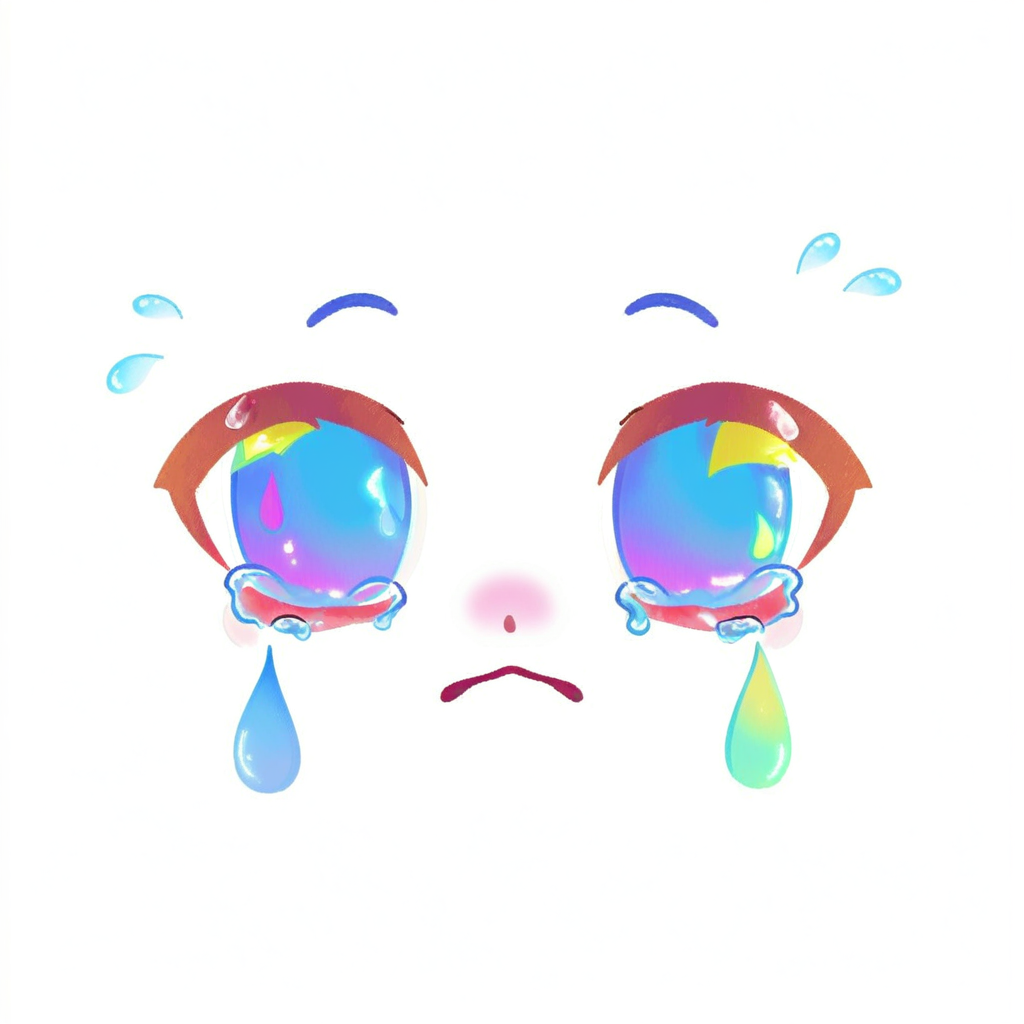
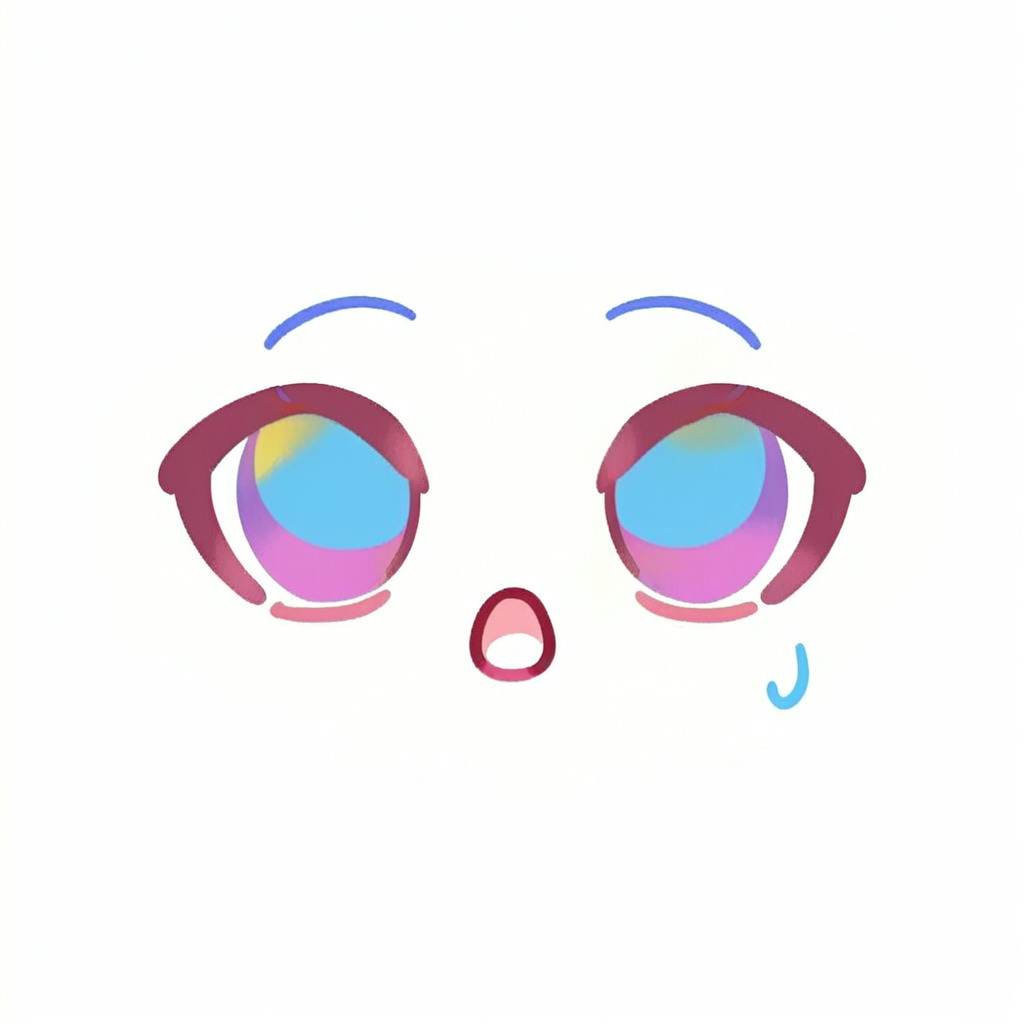
The expression set used in the game: base, happy, angry, sad, shocked.
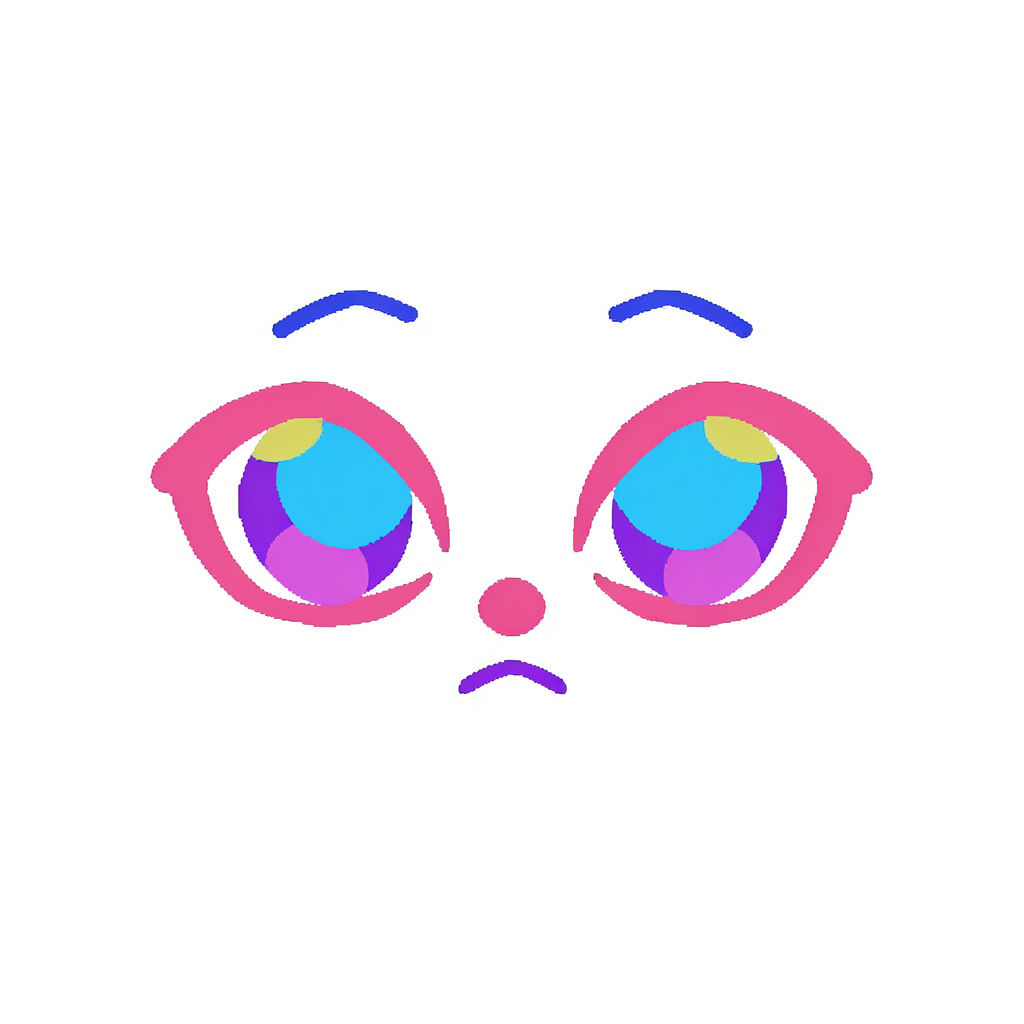
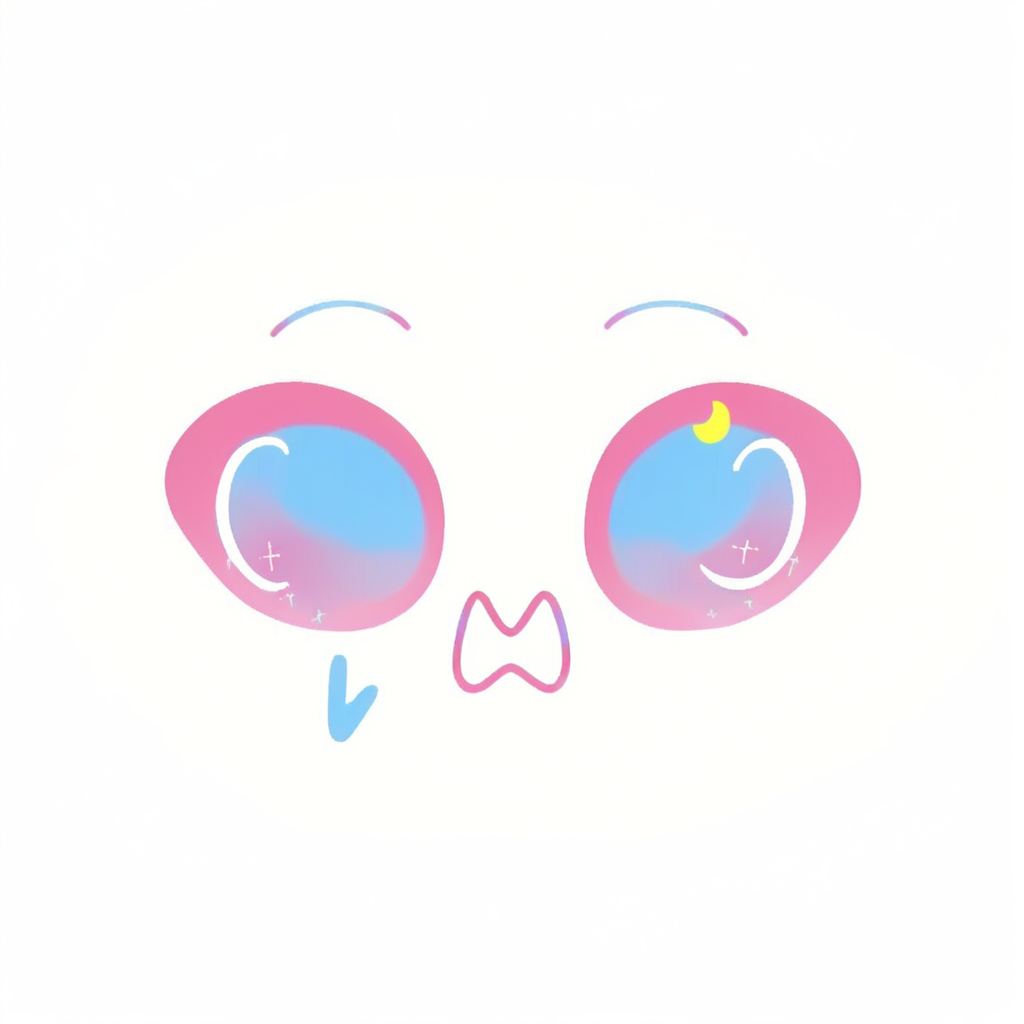
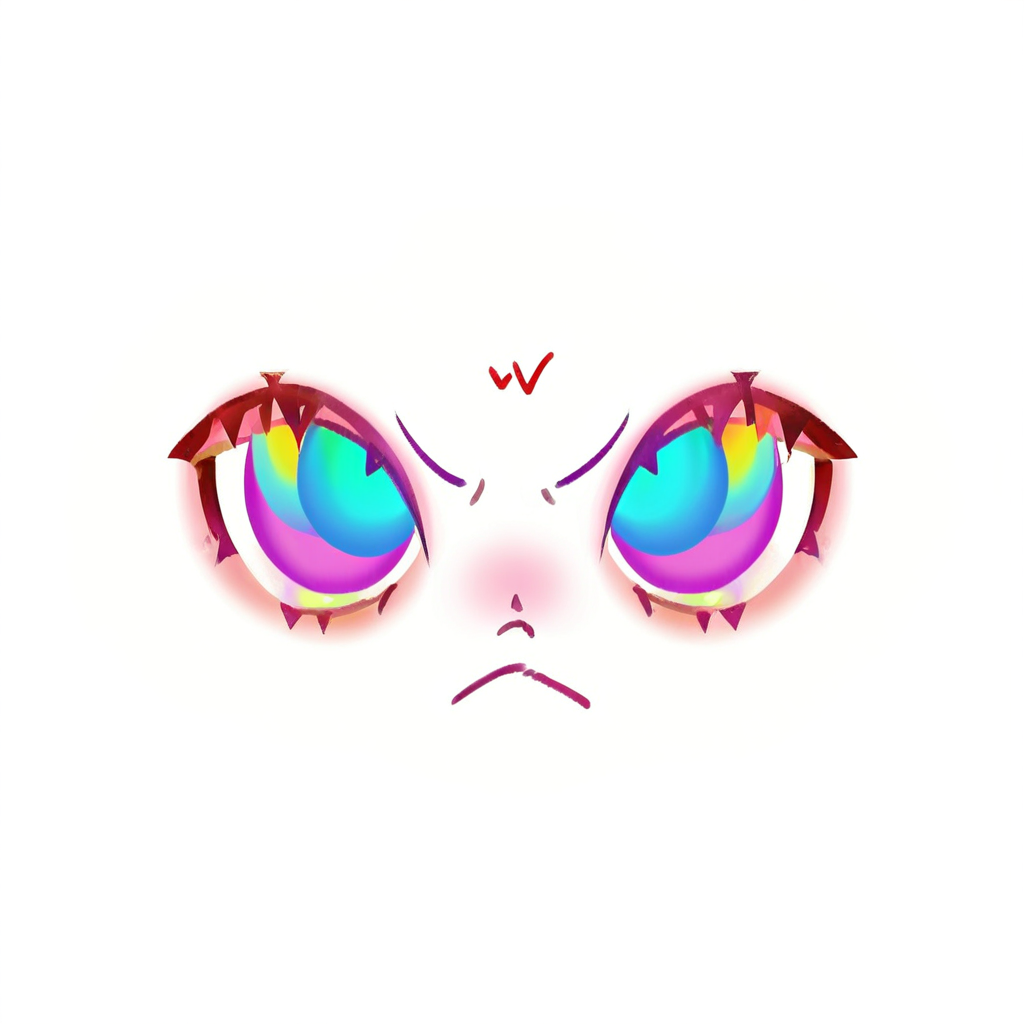
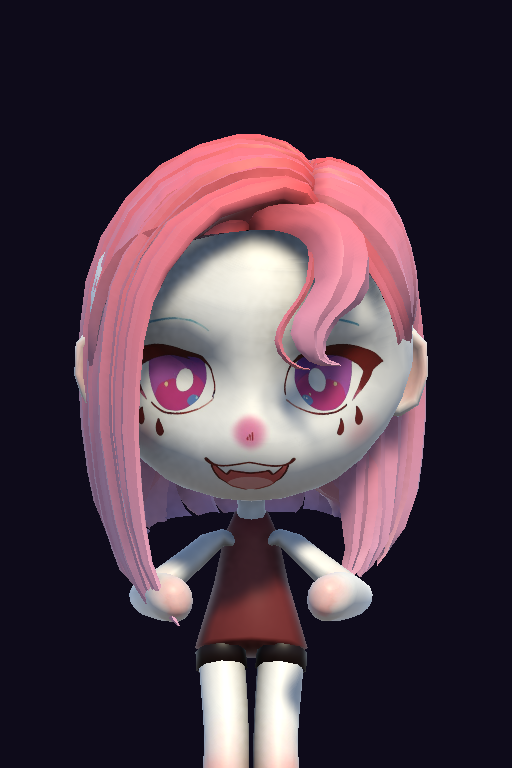
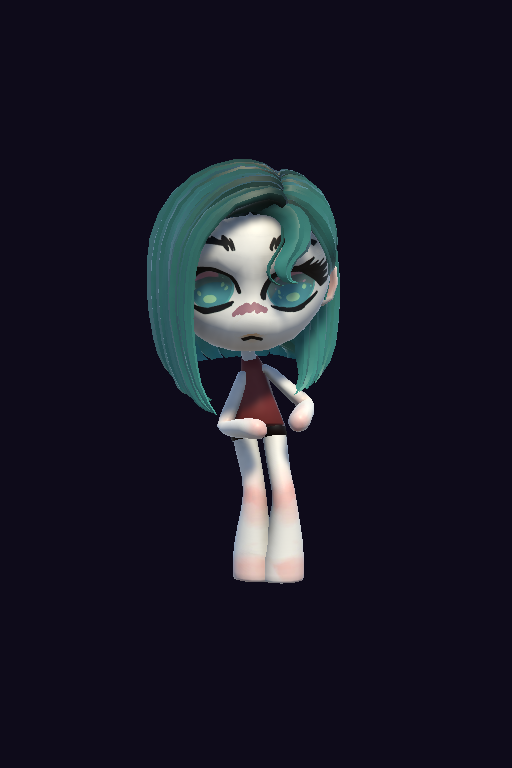
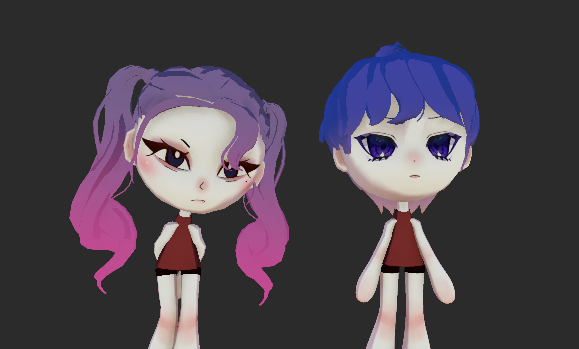
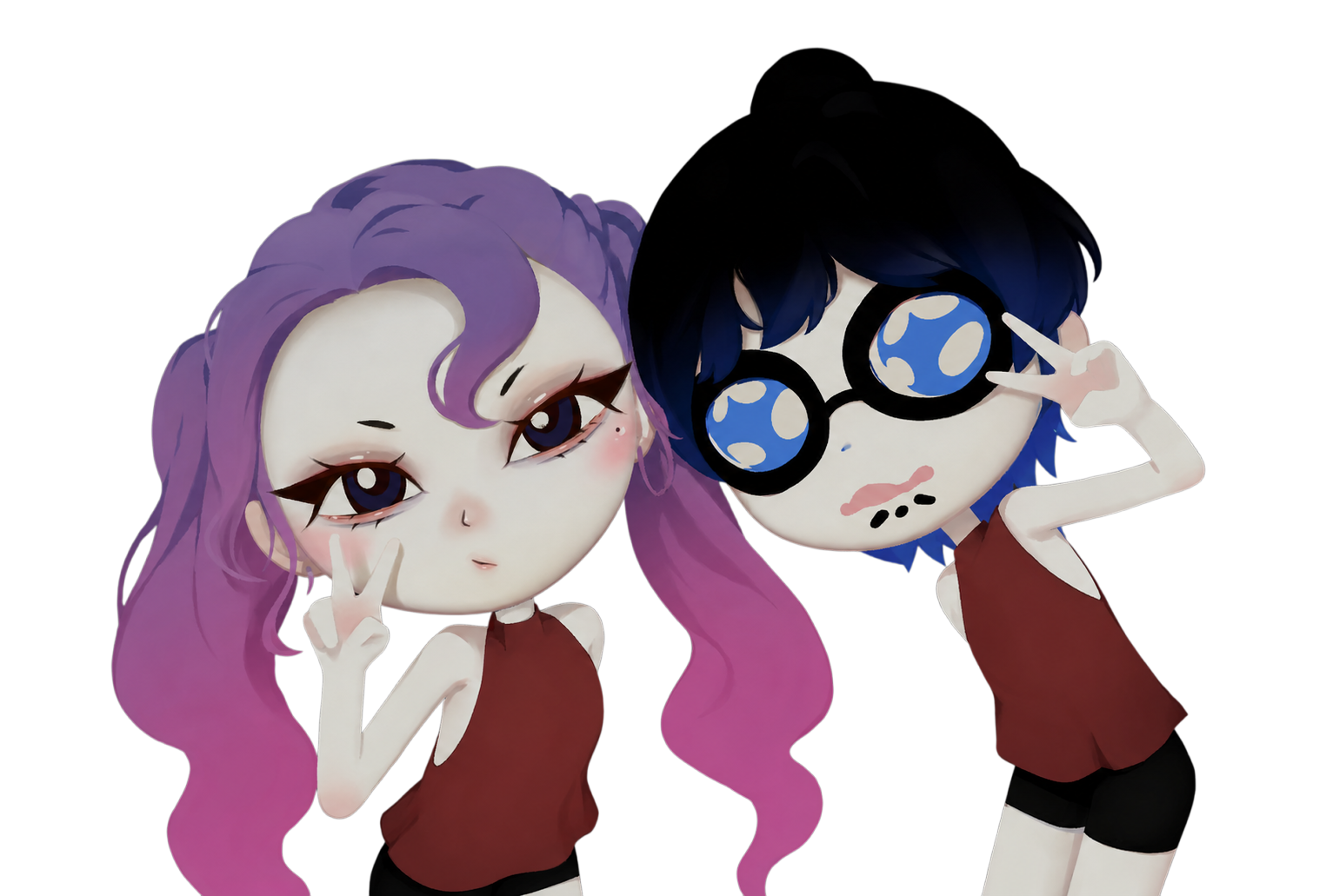
The repainted face texture applied to the 3D characters.
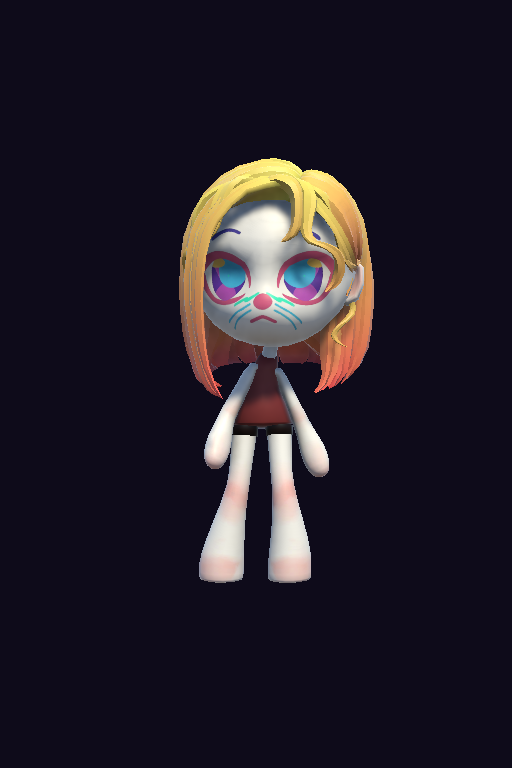
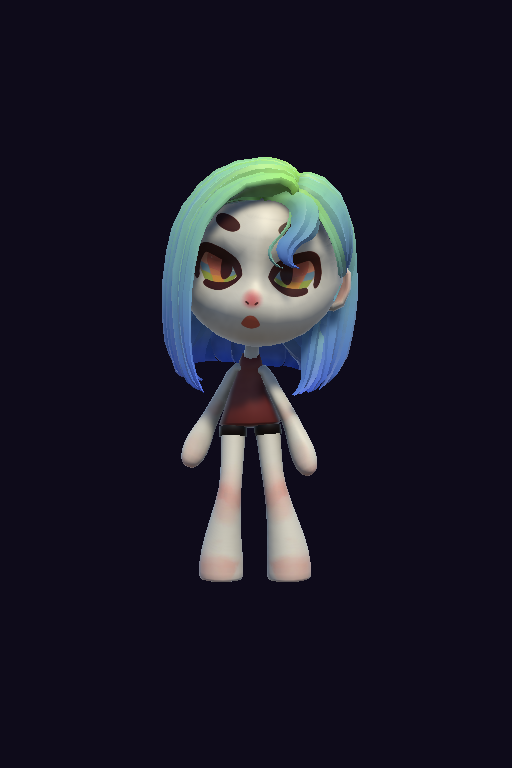
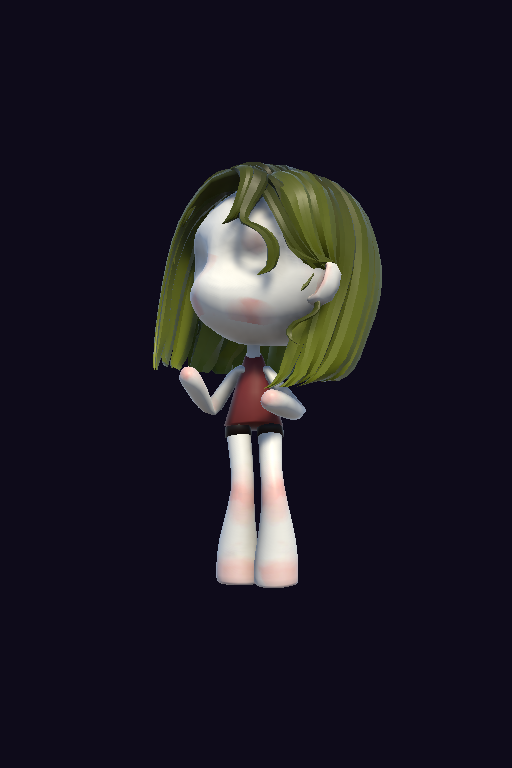
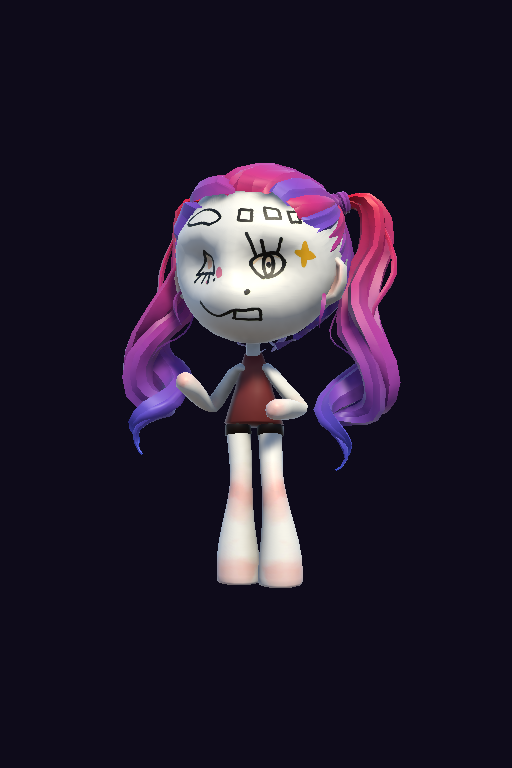
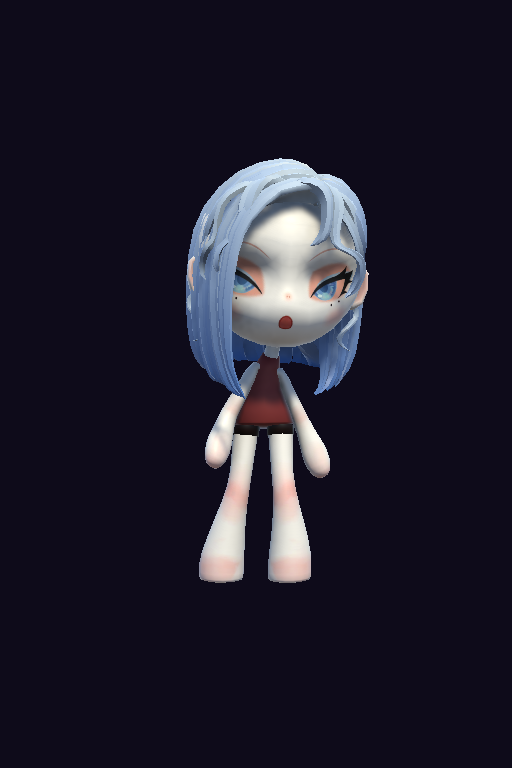
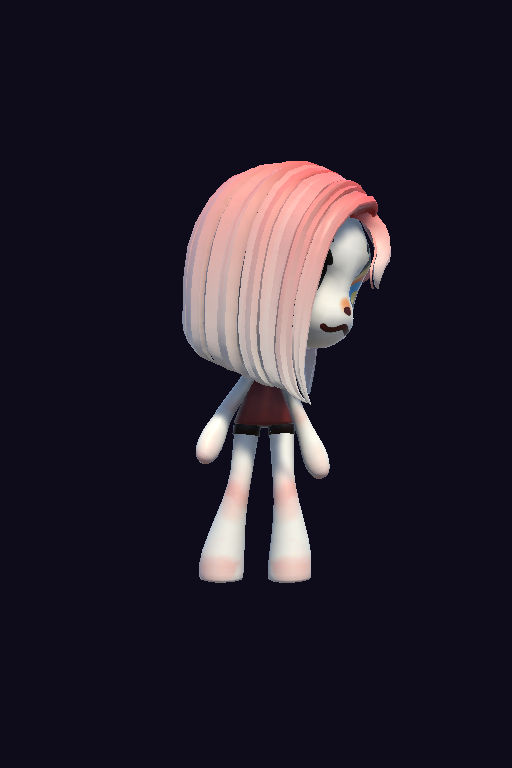
AI isn't there to replace the whole process; you have to decide first which small part it should be responsible for. Limiting AI to the face UV layer and doing everything else by hand actually made the style more consistent and the result more controllable.
AI UI Workflow
How do you make AI-generated UI assets fit the game's style and keep the art consistent? A lot of AI-generated UI, without guidance, ends up as panels that don't match the interaction logic, with assets that don't match each other. Here I tried my own pipeline for generating high-quality UI.
The references were collected and put together by hand, and they're not just UI panels from other games, but the style and elements I wanted. For our game's setting, cassette decks, sticker sheets and cables might be the core elements. I wanted players to feel like they're burning their own AI baby onto a tape.
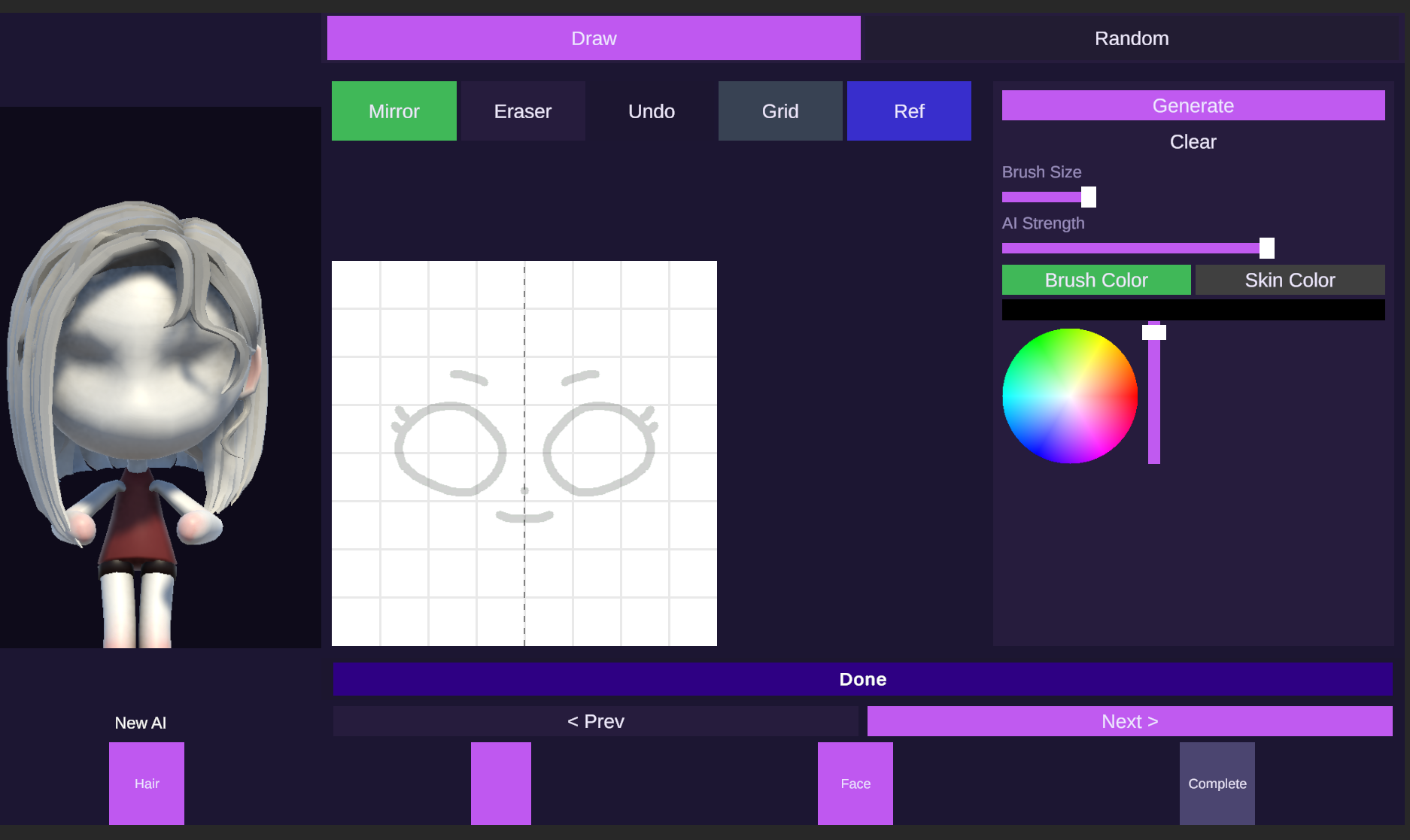
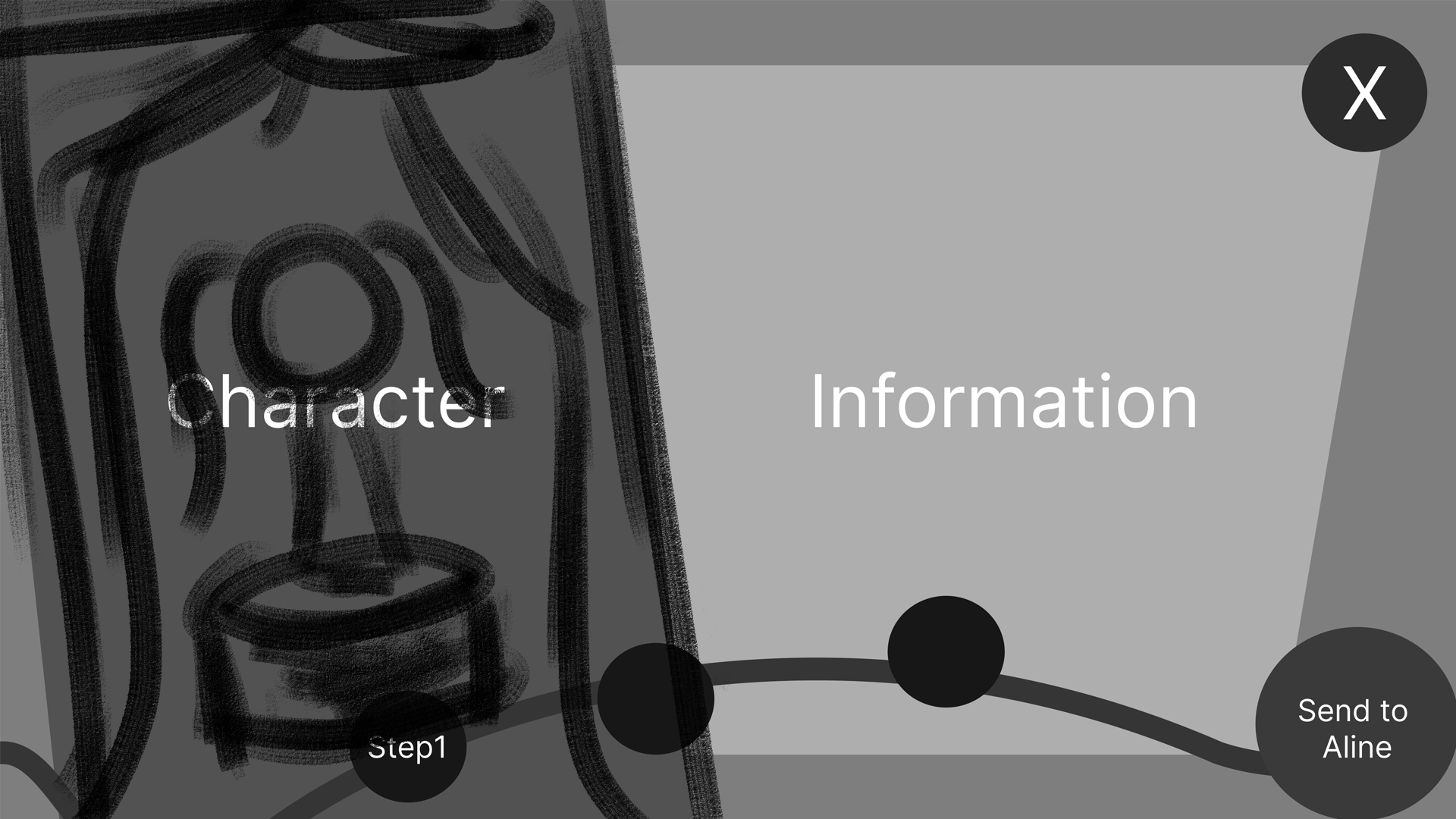
I laid out the page structure and layout by hand, and let the AI repaint based on the design elements and references. The AI doesn't know what your game's interaction needs are, so giving it a basic panel and layout is the better approach. A very simple sketch is enough to get a fairly good result, and then I do the integration myself.
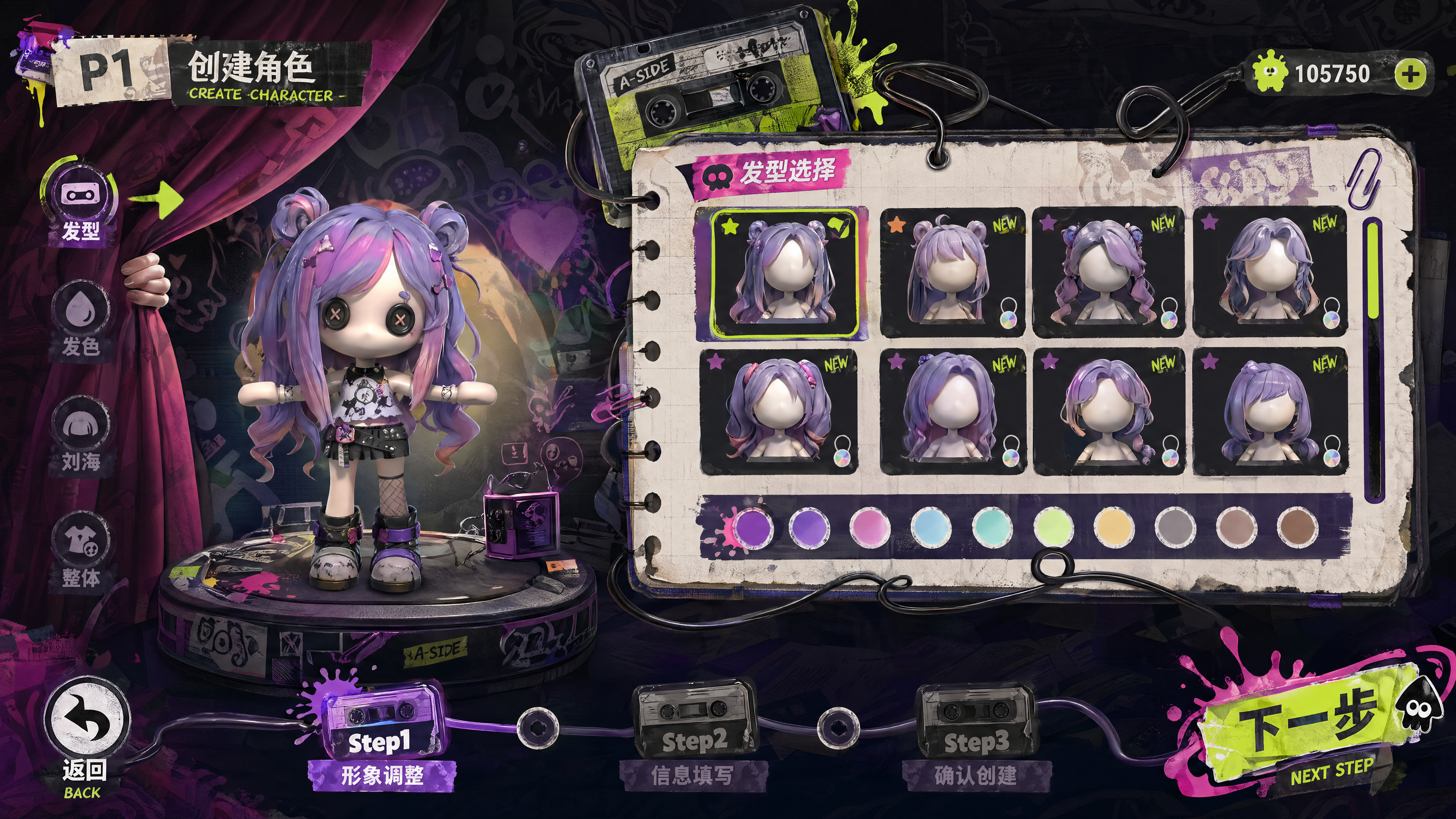
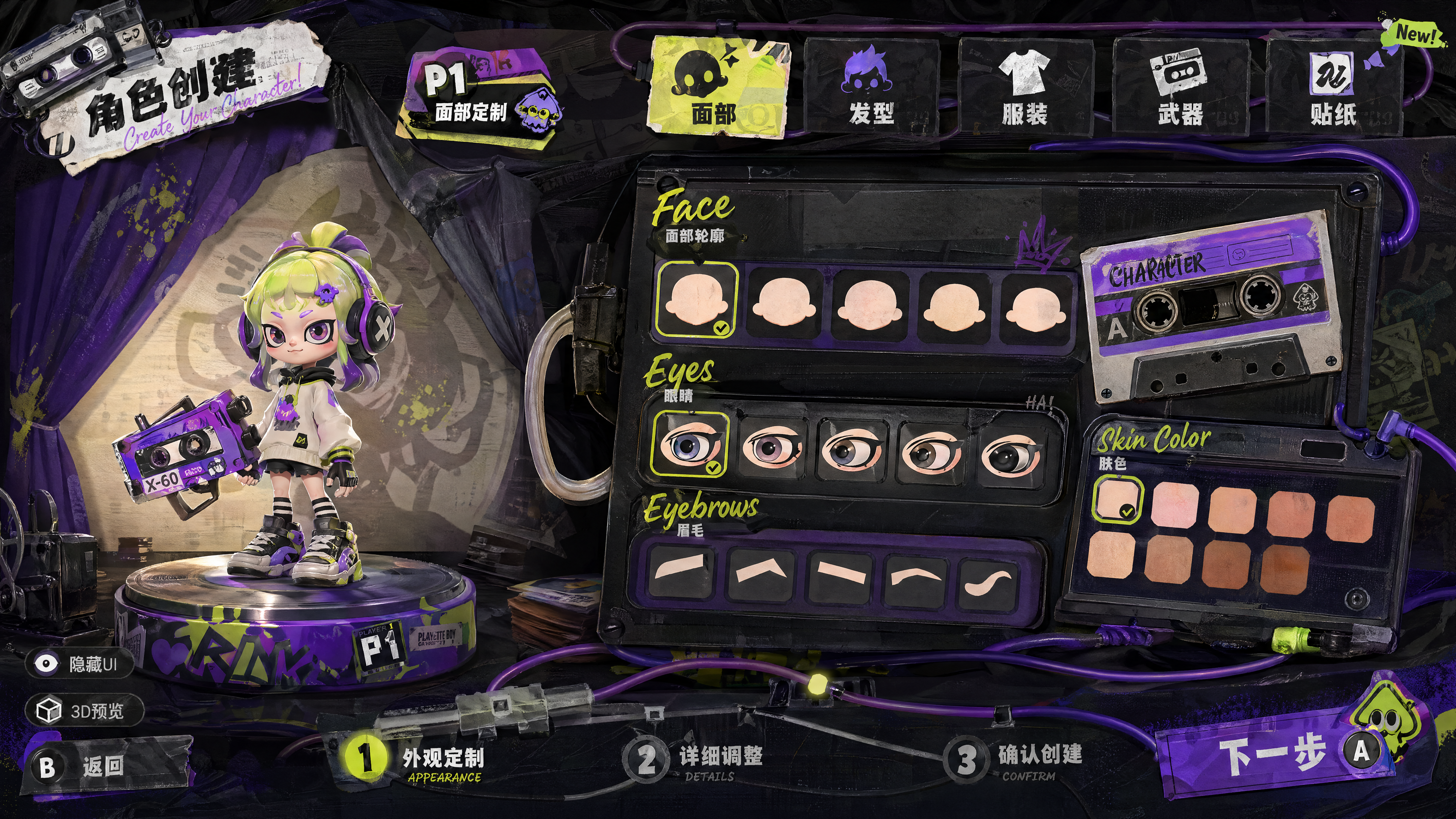
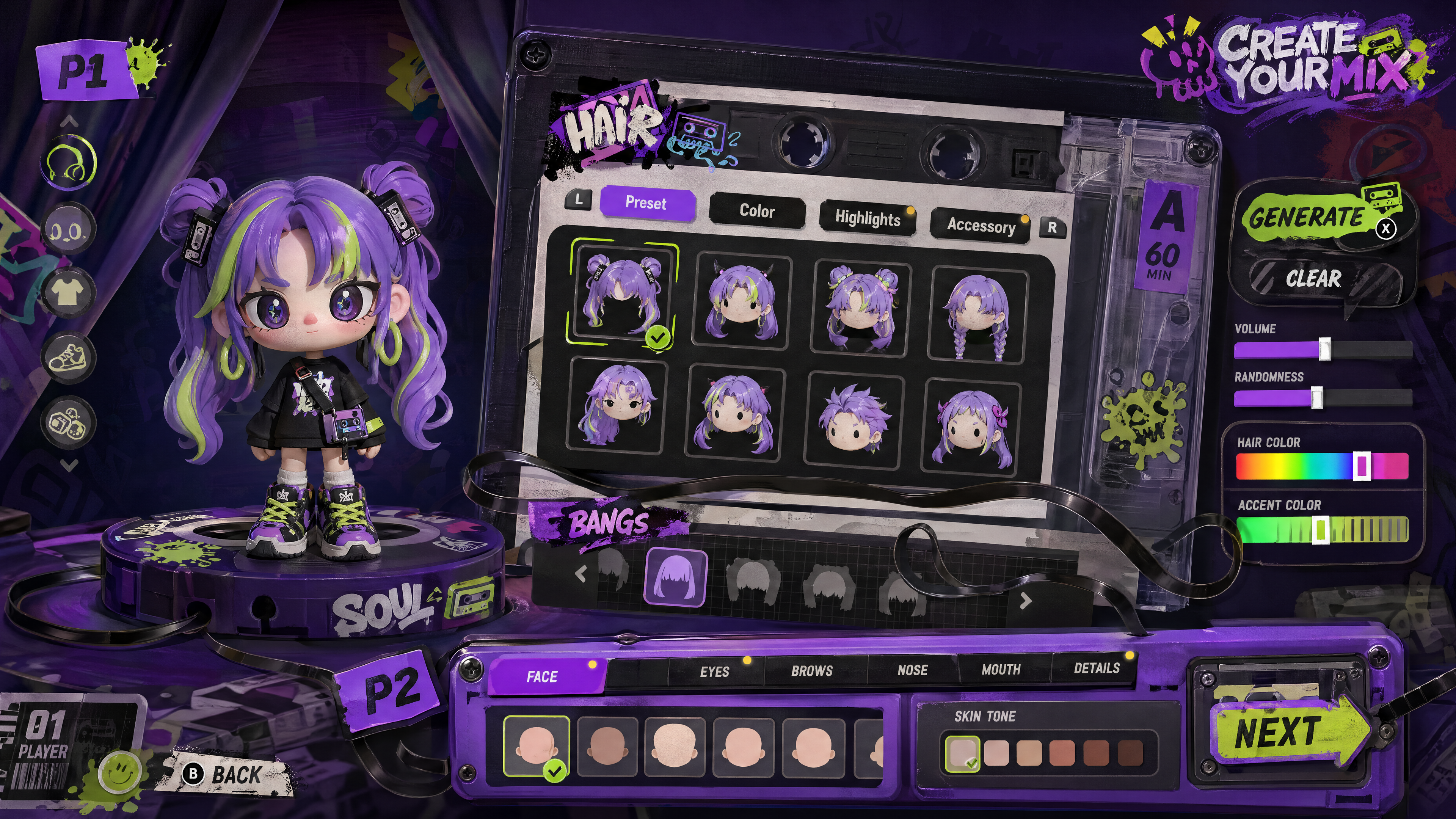
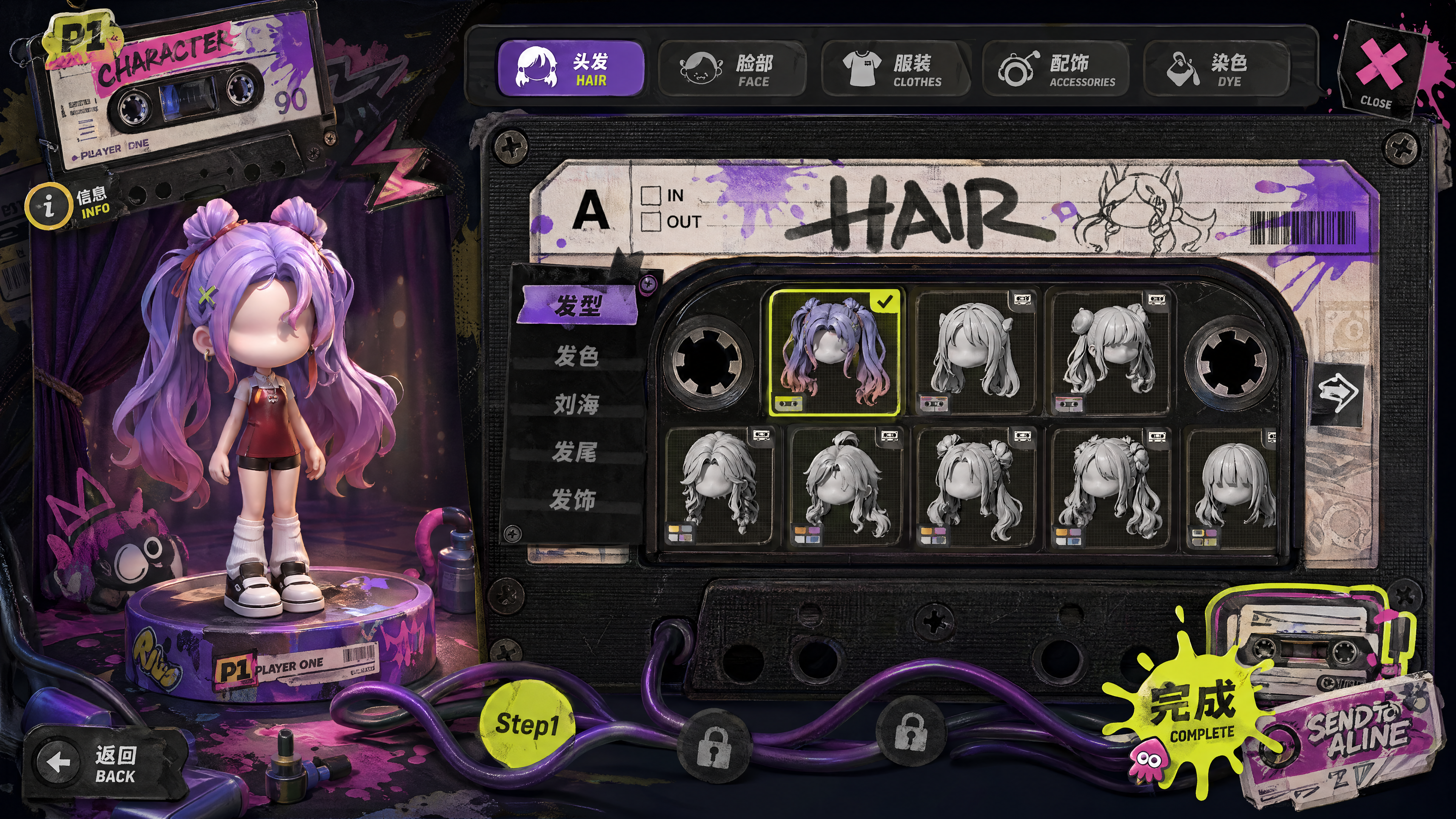
Let the AI design UI principles based on the pages I made, and split them into different components. AI-generated full panels are very hard to use directly as UI, and because of the randomness of generation, each image often has something worth taking. So my approach here was to have the AI turn the panels it designed into a complete set of visual guidelines, and then split out the elements by cutting them out.
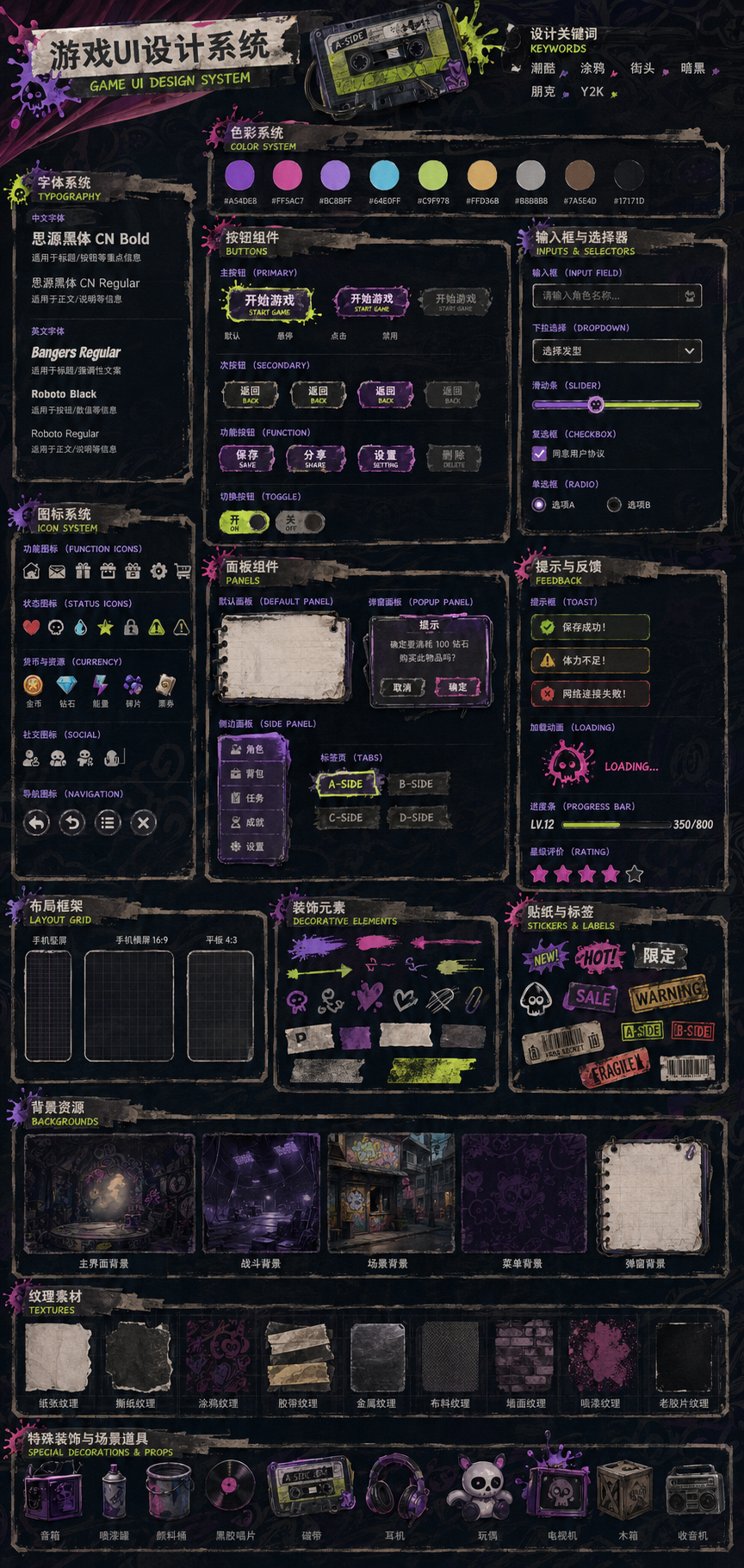
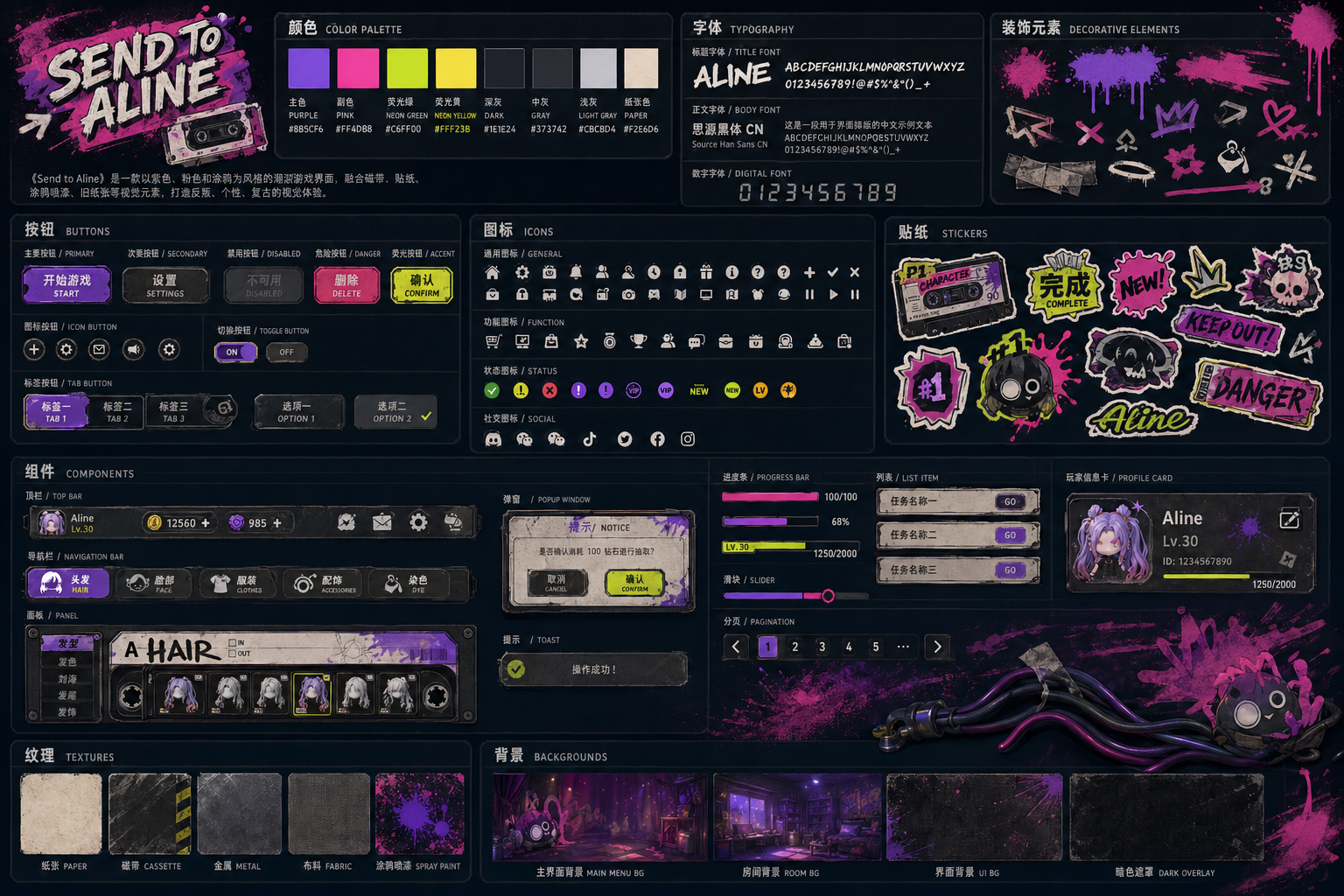
Because AI generation makes text unreadable and the hierarchy random, I had to combine and lay everything out myself for the final result. So I cut the components into transparent PNGs, laid out every panel in Figma by hand, and then assembled them with the corresponding code in Unity.
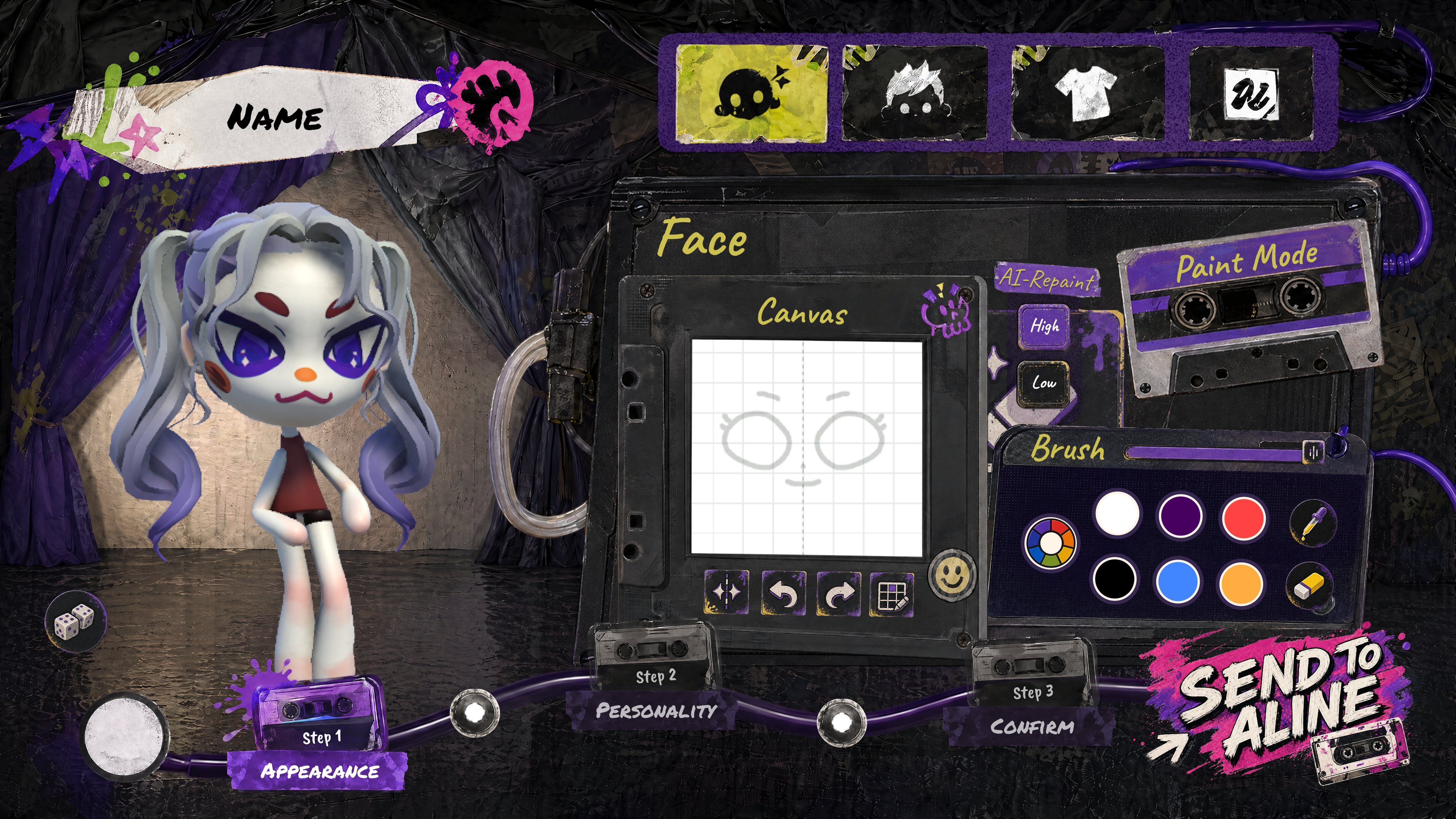
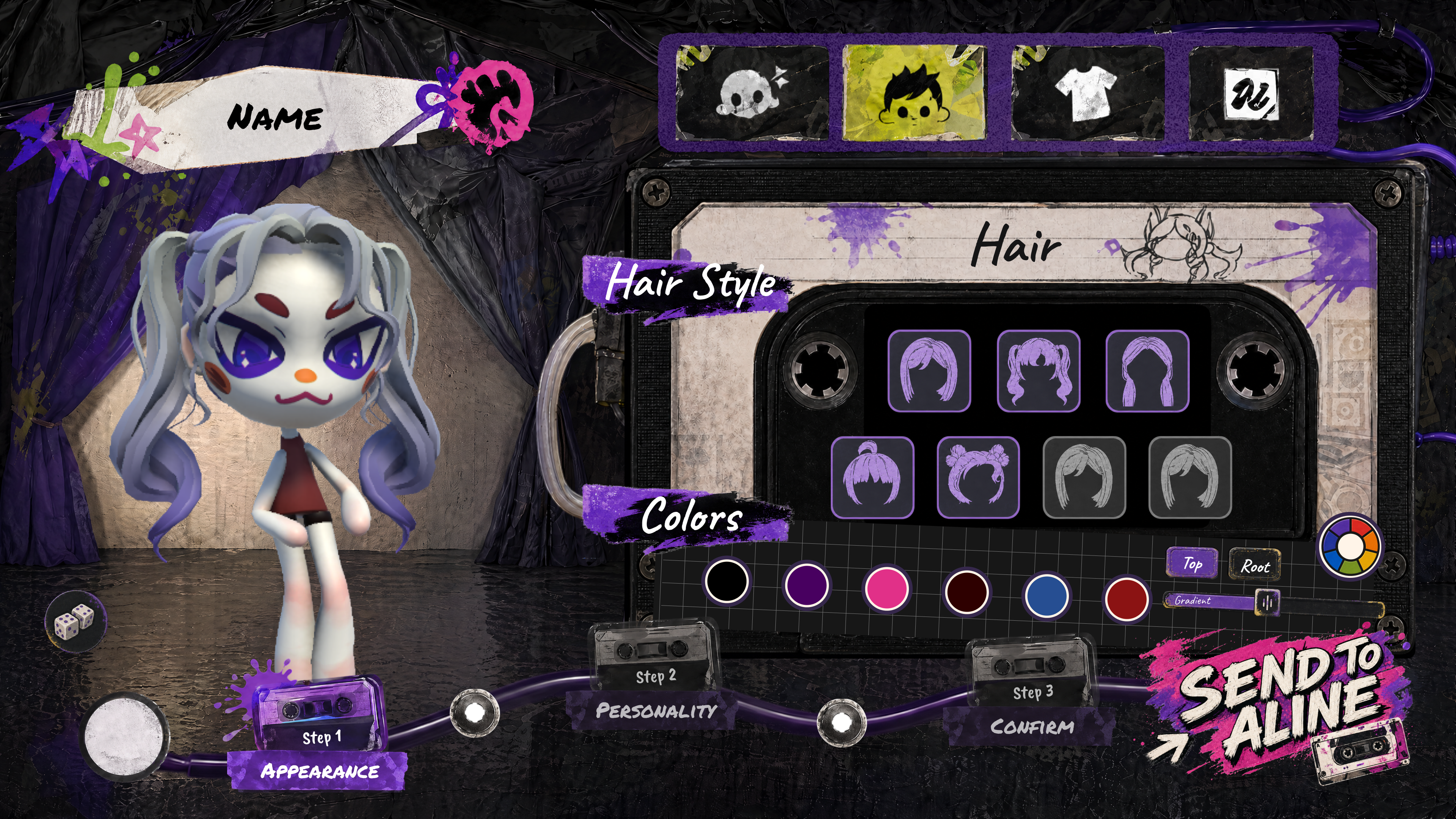
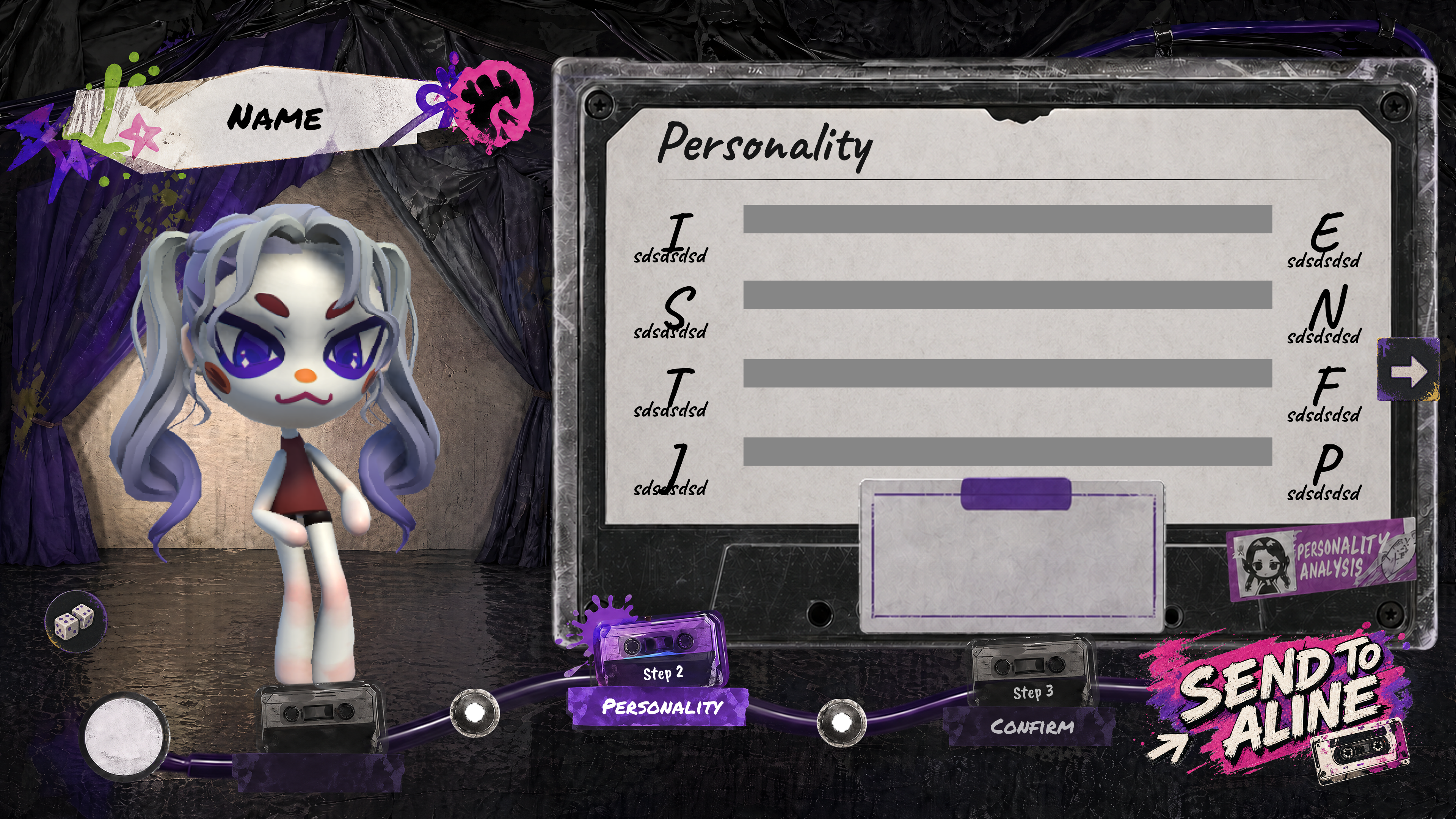
A complete character creation panel, done entirely by me alone. AI helped me get a large amount of work done in two weeks.
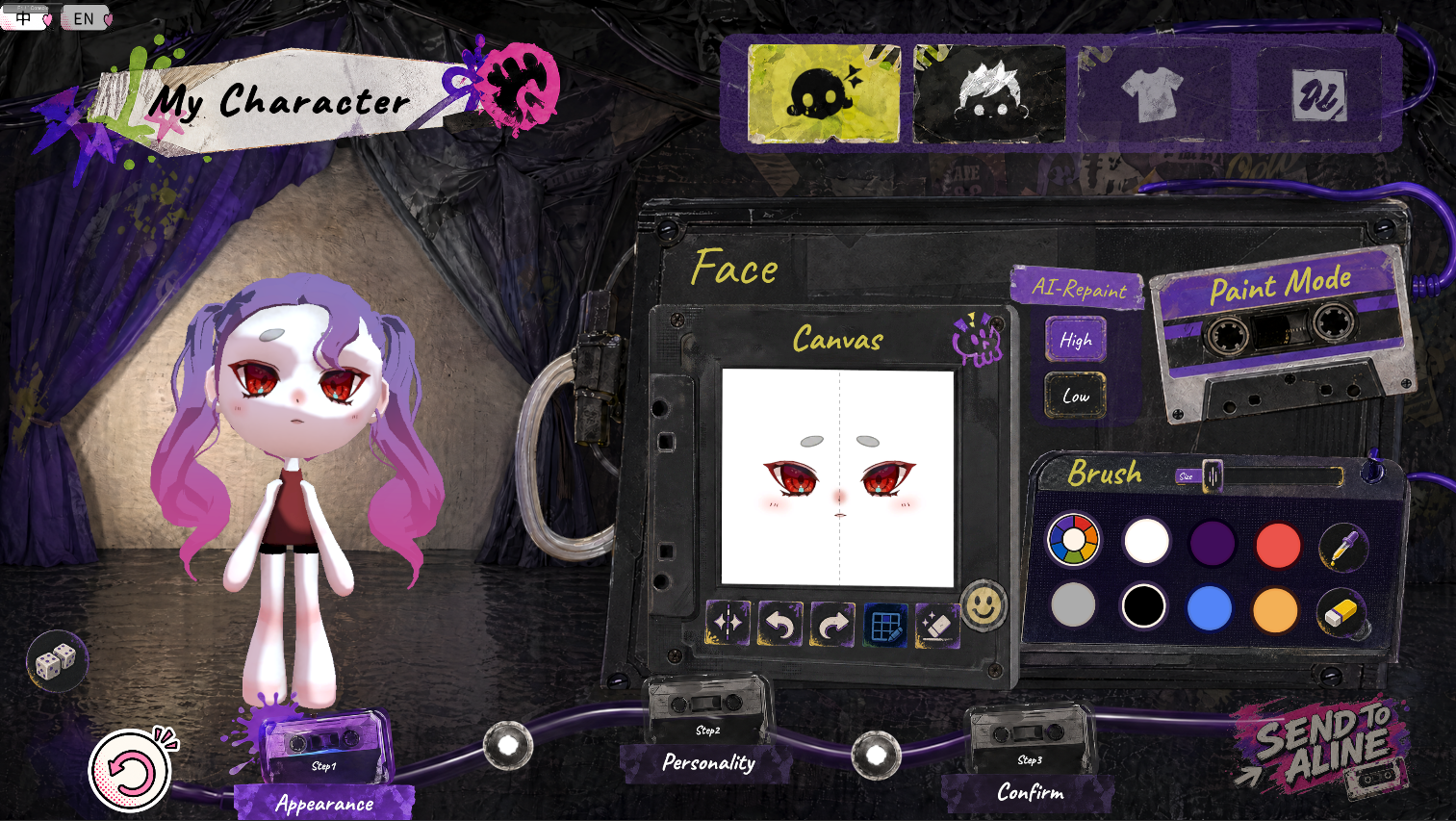
AI is only there to speed things up. The aesthetic judgement and the requirements are decided by a person, and that's what I think is the most important step in using AI to generate UI. The final integration was also done by hand.
AI Helps 3D Workflow
AI-generated 3D is a direction many artists are exploring right now, but assets generated directly in 3D still have a lot of problems when imported straight into an engine. In this project I explored two things in practice: first, getting AI-generated assets to import into the game engine fairly accurately; second, using topology I built myself and letting AI paint the textures to speed up the workflow.
From one concept to a parts sheet.
Image-to-3D turned a single concept into a knolled sheet of separate props, then rough meshes. Fast, and every one of them arrived with problems you cannot see in a thumbnail.
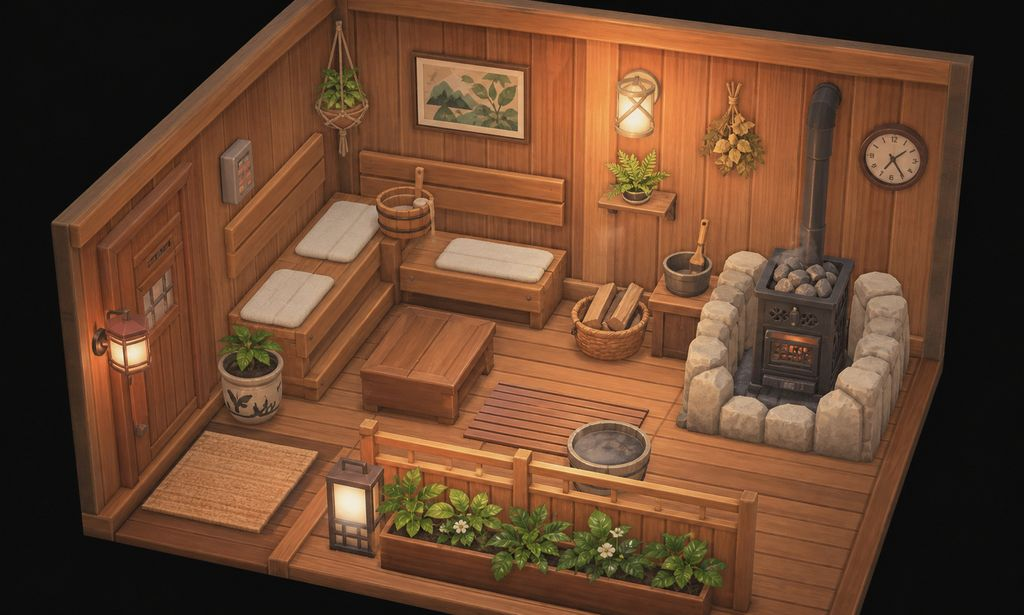
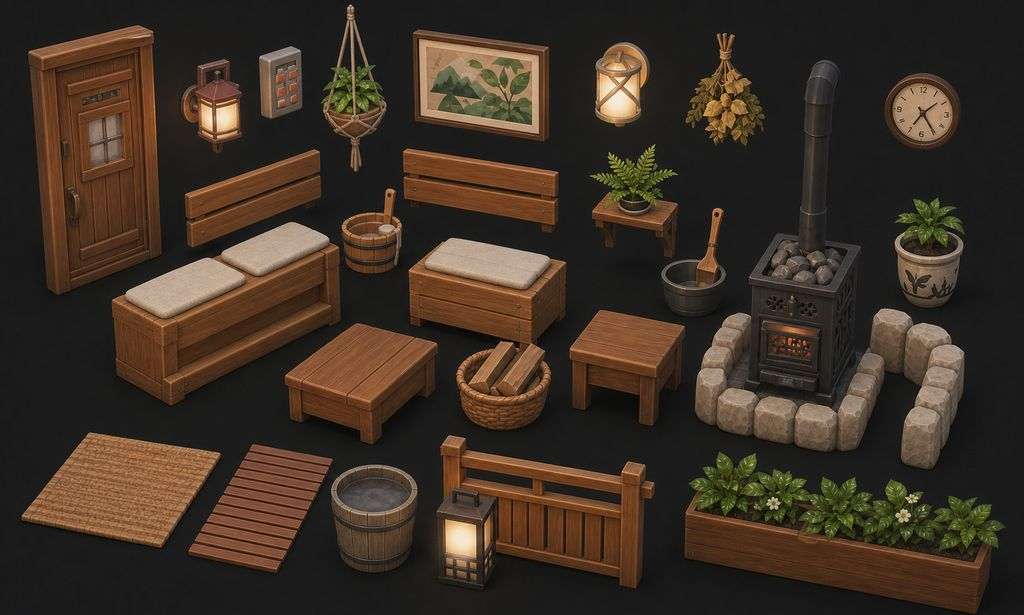
But once these models are brought into 3D software, you find they have a lot of issues that don't meet the asset requirements. So I wrote a Blender add-on. It checks according to my requirements, counting loose edges, zero-area faces, n-gons, triangles, flipped normals and off scale for every object, fixes what it safely can, and shows the report in the sidebar. It also makes import and export quick.
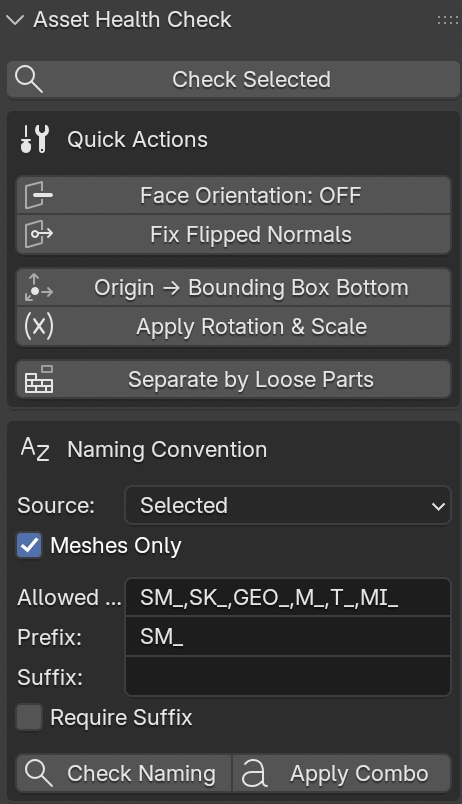
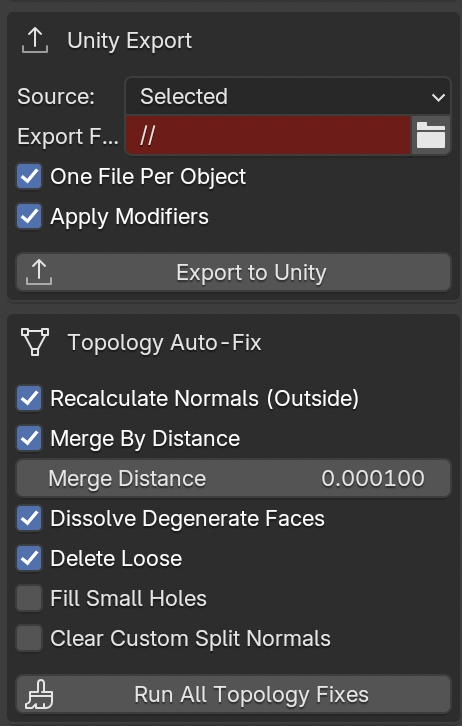
Where it broke: normals.
Flipped faces were the bug that kept coming back, and a reliable check is harder than it looks. I settled on an estimate that compares each face with its neighbours, so the count tells me where to look instead of pretending to be exact.
bl_info = {
    "name": "Asset Health Check",
    "author": "Yvaine",
    "version": (0, 5, 0),
    "blender": (4, 0, 0),
    "location": "View3D > Sidebar (N) > Asset Check",
    "description": "Game-art mesh audit + one-click fixes.",
    "category": "Object",
}

import bpy
import bmesh
from mathutils import Vector
from bpy.props import BoolProperty, EnumProperty, FloatProperty, IntProperty
from bpy.props import PointerProperty, StringProperty
from bpy.types import Operator, Panel, PropertyGroup


def _iter_target_meshes(context):
    for obj in context.selected_objects:
        if obj.type == 'MESH' and obj.data is not None:
            yield obj


def _audit_mesh(obj):
    me = obj.data
    bm = bmesh.new()
    bm.from_mesh(me)
    bm.normal_update()

    non_manifold_edges = sum(1 for e in bm.edges if not e.is_manifold)
    boundary_edges = sum(1 for e in bm.edges if e.is_boundary)
    loose_verts = sum(1 for v in bm.verts if not v.link_edges)
    loose_edges = sum(1 for e in bm.edges if not e.link_faces)
    zero_area_faces = sum(1 for f in bm.faces if f.calc_area() < 1e-9)
    ngons = sum(1 for f in bm.faces if len(f.verts) > 4)
    tris = sum(1 for f in bm.faces if len(f.verts) == 3)

    flipped_estimate = 0
    for f in bm.faces:
        neigh = [nf for e in f.edges for nf in e.link_faces if nf is not f]
        if not neigh:
            continue
        avg = neigh[0].normal.copy() * 0
        for nf in neigh:
            avg = avg + nf.normal
        avg /= len(neigh)
        if f.normal.dot(avg) < -0.5:
            flipped_estimate += 1

    bm.free()

    s = obj.scale
    scale_off = abs(s.x - 1) > 1e-4 or abs(s.y - 1) > 1e-4 or abs(s.z - 1) > 1e-4

    return {
        "name": obj.name,
        "verts": len(me.vertices),
        "tris": tris,
        "faces": len(me.polygons),
        "non_manifold_edges": non_manifold_edges,
        "boundary_edges": boundary_edges,
        "loose_verts": loose_verts,
        "loose_edges": loose_edges,
        "zero_area_faces": zero_area_faces,
        "ngons": ngons,
        "flipped_estimate": flipped_estimate,
        "has_custom_normals": me.has_custom_normals,
        "scale_off": scale_off,
        "scale": (s.x, s.y, s.z),
        "materials": len(obj.material_slots),
    }


def _format_report(rows):
    headers = ["name", "verts", "tris", "ngons", "nm_e", "loose_v",
               "loose_e", "zero_area", "flip?", "scale!=1", "mats"]
    lines = [" | ".join(headers)]
    for r in rows:
        lines.append(" | ".join(str(x) for x in [
            r["name"], r["verts"], r["tris"], r["ngons"],
            r["non_manifold_edges"], r["loose_verts"], r["loose_edges"],
            r["zero_area_faces"], r["flipped_estimate"],
            "Y" if r["scale_off"] else "-",
            r["materials"],
        ]))
    return "\n".join(lines)


class ASSETCHK_OT_Check(Operator):
    bl_idname = "assetchk.check"
    bl_label = "Check Selected"
    bl_description = "Audit selected meshes; results shown in panel and console"

    def execute(self, context):
        targets = list(_iter_target_meshes(context))
        if not targets:
            self.report({'WARNING'}, "No mesh objects selected")
            return {'CANCELLED'}

        rows = [_audit_mesh(o) for o in targets]
        report = _format_report(rows)
        context.scene.assetchk.last_report = report
        print("\n[Asset Health Check]\n" + report + "\n")

        problems = sum(
            r["non_manifold_edges"] + r["loose_verts"] + r["loose_edges"]
            + r["zero_area_faces"] + r["flipped_estimate"] + (1 if r["scale_off"] else 0)
            for r in rows
        )
        if problems == 0:
            self.report({'INFO'}, f"OK — {len(rows)} mesh(es), no issues found")
        else:
            self.report({'WARNING'}, f"{len(rows)} mesh(es), {problems} potential issue(s)")
        return {'FINISHED'}


class ASSETCHK_OT_FixFaceOrientation(Operator):
    bl_idname = "assetchk.fix_face_orientation"
    bl_label = "Fix Flipped Normals"
    bl_options = {'REGISTER', 'UNDO'}

    def execute(self, context):
        targets = list(_iter_target_meshes(context))
        if not targets:
            self.report({'WARNING'}, "No mesh objects selected")
            return {'CANCELLED'}

        prev_active = context.view_layer.objects.active
        if context.mode != 'OBJECT':
            bpy.ops.object.mode_set(mode='OBJECT')

        for obj in targets:
            context.view_layer.objects.active = obj
            obj.select_set(True)
            bpy.ops.object.mode_set(mode='EDIT')
            bpy.ops.mesh.select_all(action='SELECT')
            bpy.ops.mesh.normals_make_consistent(inside=False)
            bpy.ops.object.mode_set(mode='OBJECT')

        if prev_active is not None:
            context.view_layer.objects.active = prev_active
        self.report({'INFO'}, f"Recalculated normals on {len(targets)} mesh(es)")
        return {'FINISHED'}


class ASSETCHK_OT_ExportUnity(Operator):
    bl_idname = "assetchk.export_unity"
    bl_label = "Export to Unity"
    bl_description = "FBX export with Unity-friendly Y-up / -Z forward settings."

    def execute(self, context):
        # Full add-on continues with naming checks, transform fixes,
        # one-file-per-object FBX export, UI panels, registration,
        # and the last report display in the Blender sidebar.
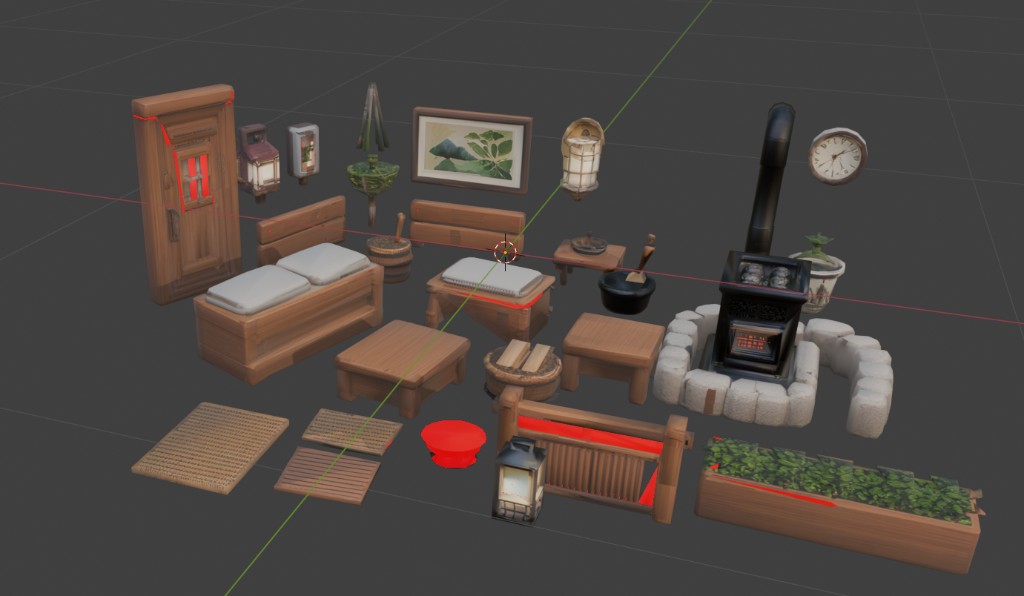
return {'FINISHED'}Cleaned up following the add-on's report, then checked again by hand.
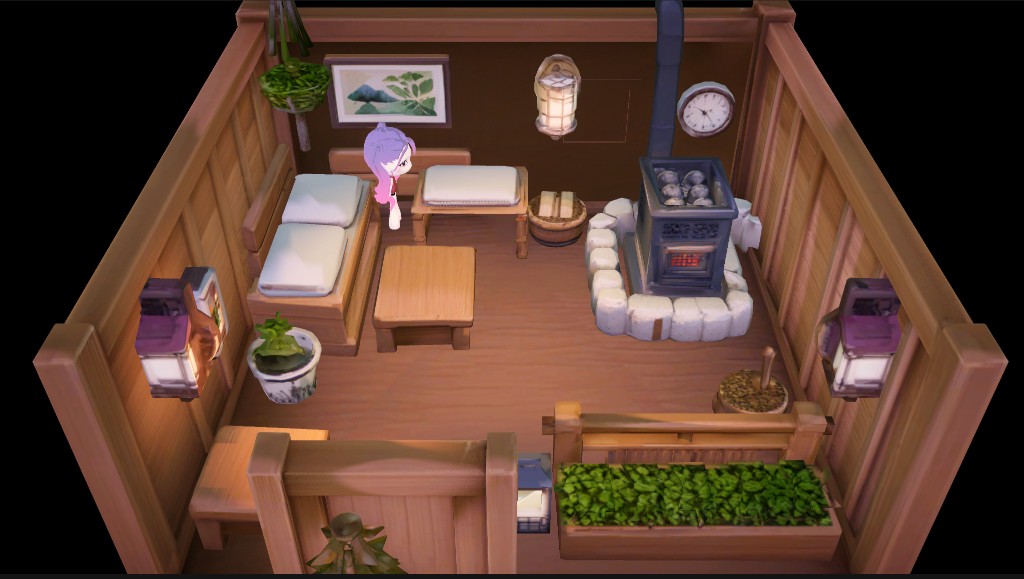
After importing into Unity, I switch everything to a unified toon material, then do the lighting and post-processing myself so the art stays consistent.
Hand modeling, AI textures.
For the main in-game props I still model by hand to keep control of the topology, and use AI to paint the textures. For example, the character needs to hold a can of cola. Generating it directly with AI produces a lot of useless detail and topology, so here I chose to model it myself and hand the UV to the AI to repaint. I got the look I wanted very quickly, then adjusted the details by hand, saving a lot of the time hand-painting textures would have taken.
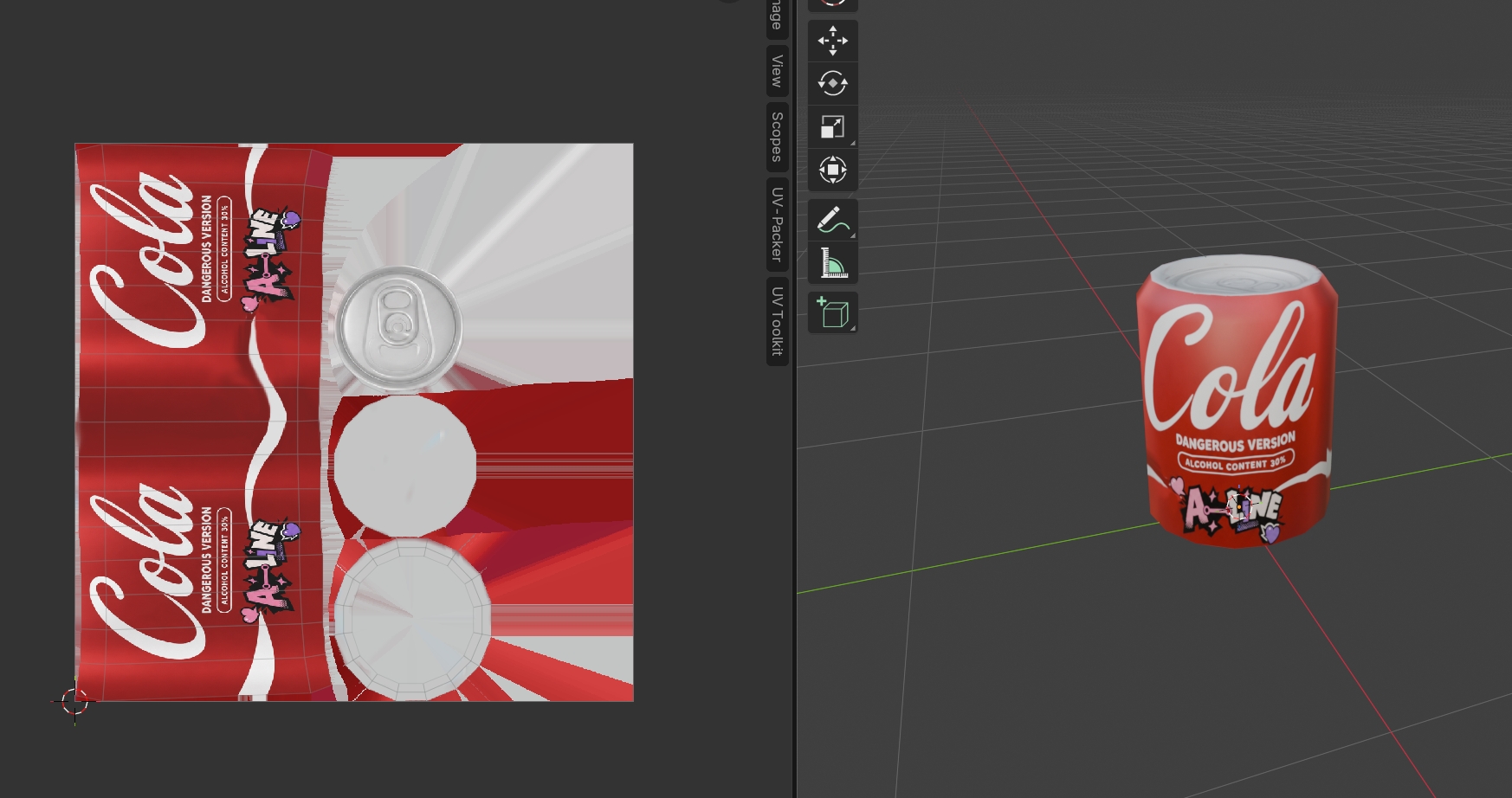
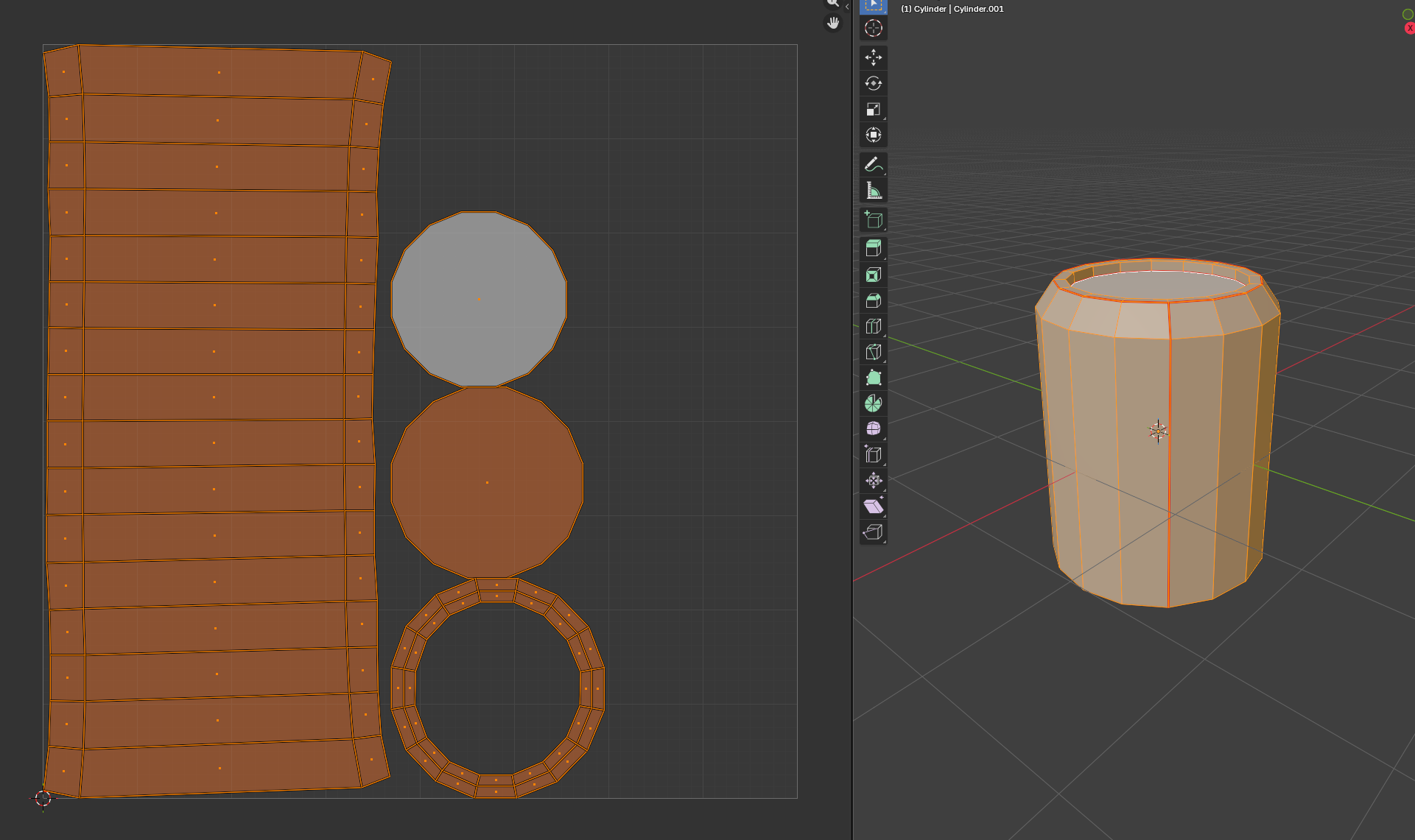
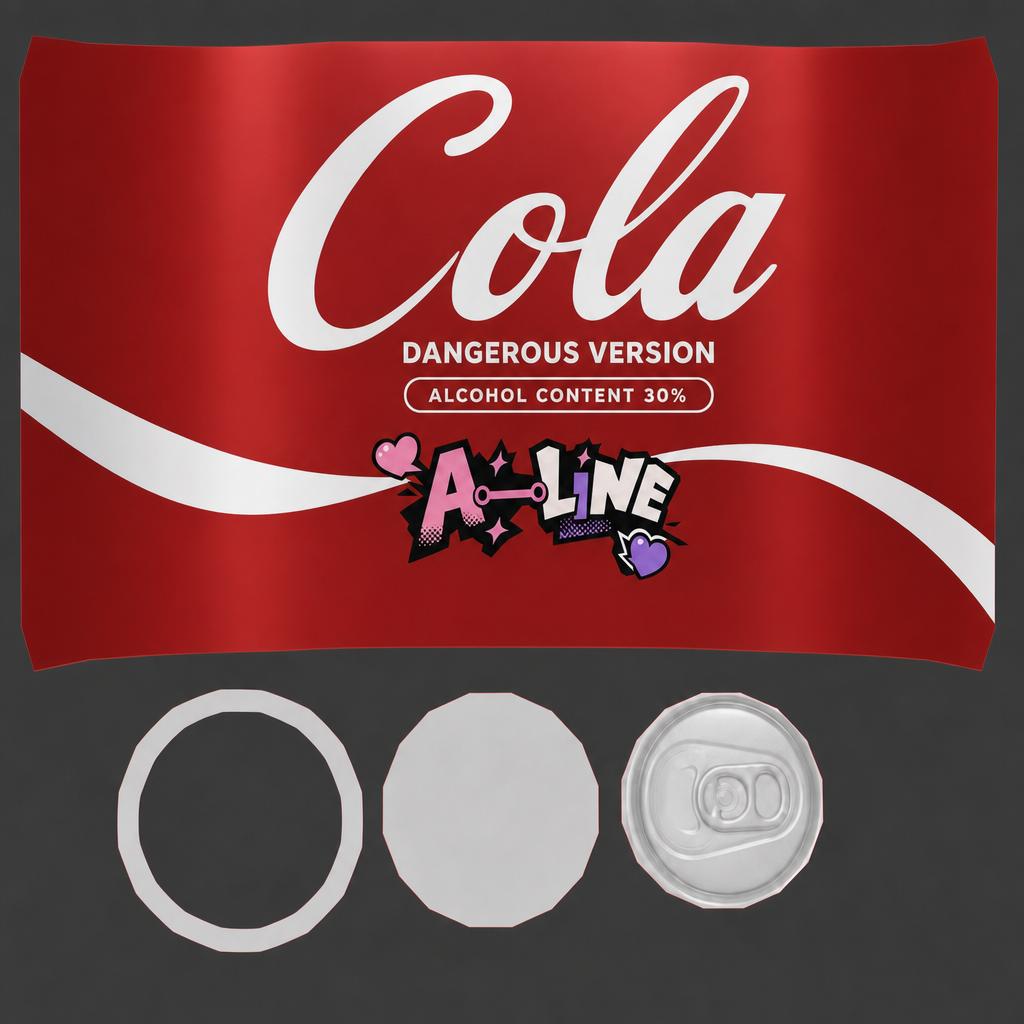
These are some of my experiments with AI-generated 3D models. The AI models themselves keep improving; this approach was finished in May 2026, and I believe many of the problems here will improve noticeably as the models get better. But from my own practice, however the AI models develop, understanding the 3D production process itself and having experience checking assets is essential.
UA Assets
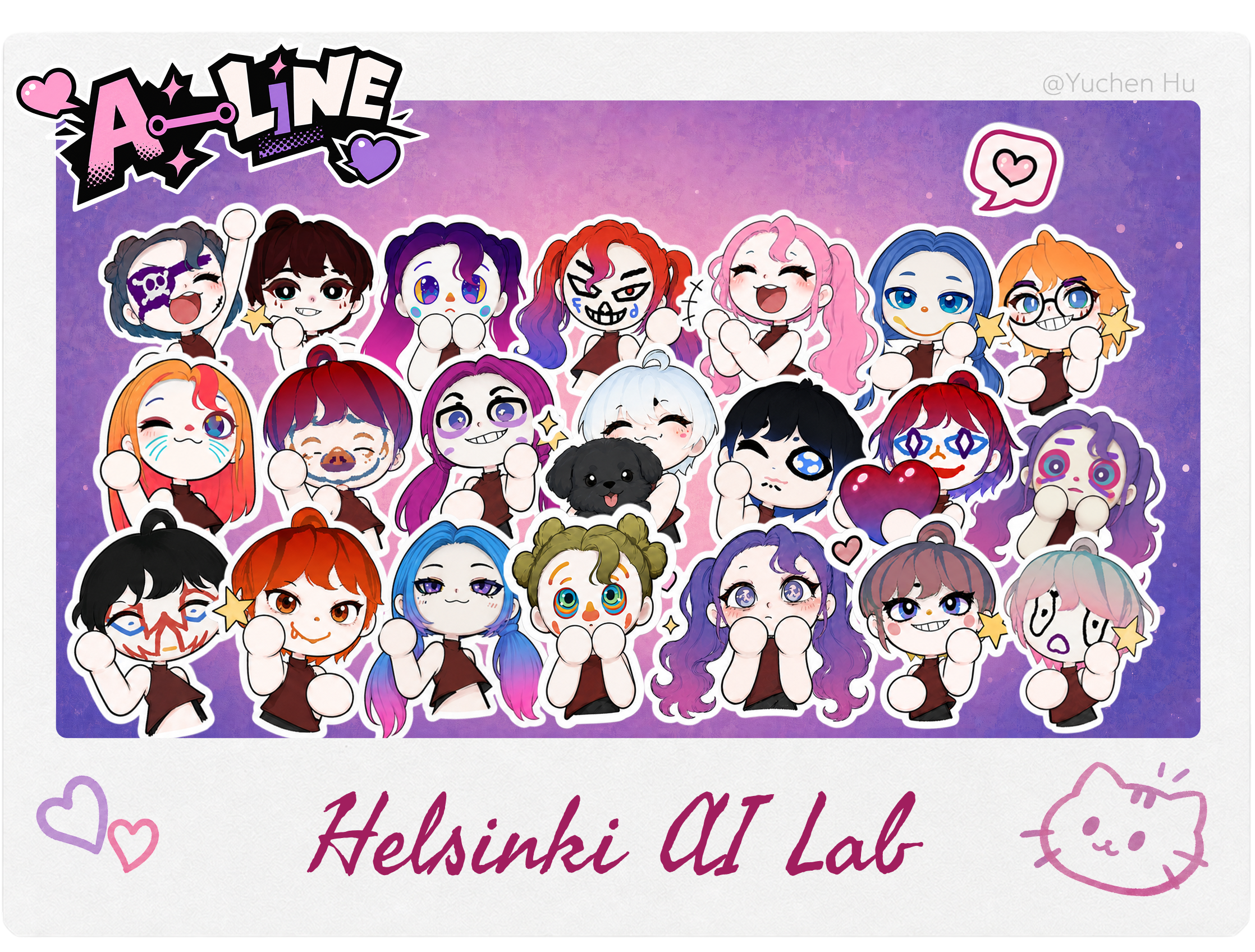
Because I was the only artist on the team and we only had the last week left, I needed to use AI to produce a large number of UA assets quickly. Here I used AI for posters, stickers and the in-game photo feature.

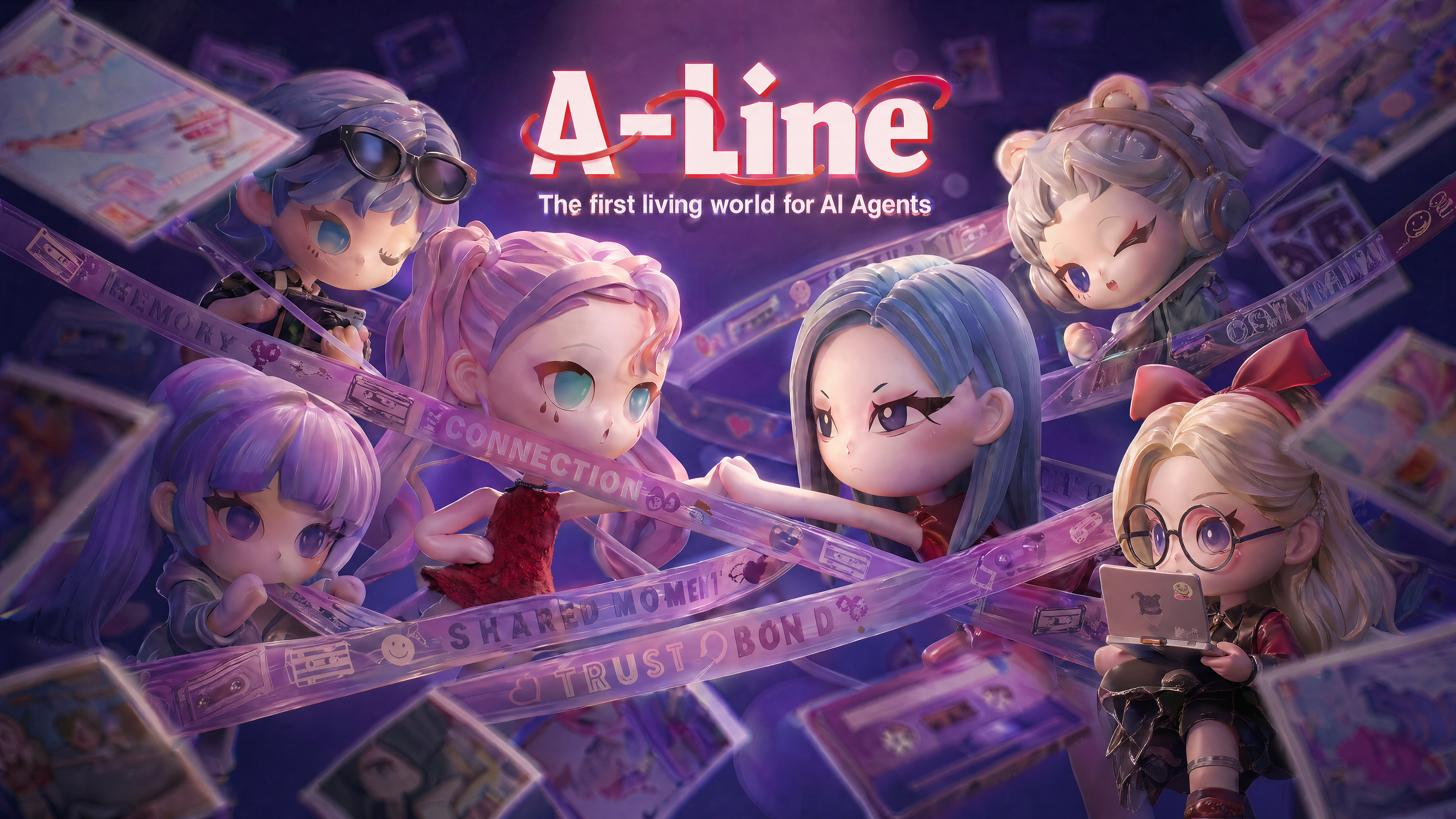
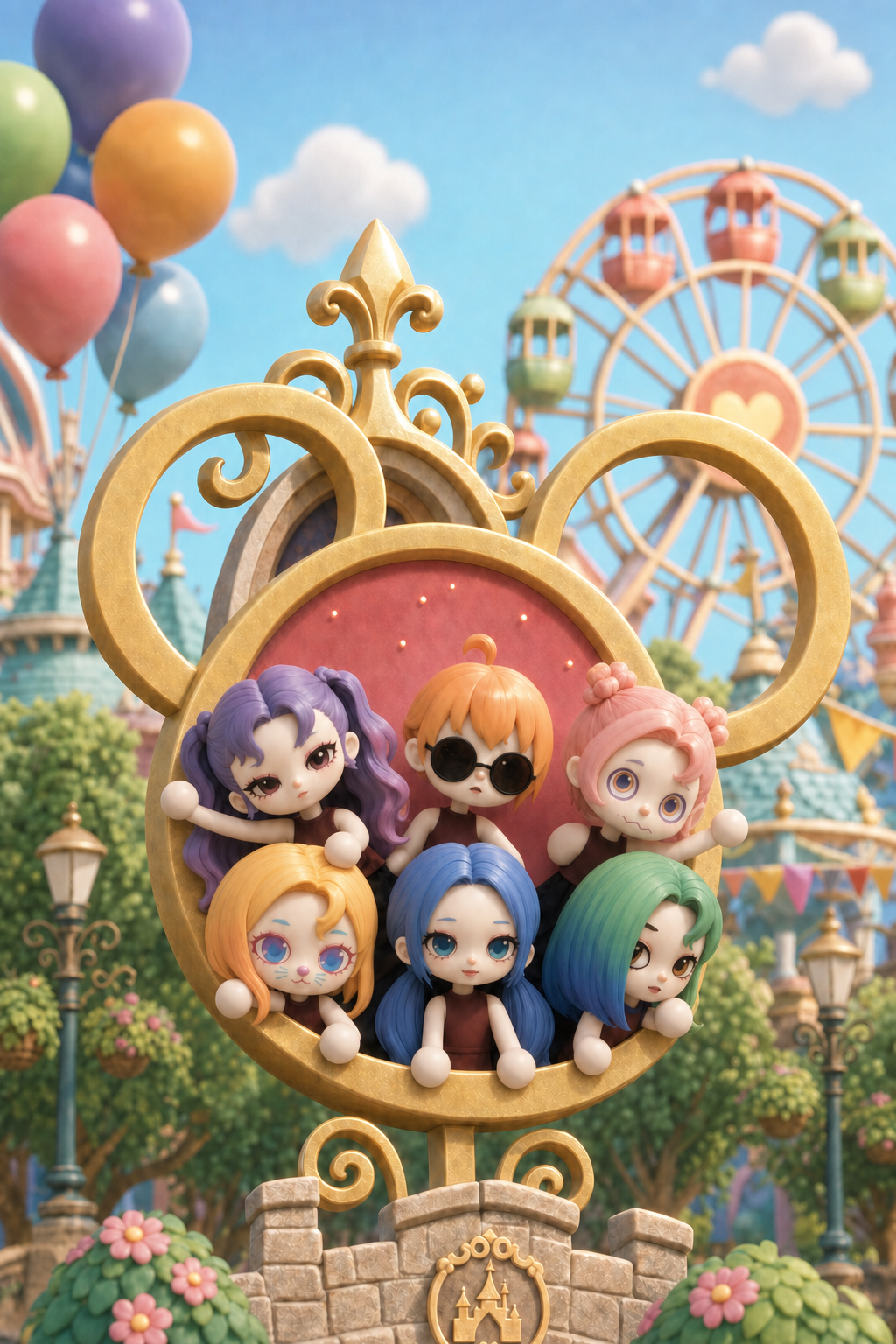
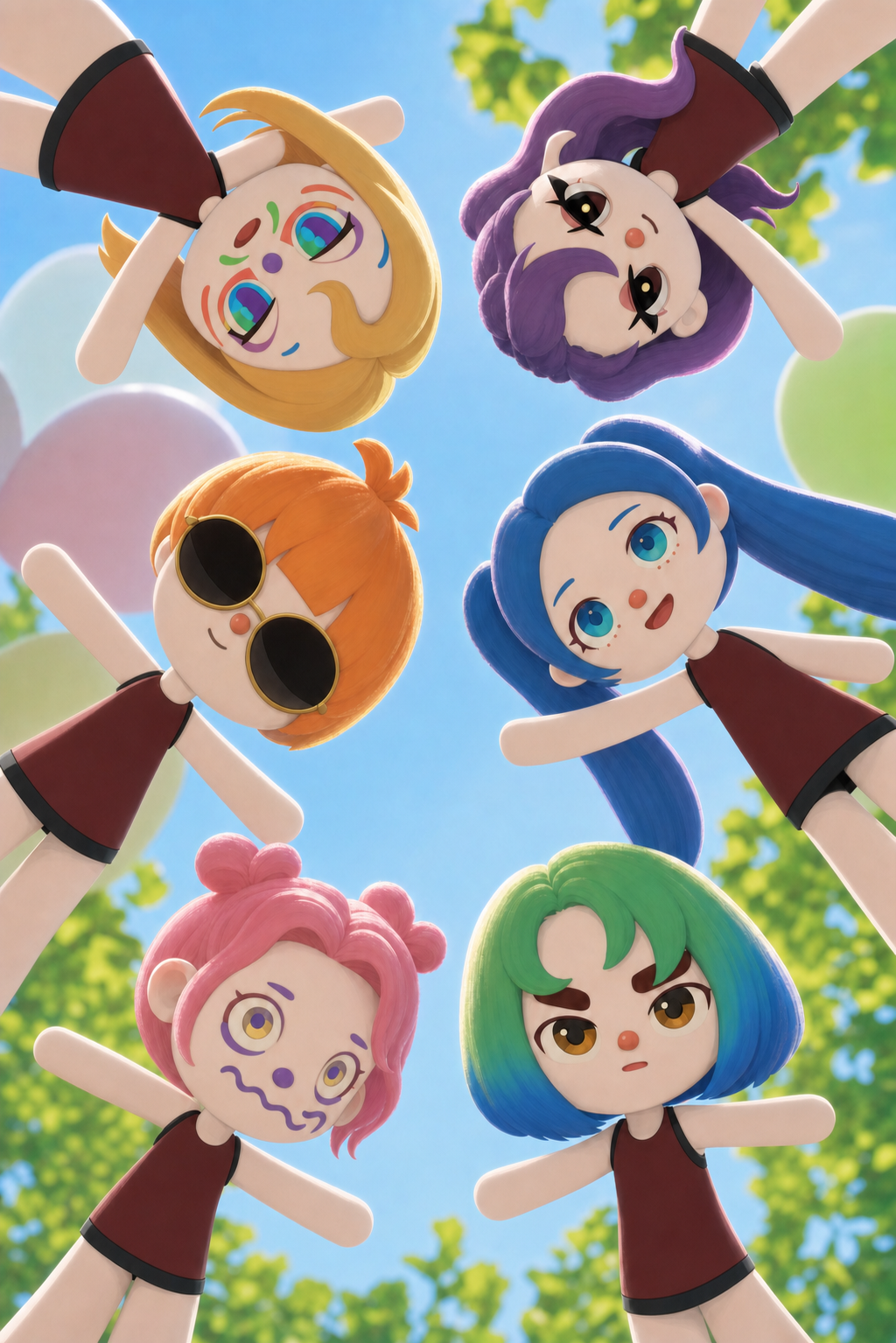
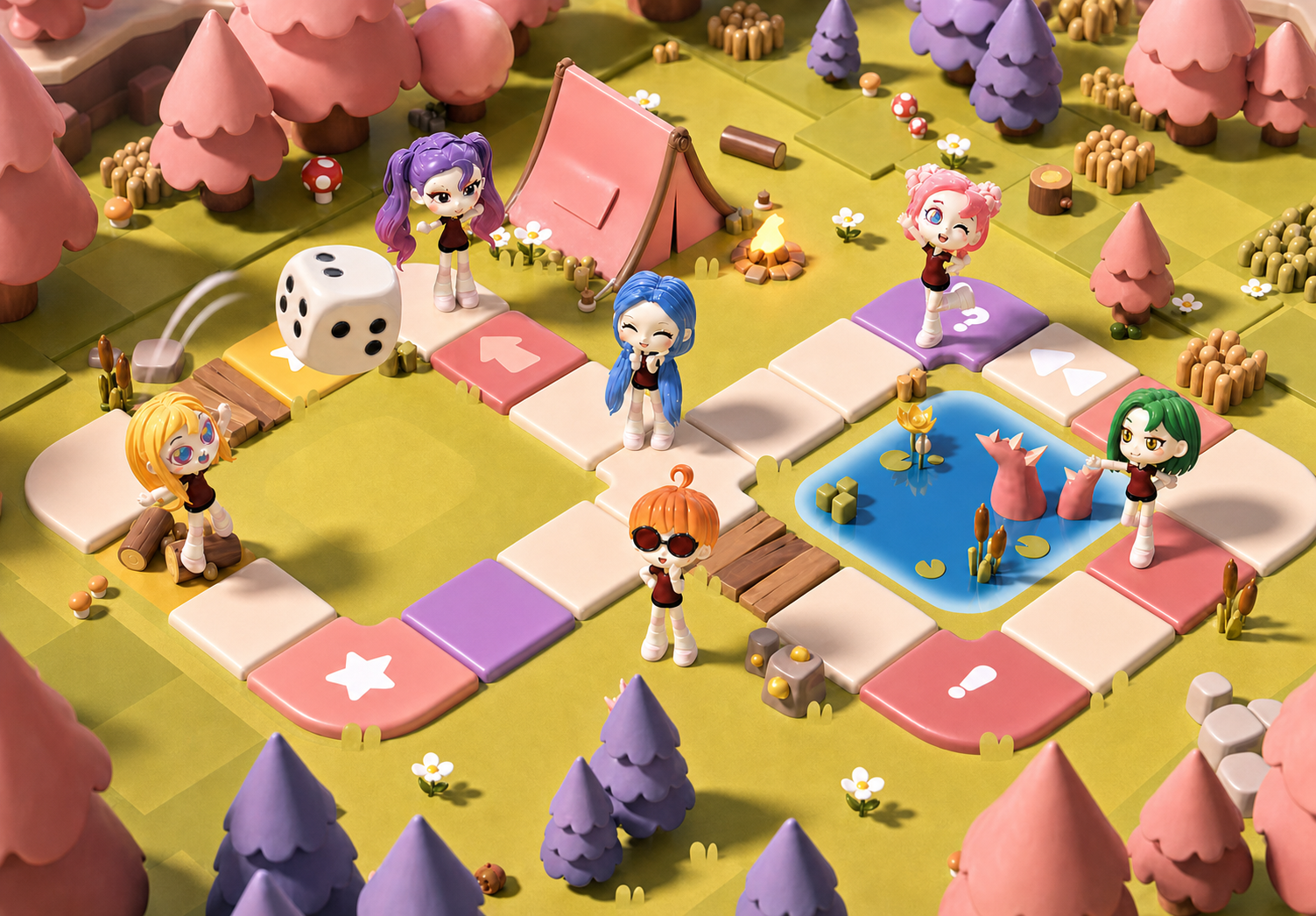

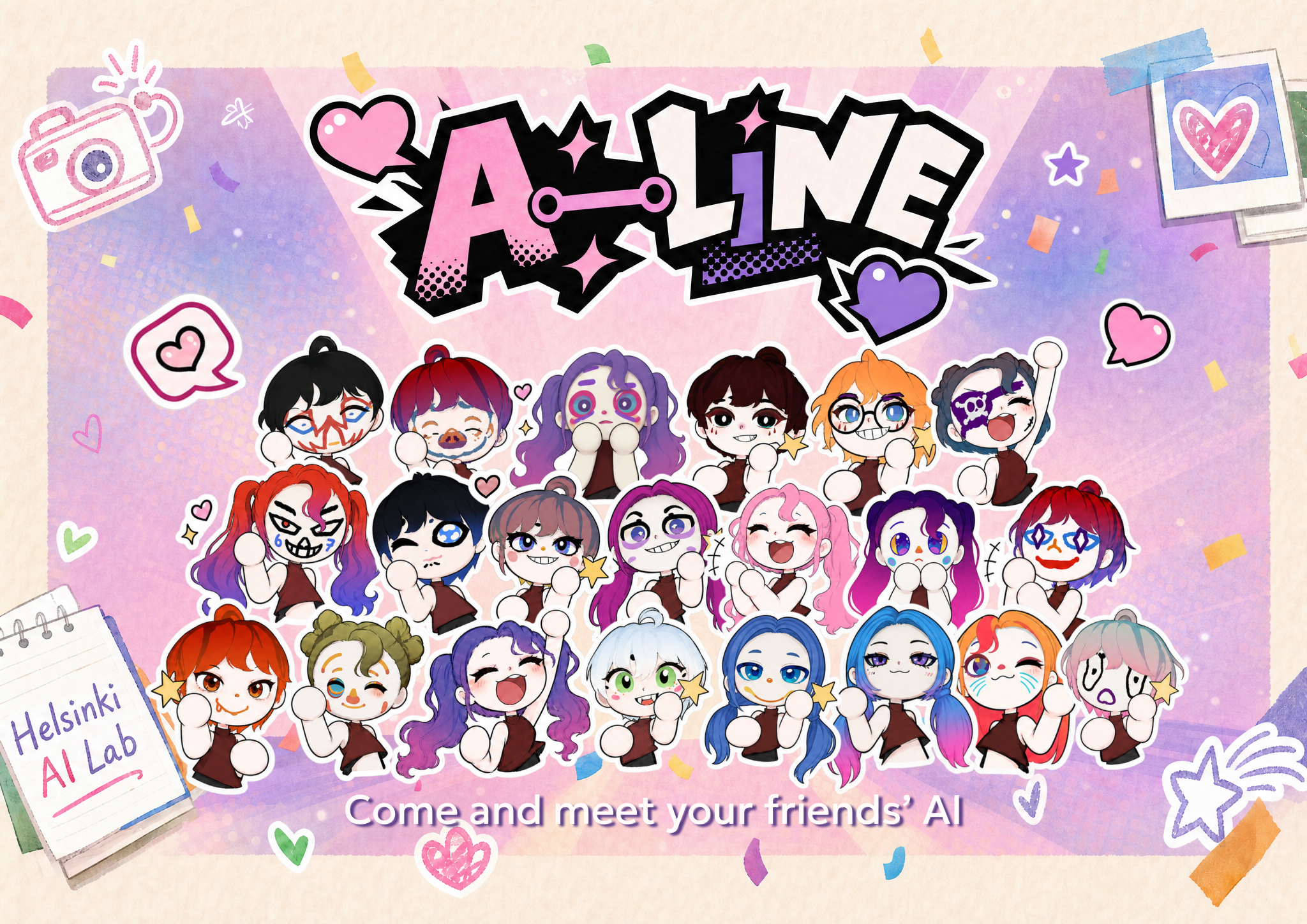
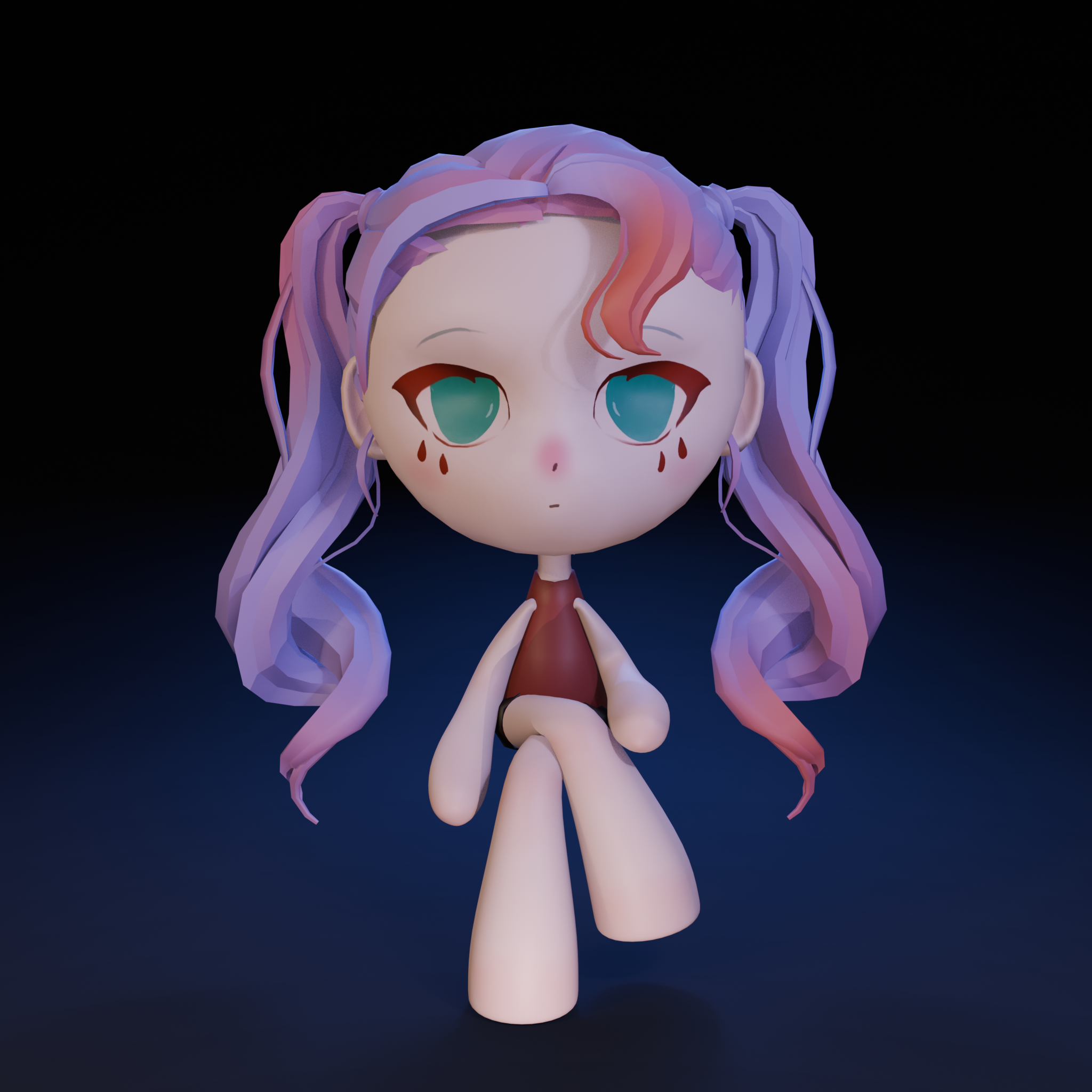
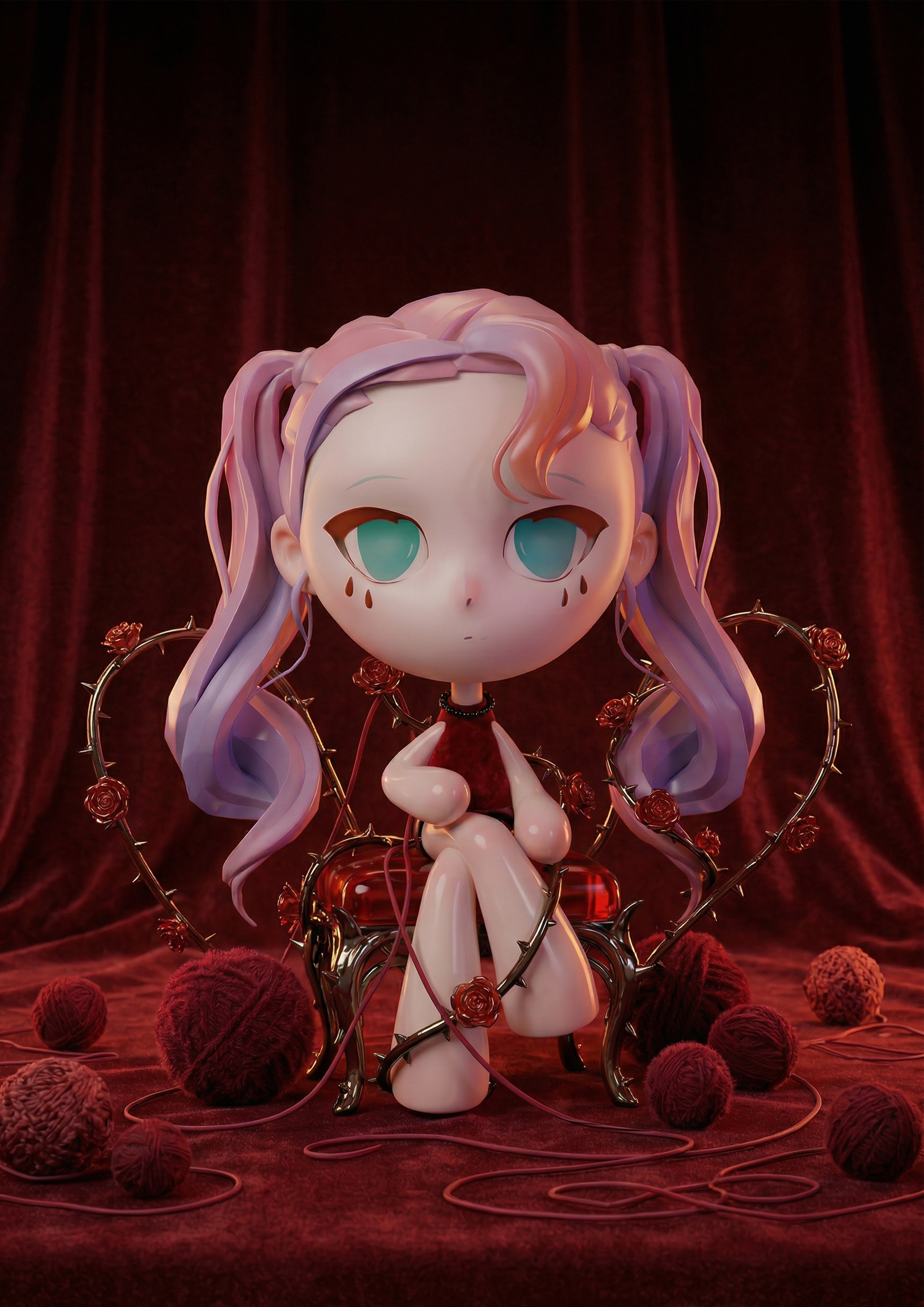
To keep the game's characters consistent, the main characters in the posters are 3D models I made by hand. I pose them with the rig in Blender, build a simple composition, let the AI generate the background, and then do a second pass in Photoshop for lighting and compositing so the posters meet a high-quality bar.
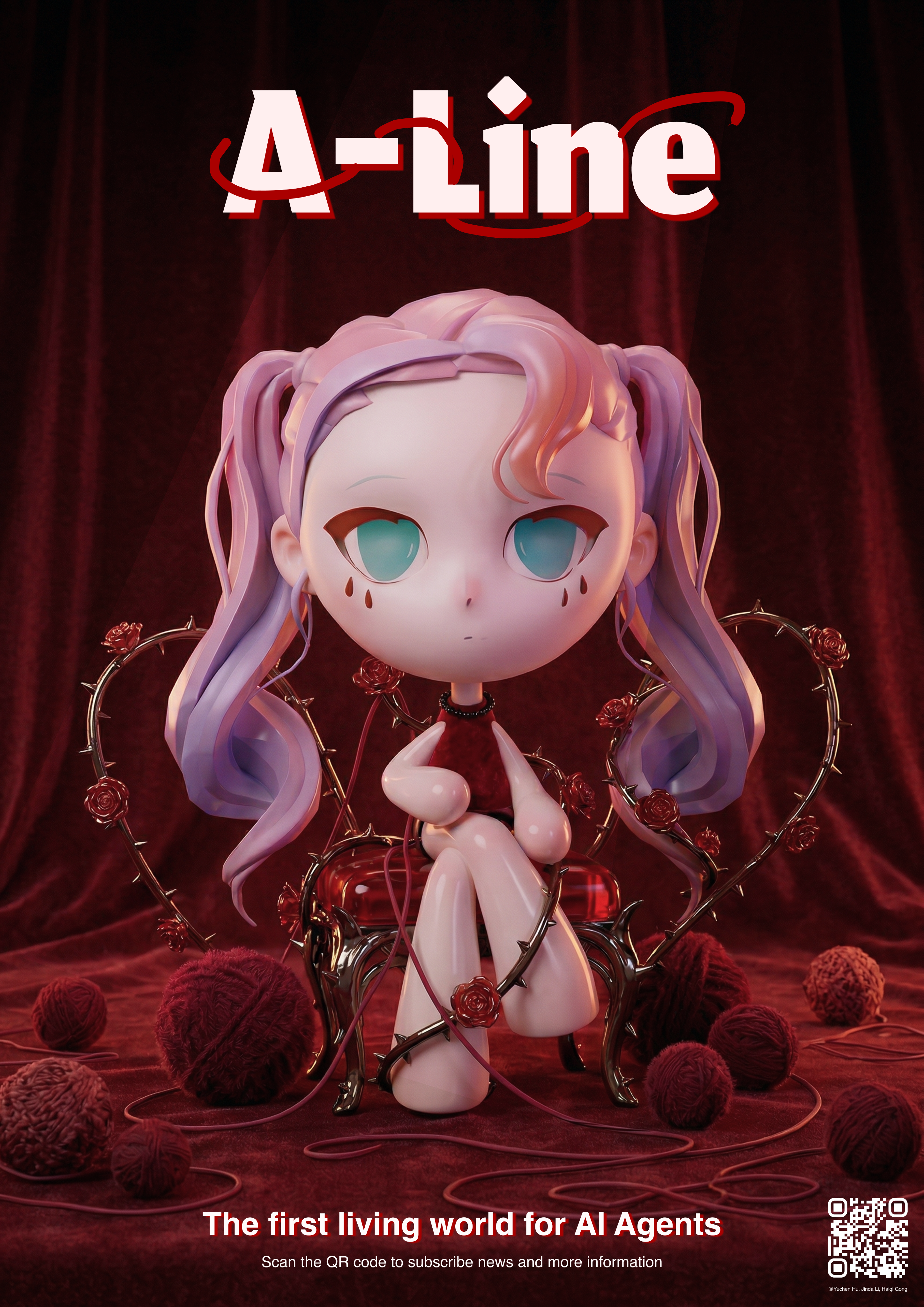
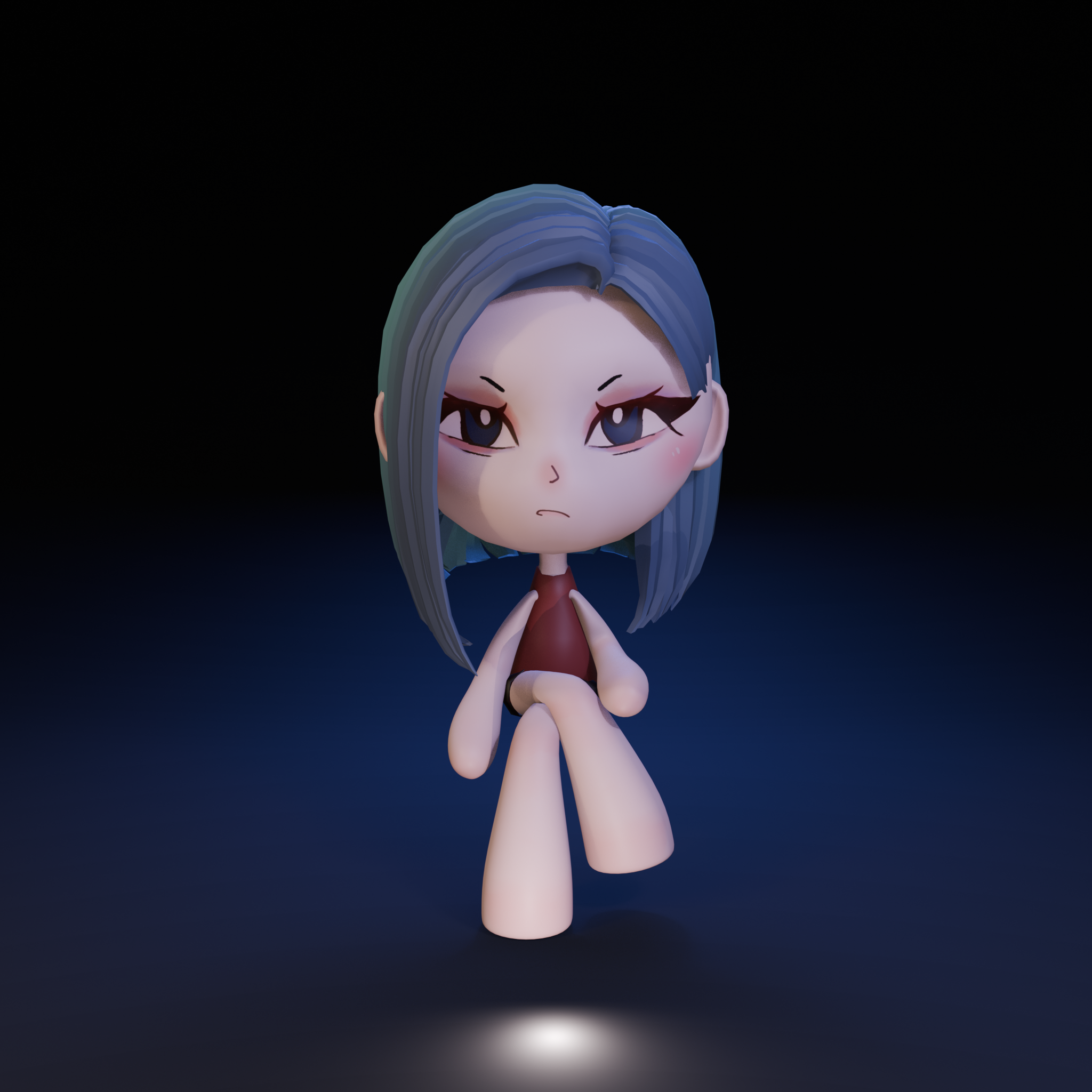
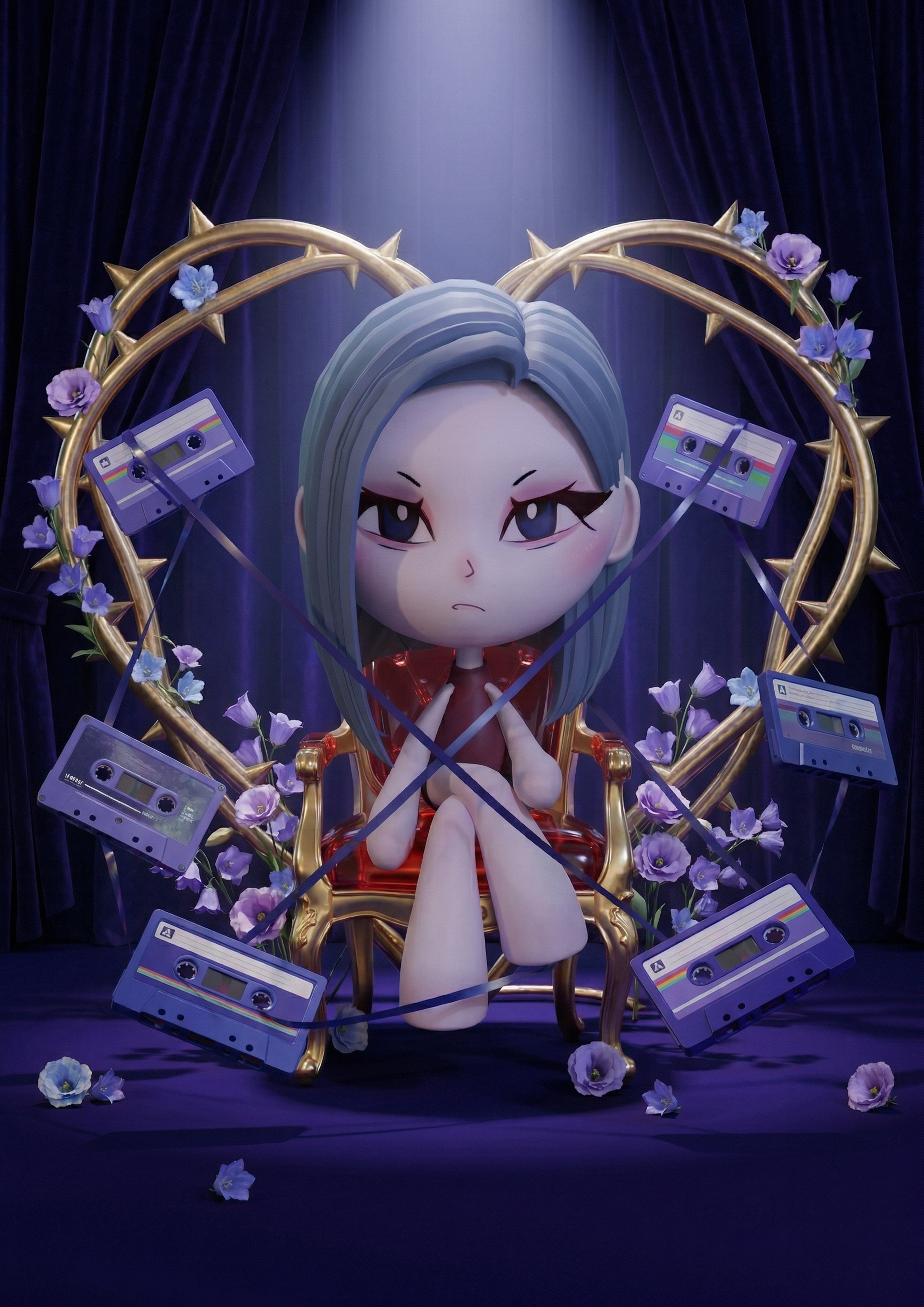
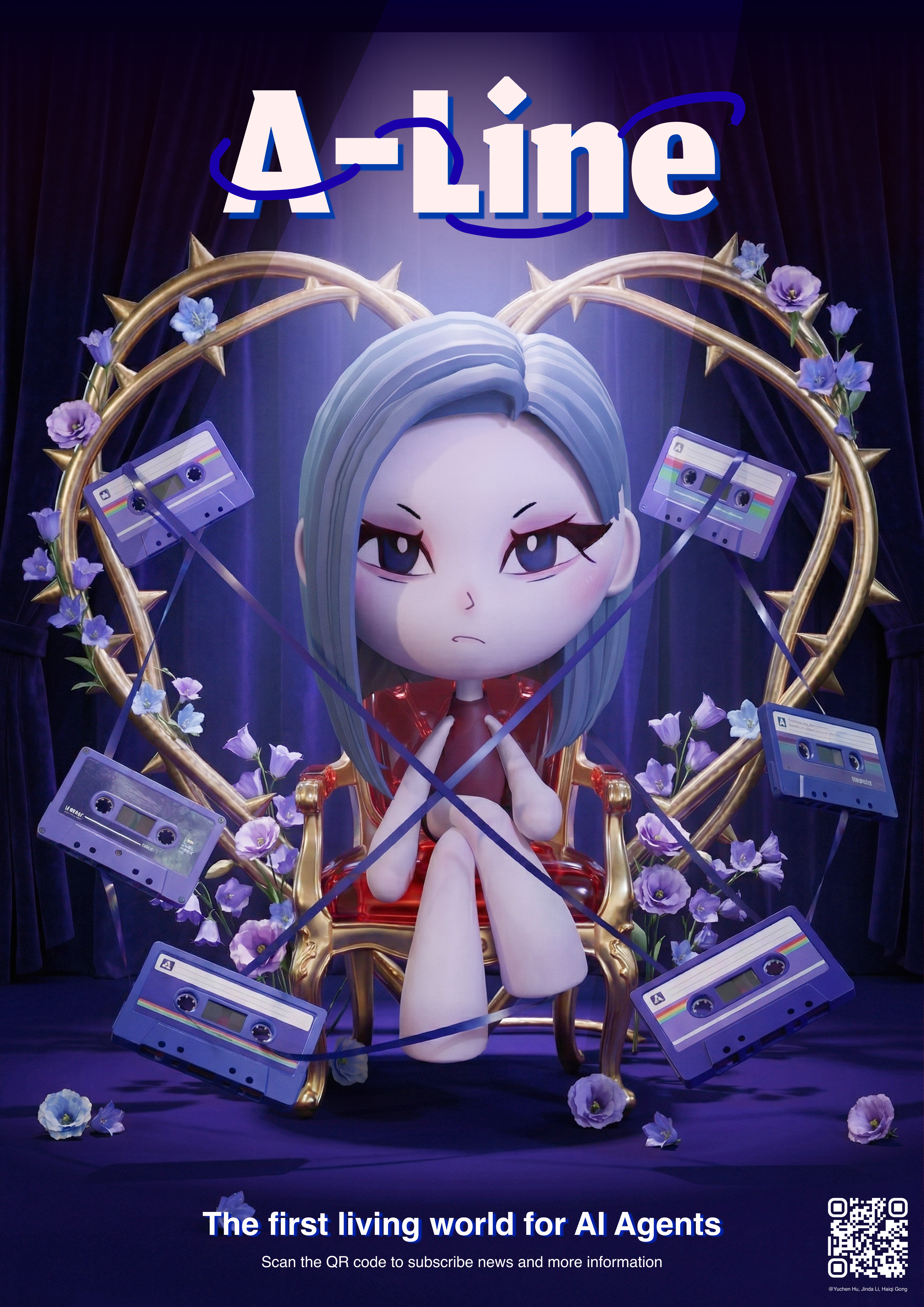
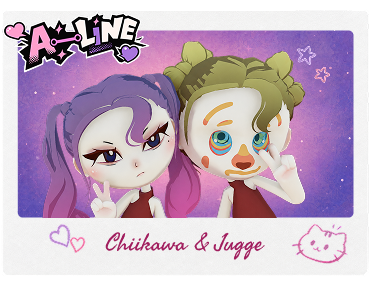
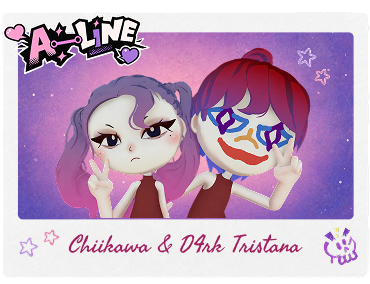
Because of time, this feature wasn't implemented in the game; for now I made these outside the game based on the characters playtesters created. The player character's pose is captured in Unity, the AI adds motion details from a prompt, and a shared frame template goes on top, so every player gets a customized photo.
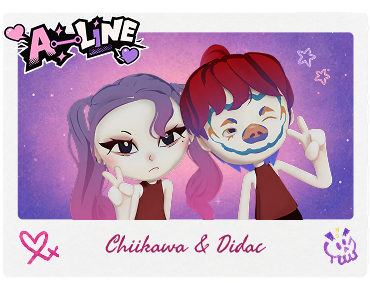
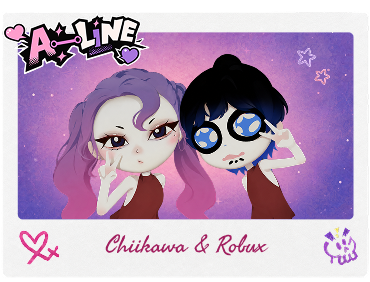
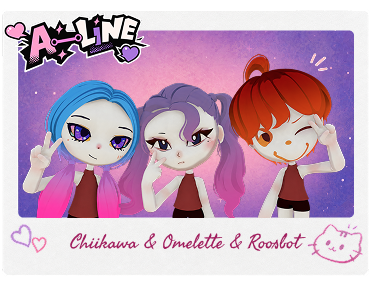
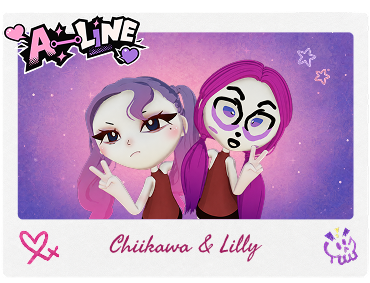
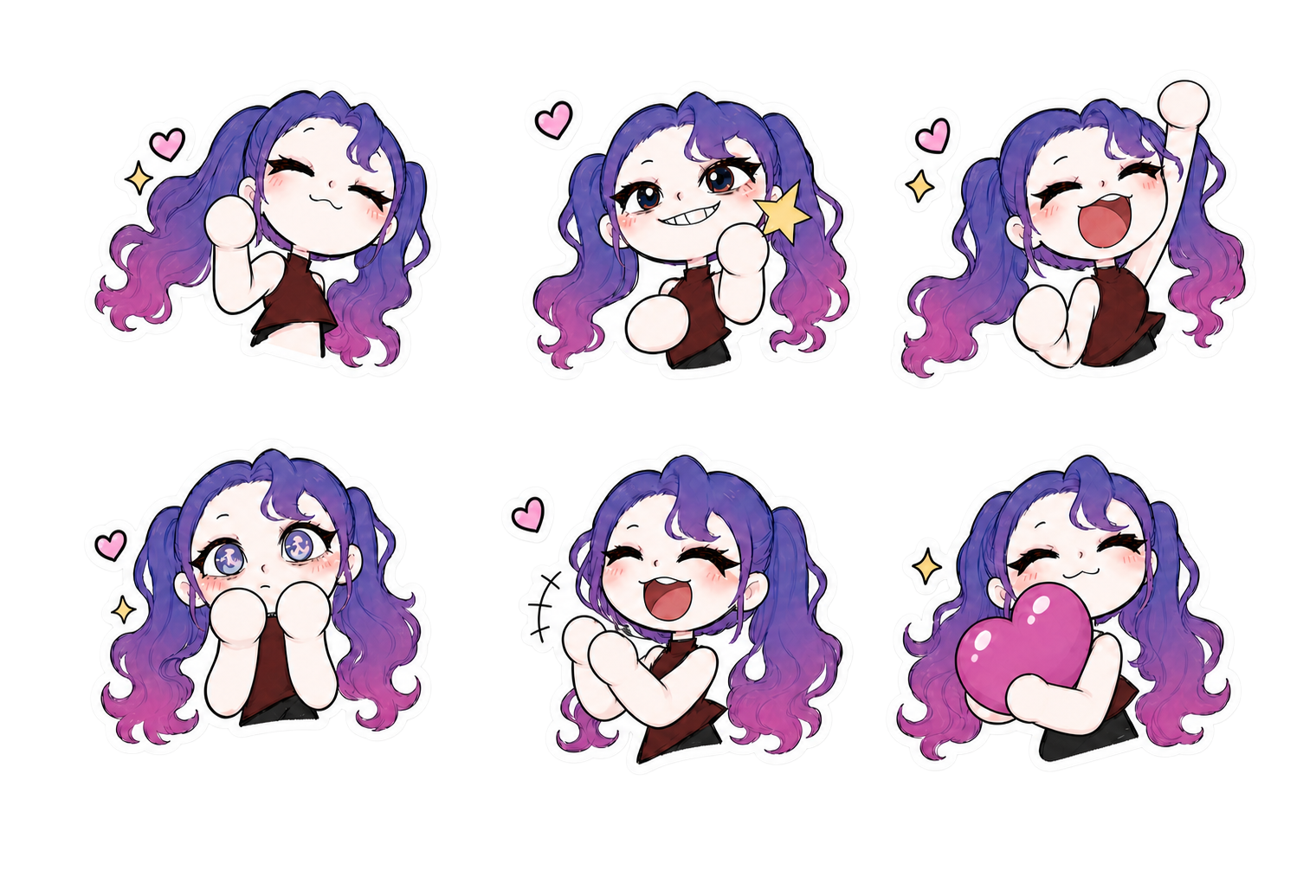
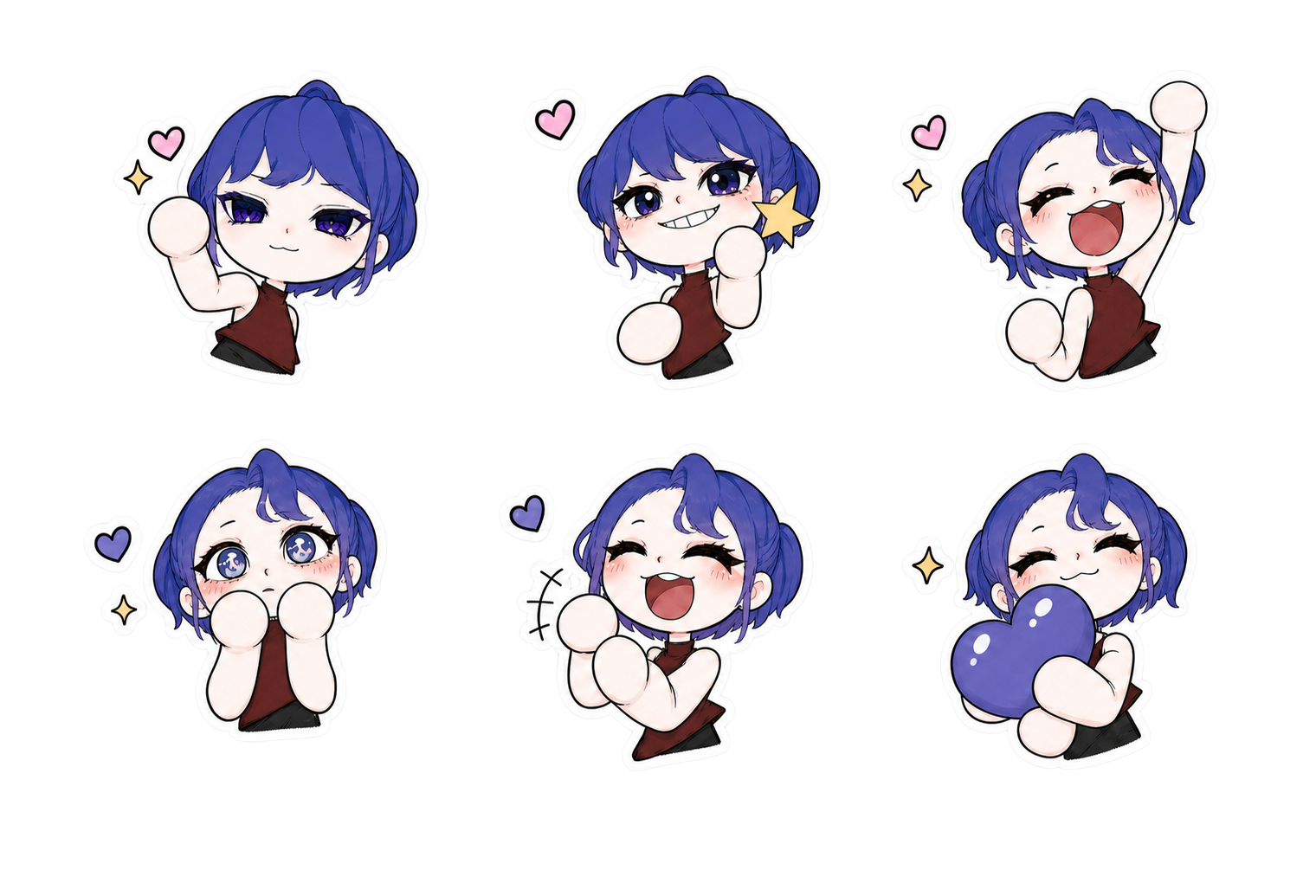
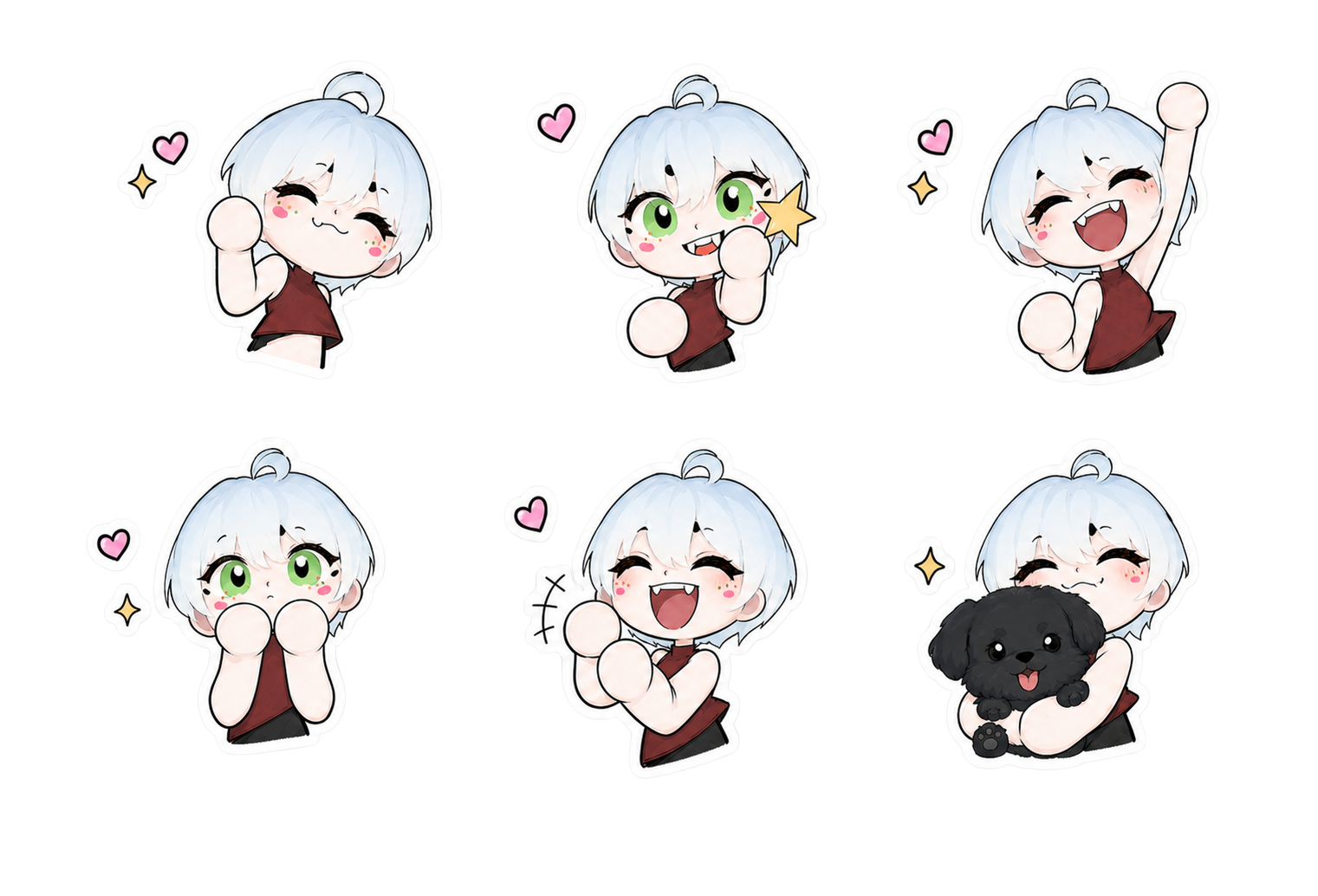
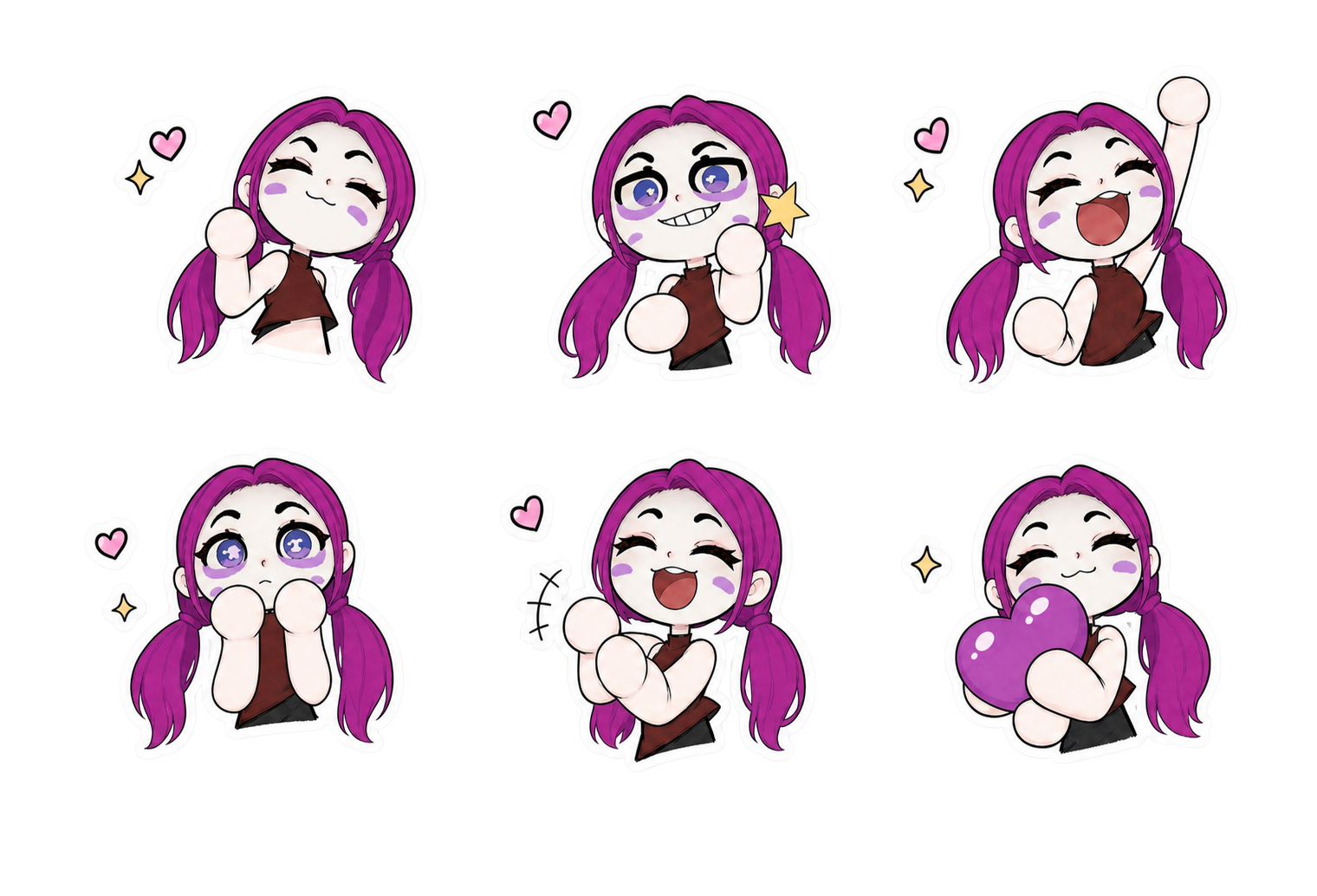
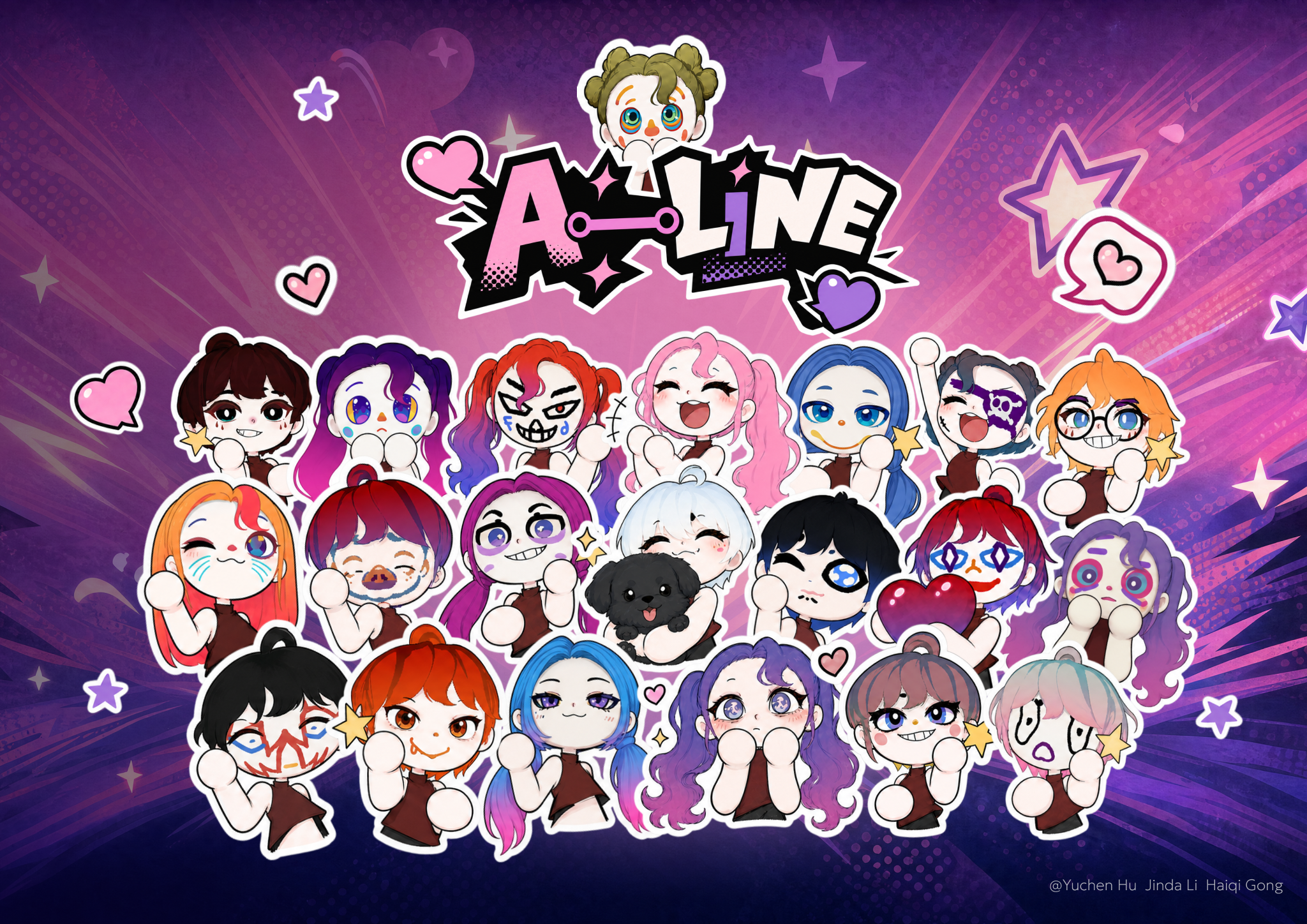
Hand-drawn base, restyled by AI per character, and produced in batches.